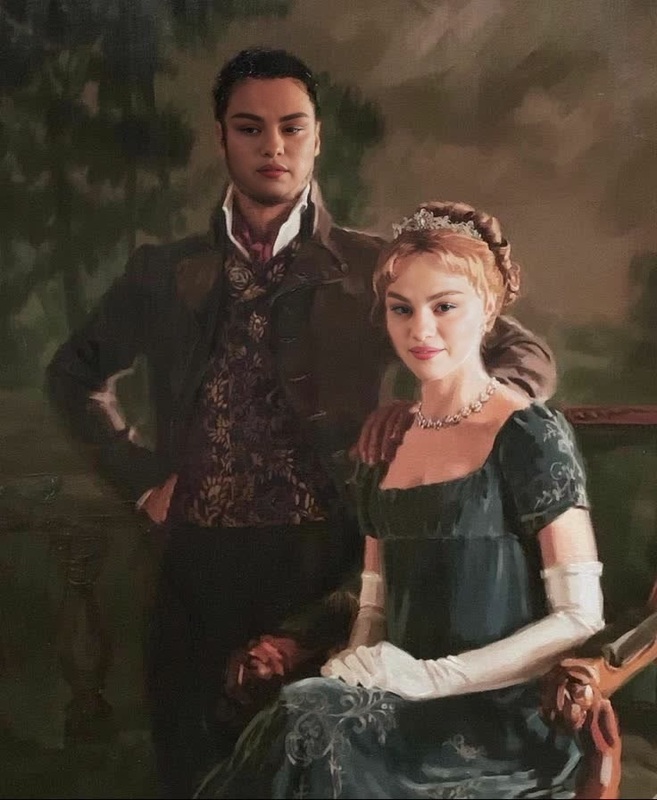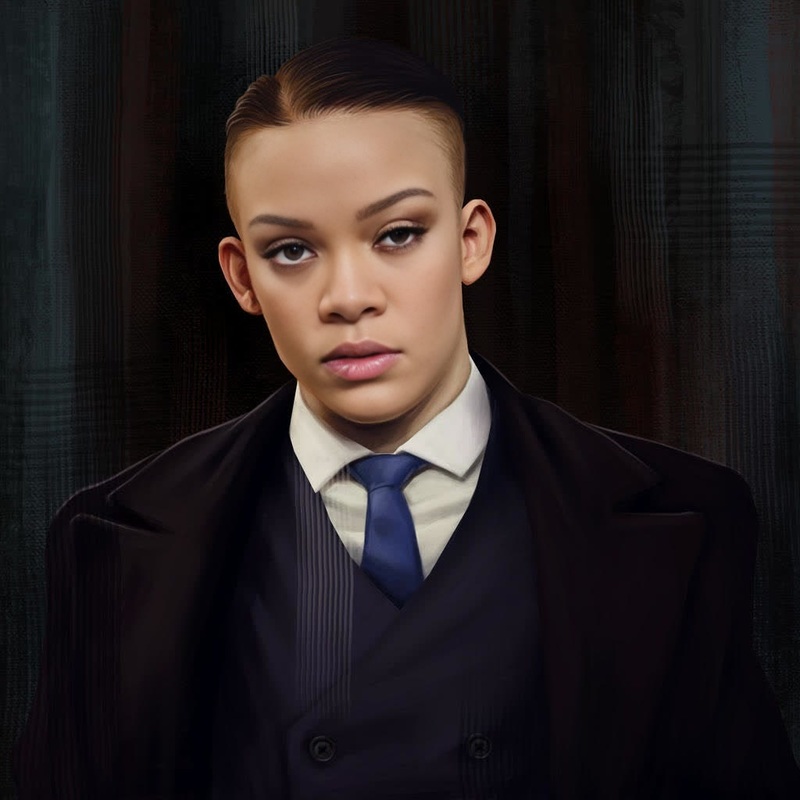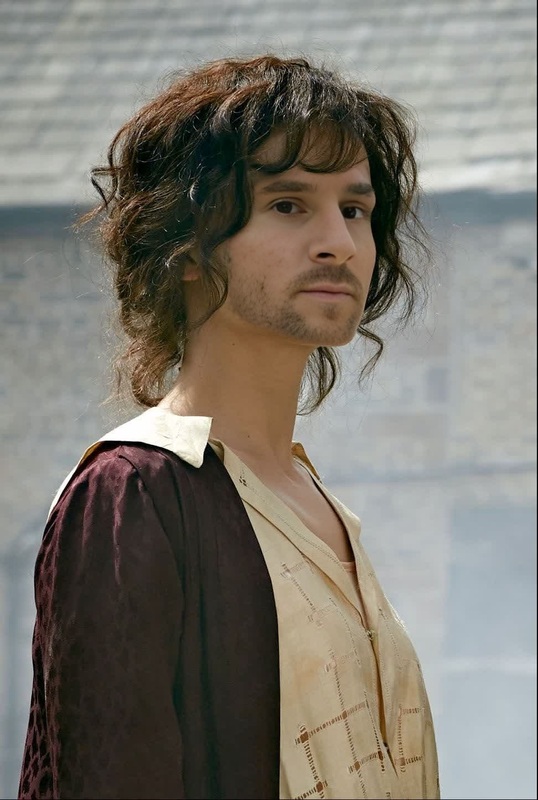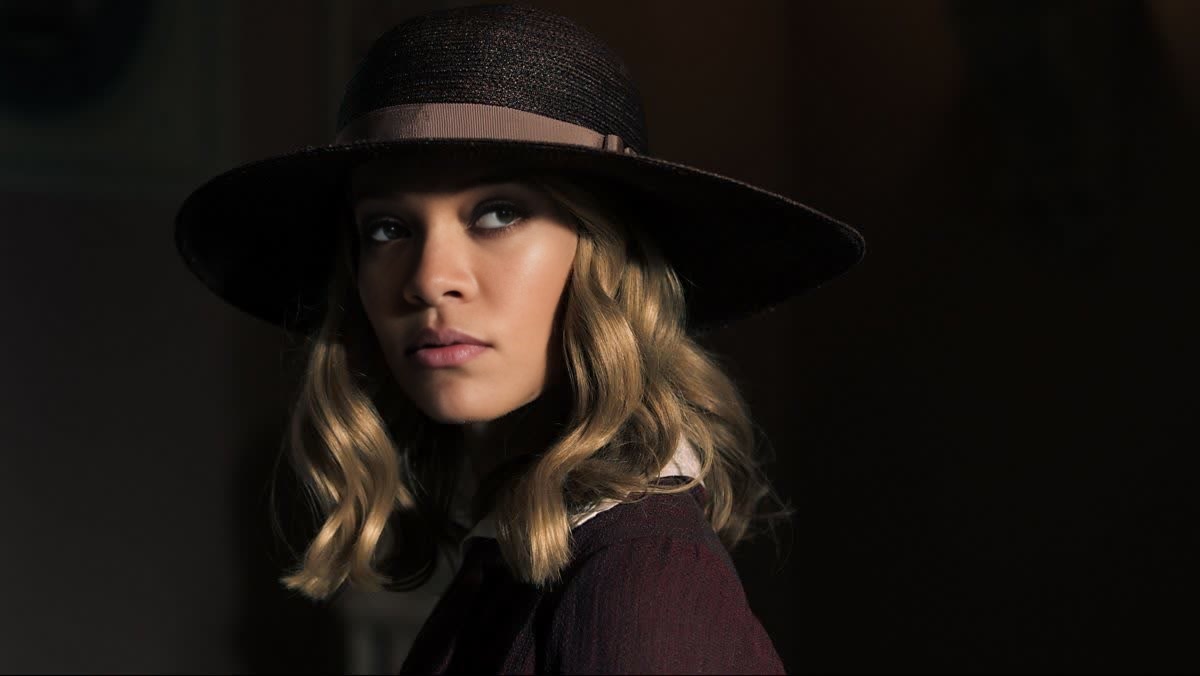
Grace Burgess Peaky Blinders

Grace Burgess Peaky Blinders

Face Swap Photo
1 image
0 uses

Any aspect ratio

Tags

transformations

Overview

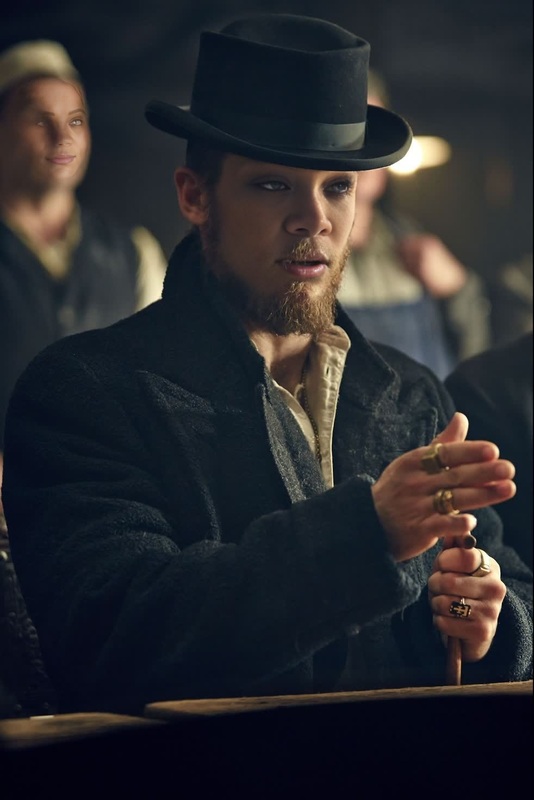
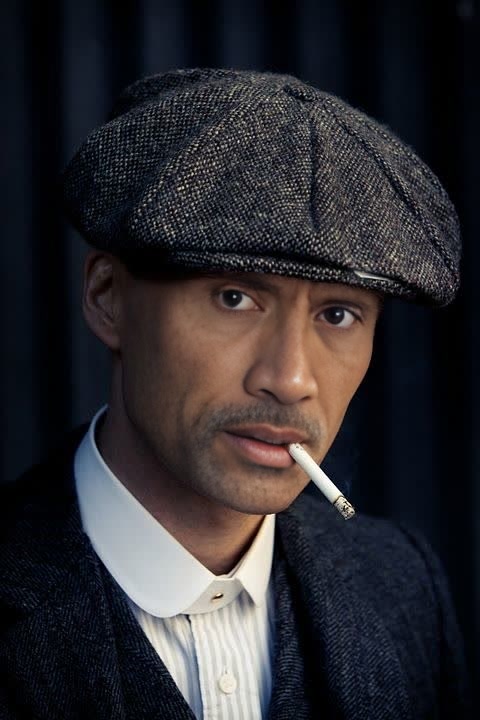
Dive into the dramatic world of Peaky Blinders with the Grace Burgess Video Face Swap template. This template allows you to transform faces in iconic scenes from the series, giving your videos a captivating and personalized twist. Perfect for creative projects and fan tributes, this template is both fun and easy to use.

What It Does

The Grace Burgess Peaky Blinders template uses advanced video face swap technology to replace characters' faces with your chosen images. You simply upload the face you want to appear in the scene, and the tool does the rest, seamlessly integrating it into the video. For those interested in similar capabilities, check out our Face Swap and Video Face Swap products.

Who It's For

This template is ideal for fans of Peaky Blinders who wish to see themselves as part of the series. Social media enthusiasts looking to create shareable, viral content will find this tool particularly appealing. It's also a fantastic resource for content creators and video editors involved in fan fiction and creative storytelling projects.

Summary

Whether you're creating a playful video to surprise friends or making your mark in fan communities, the Grace Burgess Video Face Swap template provides the tools for high-quality, creative expressions. Explore more about enhancing your creative workflows with related tools such as the AI Image Editor and the AI Video Generator.

How to Use

Steps for utilizing the Grace Burgess Peaky Blinders video face swap template.
    01

    Choose the Template

    Locate the Grace Burgess Peaky Blinders template in the Video Face Swap section of Magic Hour.
    02

    Customize Your Project

    Upload the image of the face you want to use. Adjust settings for optimal face alignment within the scene.
    03

    Generate Your Video

    Click 'Generate' to process the face swap. Once complete, download the finished video to your device.

Use Cases

Explore creative scenarios where this video face swap template can enhance your projects.
🎬

Fan Edit Videos

Create personalized fan videos featuring yourself in classic scenes from Peaky Blinders.
📱

Social Media Content

Generate buzz and engagement by posting transformed videos on platforms like Instagram and TikTok.
🎉

Creative Entertainment Projects

Add a fun twist to parties or events with customized video displays starring your friends.

Best Practices

Maximize your results with the Grace Burgess Peaky Blinders template by following these tips.
  • Choose High-Quality Images

    To ensure a smooth face swap, use high-resolution images with clear facial features.
  • Adjust Lighting and Angles

    Match lighting and angles between the video scenes and the image for a more natural integration.
  • Preview and Edit

    Check your modifications before finalizing. Utilize the AI Video Generator for additional editing options.
Frequently asked questions

Upload images in formats such as JPG, PNG, and BMP for optimal results.

Yes, the Grace Burgess Peaky Blinders template is accessible and operable on both mobile and desktop devices.

Ensure that your uploaded image is high quality and aligns well with the video scene. You can make adjustments using the AI Image Editor.

The processing time depends on the video length and complexity, but most projects are completed within a few minutes.

More Like This

Alfie Solomons Peaky Blinders
3
Alfie Solomons Peaky Blinders
Cillian Murphy Peaky Blinders Press Portrait
9
Cillian Murphy Peaky Blinders Press Portrait
Edwina Sharma Bridgerton Portrait
8
Edwina Sharma Bridgerton Portrait
Lady Danbury Bridgerton Portrait
Megan Draper Mad Men
Polly Gray Peaky Blinders
Arthur Shelby Peaky Blinders
Daphne Bridgerton Portrait
John Shelby Peaky Blinders
1
John Shelby Peaky Blinders
May Carleton Peaky Blinders
3
May Carleton Peaky Blinders
Michael Gray Peaky Blinders
1
Michael Gray Peaky Blinders
Queen Charlotte Bridgerton Portrait

Face Swap Video