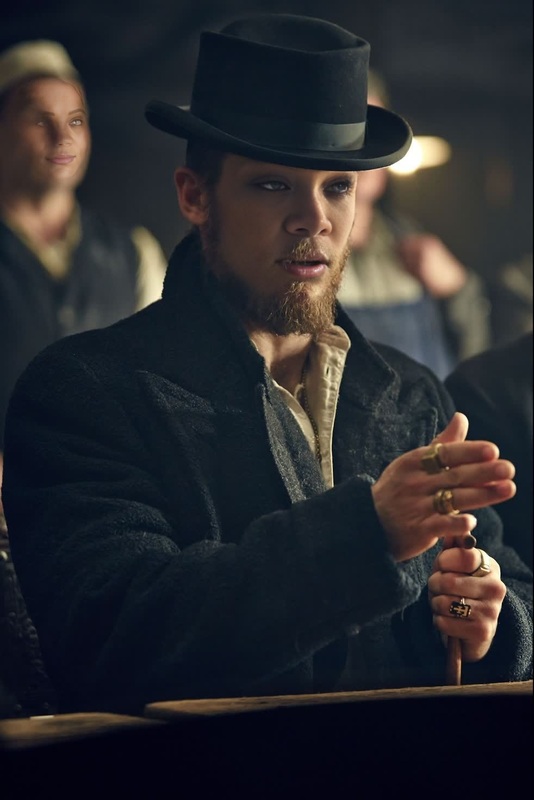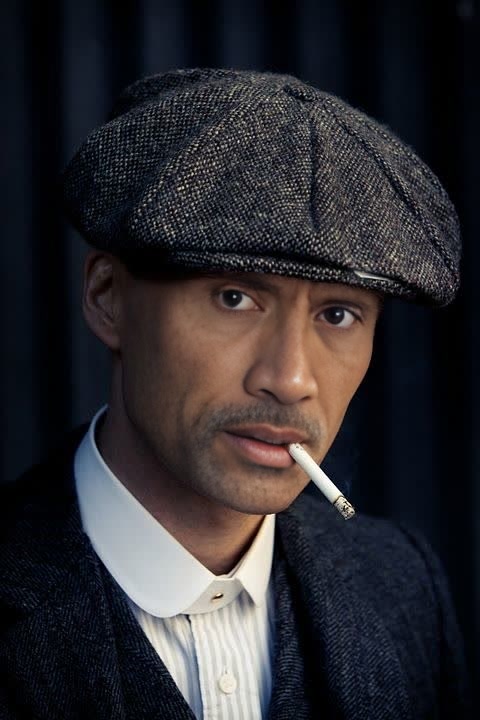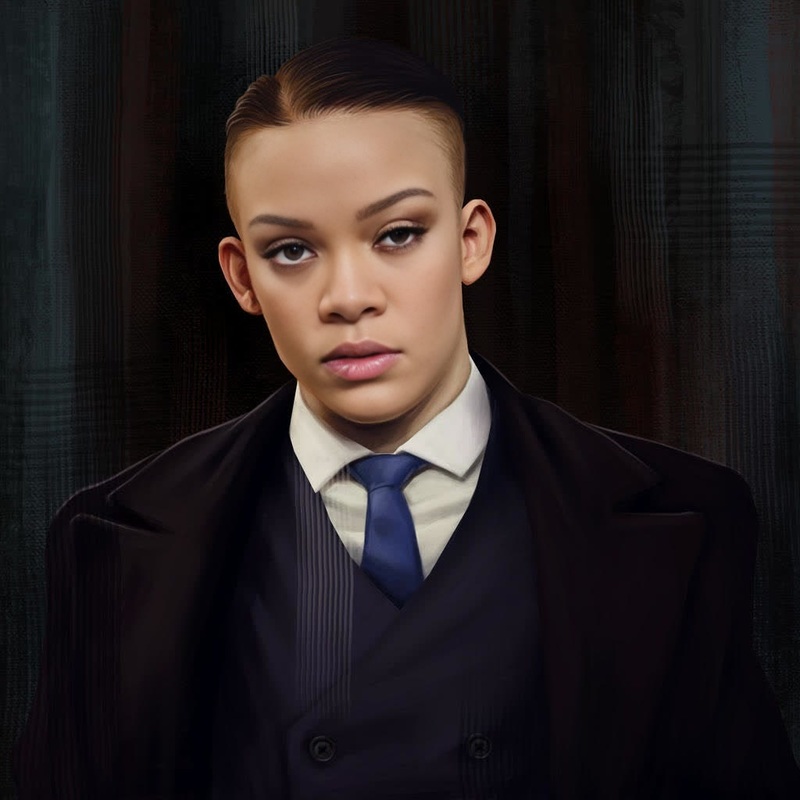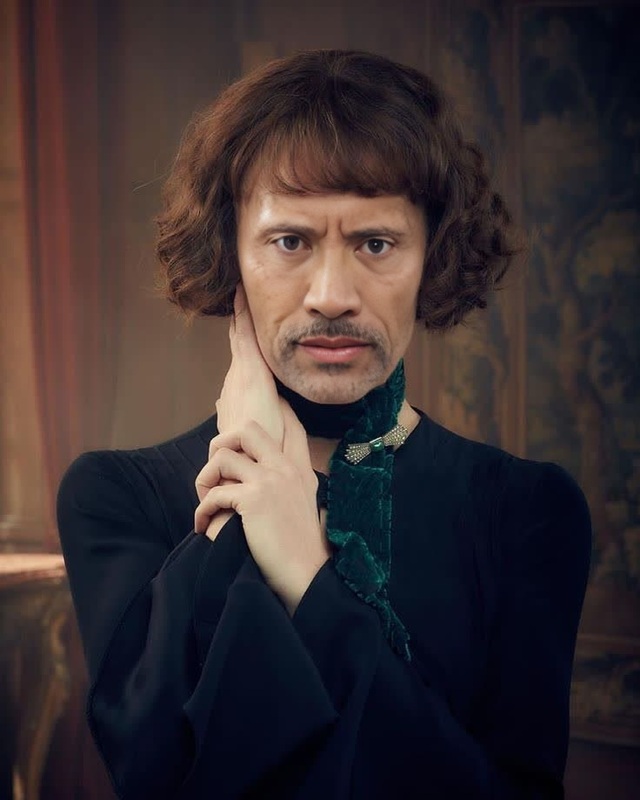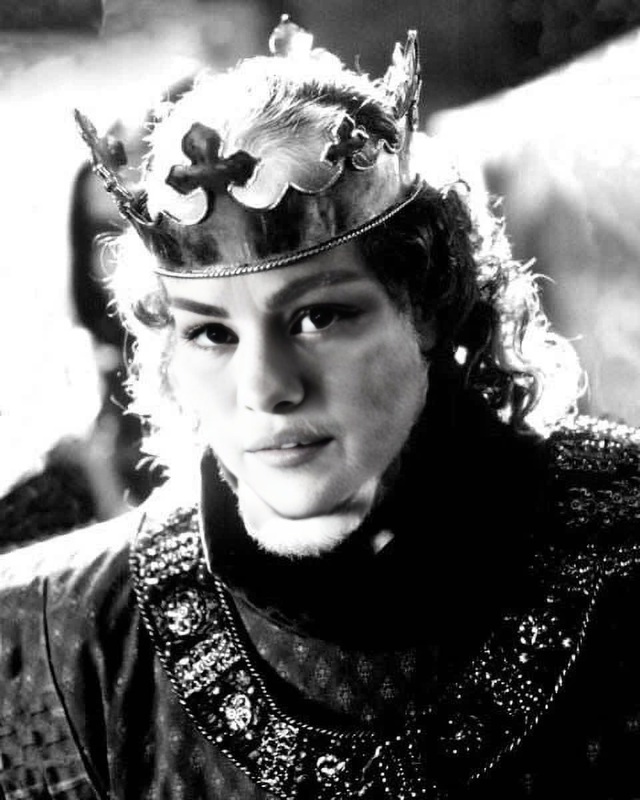
May Carleton Peaky Blinders
- Image
- 972 × 1446 px
Any aspect ratio
Overview
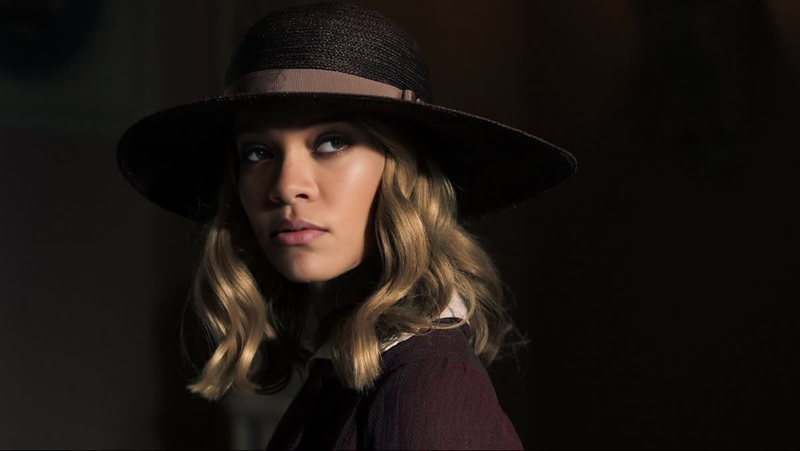
Step into the shoes of May Carleton from the acclaimed series Peaky Blinders with our dedicated Video Face Swap template. Perfect for content creators and fans alike, this tool allows you to match her iconic style and persona in your own videos. With high-quality output and easy integration, the template brings a unique twist to your video projects.
What It Does
This Video Face Swap template transforms any footage into a scene from Peaky Blinders by mapping your face onto May Carleton's character in a seamless fashion. Using advanced AI technology, this template ensures accurate facial expressions and movements for a realistic portrayal. Partner it with the Face Swap Video Product for the best results.
Who It's For
Whether you're a video editor, a character replacement artist, or a social media influencer, this template is designed for anyone seeking to add dynamic flair to their content. It's especially useful for fans of Peaky Blinders looking to create themed videos or social media posts.
Summary
Our May Carleton Video Face Swap template gives you the tools to create vibrant and compelling recreations of Peaky Blinders scenes. By utilizing the AI Image Editor tools, you'll ensure that your transformed videos are both visually engaging and true to the original content’s style.
How to Use
Choose Your Template

Customize Your Inputs

Generate Your Video

Use Cases
Social Media Content
- Engage more views with themed content
- Add a fun element to your personal videos
Promotional Material
- Catch your audience's attention
- Trend on social platforms with themed promotions
Fan Creations
- Celebrate your favorite series
- Connect with fellow fans through creative content
Best Practices
Ensure Good Lighting
Proper lighting is crucial. Ensure the original video has consistent lighting to match May Carleton's bright settings.Adjust Facial Landmarks Accurately
Use the facial landmark adjustment tool for precise alignment, which will enhance the overall realism of the swap.Preview Before Finalizing
Always use the preview option to make necessary adjustments before generating the final video, ensuring the outcome meets your expectations.
Frequently asked questions
More Like This