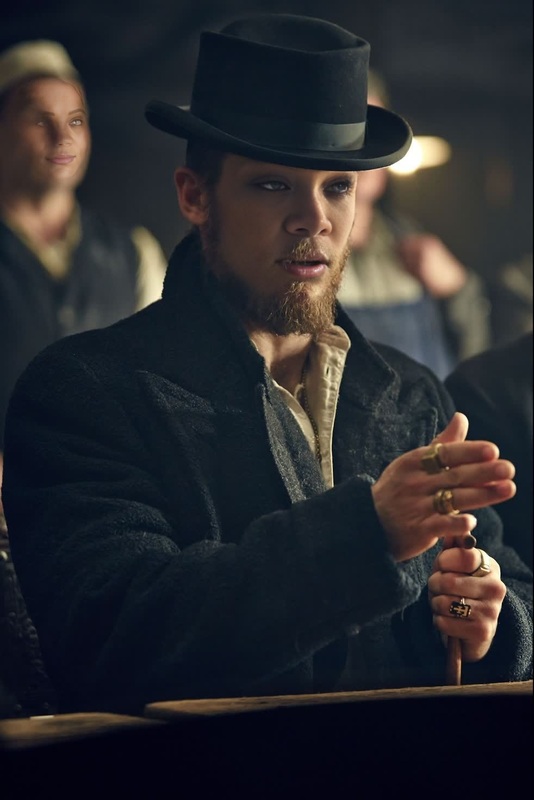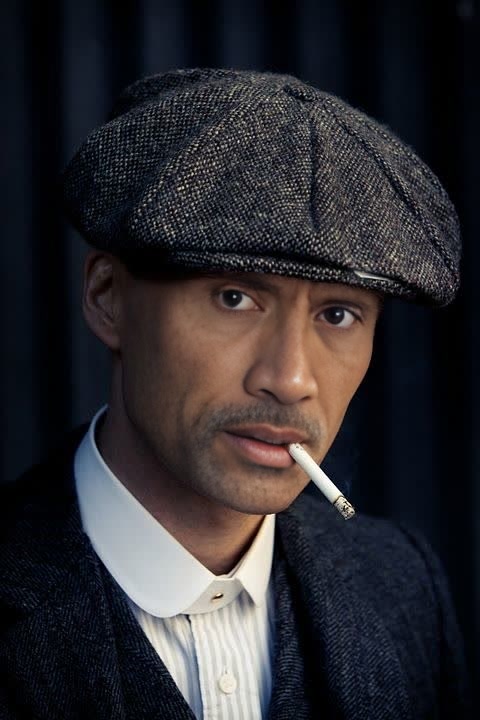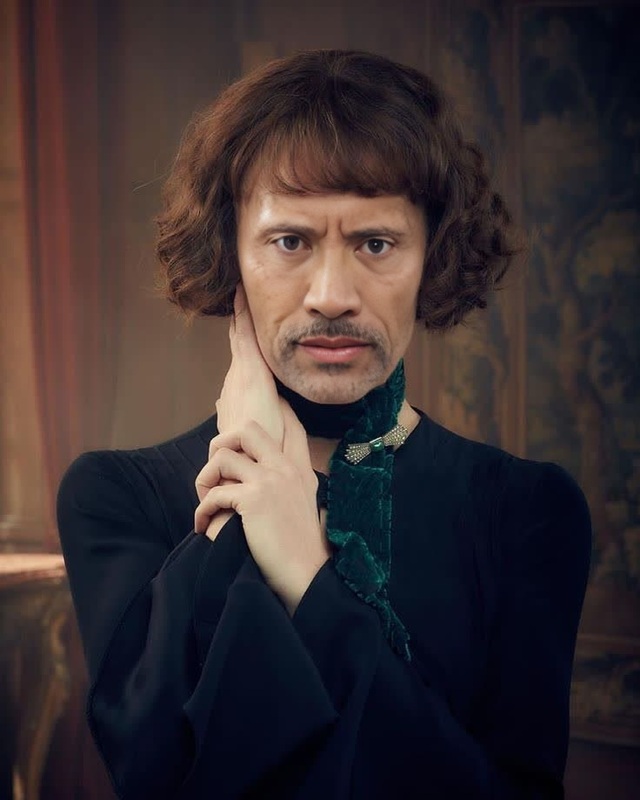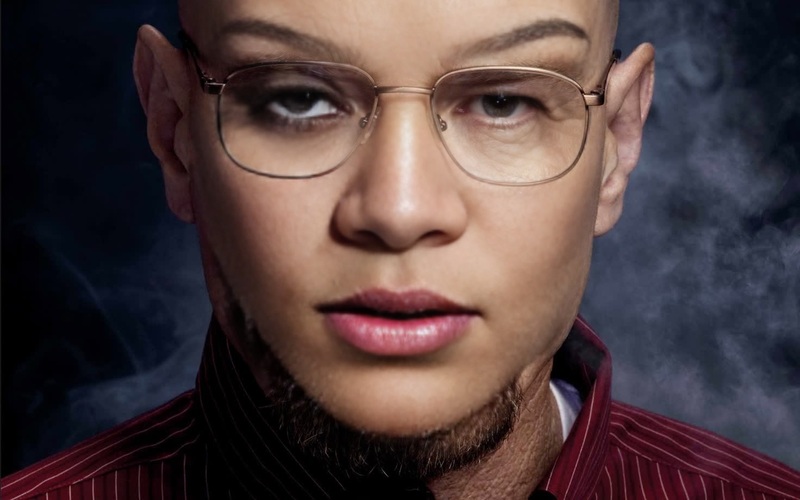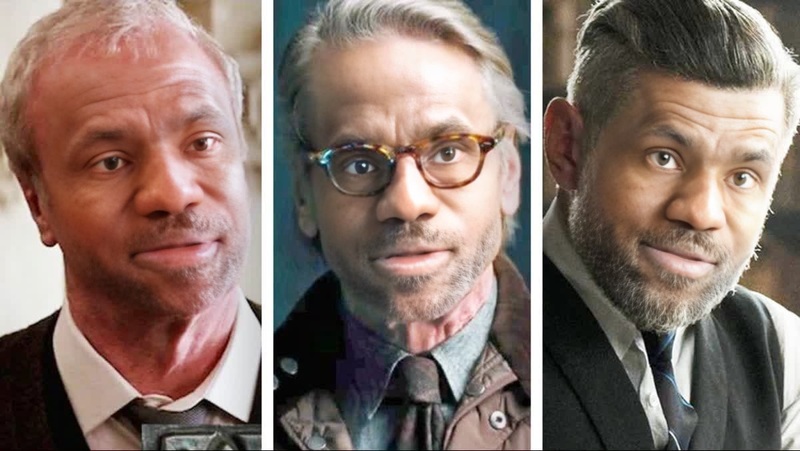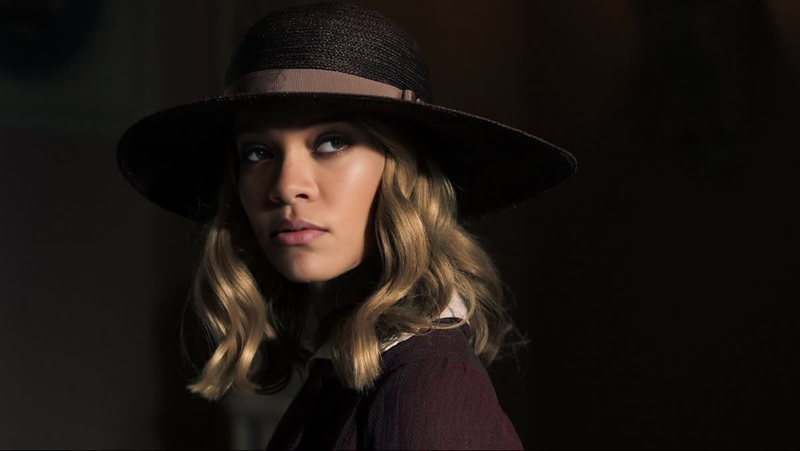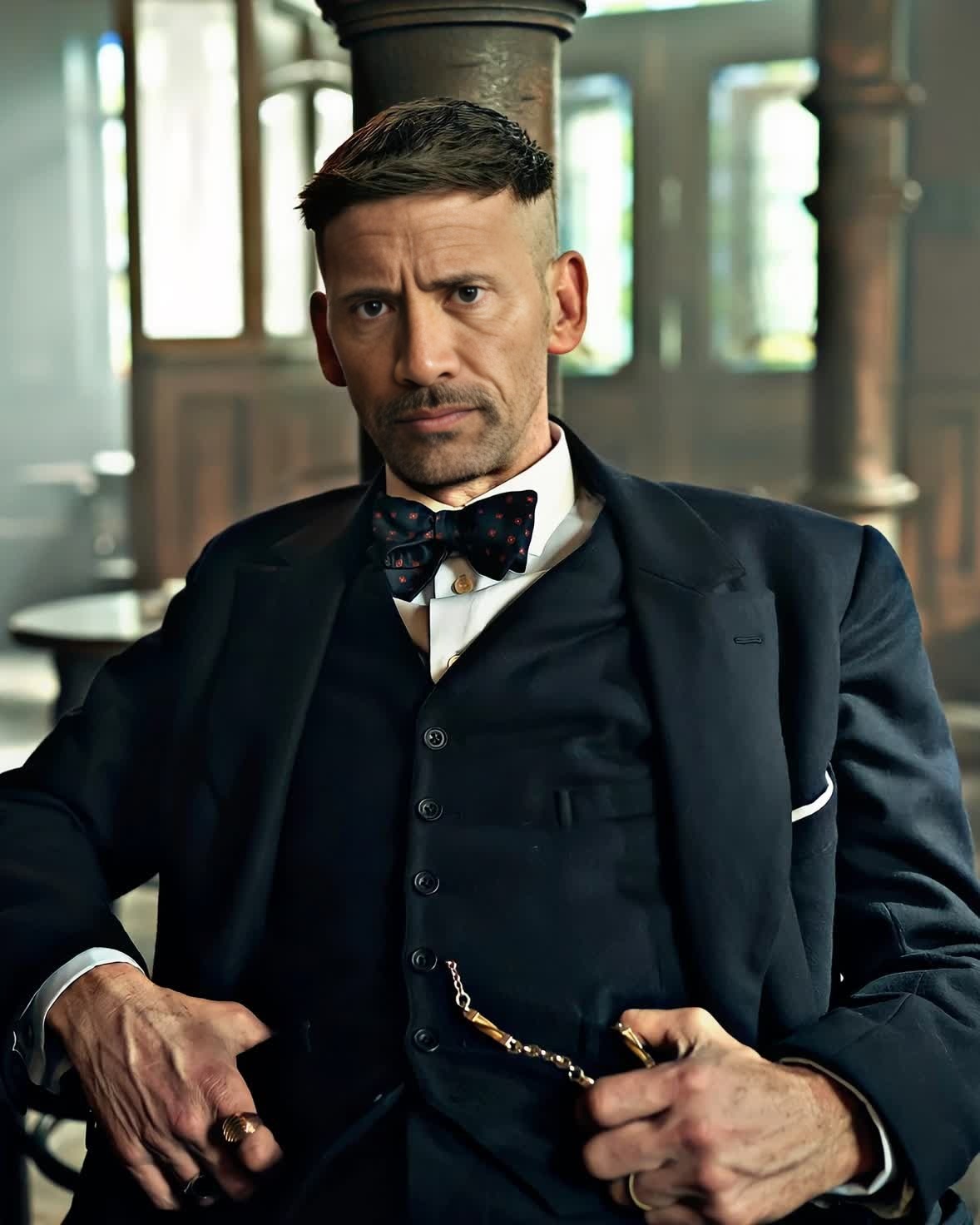
Arthur Shelby Peaky Blinders

Arthur Shelby Peaky Blinders

Face Swap Photo
1 image
0 uses

Any aspect ratio

Tags

transformations

Overview

Step into the shoes of the iconic Arthur Shelby from Peaky Blinders with our dedicated Video Face Swap template. This tool lets you create compelling video content by merging your face with Arthur's to deliver a dramatic effect tailored for fans of the series.

What It Does

This Video Face Swap template transforms your video content by overlaying your face onto Arthur Shelby, adding an authentic cinematic quality to your projects. This offers a unique opportunity to engage your audience with personalized storytelling.

Who It's For

Ideal for content creators, social media influencers, and UGC ads enthusiasts looking to create engaging and shareable content. Additionally, it is perfect for fans of Peaky Blinders wanting to immerse themselves in the gritty world of the series.

Summary

Use the Arthur Shelby Video Face Swap to enhance your video projects with dramatic flair. By leveraging powerful swap technology, you can achieve seamless transformations that captivate viewers. Explore other related tools like the AI Image Editor to refine your content even further.

How to Use

Convert your videos by face swapping into Arthur Shelby's persona.
    01

    Choose the Template

    Visit the Face Swap section and select the Arthur Shelby Peaky Blinders template to get started.
    02

    Customize Your Inputs

    Upload your video and adjust the face swap settings to match your preferences, focusing on alignment and expression to enhance authenticity.
    03

    Generate Video

    Click 'Generate' to produce your video. Once completed, download the final output in your preferred format.

Use Cases

Applications of the Arthur Shelby Peaky Blinders Video Face Swap template.
🎬

Social Media Engagement

Keep your followers entertained with unique and shareable content that stands out.
  • Creative TikTok videos
  • Meme creation
📈

Promotional Content

Enhance marketing strategies with memorable video ads.
  • Product promotions
  • Themed events
🎩

Fan Projects

Express your passion for the series with tailored fan content.
  • Fan vlogs
  • Role-playing videos

Best Practices

Tips to get the most out of your face swap videos.
  • Lighting and Background

    Ensure your video has good lighting and a clean background for optimal results. Consider using the AI Background Changer to enhance your video environment.
  • Expression Matching

    Pay attention to facial expressions to ensure the swap looks natural and believable.
  • Video Quality

    Start with high-quality video inputs for the best possible output. Use the AI Image Upscaler if needed.

FAQs

You can upload videos in common formats such as MP4, AVI, and MOV.

Yes, you can customize the alignment and expression to match your intended look.

Yes, you can use it within commercial projects, aligning with thematic content.

The generation time varies depending on the video size and quality, but it's typically a matter of minutes.

More Like This

Alfie Solomons Peaky Blinders
3
Alfie Solomons Peaky Blinders
Cillian Murphy Peaky Blinders Press Portrait
9
Cillian Murphy Peaky Blinders Press Portrait
John Shelby Peaky Blinders
1
John Shelby Peaky Blinders
Michael Gray Peaky Blinders
1
Michael Gray Peaky Blinders
Polly Gray Peaky Blinders
Walter White Breaking Bad
4
Walter White Breaking Bad
Alfred Pennyworth Batman Dc Live Action
Grace Burgess Peaky Blinders
May Carleton Peaky Blinders
3
May Carleton Peaky Blinders
Patrick Bateman American Psycho Portrait
6
Patrick Bateman American Psycho Portrait
Taron Egerton Kingsman The Secret Service Portrait
Edward I Braveheart Portrait

Face Swap Video