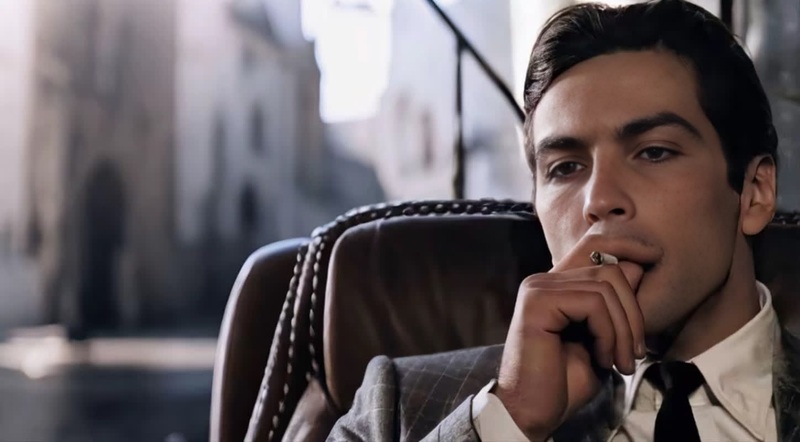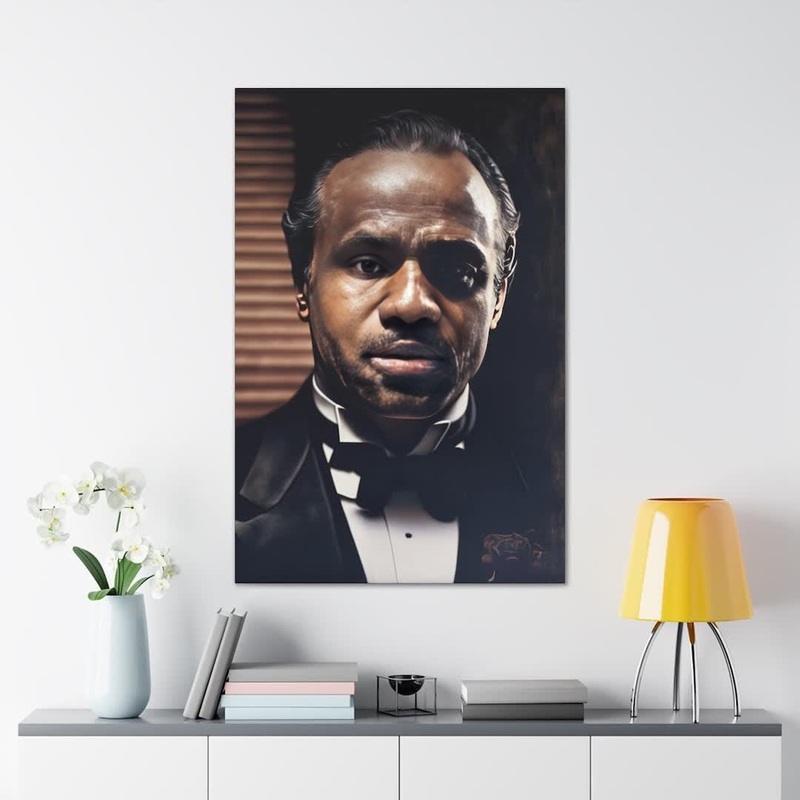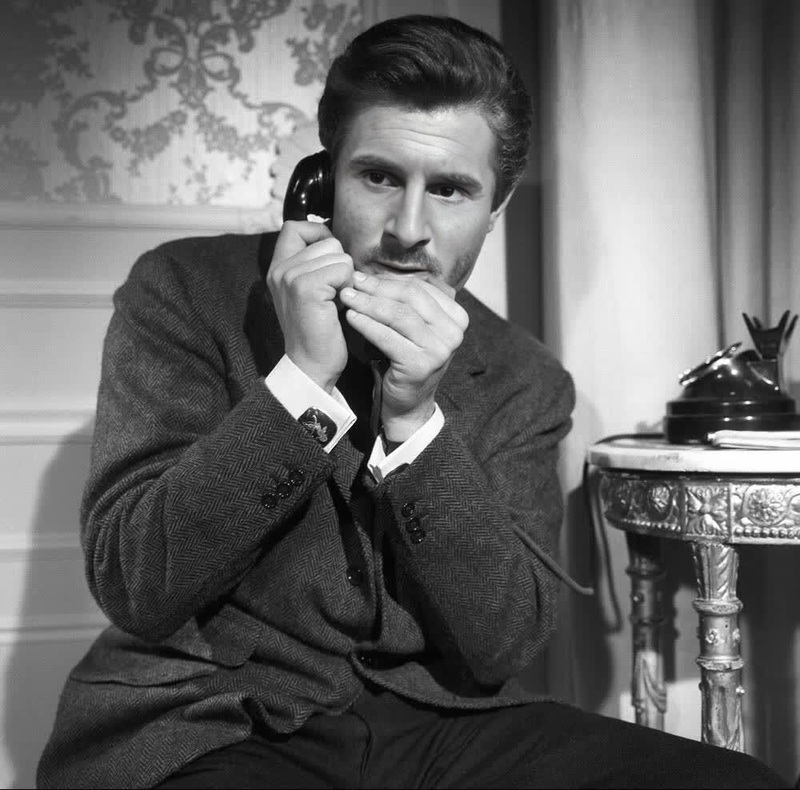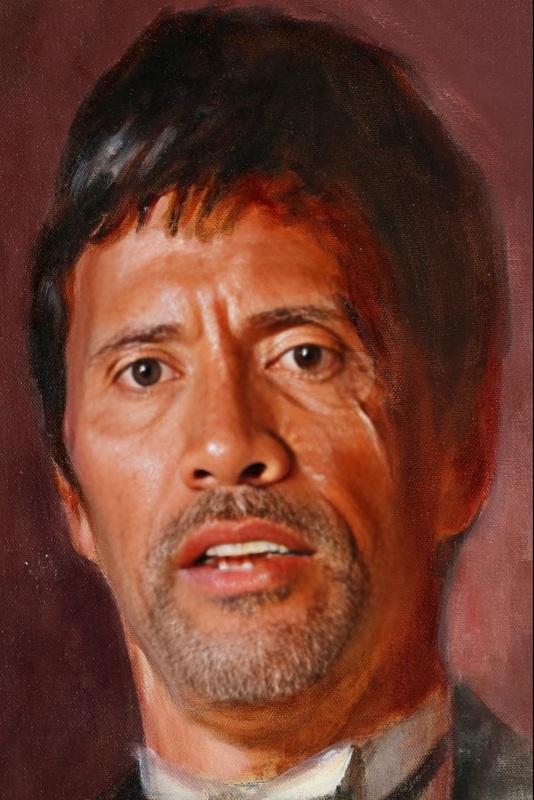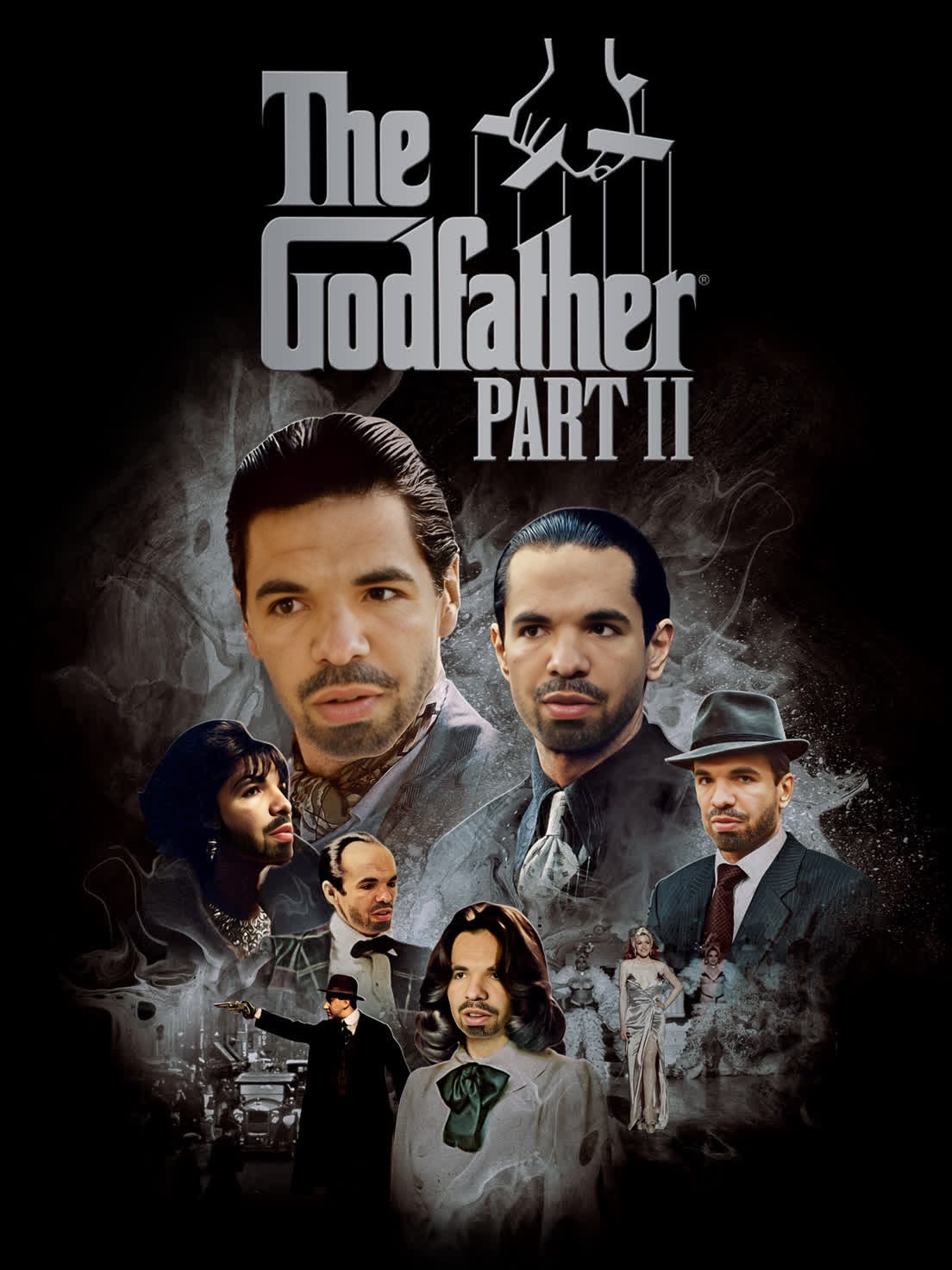
Michael Corleone The Godfather Part Ii Portrait
- Image
- 1104 × 1472 px
Any aspect ratio
Overview
Step into the shoes of Michael Corleone from The Godfather Part II with this Video Face Swap template. Ideal for film fans and creatives, this template transforms your persona into the iconic character portrayed by Al Pacino. Engage your audience with visually compelling content, perfect for both personal and professional projects.
What It Does
This Video Face Swap template allows you to replace faces in a video clip with the likeness of Michael Corleone from The Godfather Part II. By using facial recognition and blending technology, the original video overlays with your face, maintaining realistic movements and expressions of the character.
Who It's For
Perfect for movie enthusiasts, content creators, and filmmakers, this template empowers users to create engaging content with a classic cinematic twist. It's also a great tool for marketing teams looking to create themed content for campaigns, as well as educators seeking creative ways to discuss film studies.
Summary
Transform your video clips by becoming Michael Corleone from The Godfather Part II. This Video Face Swap template offers an immersive experience that captures the essence of a classic film character, allowing you to explore creative storytelling in both personal and professional projects.
How-To
Choose the Template

Customize Your Inputs

Generate Your New Video

Use Cases
Movie-themed Social Media Content
Educational Film Projects
Promotional Campaigns
Best Practices
Use High-Quality Source Video
Ensure your original video is of high quality for better facial recognition and alignment.Adjust Lighting and Angles
Optimize the lighting and angle of your input footage to closely match the character's position for seamless integration.Test Different Alignments
Experiment with different face alignments to achieve the most realistic swap effect.
Frequently asked questions
More Like This