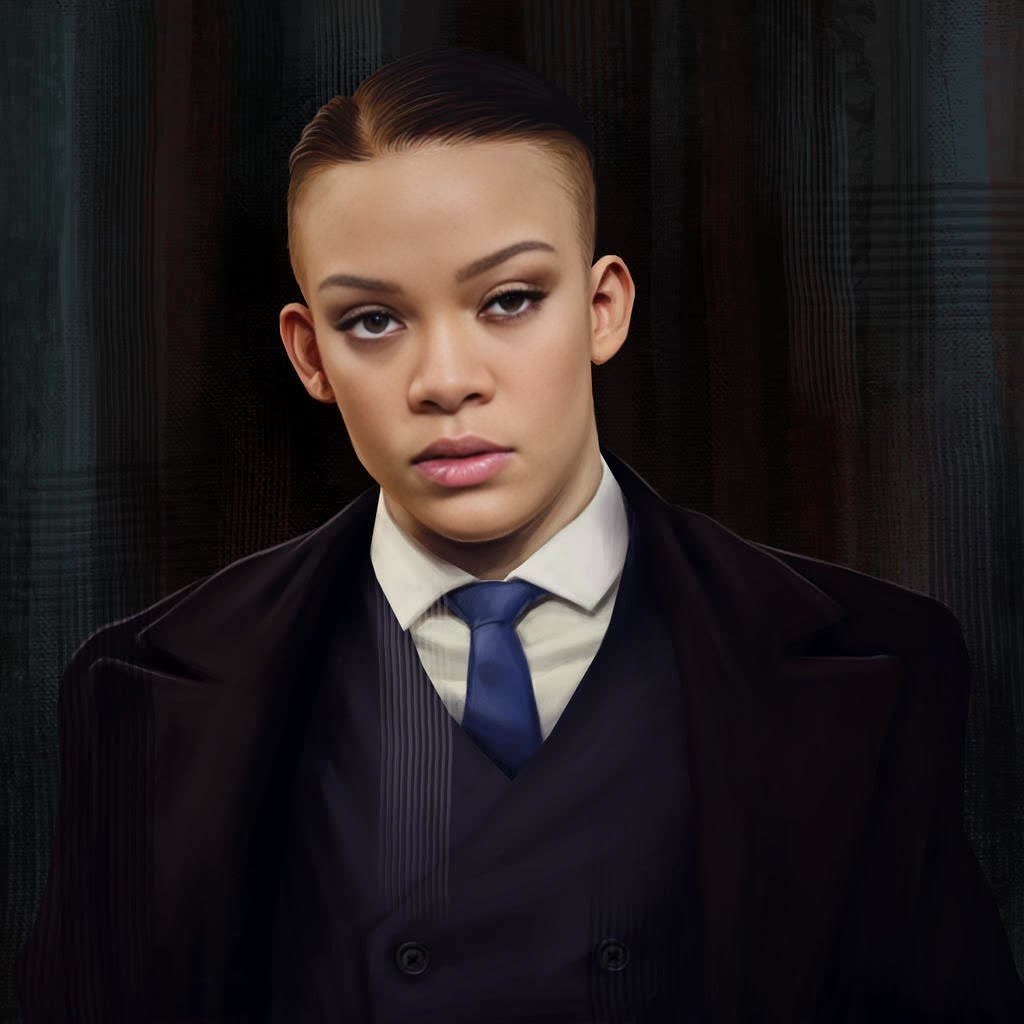
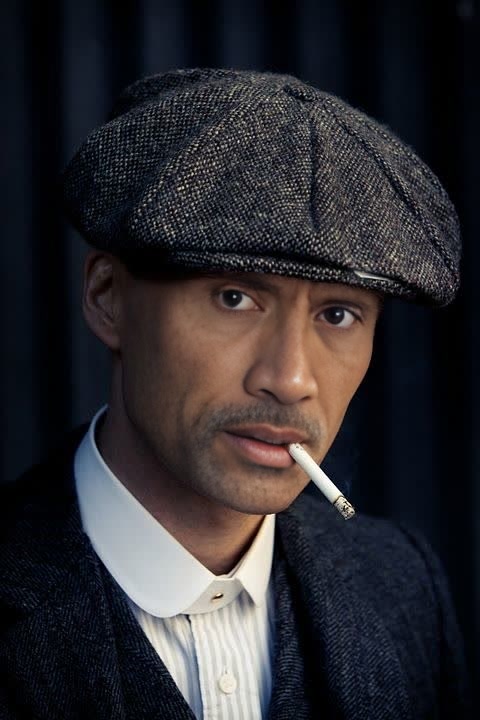
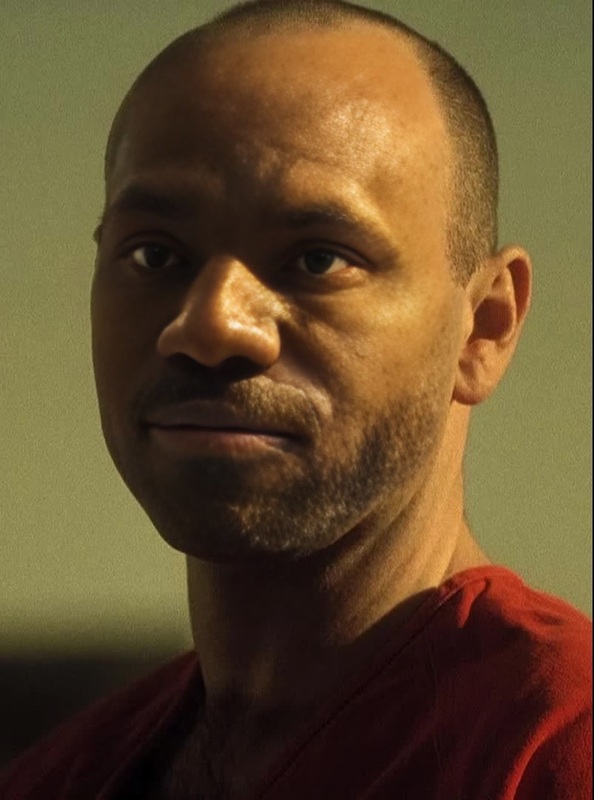
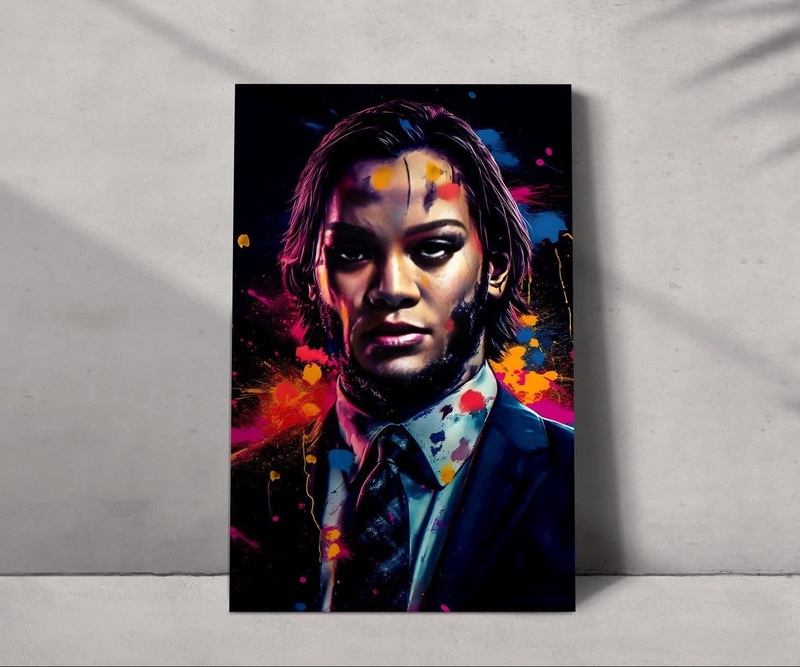
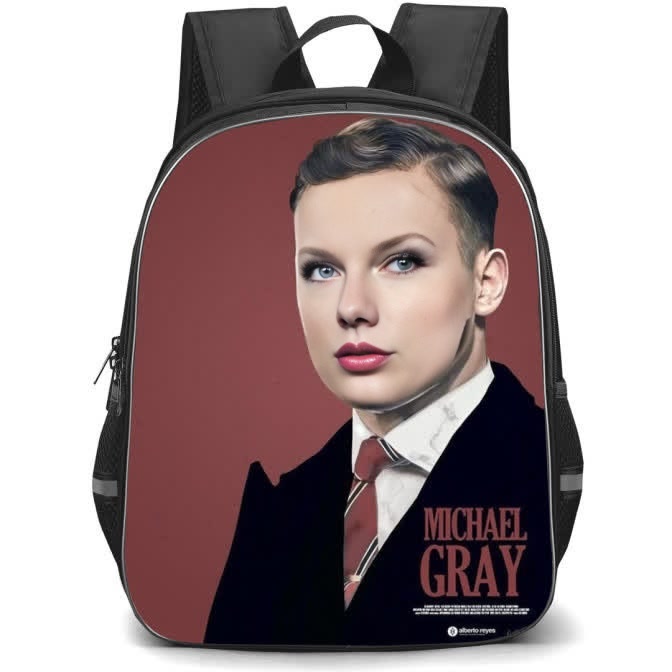
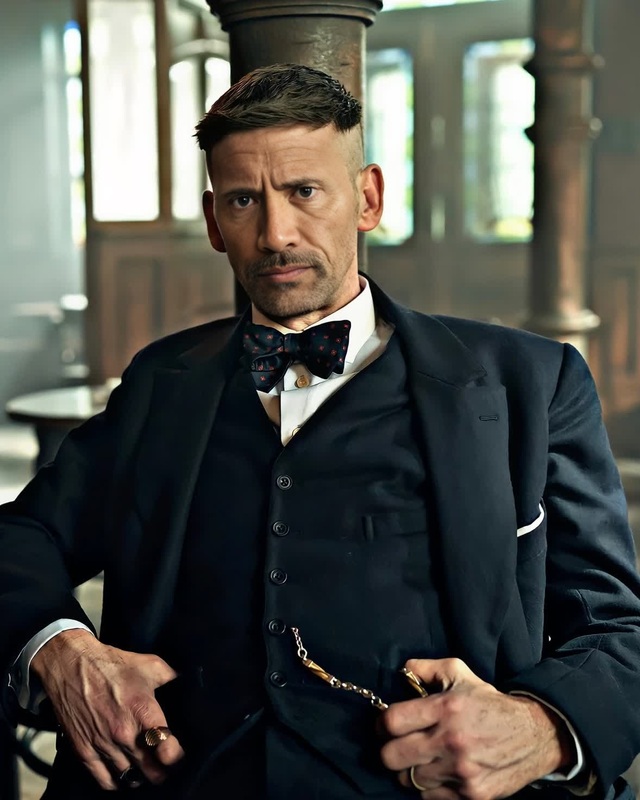
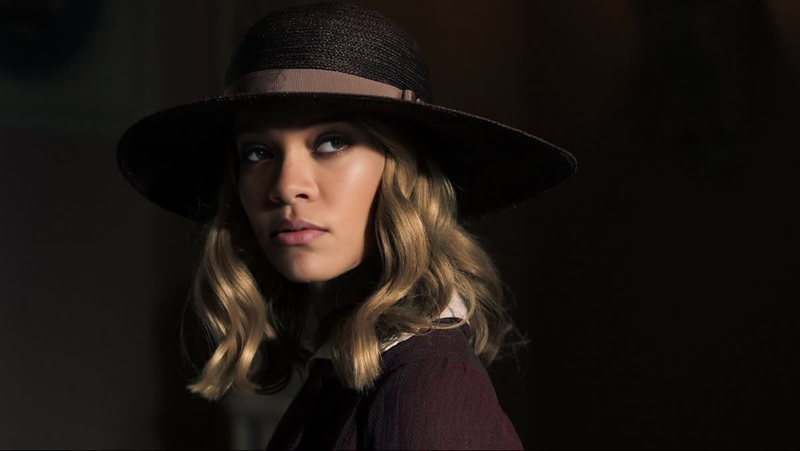
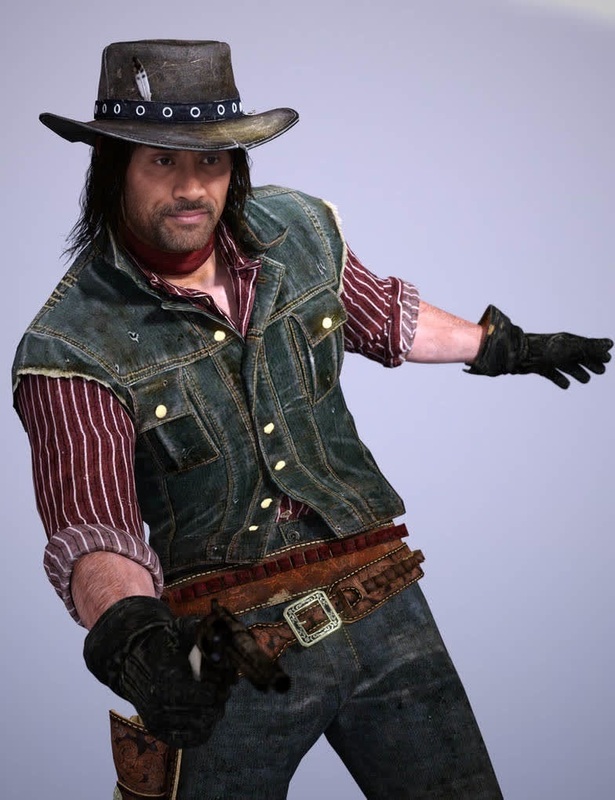
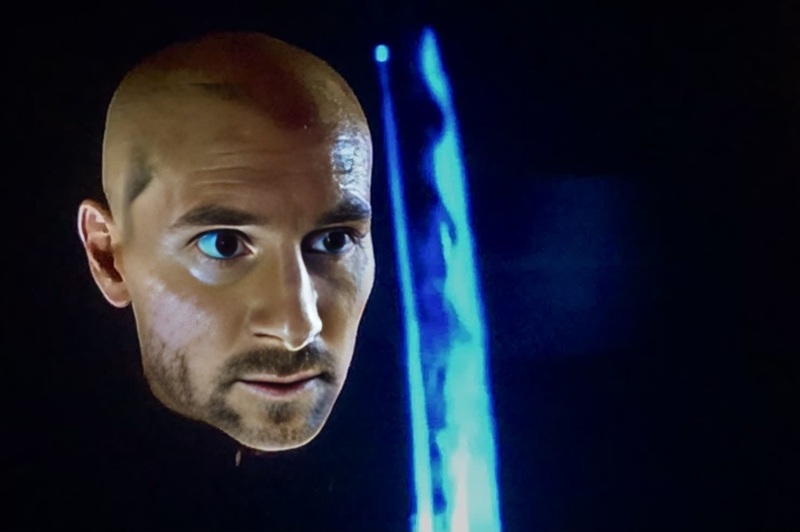
John Shelby Peaky Blinders

John Shelby Peaky Blinders

face-swap

1 clip
0 uses

Any aspect ratio

Tags

transformations

Turn any face into a cinematic character with this Face Swap video template. Use it to create short-form content, concept tests, and experiments that would normally require a full production team and budget.

This template is powered by Magic Hour’s Face Swap technology and built inside the Face Swap Video creator. You can remix it in seconds, swap in your own footage, or combine it with other Magic Hour tools for more advanced workflows.


What this template is best for

Use this template when you want to:

  • Transform a person in a clip into a different identity (yourself, a character, an actor, an avatar)
  • Preview how a character would look in multiple real-world scenarios without a full shoot
  • Make social content (Reels, Shorts, TikTok) with a consistent “face” or persona
  • Run creative marketing experiments quickly without reshoots
  • Prototype narrative or game characters using real footage before moving to full CG

Teams that typically use this flow:

  • Creators & influencers: recurring characters, parody, reaction content, skits
  • Marketers & growth teams: UGC-style ads, creator variations, A/B testing concepts
  • Founders & product teams: fast visual prototypes for pitches, landing pages, demo videos
  • Studios & agencies: pre-vis, casting look-dev, style boards, client mockups

How to remix this template in Magic Hour

You can create your own version of this template directly inside Magic Hour by starting from the base and “remixing” it:

  1. Open the Face Swap Video creator
    Go to the Face Swap Video template. This template is built on that flow, so anything you see here can be replicated or remixed there.

  2. Upload (or paste a link to) your base video
    Use footage where:

    • The subject’s face is visible and reasonably well lit
    • Movements are natural (talking, turning, reacting, walking, etc.)
    • Resolution is high enough for the distribution channel you care about (e.g., vertical 1080×1920 for TikTok/Shorts)
  3. Add your target face
    You can:

  4. Generate your swap
    Run the face swap on your base clip. Magic Hour will track expressions, angles, and lighting to keep the new face coherent across the video.

  5. Refine and iterate

    • Try different base videos to see what gives the best realism and emotional range
    • Swap multiple faces on the same base footage to test different “talent” for the same script
    • If needed, enhance or adjust assets with:

How this template works under the hood

Magic Hour’s Face Swap system uses deep learning models for:

  • Face detection & tracking: Locates and tracks the original face across frames
  • Identity modeling: Extracts the target face’s identity while preserving expressions and pose
  • Photorealistic blending: Integrates the new face with lighting, color, and motion cues from the base video

This is similar in spirit to academic work on face reenactment and identity transfer (e.g., Nirkin et al., “On Face Segmentation, Face Swapping, and Face Perception,” 2019; NVIDIA’s research on video-to-video synthesis), but optimized for speed, accessibility, and creator workflows.

You don’t need to configure any model details—the template wraps all of that into a single, repeatable flow.


Best practices for high-quality Face Swap videos

To get results that hold up for professional use and paid campaigns:

1. Start with strong base footage

  • Favor clean, stable shots with the subject facing the camera or in 3/4 view
  • Avoid heavy motion blur, extreme low light, or occlusions (hands constantly covering the face)
  • Match the intended platform: vertical for TikTok/Shorts/Reels, horizontal for YouTube or web embeds

2. Use high-quality, consistent reference faces

  • Use a clear, frontal or 3/4 view image of your target face
  • Keep expression neutral or mildly expressive—strongly exaggerated expressions can reduce realism
  • For character consistency across content, store a small set of “canonical” face images generated with:

3. Match lighting and mood

4. Respect rights and ethics

  • Only swap faces you have the right and permission to use
  • For commercial projects, prefer:
    • Your own face or your team’s
    • Licensed models/actors
    • AI-generated faces (via AI Face Generator) that don’t correspond to real individuals
  • Follow platform policies (TikTok, Meta, YouTube) on synthetic and manipulated media, and clearly label AI-generated content where required

Extending this template into complete content workflows

This template is a strong foundation, but many teams chain it with other Magic Hour tools to produce end-to-end content.

1. Talking characters and explainers

Turn a single photo or character into a talking persona:

Use cases: onboarding flows, product explainers with a recurring avatar, language-learning characters, or localized spokespersons.

2. Character-driven short-form series

Build a recurring AI character who appears across multiple episodes:

3. Marketing & UGC-style ads at scale

For performance marketing and experimentation:

  • Shoot a small set of base scripts with one actor or yourself
  • Use this template to swap in:
    • Regional personas
    • Different age ranges or styles (paired with AI Clothes Changer for look variations)
    • Distinct branded characters or mascots
  • Convert the best-performing faces and scripts into:

Combining Face Swap with other AI video tools

If your use case goes beyond simple swaps, consider these complementary tools:


Common patterns used by advanced teams

Smart teams tend to use this kind of template in repeatable systems:

  • Content factories:

    • Create a single “master” shoot of generic actions (talking, reacting, walking, gesturing)
    • Use this template to swap faces and localize content across markets or brands
    • Combine with AI Meme Generator and AI GIF Generator to spin out lightweight variants
  • Product and game studios:

  • Founders & solo builders:

    • Use your own face as a “brand asset” and appear in more places without more filming
    • Build a synthetic spokesperson that can address different audiences while maintaining a coherent identity
    • Pair with AI QR Code Generator to connect physical campaigns to dynamic, face-swapped video landing pages

Legal, safety, and platform considerations

When building with Face Swap:

  • Consent & rights:

    • Have clear consent from anyone whose likeness you use
    • Avoid using celebrities or public figures unless you have explicit legal rights
  • Disclosure:

    • Many platforms and regulators increasingly expect AI-generated or manipulated media to be labeled
    • For brand work, clear disclosure can build trust rather than reduce performance
  • Brand safety:

    • Maintain an internal policy on where and how Face Swap can be used
    • For agencies, document client approvals when synthetic likenesses are involved

Major platforms (YouTube, TikTok, Meta) regularly update their policies around synthetic media—staying aligned with their latest guidelines helps avoid takedowns and keeps campaigns durable.


Quick start: build your version in under 10 minutes

  1. Gather:
    • 1–3 short base clips with clear views of the subject
    • 1–2 high-quality images of the target face(s)
  2. Open the Face Swap Video creator
  3. Upload your base video and target face
  4. Generate the swap and review the result
  5. Iterate with different faces, clips, or downstream tools like Lip Sync, Video-to-Video, or Animation

From there, you can standardize this as a repeatable template in your workflow—swapping in new scripts, faces, or styles whenever you need fresh content without new shoots.

More Like This

Insufficient credits