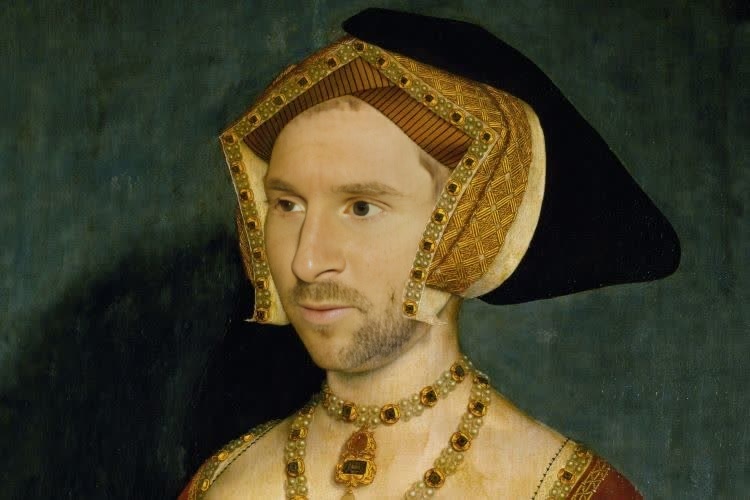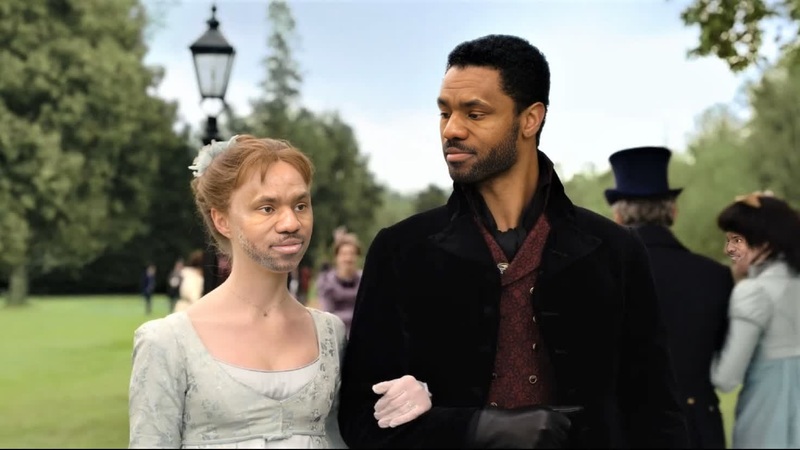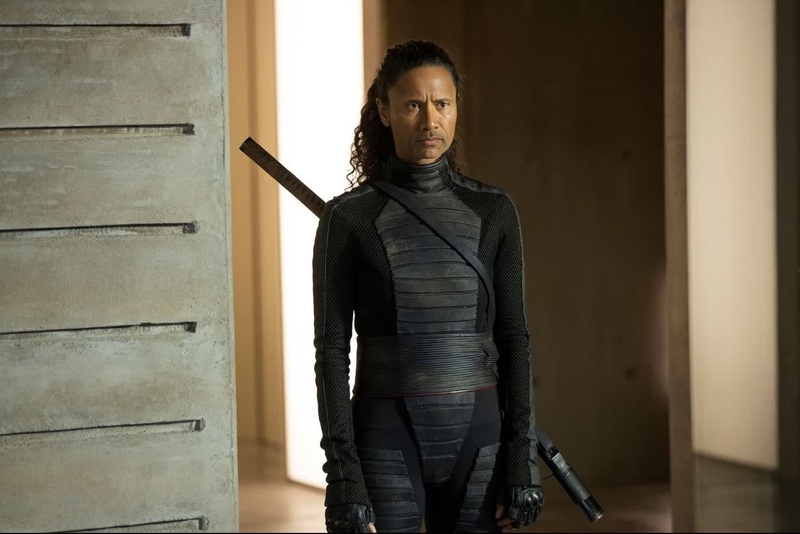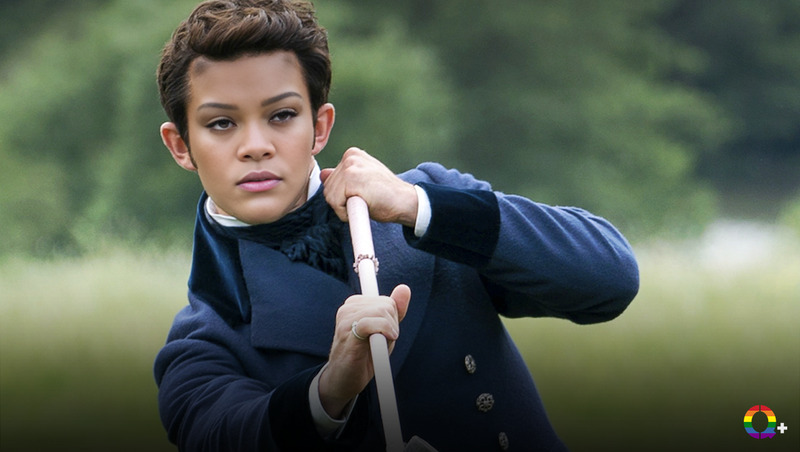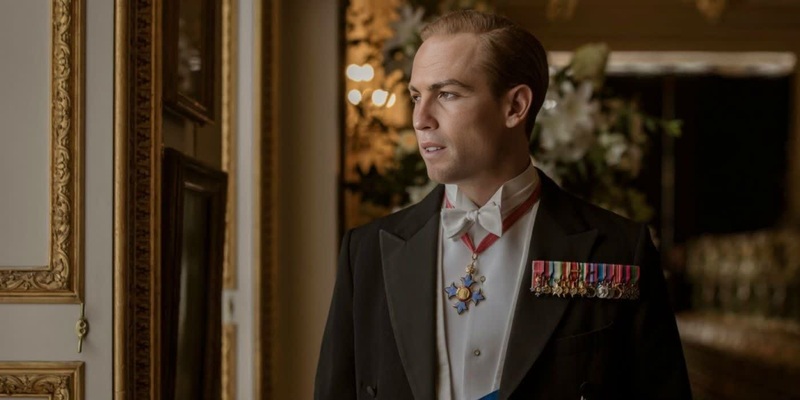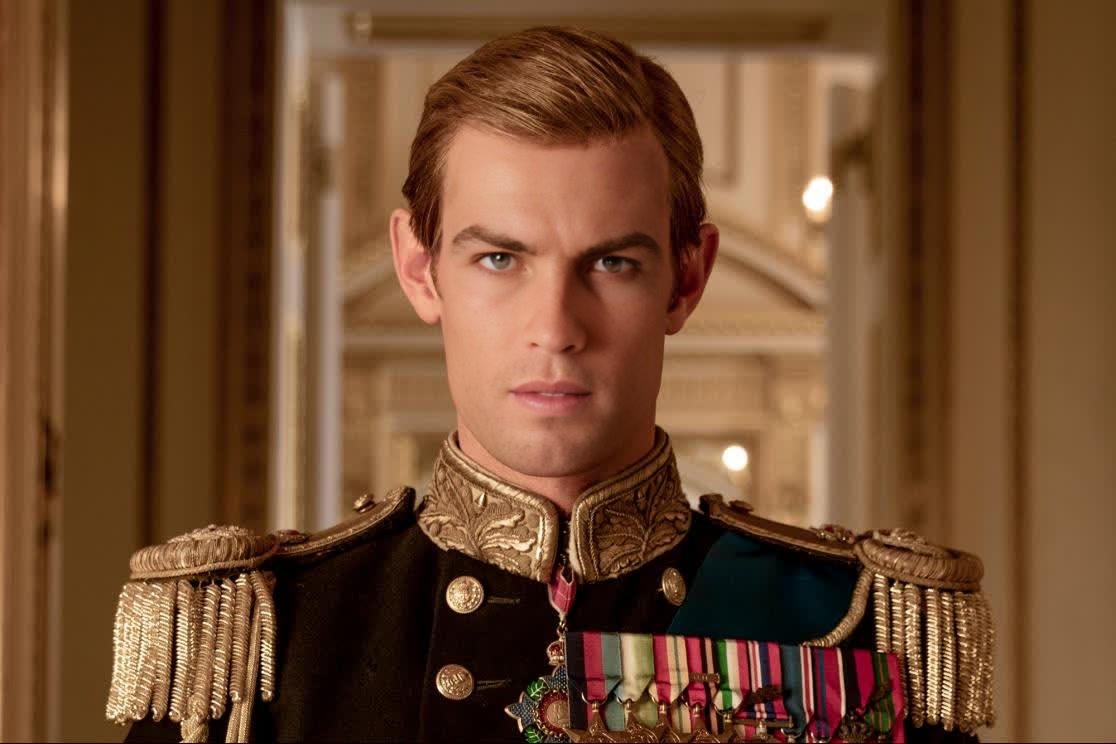
Matt Smith The Crown Season 1 Portrait
- Image
- 1116 × 744 px
Any aspect ratio
Overview
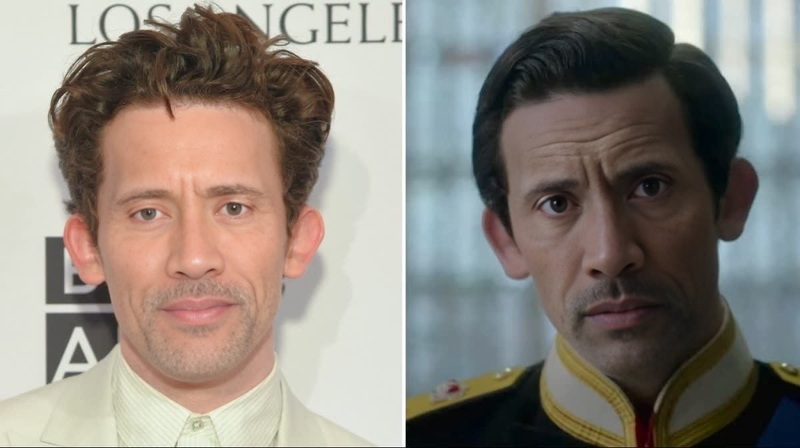
Relive the captivating essence of The Crown Season 1 with our Matt Smith video face swap template. This tool allows you to overlay the iconic face of Matt Smith onto your own video, bringing a regal touch to your creative projects. Perfect for both enthusiasts of the series and creative content makers seeking a unique video transformation feature.
What It Does
The Matt Smith The Crown template lets you perform a Video Face Swap, replacing faces in your video clip with that of Matt Smith. Once your video is processed, the output remains consistent in maintaining the character's expressions, enhancing your media with high-quality and lifelike transformations.
Who It's For
This template is ideal for fans of The Crown looking to integrate themselves creatively into the story. It's also perfect for video editors and influencers who want to produce unique content that stands out on social media platforms, adding a touch of royalty to ordinary footage.
Summary
The Matt Smith The Crown Season 1 Portrait video face swap is a creative way to reinvent your media with a regal flair. It draws on high-quality video face swap technology, ensuring realistic and controlled transformations suited for professional video editing. It's part of a broader suite of transformative tools, including our AI Image Editor and AI Video Generator.
How To
Choose Template

Customize Input

Generate Output

Use Cases
Social Media Content
- Instagram Reels
- TikTok transitions
Fan Edits
- Memorabilia compilation
- Themed video montage
Influencer Marketing
- Promotional campaigns
- Collaboration with brands focused on entertainment
Best Practices
Select High-Quality Videos
Ensure the original video is clear and well-lit for the best transformation results. The more detailed the source, the more realistic the face swap will appear.Check for Face Visibility
Choose video clips where the face to be swapped is clear and front-facing for optimal results. Avoid uploads where the face is obstructed or partially hidden.Adjust and Preview
Use the preview feature to make necessary adjustments before finalizing the render. This allows you to see the alignment and refine the swap for natural blending.
Frequently asked questions
More Like This