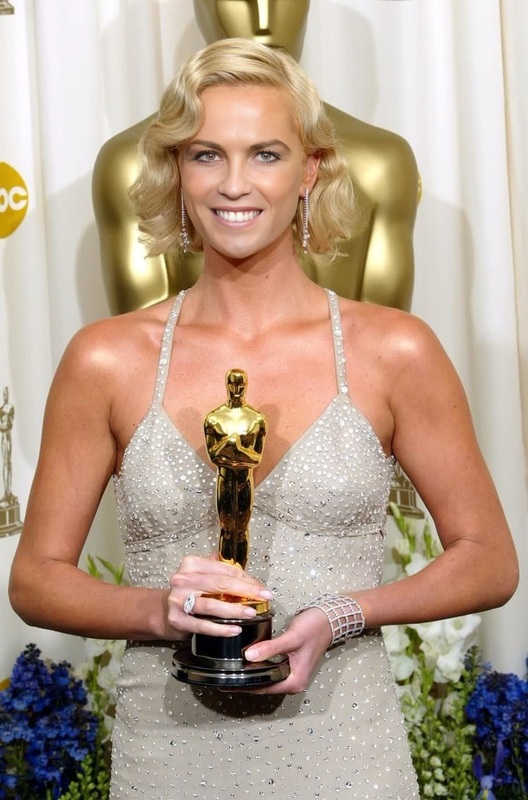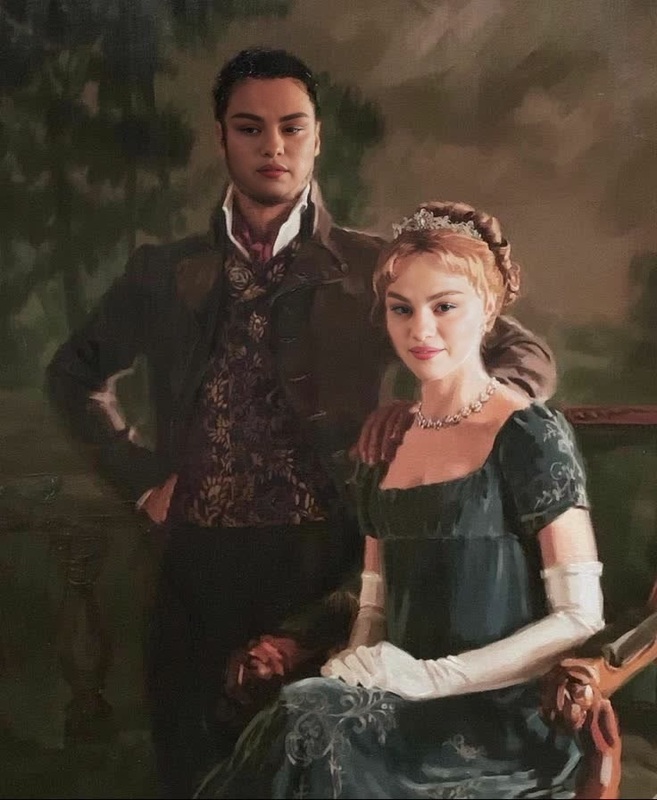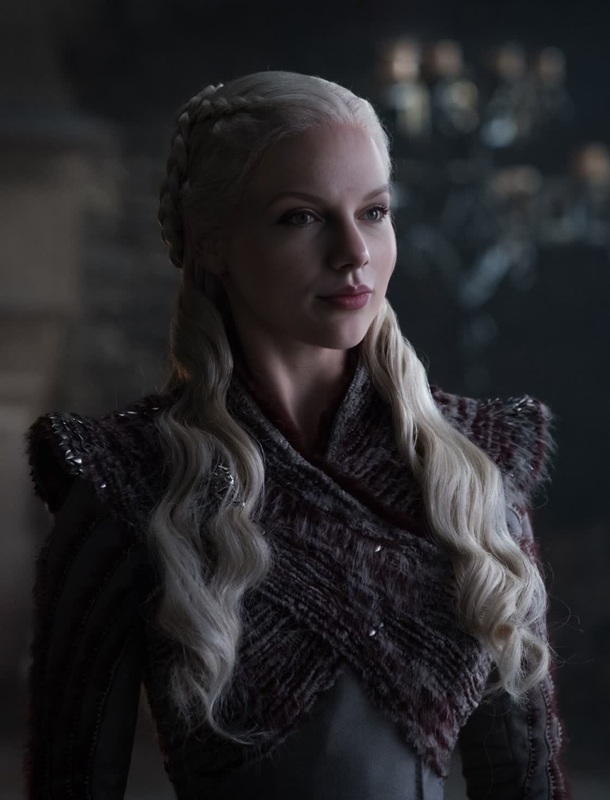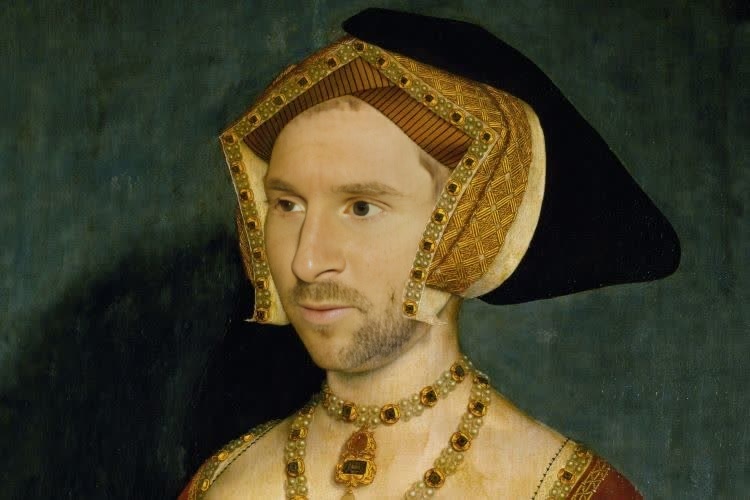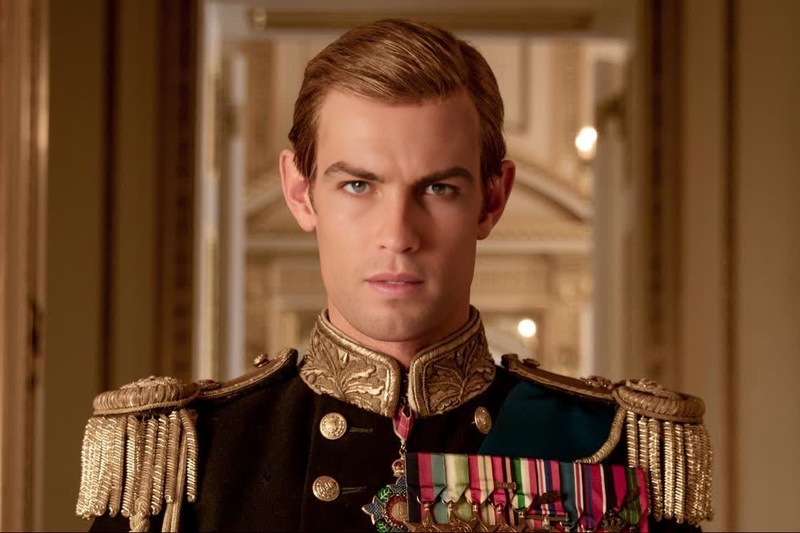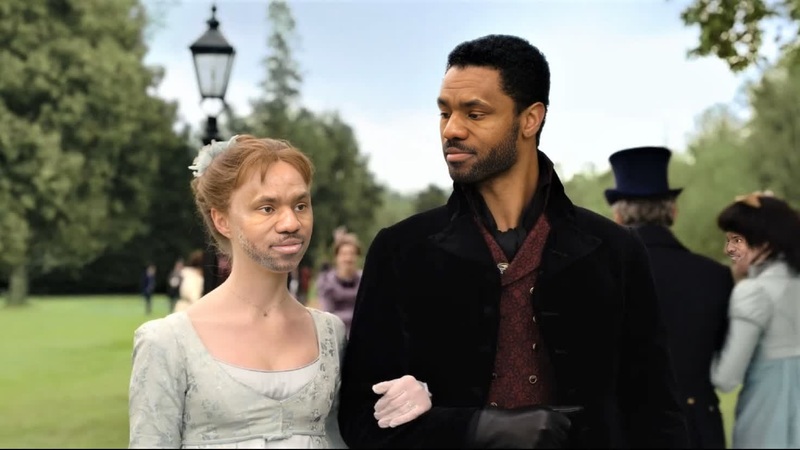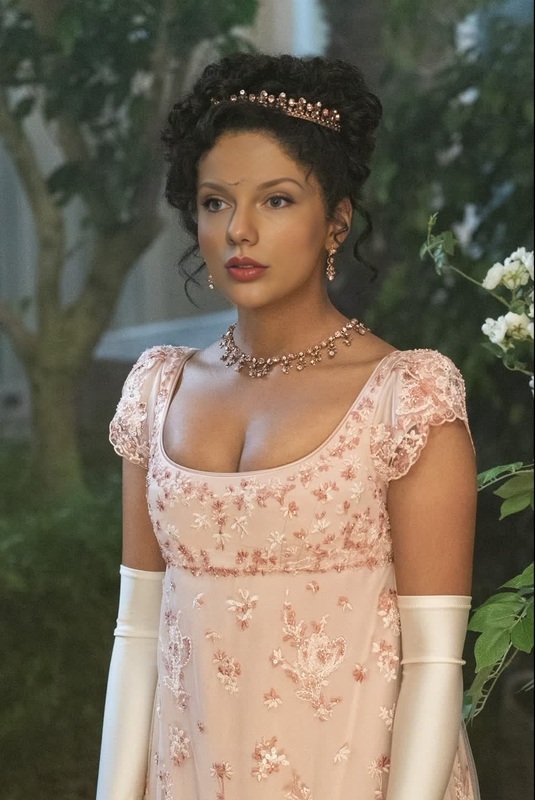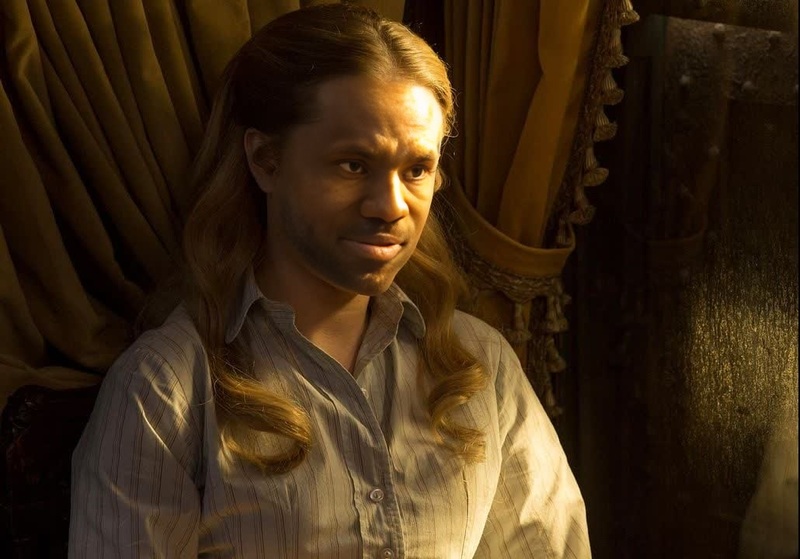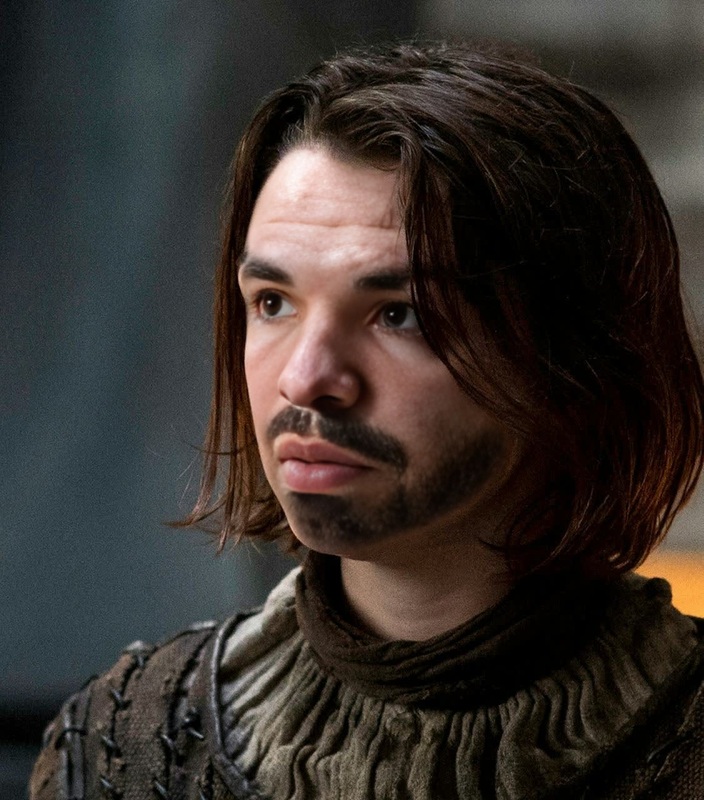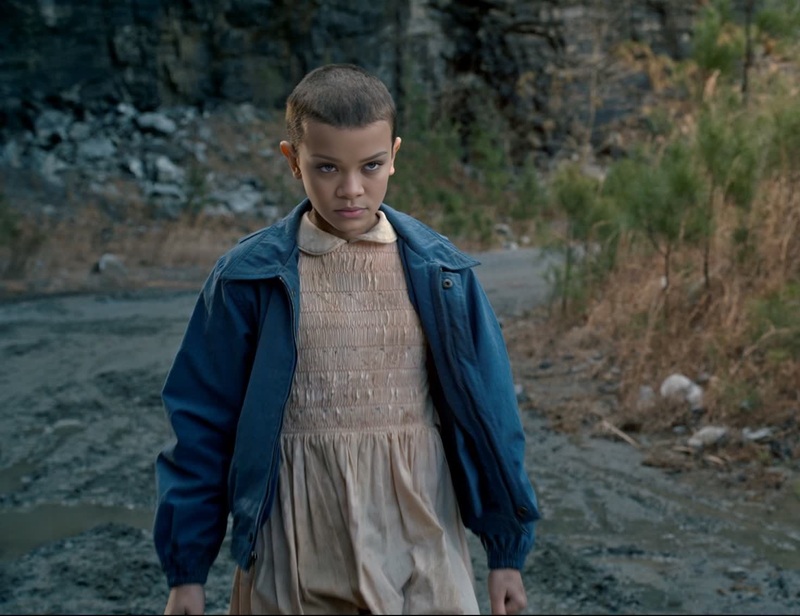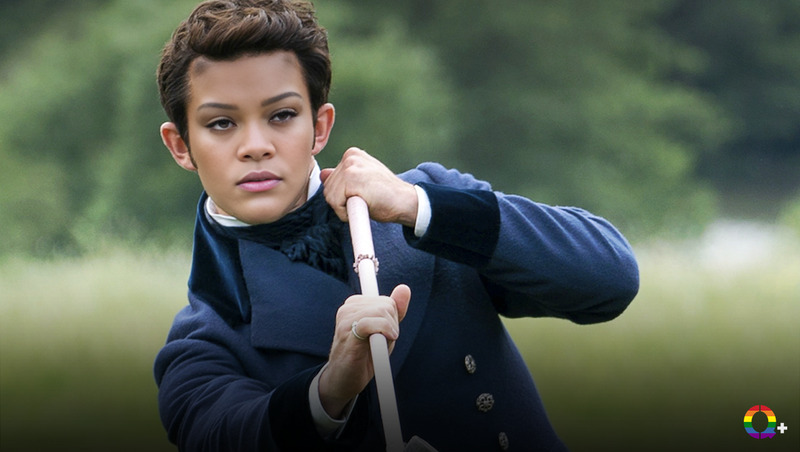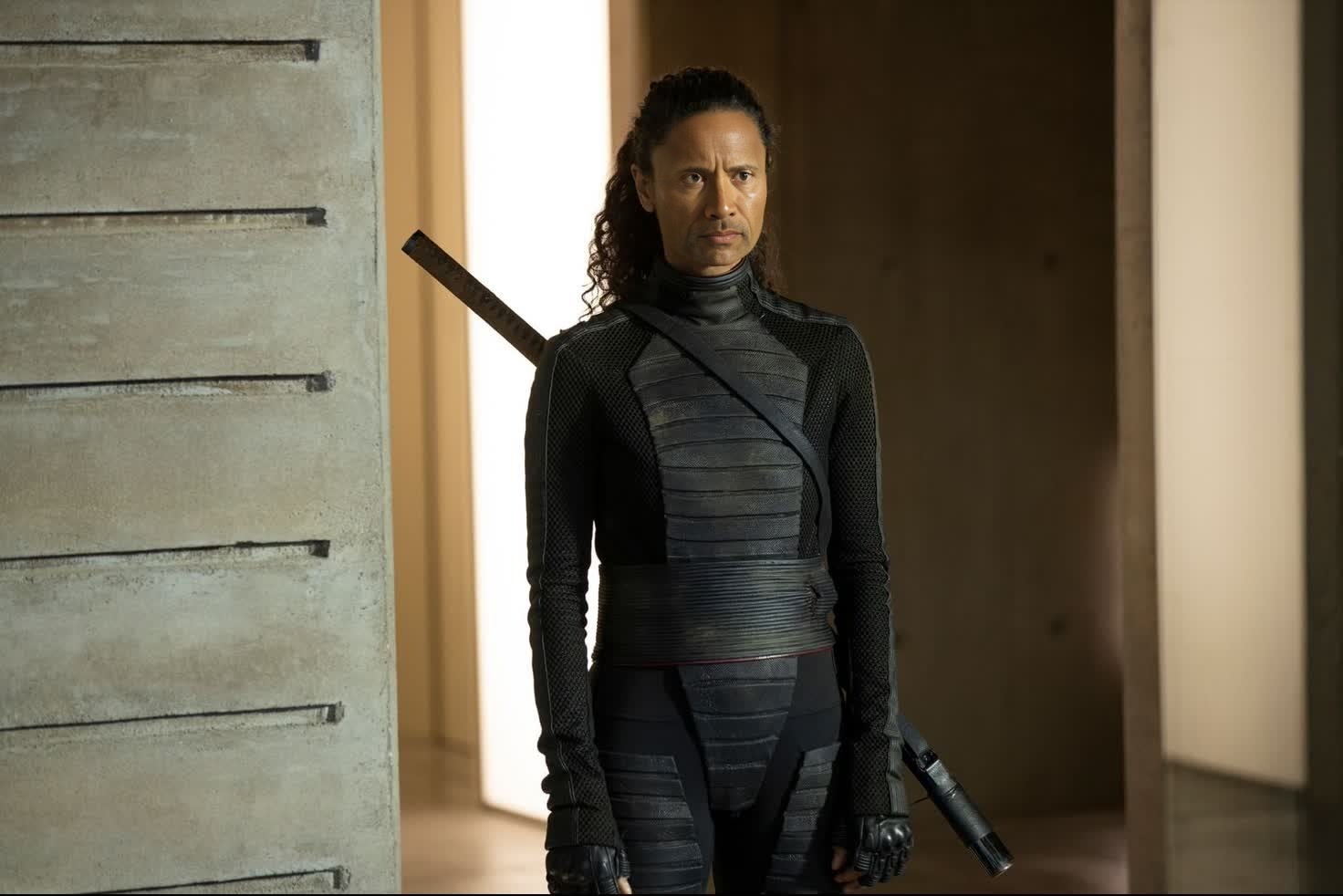
Thandiwe Newton Westworld Season 1 Portrait
- Image
- 1472 × 982 px
Any aspect ratio
Overview
The Thandiwe Newton Westworld Season 1 Portrait template offers a Video Face Swap capability that allows you to integrate Thandiwe Newton's distinctive look into your own videos. This advanced template is perfect for projects requiring character transformation in a high-quality and realistic format.
What It Does
This template facilitates the swapping of faces in your video projects. It specifically allows creators to use the thematic elements from Westworld Season 1, enhancing creative projects with an iconic look. The template supports widely-used video formats, making integration smooth across various platforms and projects.
Who It's For
Designed for filmmakers, content creators, and fans of Westworld looking to add a unique twist to their video projects. Whether you're creating fan art, engaging in thematic storytelling, or simply experimenting with face swapping technology, this template is a powerful tool in your creative arsenal.
Summary
The Thandiwe Newton Westworld Season 1 Portrait is an essential tool for those seeking to apply a professional-grade Video Face Swap effect to their projects. By leveraging modern facial mapping techniques, users can achieve a seamless transformation in their videos, adding depth and flair to their narratives. Explore the potential of face swapping with tools like our Face Swap or extend your creativity with our AI Video Generator and Video Face Swap.
How To
Choose Your Template

Customize Your Inputs

Generate and Download

Use Cases
Fan-Made Videos
- Use for YouTube video projects.
- Enhance Instagram posts with striking visuals.
Creative Storytelling
- Introduce unique characters into your videos.
- Craft immersive promotional content.
Virtual Events
- Use for theme-based online events.
- Add flair to digital learning sessions.
Best Practices
Ensure High-Quality Input
For optimal results, use high-resolution videos when performing a face swap. This ensures the details of Thandiwe Newton's appearance translate accurately.Adjust Settings Thoughtfully
Pay attention to lighting, color, and angle adjustments during customization to maintain continuity between the original and swapped faces.Review Before Finalizing
Preview the swap in multiple frames to ensure the effect meets your expectations. Adjust as necessary for the most natural integration.
Frequently asked questions
More Like This