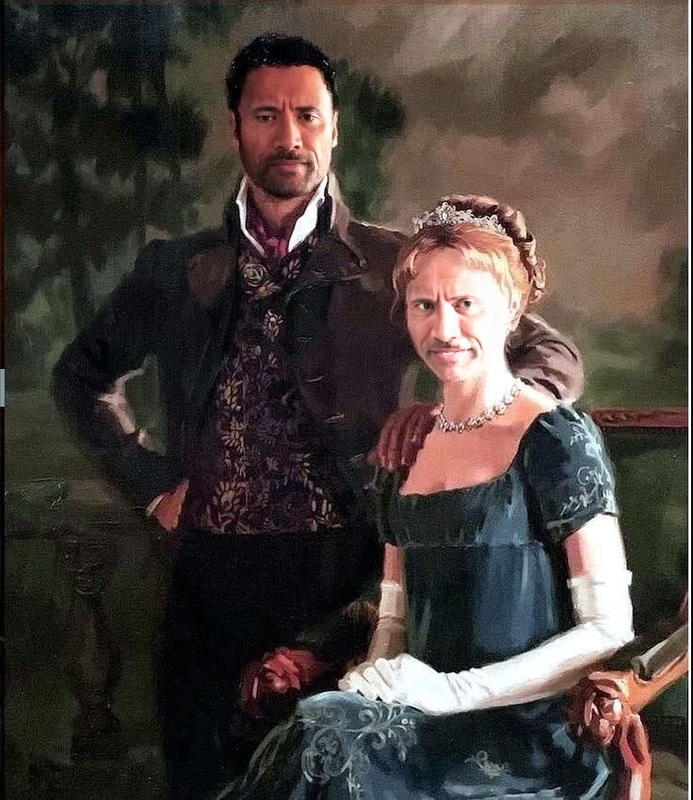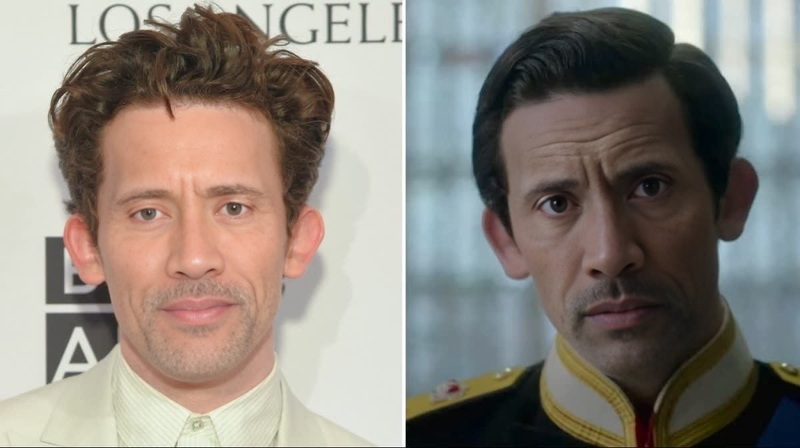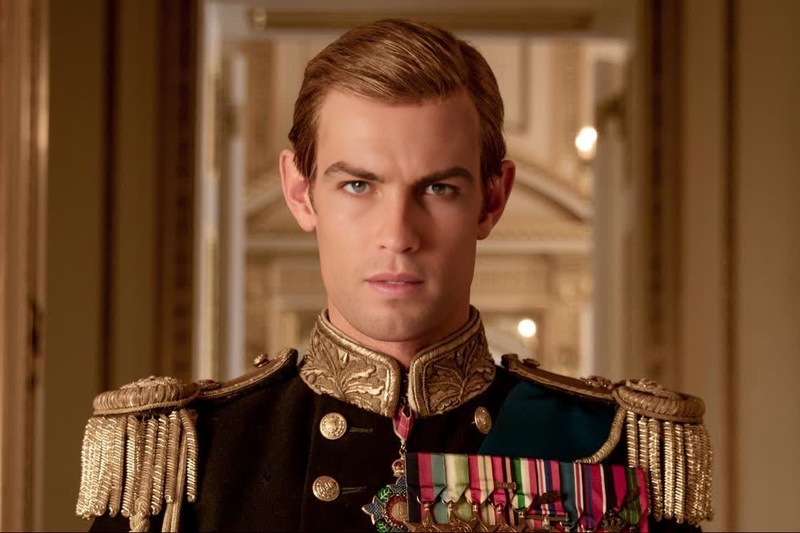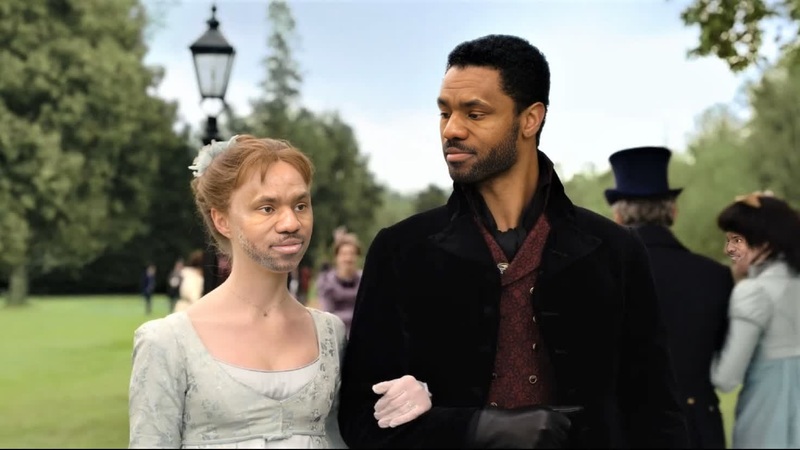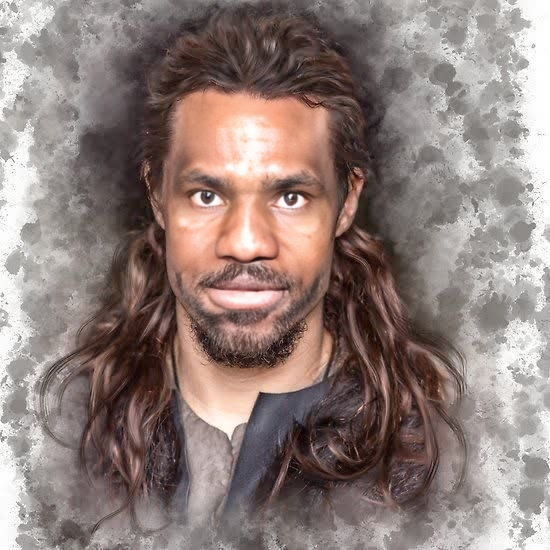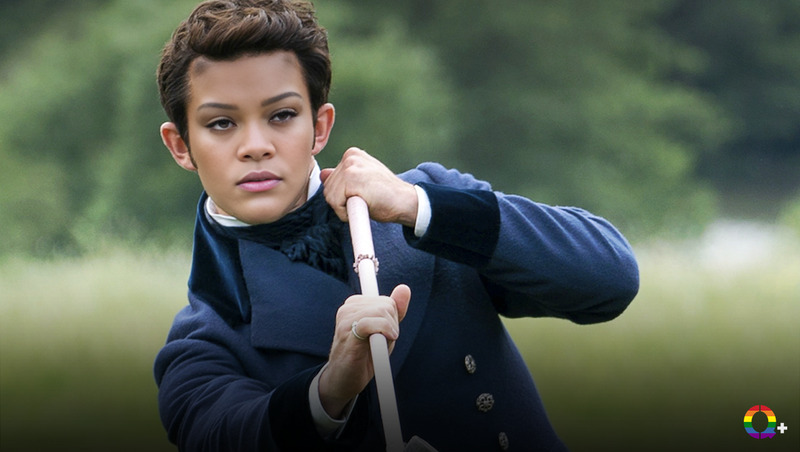
Tobias Menzies The Crown Season 3 Portrait
- Image
- 1400 × 700 px
Any aspect ratio
Overview
The Tobias Menzies The Crown Season 3 Portrait is a Video Face Swap template designed to transform your videos. By swapping faces seamlessly, it allows you to step into the shoes of Tobias Menzies, capturing the essence of his character from The Crown Season 3 in your creations.
With this tool, you can produce content that resonates with fans of the acclaimed series, whether for personal enjoyment or engaging digital projects.
What It Does
This template allows you to perform a face swap with Tobias Menzies' iconic look from The Crown Season 3. The process is streamlined via our Video Face Swap technology, ensuring high-quality results without extensive editing skills.
Using this transformation tool, creators can overlay their own image onto Tobias Menzies' in any existing video, making it perfect for artistic expressions or fan-created content. For further editing, consider using the AI Image Editor.
Who It's For
This template is ideal for digital creators, film enthusiasts, and fans of The Crown. Whether you're a social media influencer looking to create unique content or a video editor working on parody projects, this tool caters to a wide range of creative needs.
Educational or theatrical institutions can also benefit from using this tool to create engaging multimedia presentations or historical re-enactments. Interested in broader applications? Explore the Image to Video conversions for more transformative effects.
Summary
The Tobias Menzies The Crown Season 3 Portrait Video Face Swap template is the perfect choice for adding a transformative touch to your videos. It leverages powerful technology to create a memorable visual experience, ideal for fans and creators alike.
Ready to start creating stunning digital pieces that captivate audiences? Try pairing this with the AI Video Generator for an enhanced creative workflow.
How to Use This Template
Choose Template

Customize Inputs

Generate Video

Use Cases
Social Media Content
- Gain followers with unique video content
- Participate in trending challenges
Fan Creation
- Share videos in fan groups
- Use in tribute videos
Theatrical Productions
- Enhance stage presentations
- Create educational content
Best Practices
Select High-Quality Source Videos
Ensure that the video you upload is of high quality for the best output. This helps maintain the level of detail in the face swap.Refine Input Faces
Use clear and well-lit images of the faces you intend to swap for enhanced realism. Avoid images with shadows or extreme angles.Test Different Clips
To achieve the best results, try swapping different clips to find which one yields the most convincing effect. Explore variations to familiarize yourself with the tool's capabilities.
Frequently asked questions
More Like This