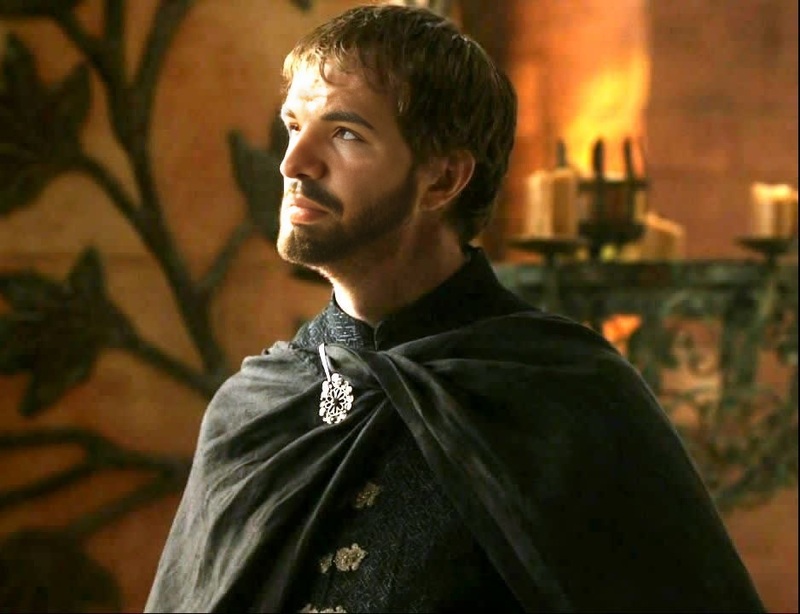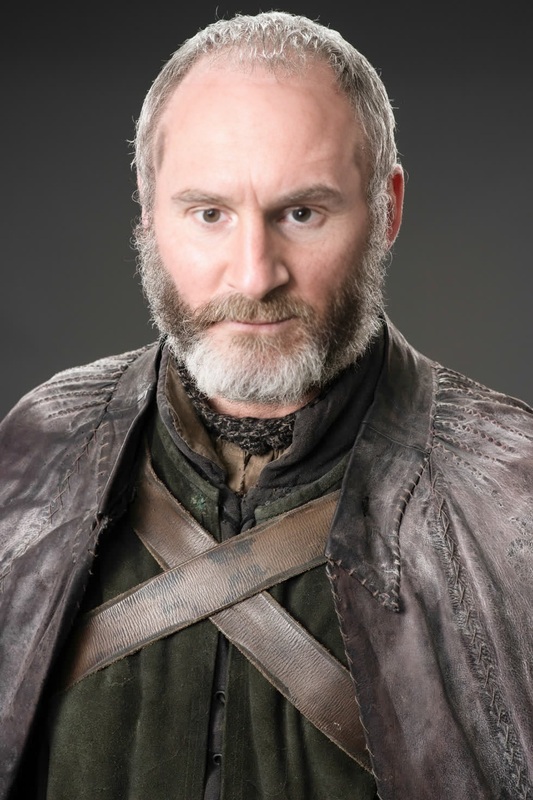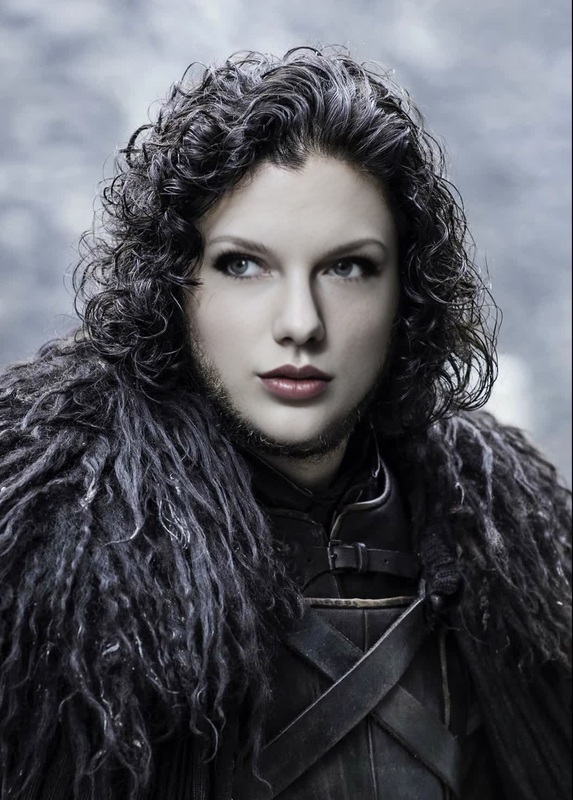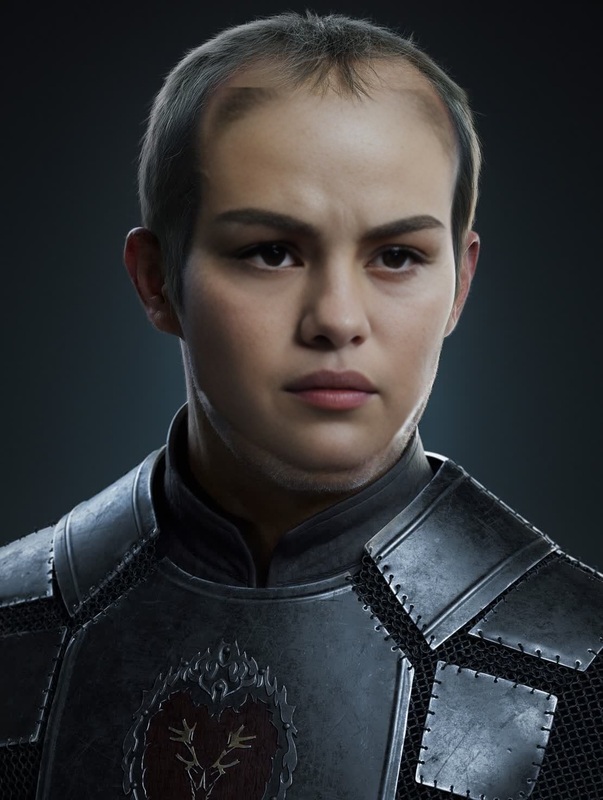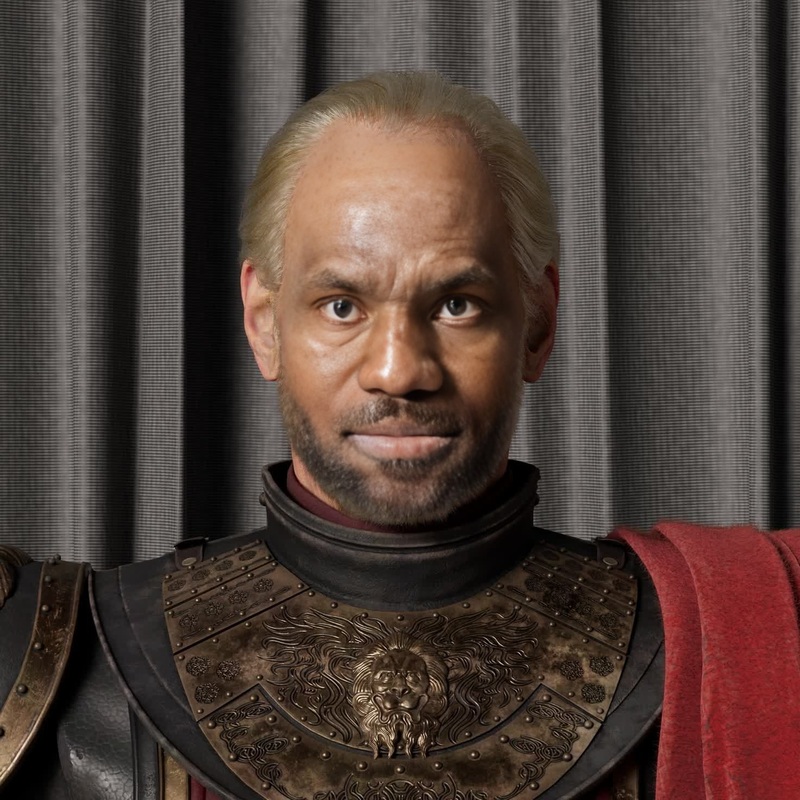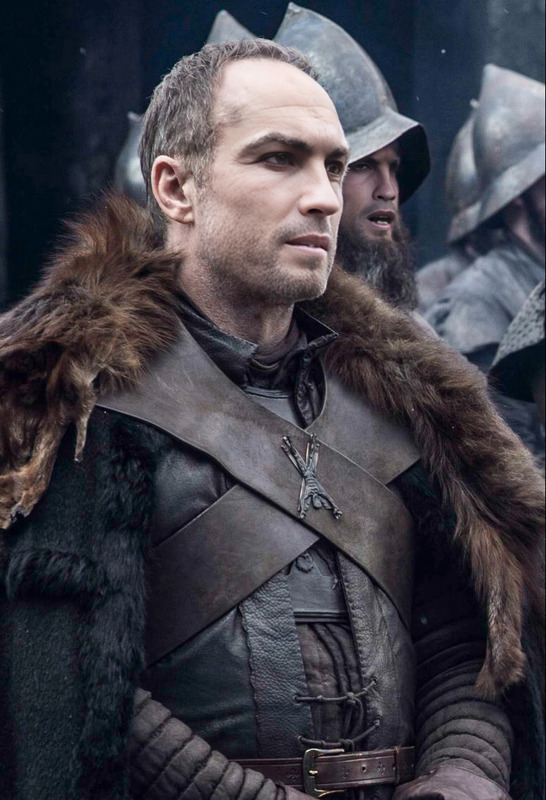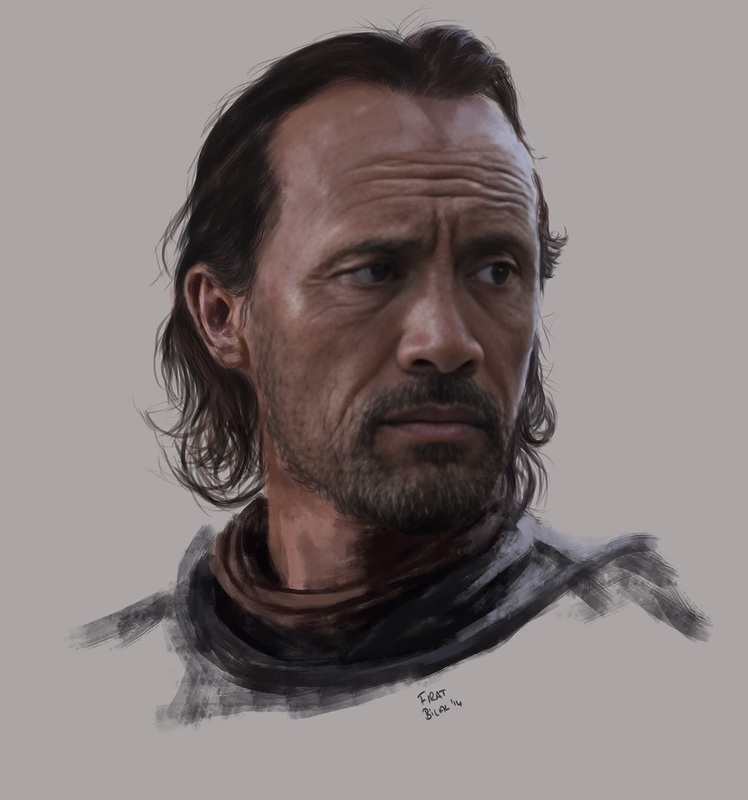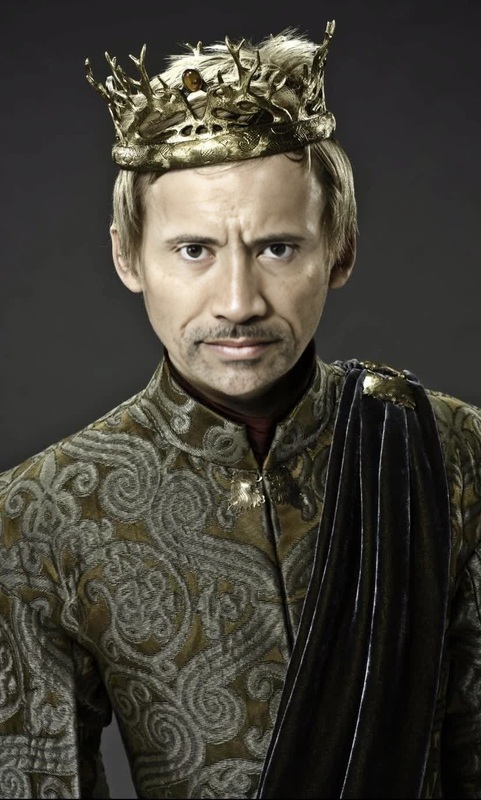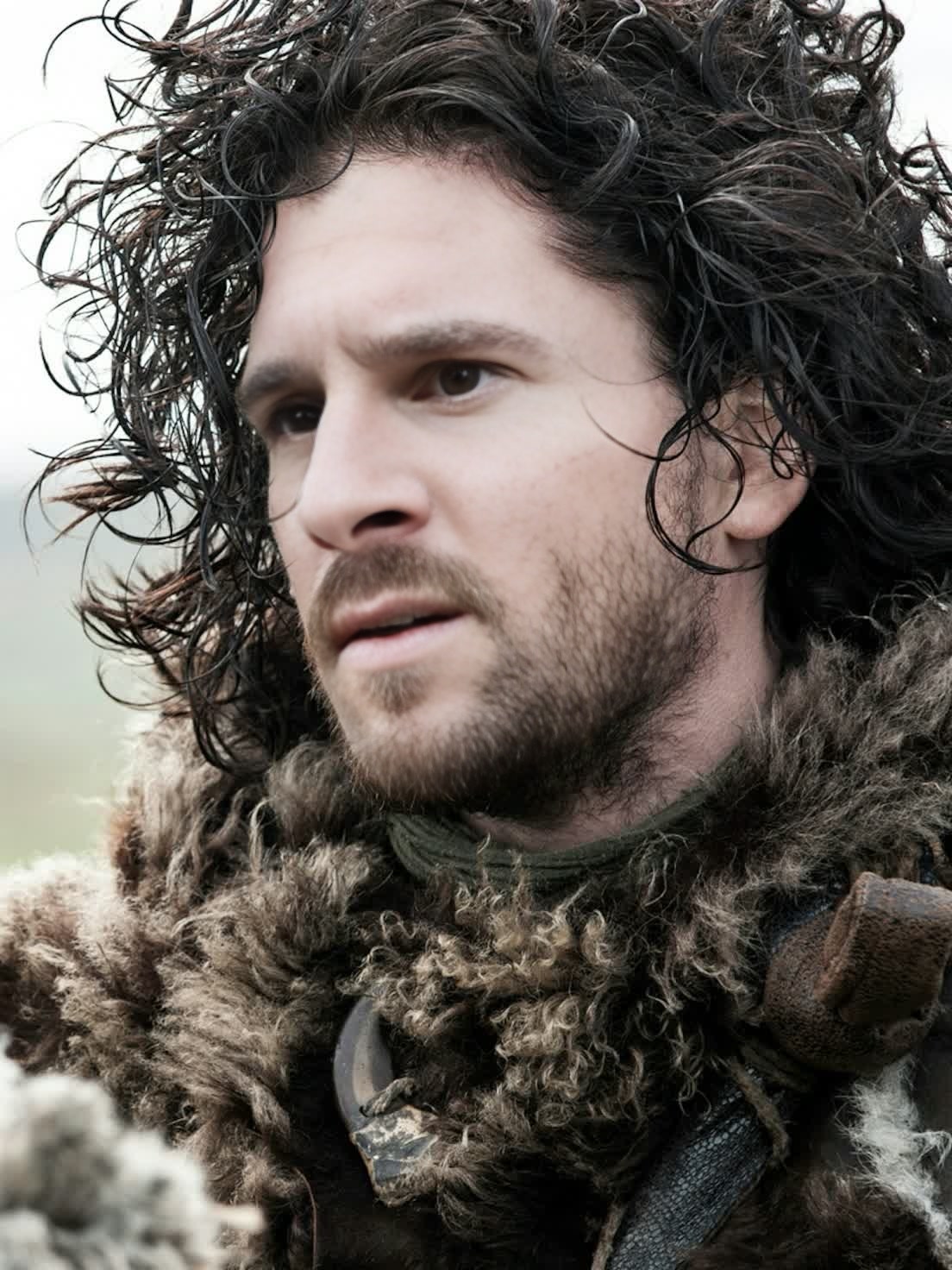
Kit Harington Game Of Thrones Season 6 Portrait
- Image
- 1104 × 1472 px
Any aspect ratio
Overview
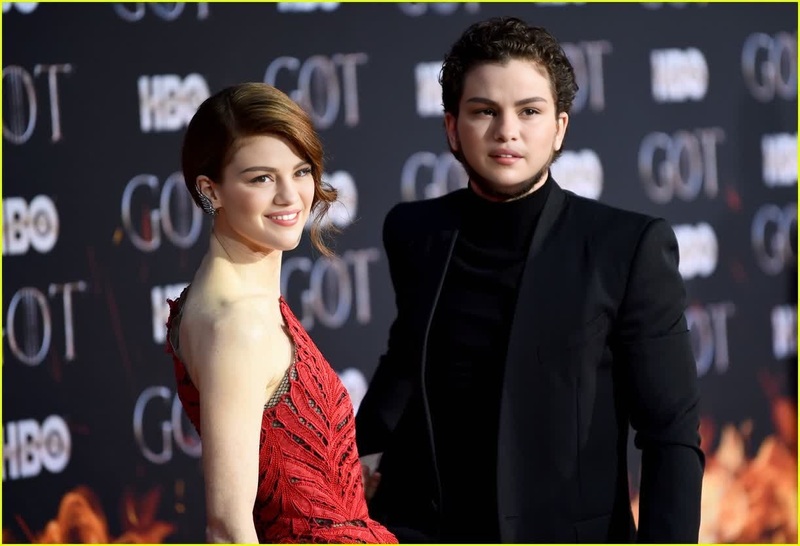
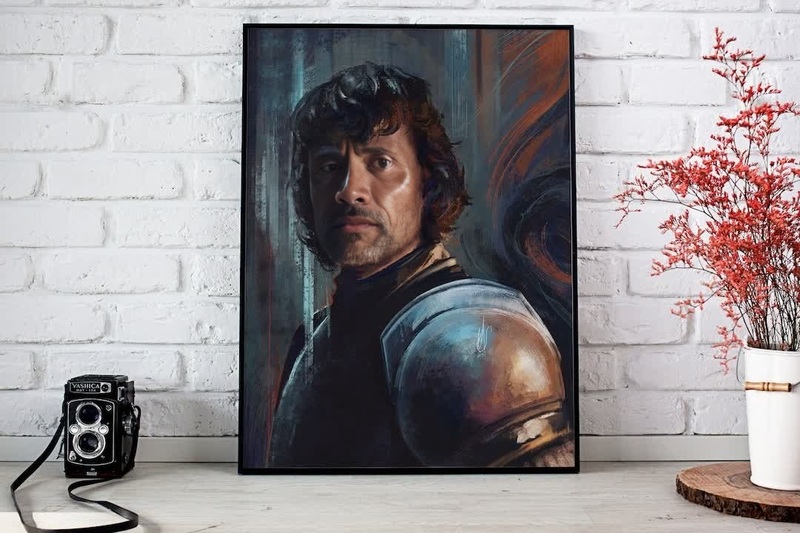
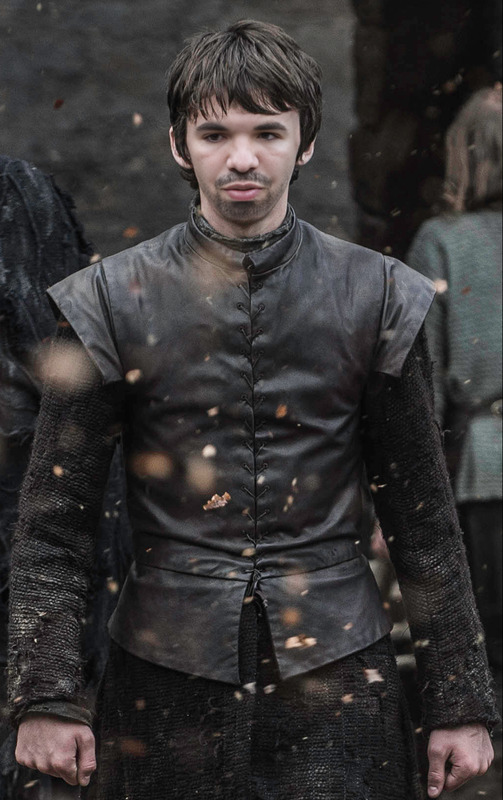
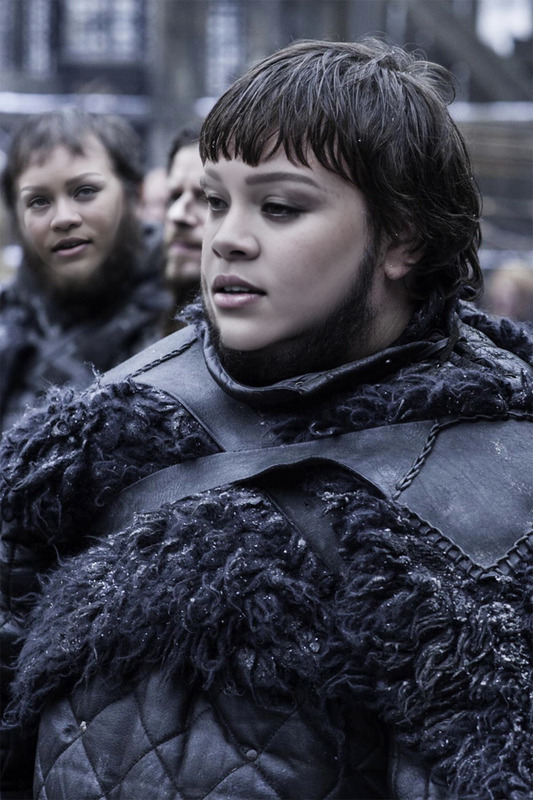
Step into the shoes of Jon Snow with our "Kit Harington Game Of Thrones Season 6" Video Face Swap template. This tool allows you to transform any face into Kit Harington's iconic portrayal of Jon Snow from Game of Thrones Season 6. Utilize this dynamic Face Swap technology to create personalized video content.
What It Does
Our Video Face Swap technology precisely aligns and blends Kit Harington's facial features with the subject in your video, retaining the natural expressions and movements. Perfect for creating Game of Thrones themed content, it supports MP4 and MOV formats for versatile use. Explore other transformation tools like the AI Image Editor for further customization options.
Who It's For
This template is ideal for Game of Thrones enthusiasts looking to create immersive fan content. It's also suited for marketers and content creators seeking unique social media or promotional videos. Pairing with tools such as the AI Video Generator can enhance content diversity.
Summary
The "Kit Harington Game Of Thrones Season 6" Video Face Swap offers an engaging way to create personalized videos with a touch of fantasy. Compatible with a range of formats, this template is versatile for any project needing a creative edge. Whether for fun or promotional use, explore the power of transformation.
How to Use
Choose Your Template

Customize Your Content

Generate and Download

Use Cases
Fan Content Creation
- Create cosplay video clips.
- Re-enact favorite scenes.
Social Media Marketing
- Announce new events with themed videos.
- Boost engagement with drama-inspired content.
Event Promotions
- Create themed invitations.
- Share recap videos with a twist.
Best Practices
Choose High-Quality Source Videos
For optimal results, ensure the subject's face is well-lit and visible. High-resolution videos enhance facial detail blending.Experiment with Video Length
Shorter clips render faster, which is beneficial for online sharing platforms like Instagram and TikTok.Combine with Other Tools
Maximize your video impact by using the AI Voice Changer to match the theme with a fitting voiceover.
Frequently asked questions
More Like This