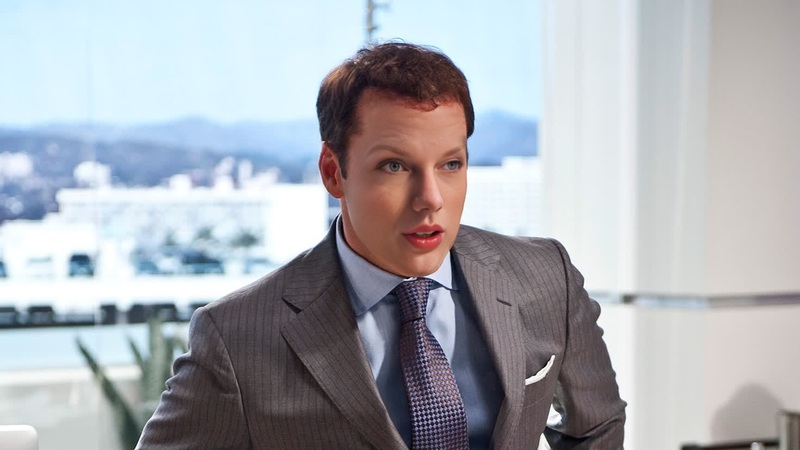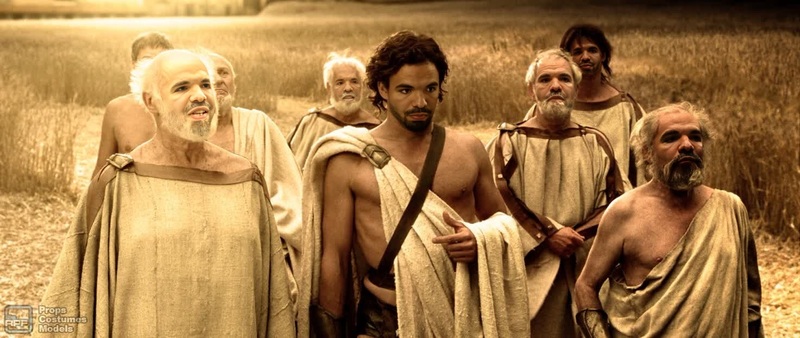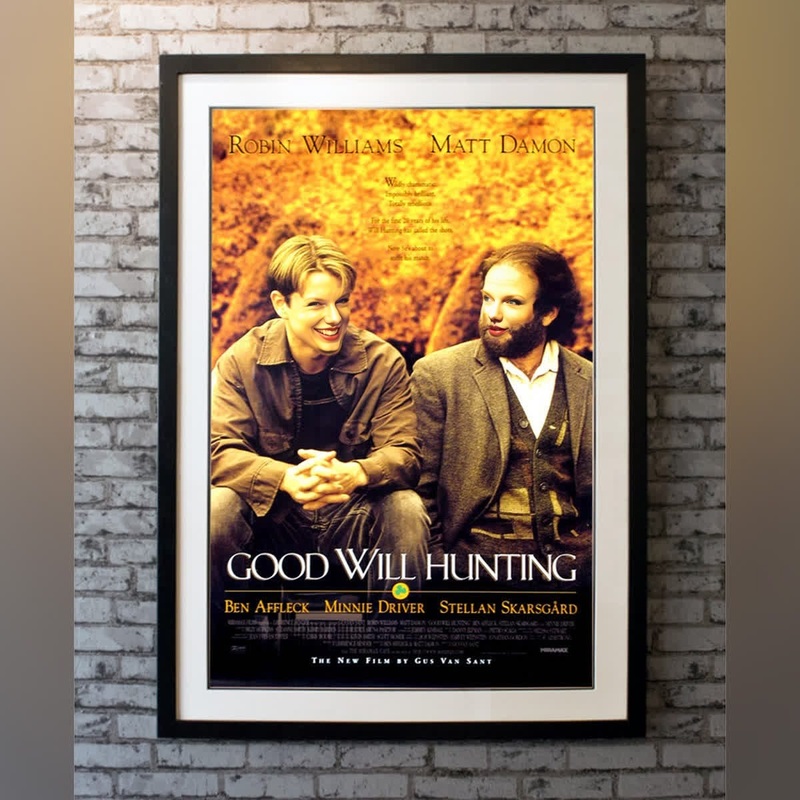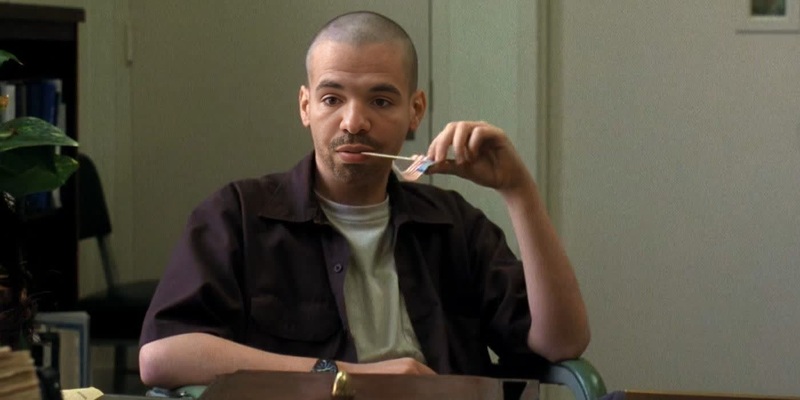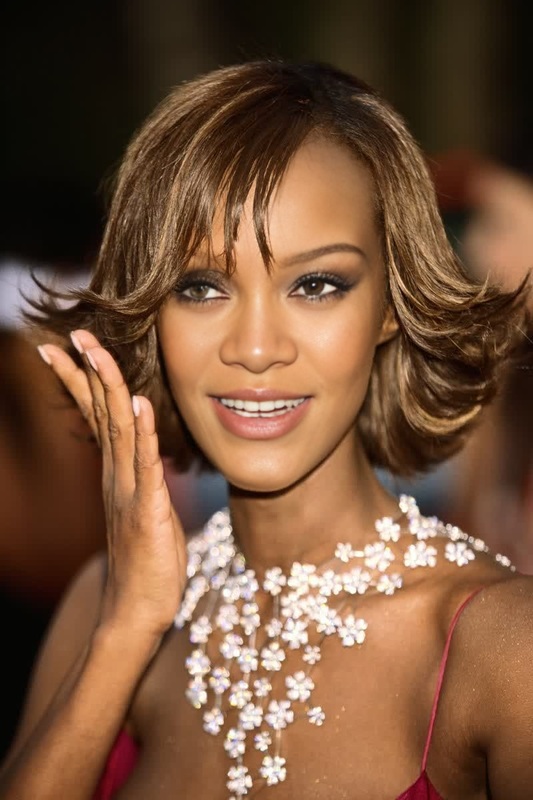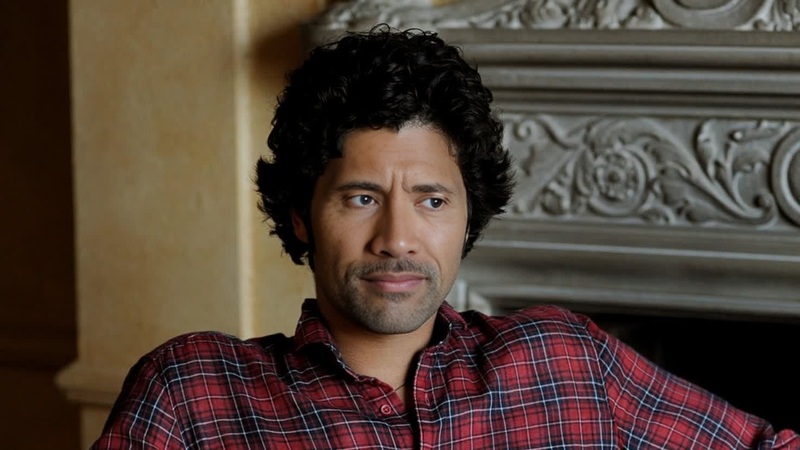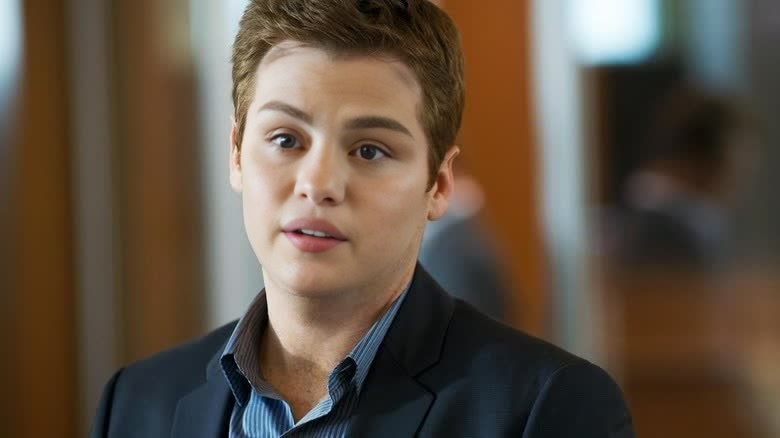
Eric Murphy Entourage Portrait
- Image
- 780 × 438 px
Any aspect ratio
Overview
Step into the shoes of Eric Murphy from the iconic show Entourage with our Video Face Swap template. This template allows you to place your face onto Eric's, bringing you into the world of Hollywood hustles and friendships with Vincent Chase. Take your fandom to the next level with a personal touch.
What It Does
The Eric Murphy Entourage Portrait template utilizes sophisticated video face swap technology to map your facial features onto Eric Murphy's character. This is done by analyzing your input image and seamlessly blending it with video footage, ensuring a lifelike representation that impresses anyone who watches.
For additional transformation tools, check out our Face Swap and Gender Swap products.
Who It's For
This template is perfect for Entourage fans eager to immerse themselves fully in the show's universe. Additionally, content creators looking to add a comedic twist or personalized touch to their social media videos will find this template invaluable. Marketers can also leverage it for engaging, nostalgia-driven promotions targeting the show's audience.
Summary
The Eric Murphy Entourage Portrait template is not just about transformation; it's about experiencing a piece of television history personally. Easy to use and highly adaptable, this tool integrates with other AI products like the AI Video Generator to enhance your creative projects.
How To
Choose Eric Murphy Entourage Portrait

Customize Your Inputs

Generate and Download

Use Cases
Personalized Fan Videos
- Share on social media as a unique post
- Entertain friends with custom shoutouts
Content Creation
- Engage audiences with nostalgic content
- Utilize in parody videos for added humor
Marketing Campaigns
- Boost campaign reach through interactive content
- Appeal to specific audiences with targeted experiences
Best Practices
Select High-Quality Photos
Use a high-resolution image with good lighting and a clear view of your face for best results.Match Facial Angles
Align your photo's facial angles with the template to ensure a more convincing swap.Experiment with Different Inputs
Try various expressions or photos to find the look that best fits the video context.