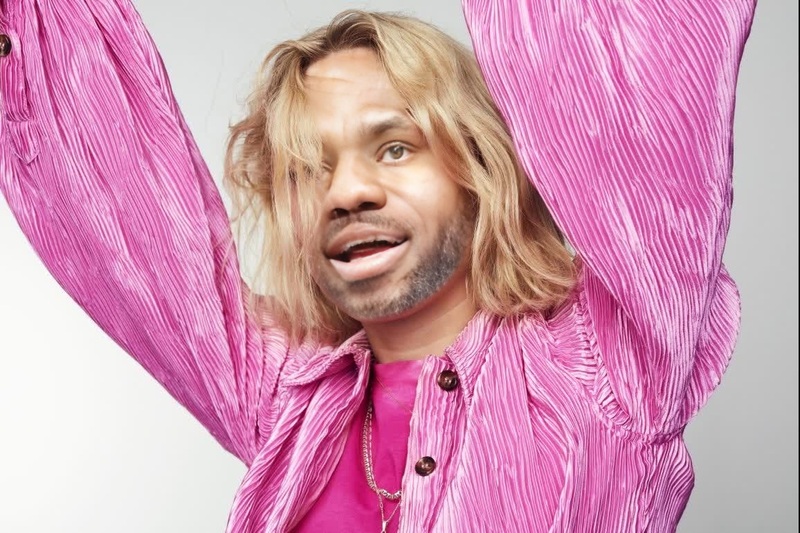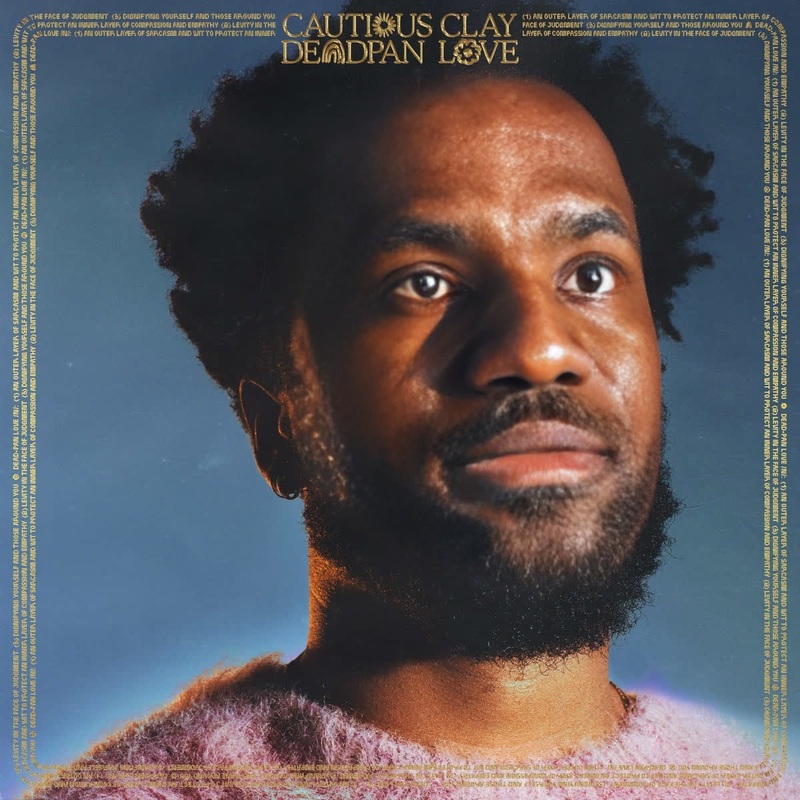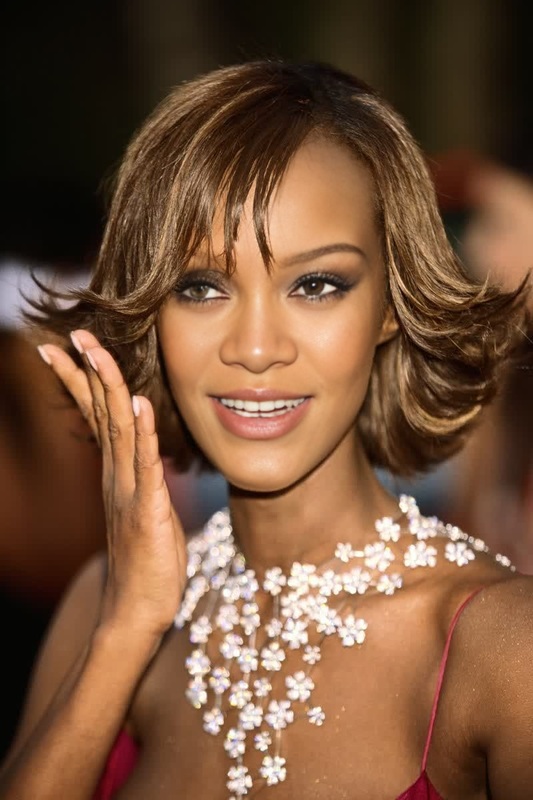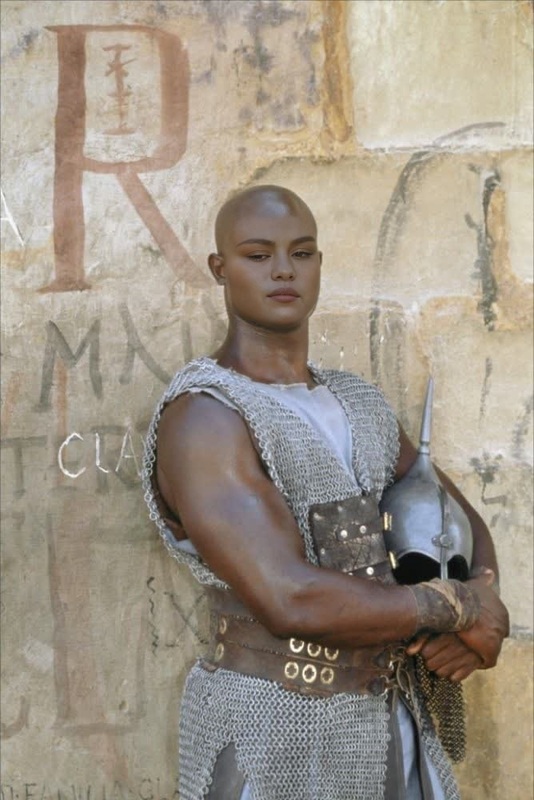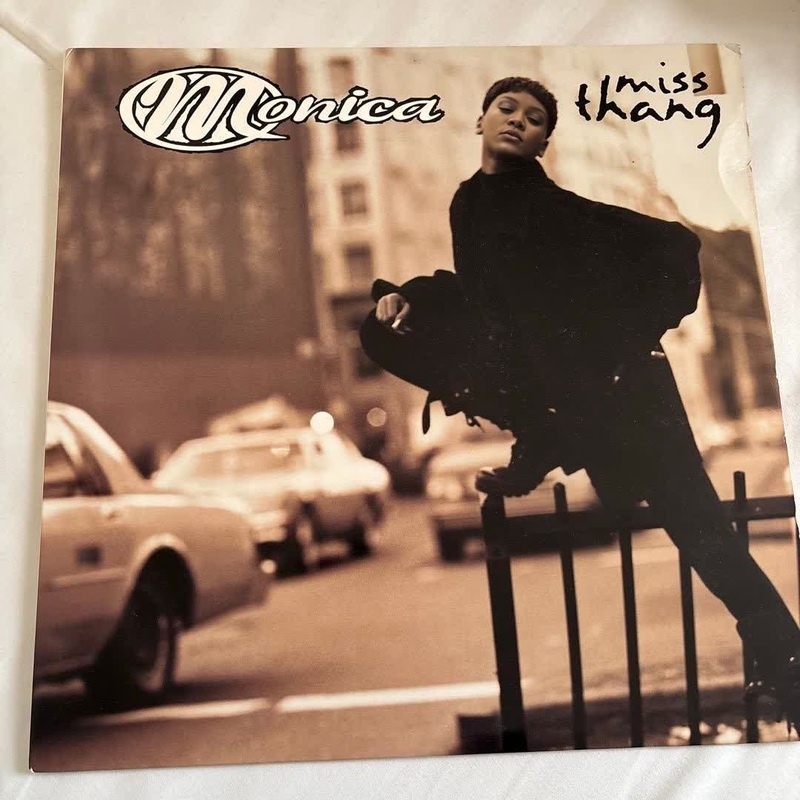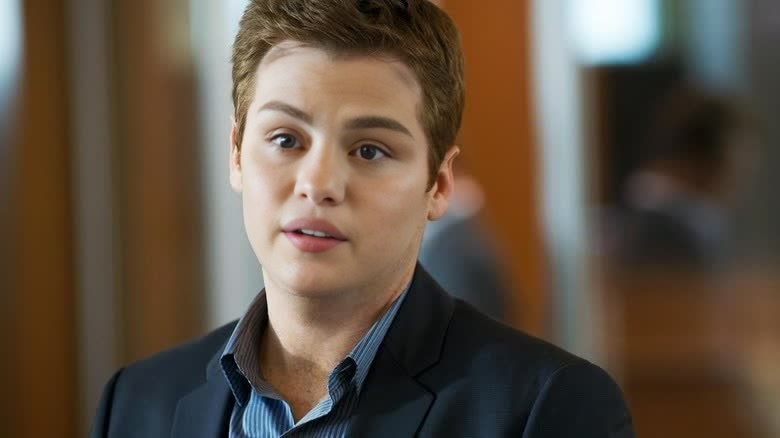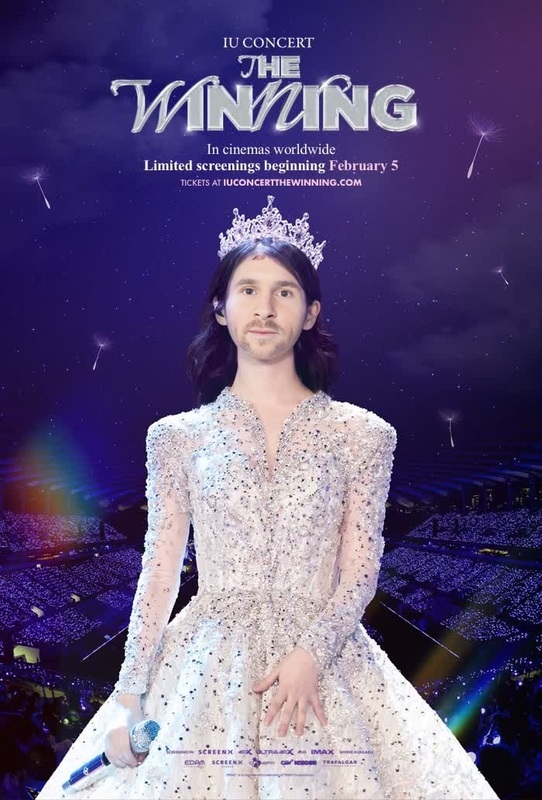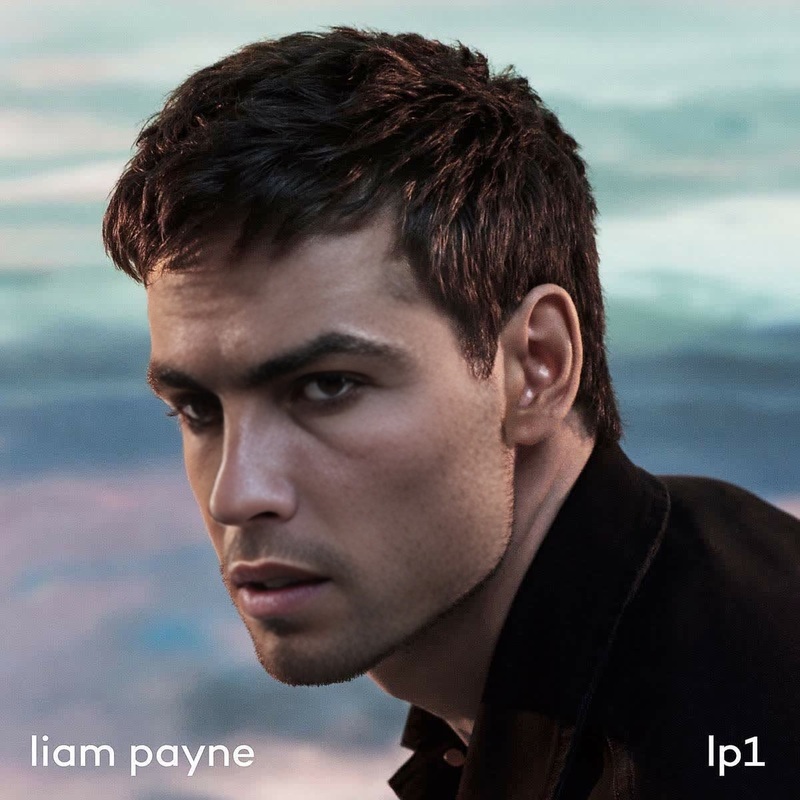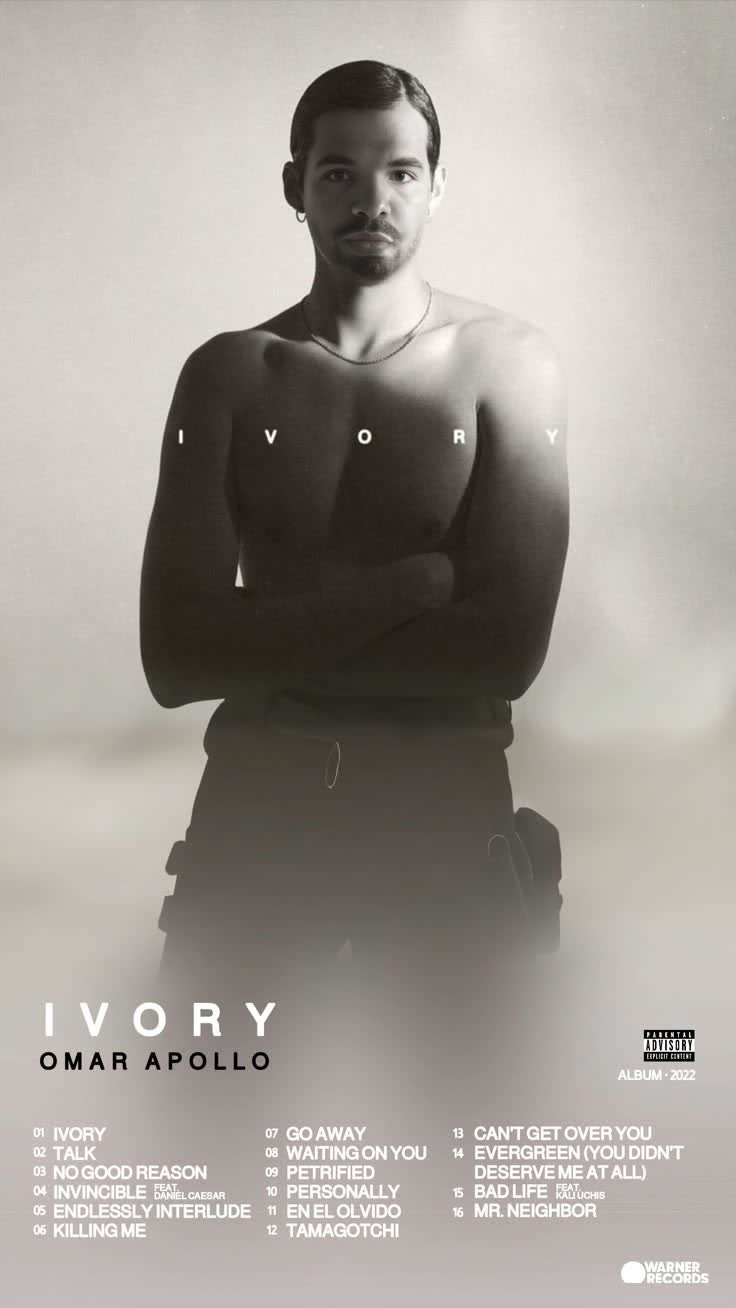
Omar Apollo Ivory Press Portrait
- Image
- 736 × 1308 px
Any aspect ratio
Overview
The Omar Apollo Ivory Press Portrait is a specialized Video Face Swap template designed to transform your video content with the unique style of Omar Apollo. This powerful tool is perfect for enhancing portraits, allowing you to add a creative and personalized touch to your storytelling projects. It's an excellent choice for anyone looking to incorporate celebrity-inspired transformations into their video work.
What It Does
This template facilitates a seamless Video Face Swap by integrating Omar Apollo's facial features into your video content, preserving facial expressions and natural movements. Ideal for engaging your audience, the swap delivers a polished result that can be utilized in various storytelling applications. For broader transformative capabilities, explore our Video Face Swap tool, or if you're interested in face editing, check out the AI Face Editor.
Who It's For
This template is tailored for content creators, marketers, and video enthusiasts who want to enrich their videos with unique face swap effects. Whether you are producing content for social media, advertising, or personal projects, this template provides a creative way to gain attention. If you're interested in further transforming your content, take a look at our AI Video Generator for more dynamic enhancements.
Summary
Enhance your video projects with the Omar Apollo Ivory Press Portrait template by leveraging its Video Face Swap capabilities. This tool brings a touch of flair to any creative project and can be paired with other tools like Image-to-Video for comprehensive content creation strategies. Engage your audience with personalized and immersive outputs.
How To
Choose the Template

Customize Your Inputs

Generate Your Video

Use Cases
Creative Storytelling
Social Media Enhancement
Marketing Campaigns
Best Practices
Ensure High-Resolution Inputs
For the best results, use high-resolution video inputs to ensure that facial features are accurately captured and rendered.Consider Lighting
Make sure your original video footage has proper lighting for a more natural integration of the face swap effect.Experiment with Angles
Vary the angles of the video input to achieve the most realistic face swap, taking advantage of diverse perspectives.