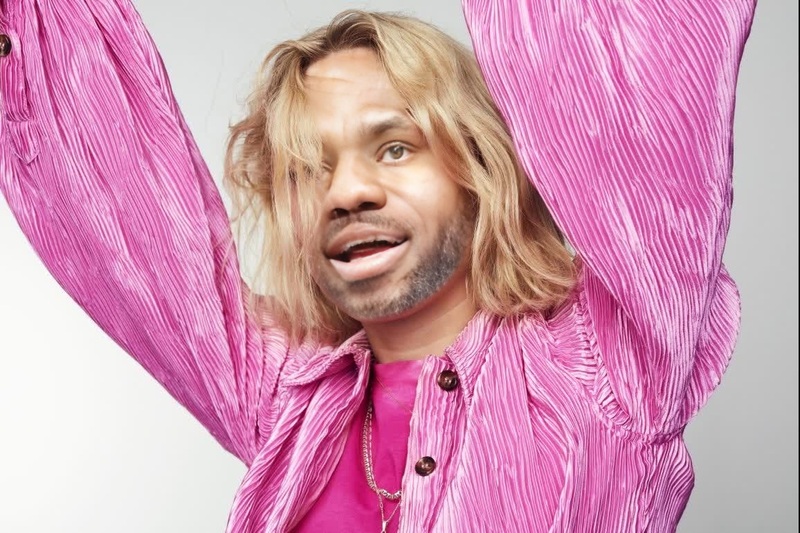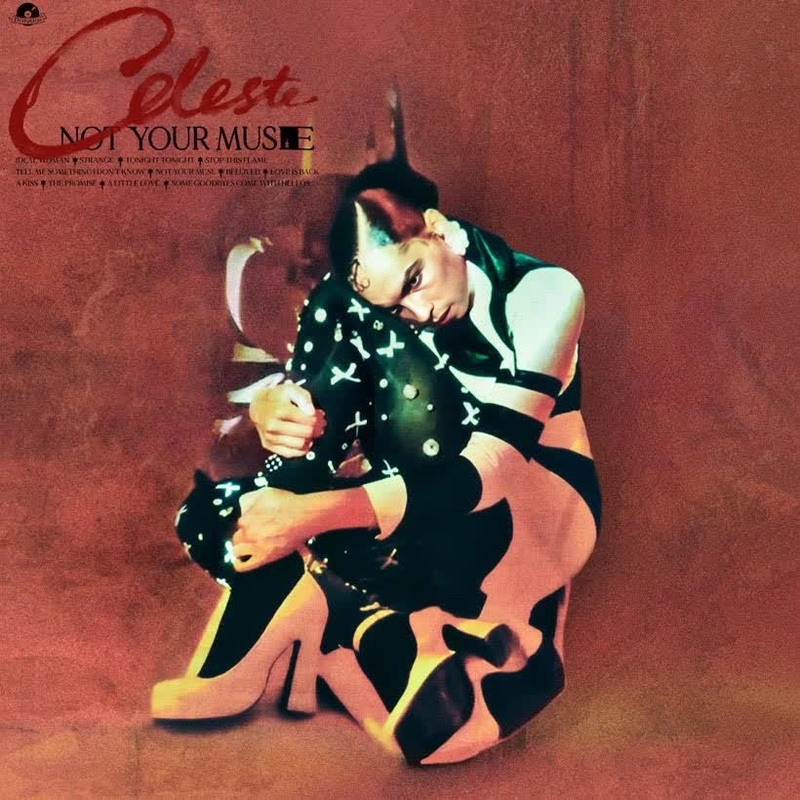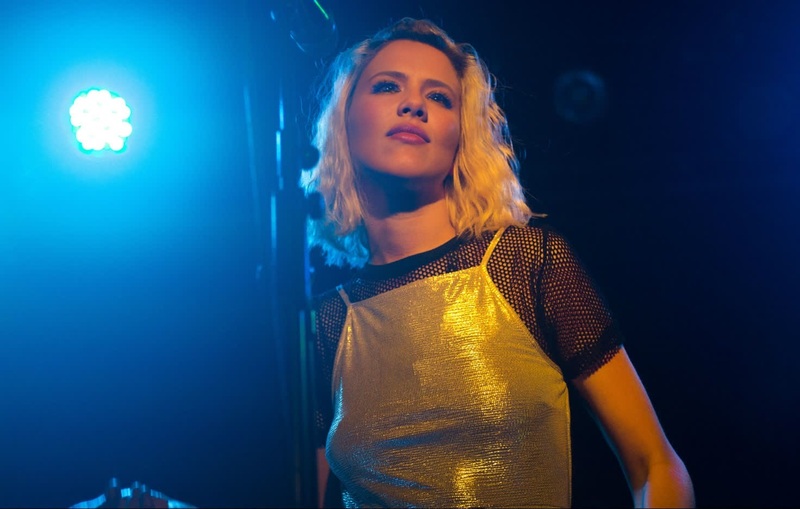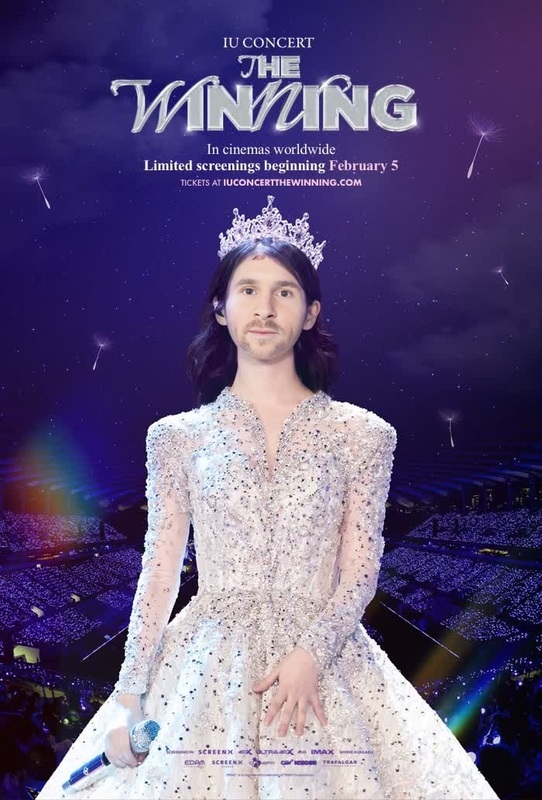
Cautious Clay Deadpan Love Press Portrait
- Image
- 1200 × 1200 px
Any aspect ratio
Overview
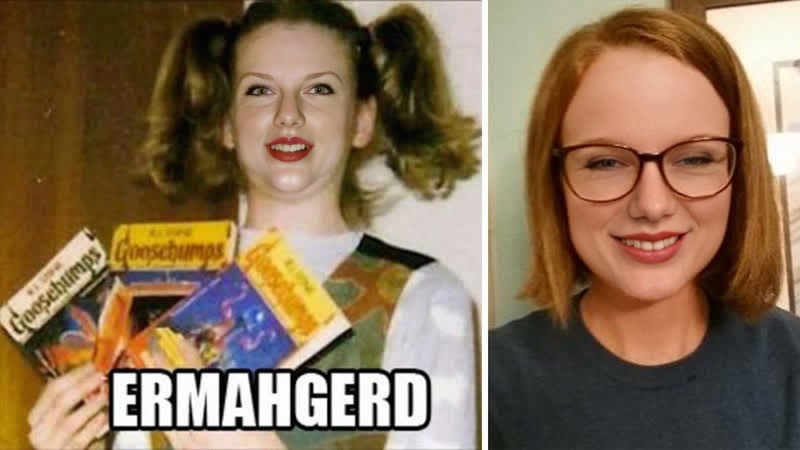
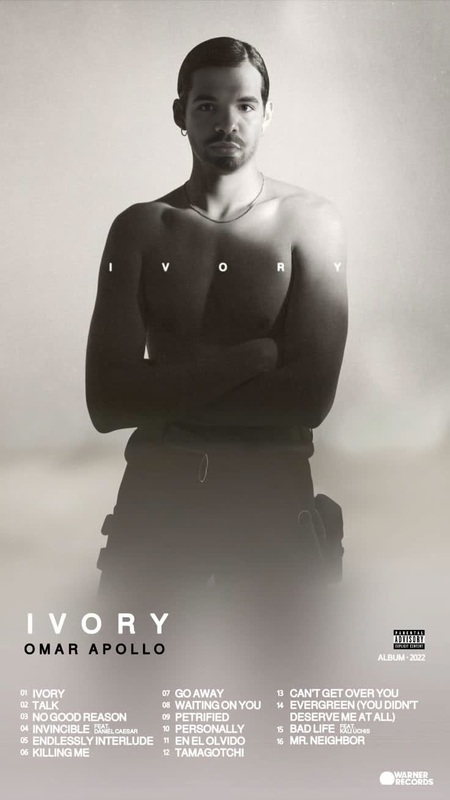
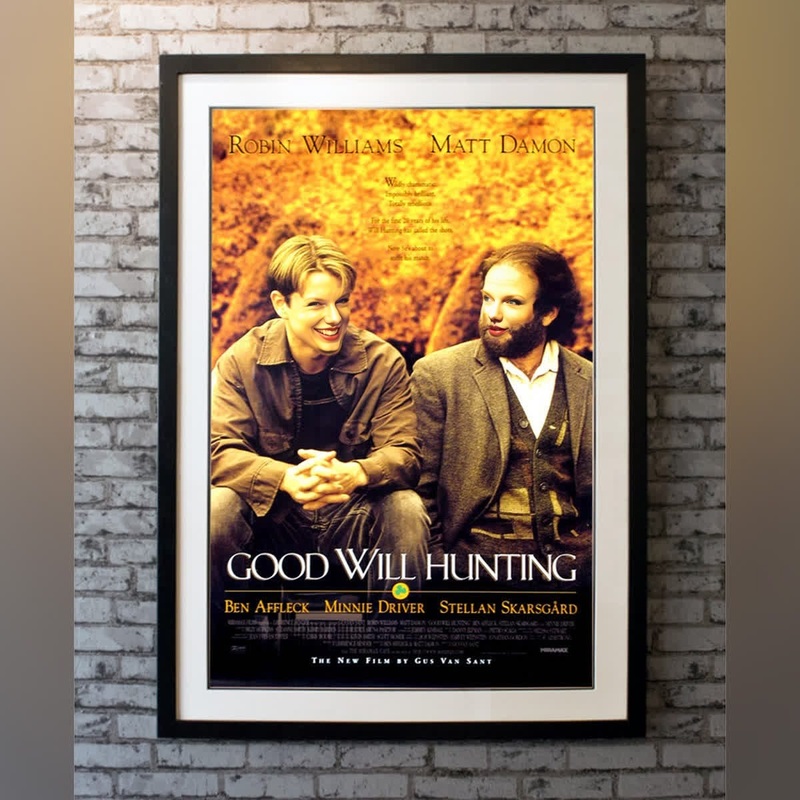
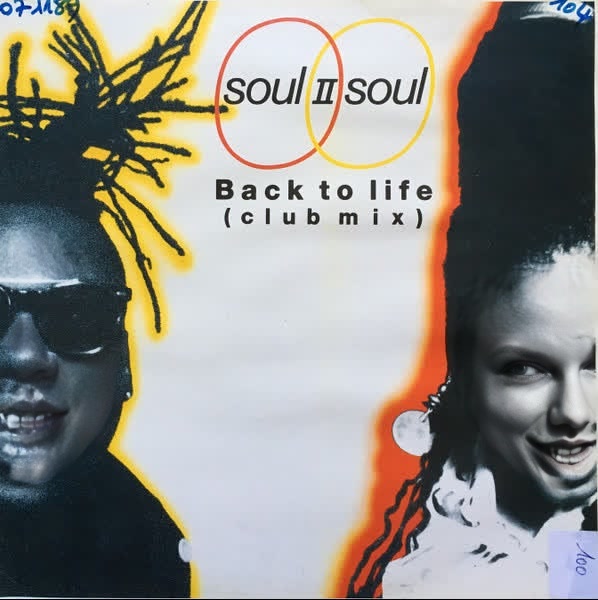
The Cautious Clay Deadpan Love Press Portrait is a versatile Video Face Swap template, ideal for creating eye-catching visuals with an element of personal touch. Utilizing cutting-edge technology, this template facilitates creative storytelling by blending your character with Cautious Clay's expressive style.
What It Does
This template employs advanced video face-swapping techniques to overlay your face onto Cautious Clay's portrait in his iconic "Deadpan Love" music video style. The result is a unique, engaging video that combines familiarity with novelty, perfect for personal or promotional use.
Want to explore more creative transformations? Check out our Face Swap product for a range of options.
Who It's For
This template is designed for creators who wish to experiment with transformative video content, whether you’re an aspiring artist, a marketer, or a social media influencer. It is perfect for those aiming to personalize content for platforms such as YouTube, Instagram, or TikTok.
For broader video editing capabilities, consider our AI Video Generator.
Summary
With the Cautious Clay Deadpan Love Press Portrait template, you're equipped to create captivating and personalized video content. Use this Video Face Swap template to express individuality and engage with your audience in a compelling way.
Learn more about creating distinct narratives with our Image to Video tool.
How-To
Choose the Template

Customize Your Input

Generate and Save

Use Cases
Social Media Content
- Personalized video messages
- Viral content creation
Marketing Campaigns
- Ads featuring famous music video styles
- Brand storytelling with a twist
Creative Projects
- Artistic AI experiments
- Unique video portfolios
Best Practices
Choose High-Resolution Images
Use high-quality images for better face swap results. This ensures that your final video will be sharp and detailed.Match Lighting and Angles
To achieve more realistic swaps, match the lighting and angles of your image with the original video as closely as possible.Review Before Finalizing
Always preview your video before finalizing to ensure that the swap aligns seamlessly and looks natural.