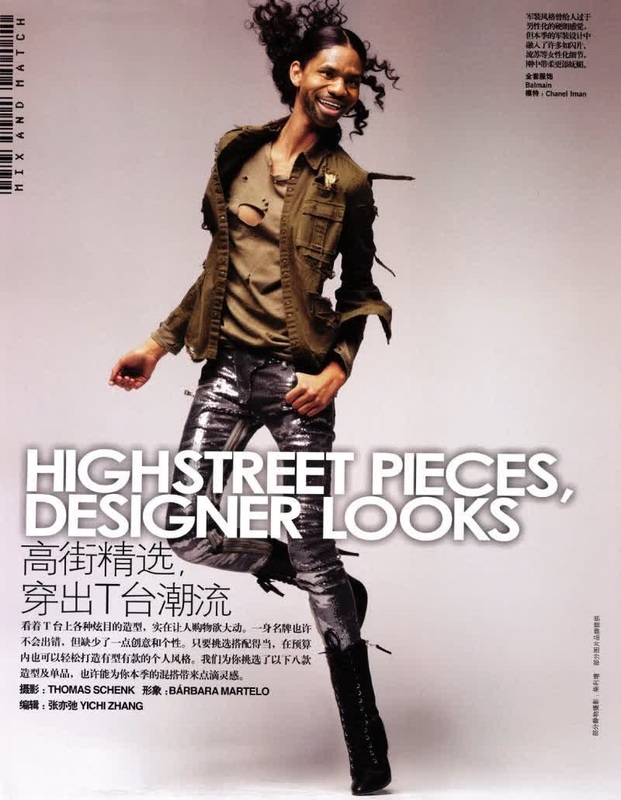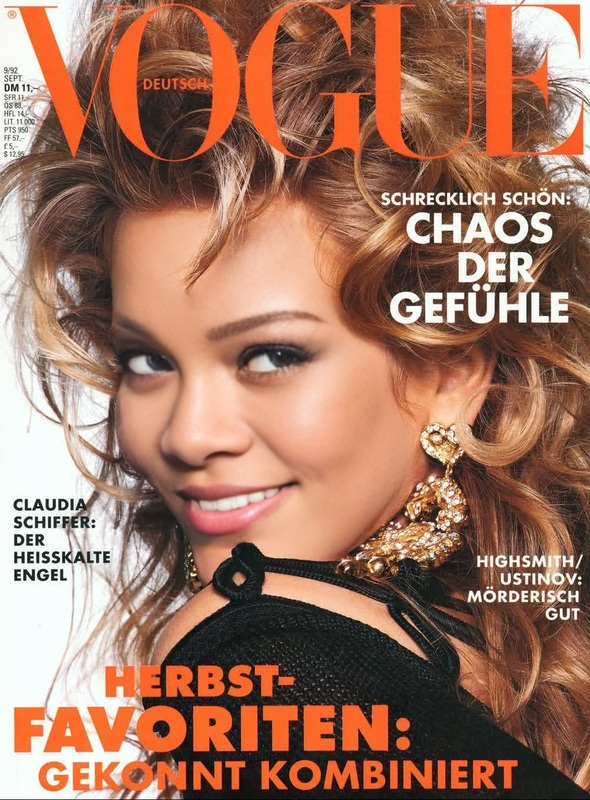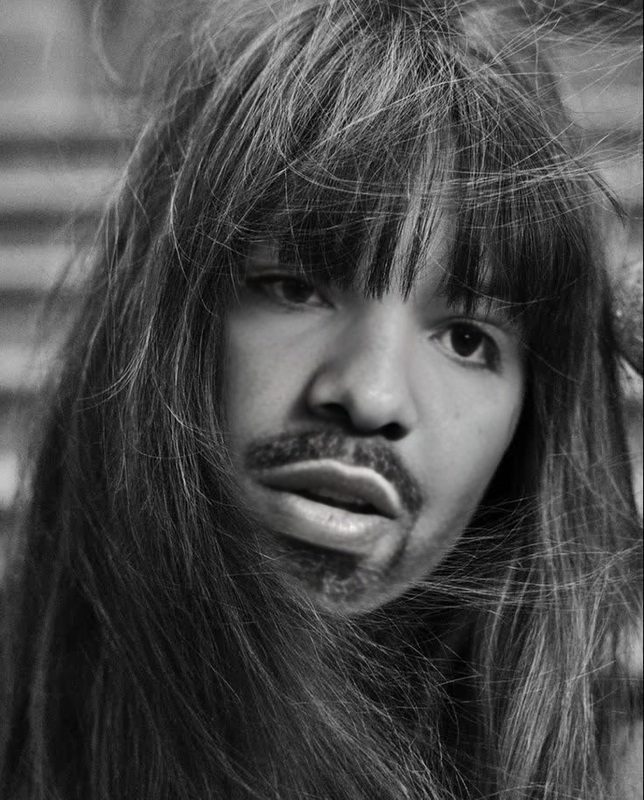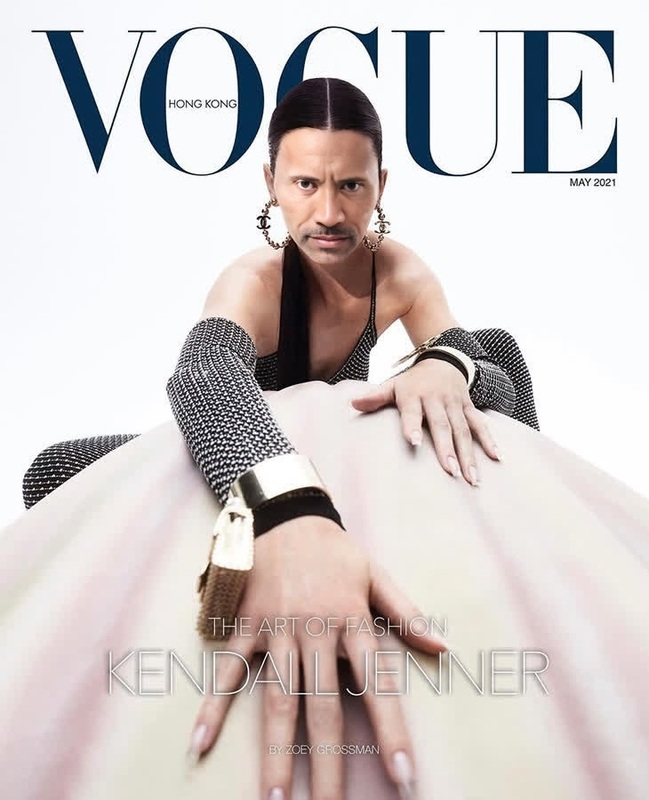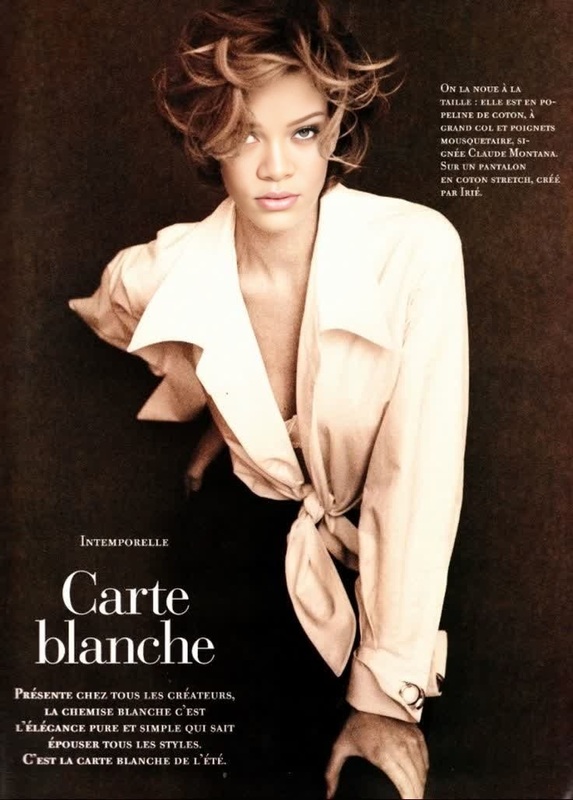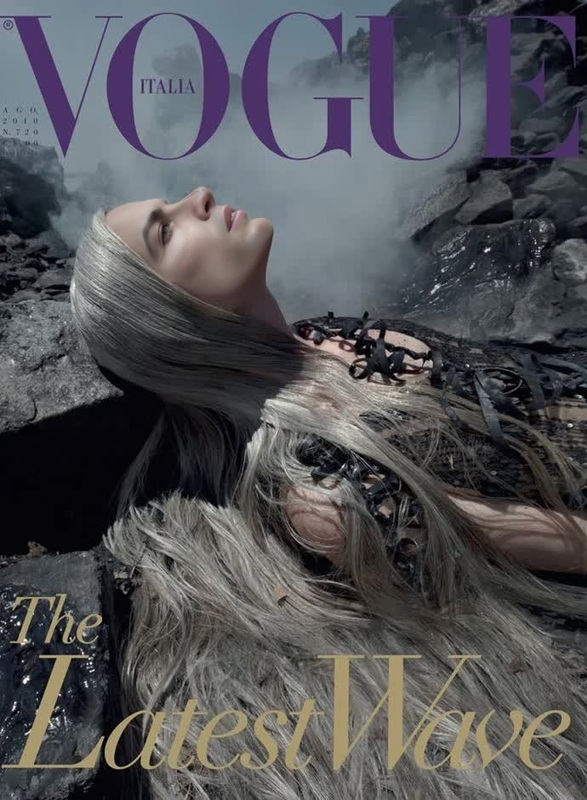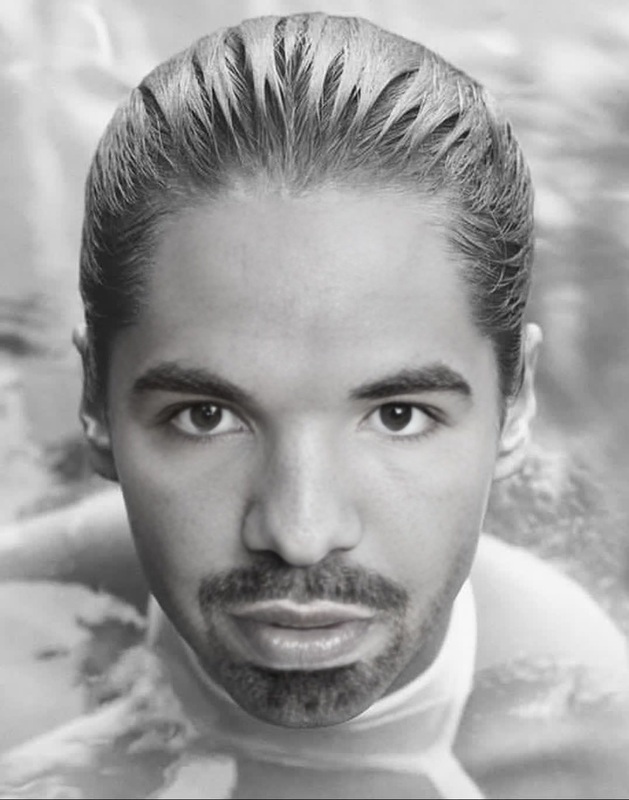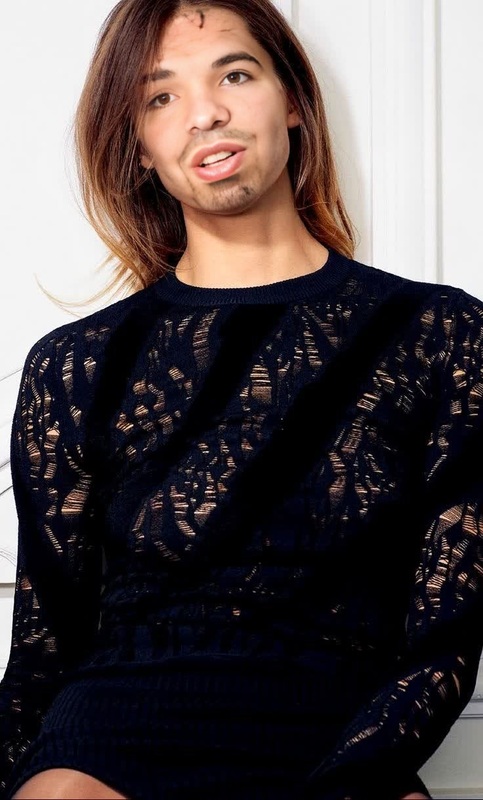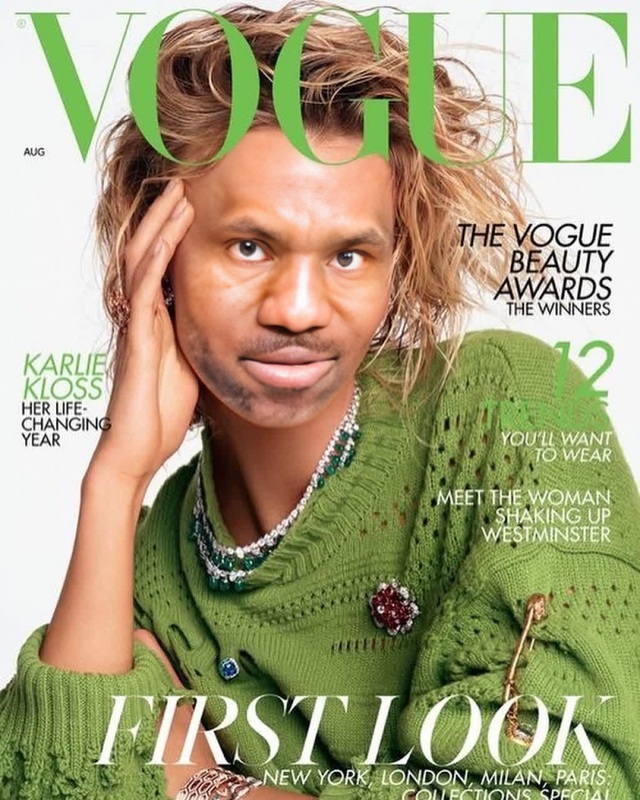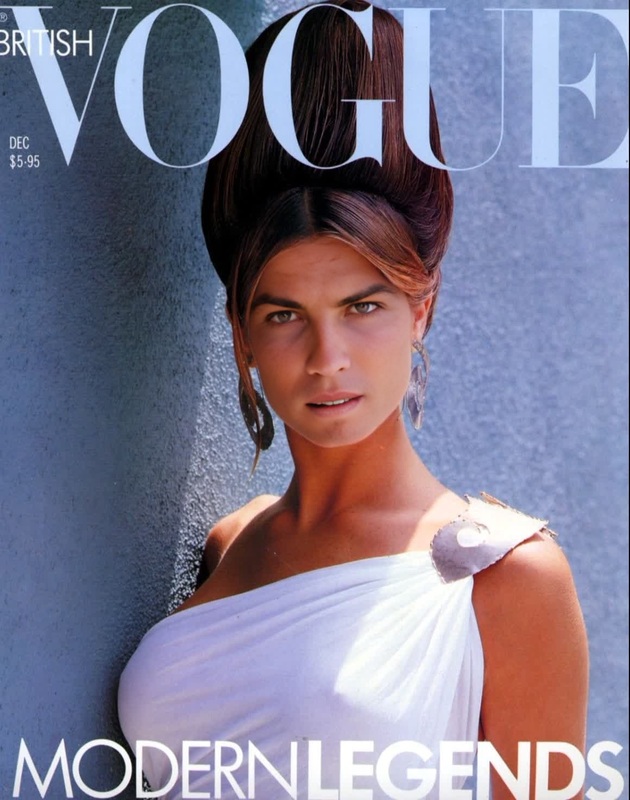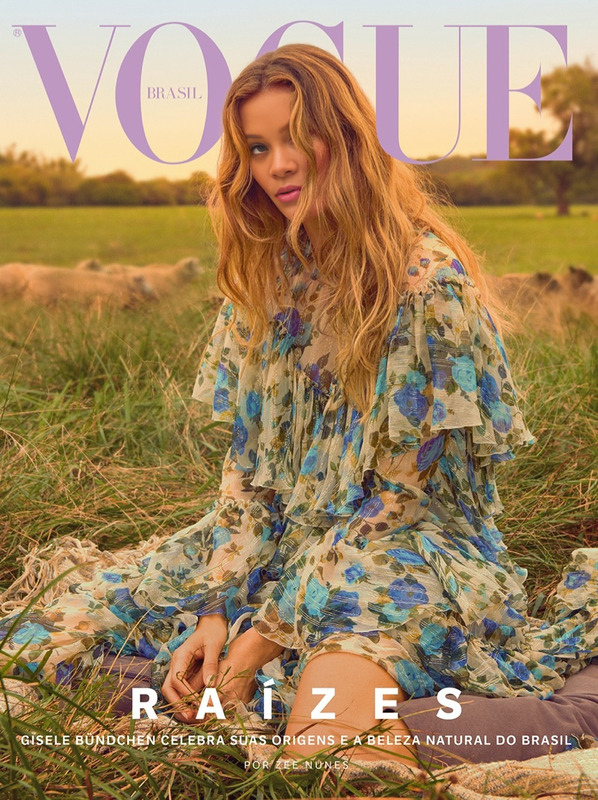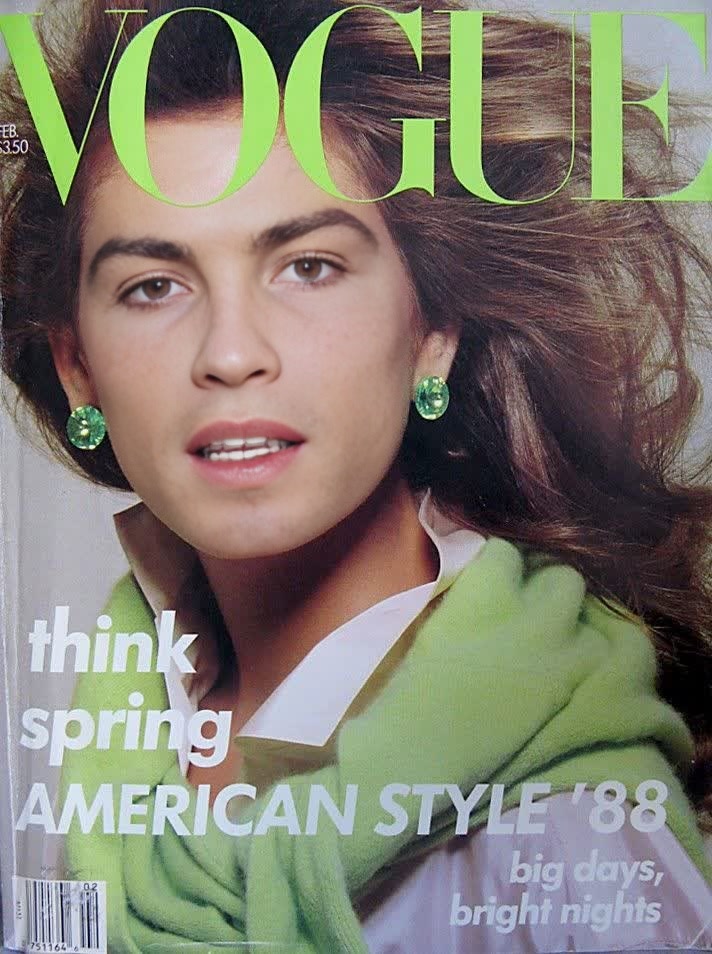
Cindy Crawford Vogue Us Editorial Portrait
- Image
- 712 × 954 px
Any aspect ratio
Overview
Transform your videos with the Cindy Crawford Vogue US Editorial Portrait template. This Video Face Swap tool enables you to create stunning portraits by seamlessly integrating your facial features into iconic editorial shots. Elevate your content to an art form, combining classic fashion photography with modern technology.
What It Does
This template allows you to swap any face with a classic Cindy Crawford Vogue editorial portrait, creating a high-fashion video result. With the AI Video Generator, ensure every frame captures the essence of professional photography. The outcome is delivered in popular video formats, ready for sharing or further editing.
Who It's For
If you're a content creator, fashion enthusiast, or simply a fan of transformations, this template is designed for you. Photographers can use it to explore creative boundaries, while social media influencers can captivate audiences with unique, editorial-style videos.
Summary
The Cindy Crawford Vogue US Editorial Portrait template offers a creative twist on traditional face swaps. It's not just about swapping faces; it's about integrating artistry into digital transformations, powered by advanced AI models. Discover related capabilities with our AI Face Editor and further expand your creative toolkit.
How To
Choose the Template

Customize Your Inputs

Generate and Download

Use Cases
Fashion Portfolio Enhancement
Social Media Engagement
Creative Experiments
Best Practices
Select High-Quality Images
For the best results, use high-resolution images to ensure clear and striking video outputs.Align Faces Accurately
Take advantage of adjustment tools to perfectly align face boundaries for a natural look.Test Different Styles
Experiment with various portraits to see how different expressions and angles affect the outcome.
Frequently asked questions
More Like This