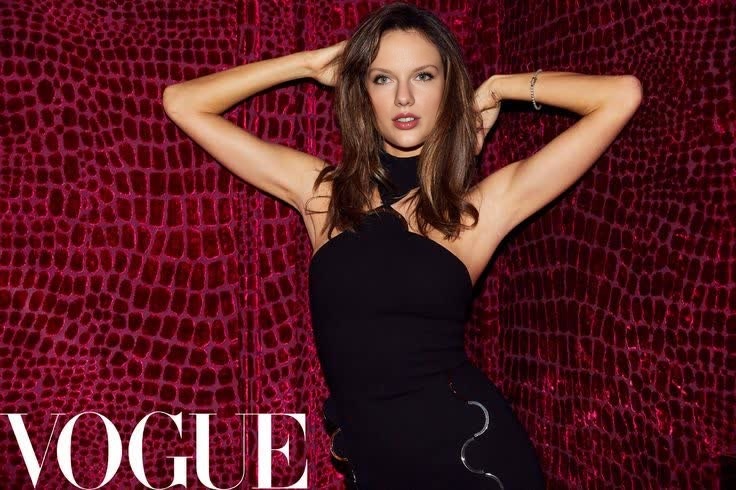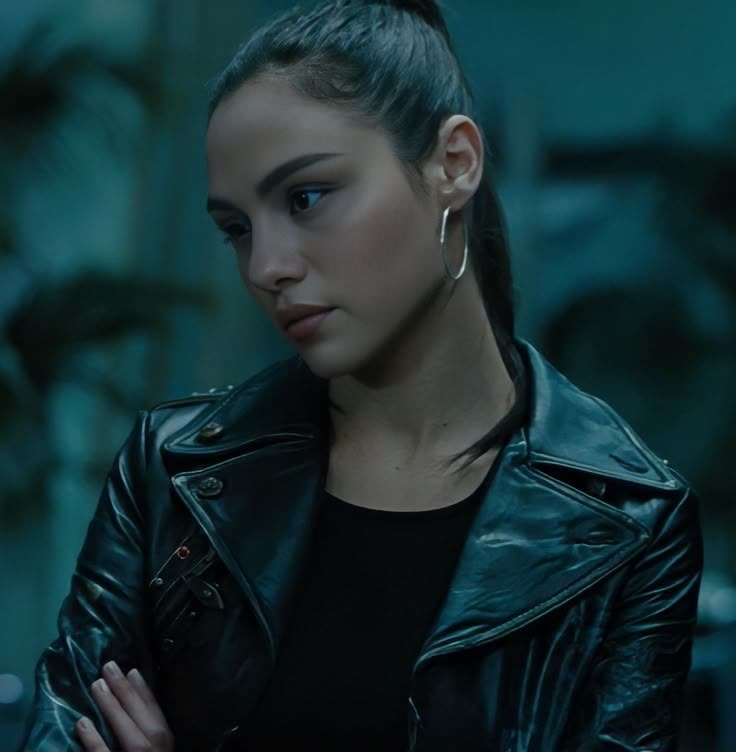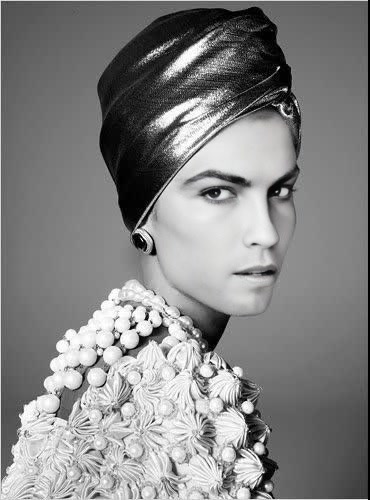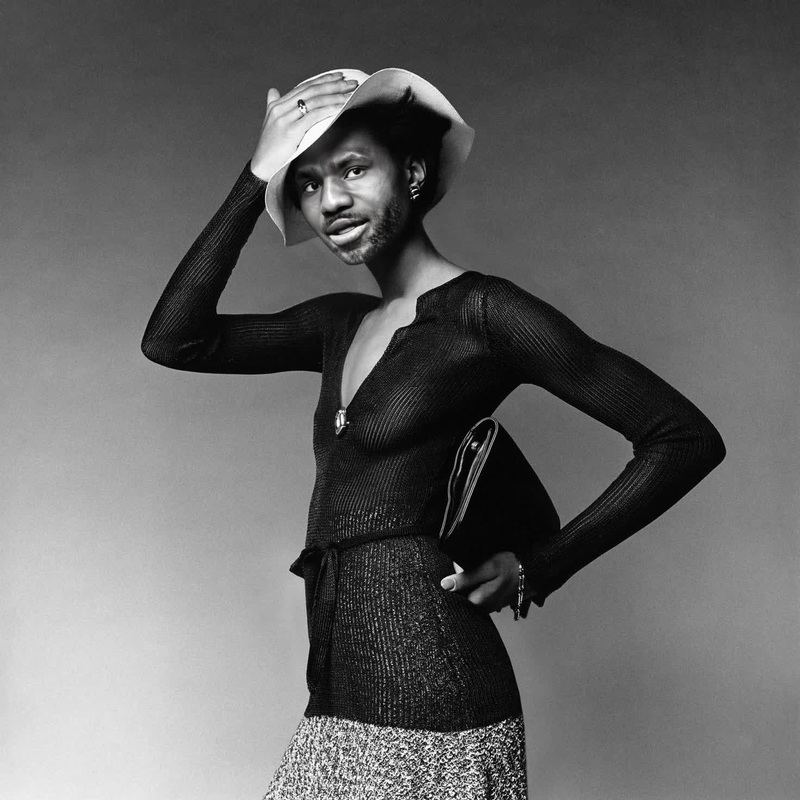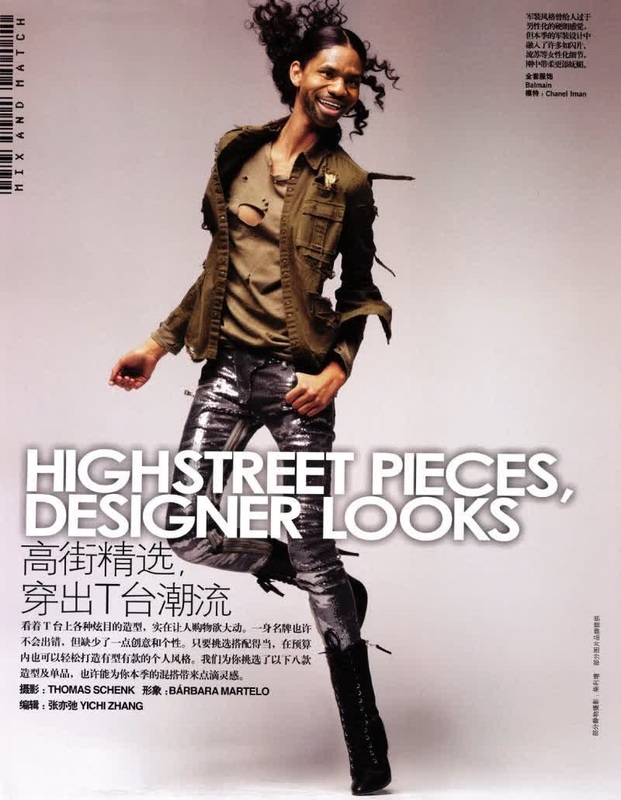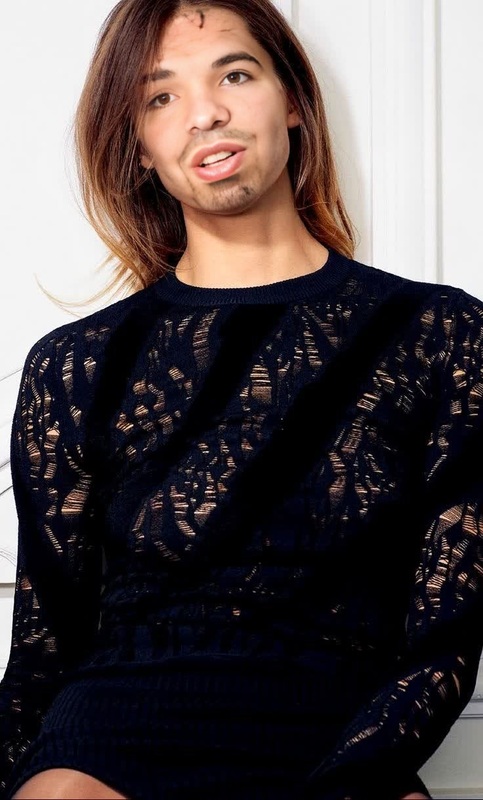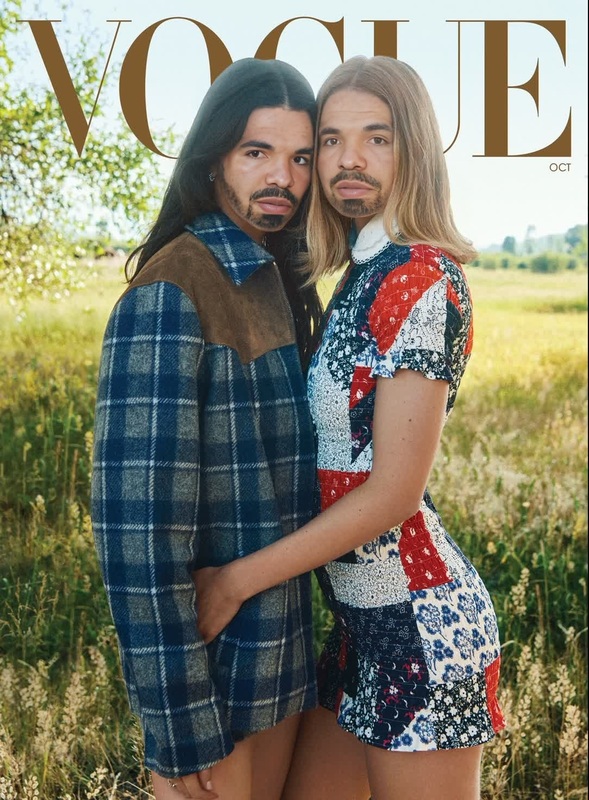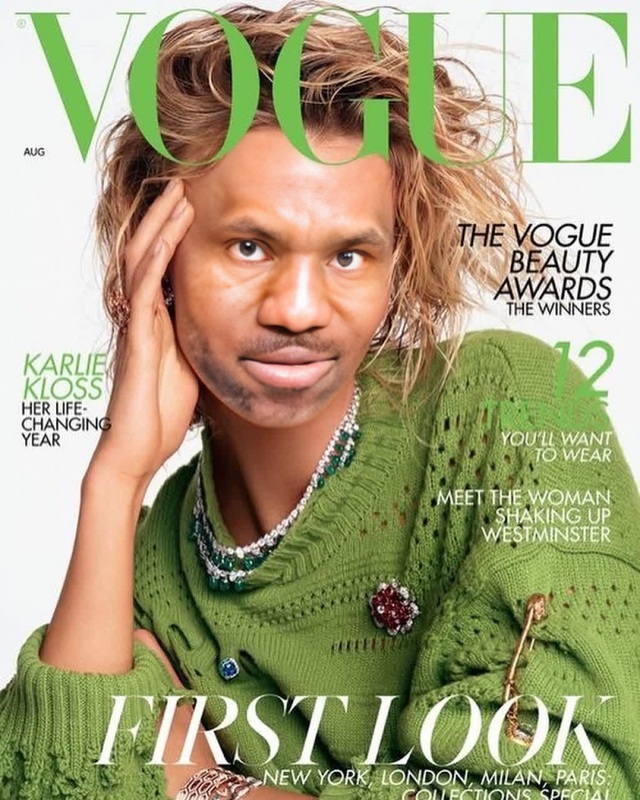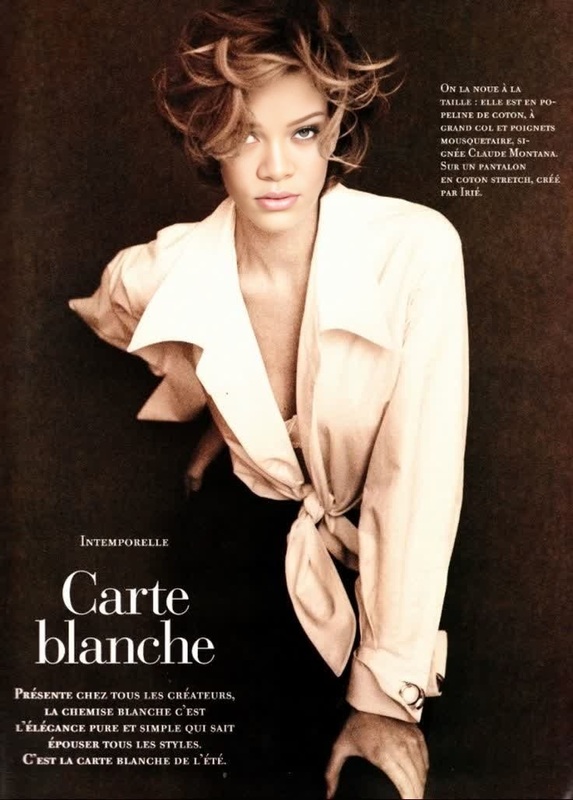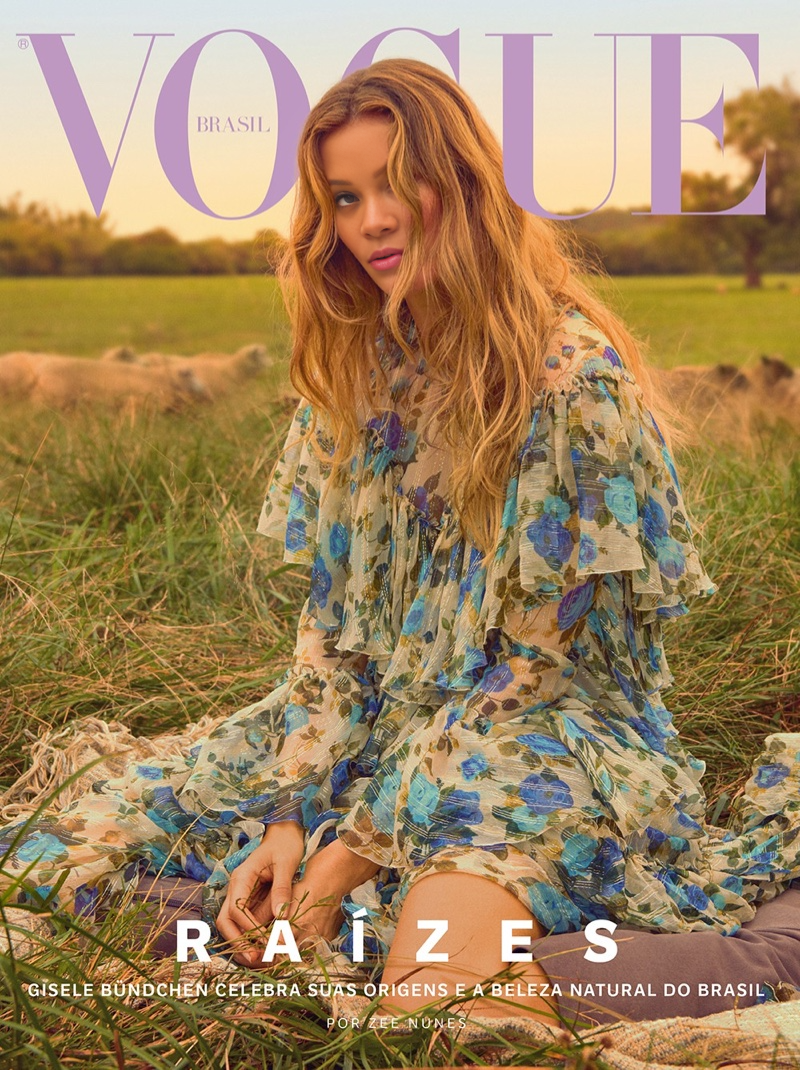
Gisele Bundchen Vogue Brazil Editorial Portrait
face-swap
Any aspect ratio
Tags
transformationsTransform Any Video with AI Face Swap (MagicHour Template Guide)
Use this template to instantly replace a face in any video with your own, a client’s, an actor’s, or a character—without learning VFX or editing tools. It’s built on MagicHour’s Face Swap technology and the Face Swap Video creator, so you can go from idea to share‑ready content in minutes.
This page explains what the template does, how to remix it, and how to build your own custom version for campaigns, UGC, prototypes, or production workflows.
What This Template Does
This template uses AI face swapping to:
- Replace a person’s face in an existing video while keeping:
- Original body, motion, lighting, and camera movement
- Expressions, eye gaze, and timing of the source performance
- Generate realistic, high‑resolution output suitable for:
- Ads and promo videos
- UGC concepts and social content
- Product explainers and mockups
- Character tests and previsualization
Under the hood, it’s powered by the same engine as:
- Face Swap Video – swap faces in full‑length clips
- Face Swap – general face swap product
- Face Swap GIF – lightweight loops and memes
How to Remix This Template in MagicHour
You can use this template as‑is, or treat it as a starting point for your own version. Remixing is ideal if you want to adapt it for a specific brand, persona, or campaign.
1. Open the Template in MagicHour
- Start from the template’s page in MagicHour.
- Click through to the Face Swap Video creator.
- The base structure (input video + face source) is already set up for you.
2. Swap in Your Own Source Face
You can create multiple variants of this template simply by changing the source face:
- Upload a selfie, headshot, or brand character image
- Or use content you’ve previously generated with:
- AI Headshot Generator for polished, studio‑style faces
- AI Face Generator for synthetic, non‑identifiable faces
- AI Selfie Generator for casual or social‑style looks
- Avatar Generator for stylized avatars
Ethical and legal note: if you’re using real people’s faces, make sure you have clear permission and understand likeness, publicity, and IP rights in your jurisdiction.
3. Change the Base Video
To repurpose the template for a new use case:
- Upload a different base video (the one whose body, motion, and background you want to keep)
- Use content you shot yourself, stock footage, or video you generated with:
- Image to Video – animate a static image first, then swap the face
- Text to Video – generate a synthetic actor and later replace the face
This is a powerful pattern:
Text/Image → Video → Face Swap for fully synthetic but controllable actors.
4. Chain With Other MagicHour Tools
You can turn this single template into an end‑to‑end pipeline by combining it with:
-
- First: swap the face in your base video
- Then: use Lip Sync to match the mouth and expressions to your script or voiceover
-
- Create quick talking head prototypes from static images, then evolve them into full Video to Video or Face Swap flows
-
- Stylize or transform the entire video (cinematic, anime, illustration)
- Then apply face swap for consistent characters across visual styles
AI Voice Cloner + AI Voice Generator
- Pair your face‑swapped actor with a cloned or synthetic voice for complete virtual talent
-
- Add captions and translations to your final video for social distribution and international campaigns
Common Use Cases for This Face Swap Template
This template is optimized for practical, production‑oriented workflows:
1. Creative Testing & Concepting
- Test casting or character ideas before shooting
- Produce visual mockups for clients or stakeholders
- Validate concepts for campaigns or UGC programs without full production costs
Combine with:
- AI Image Generator or AI Art Generator to design looks and characters first
- AI Photo Generator for photorealistic bases
2. Marketing & UGC
- Generate influencer‑style content with a consistent brand persona
- Localize creators or ambassadors per region (with permissions)
- Rapidly iterate on creative variations for A/B testing
Chain with:
- AI Meme Generator for reaction clips and social posts
- Thumbnail Maker for video covers and YouTube shorts
3. Product, App, and Startup Demos
- Show your app, workflow, or AI feature with a recognizable “host”
- Produce demo videos for landing pages, pitch decks, and investor updates
- Create explainer content without hiring a live presenter each time
Useful add‑ons:
- AI Image Upscaler and Video Upscaler for higher‑resolution deliverables
- Image Background Remover or AI Background Generator for polished assets
4. Characters, Storytelling & IP
- Keep the same character across multiple videos with different bodies, outfits, and locations
- Turn concept art into screen‑ready characters by pairing:
- Animated Characters Generator or
- AI Anime Generator
with face‑swapped performances
Combine with:
- Animation and Video to Video for stylized story content
- Comic Book Generator or Book Cover Generator for transmedia visuals
How to Build Your Own Face Swap Template (From Scratch)
If you want a reusable, brand‑specific template instead of just using this one:
Define Your “Default Actor”
- Create or pick a single default face (brand mascot, founder, fictional character)
- Use AI Headshot Generator or AI Face Editor to standardize the look
Produce a Reusable Base Video
- Shoot a simple base video: talking to camera, demoing a product, or performing generic motions
- Or generate it using Image to Video or Text to Video
Create a Reproducible Flow in MagicHour
- Go to Face Swap Video
- Use your default actor as the source face and your base clip as the target video
- Save or document this combination so you can reuse it as a “house template”
Extend With Parallel Templates
- Build specialized variants for:
- Short vertical content
- Tutorial / demo formats
- Announcement or promo intros
- Use the same source face but different base videos, so your brand persona stays consistent across all content types
- Build specialized variants for:
Once you’ve built this pattern once, you can scale new content by only changing the script, the voice, or the background—while the core persona remains stable.
Quality, Realism, and Best Practices
Modern face‑swap systems (including MagicHour’s) use deep learning models (e.g., encoder–decoder and diffusion‑based techniques) to map facial structure, pose, and expression from a source person onto a target. To get robust, realistic results:
- Use clear, front‑facing source images or headshots
- Avoid heavily obstructed faces (large sunglasses, masks, extreme angles)
- Keep lighting roughly consistent between the source face and the target video
- For long‑form content, test with a short segment first before scaling production
Relevant tooling to improve your source assets:
- Unblur Image for sharpening soft photos
- Photo to Sketch + AI Image Generator for stylized pre‑visualization
- Old Photo Restoration and Photo Colorizer when you’re working with archival images
Compliance, Permissions, and Responsible Use
AI face swapping is powerful and sensitive. For commercial or public projects:
- Get explicit consent from any identifiable individual whose face you use
- Check image and likeness rights in your contracts and licensing agreements
- Avoid deceptive contexts (e.g., misleading endorsements, manipulated news)
- Consider using fully synthetic faces via AI Face Generator to avoid real‑person risk
For brand‑safe experimentation, a common workflow is:
Synthetic Face (AI) → Synthetic Voice (AI) → AI Video (Text/Image) → Face Swap → Lip Sync → Subtitles
All of this can be built within the MagicHour ecosystem using the tools linked on this page.
Related MagicHour Tools for Advanced Workflows
If you want to push this template further, these tools integrate well with Face Swap:
Visual generation & editing:
Style & worldbuilding:
Identity & branding:
These tools let you keep everything—faces, outfits, environments, and brand assets—inside one coherent AI‑native pipeline.
How to Get the Most Out of This Template
- Treat it as a production block, not just a one‑off effect
- Standardize your source faces and base videos to build repeatable patterns
- Combine Face Swap with Lip Sync, Text/Image to Video, and AI Voice tools for end‑to‑end, script‑to‑screen automation
- Use synthetic faces when you want to de‑risk legal and reputational exposure
To start experimenting now, open the template and jump into Face Swap Video. From there, you can swap in your own faces, replace the base clip, and evolve this into a customized, scalable template for your brand or product.