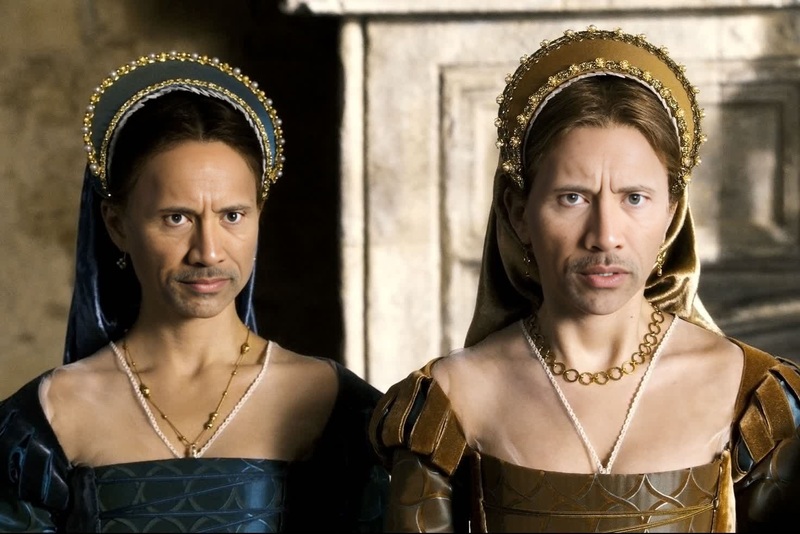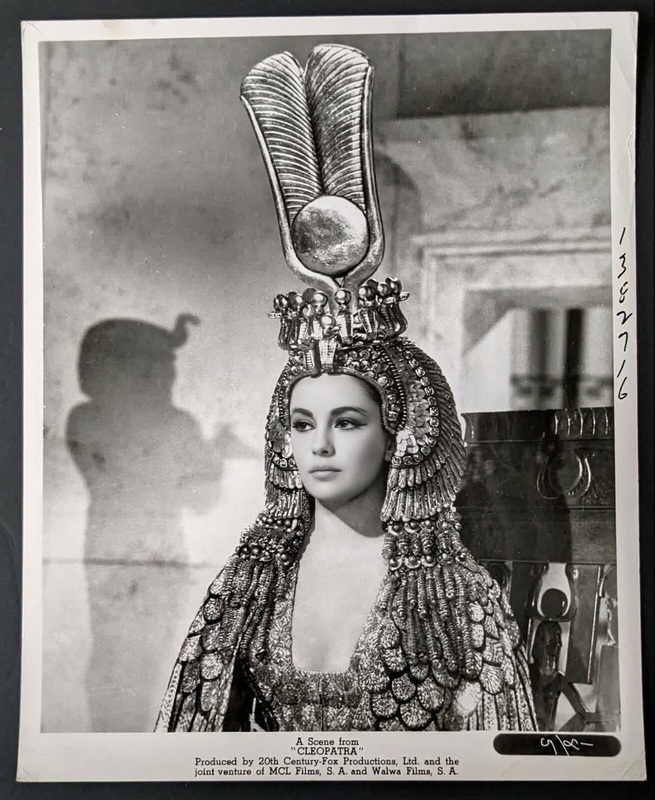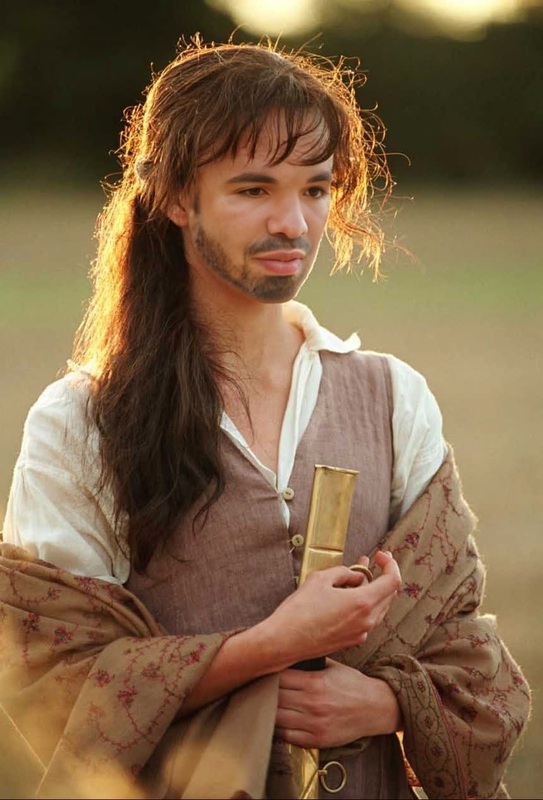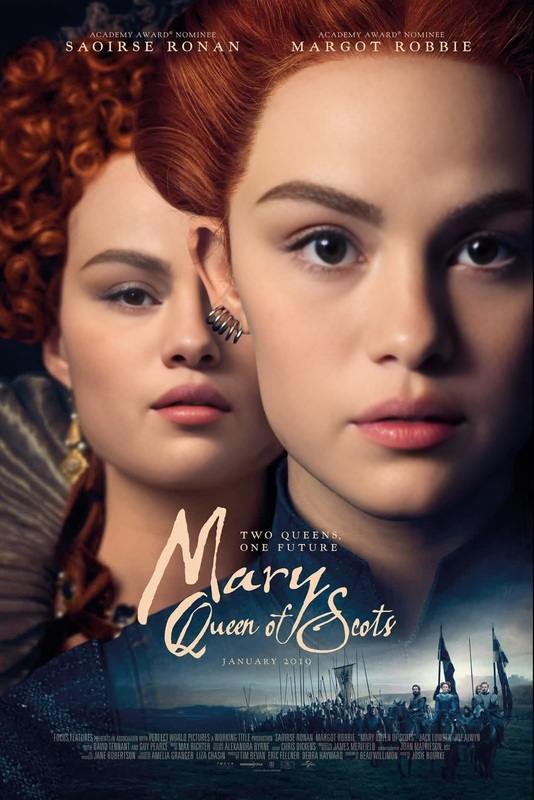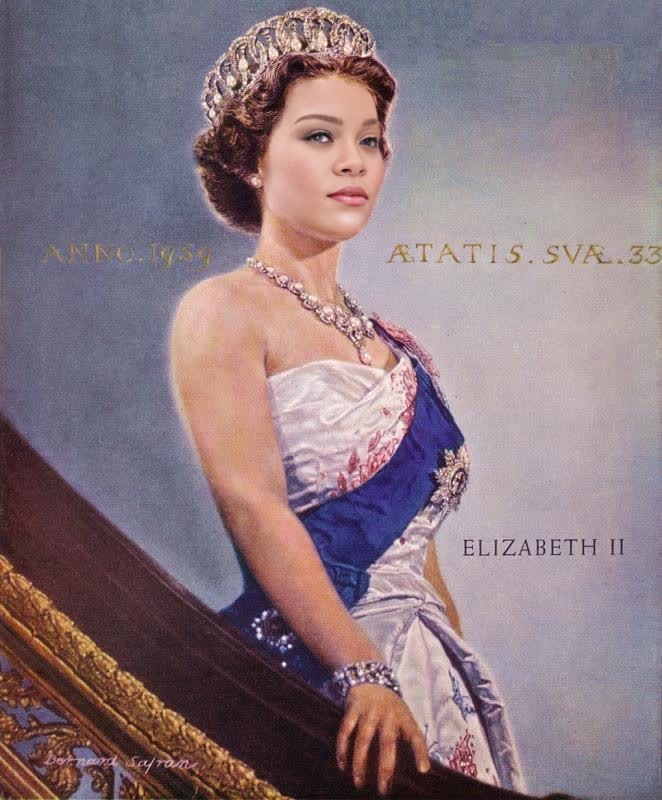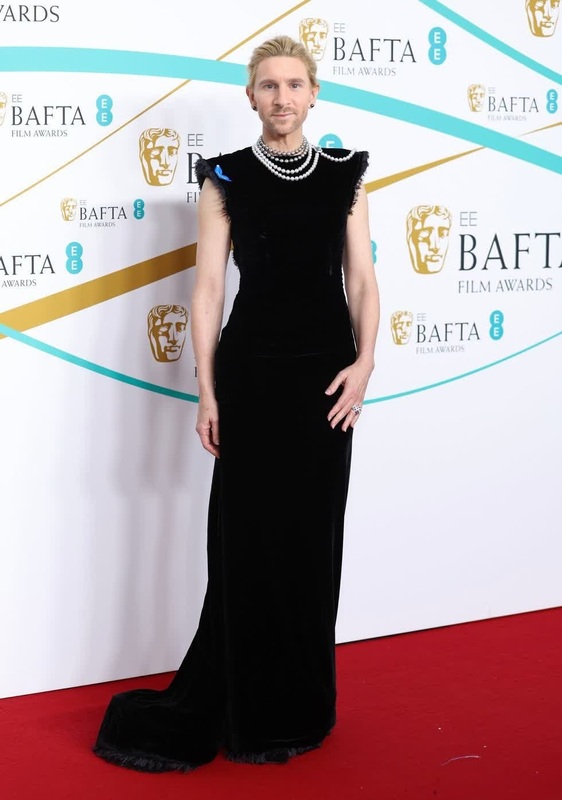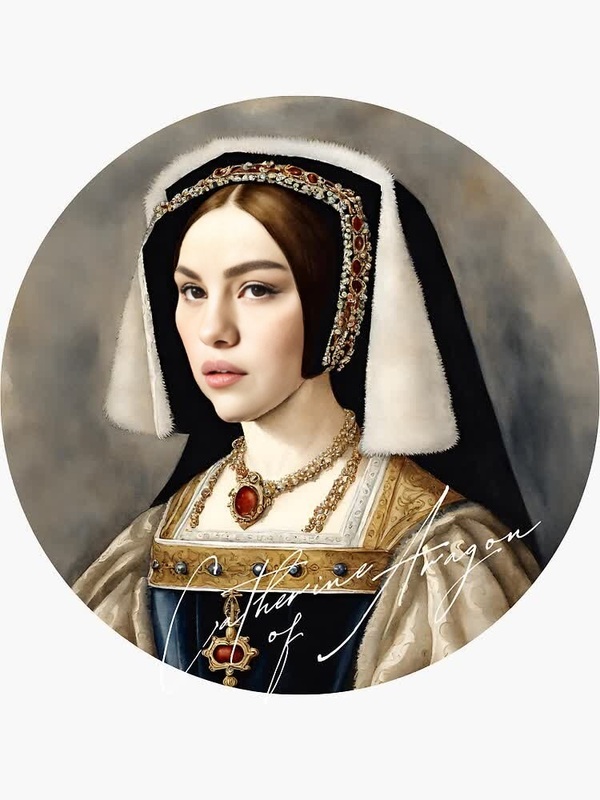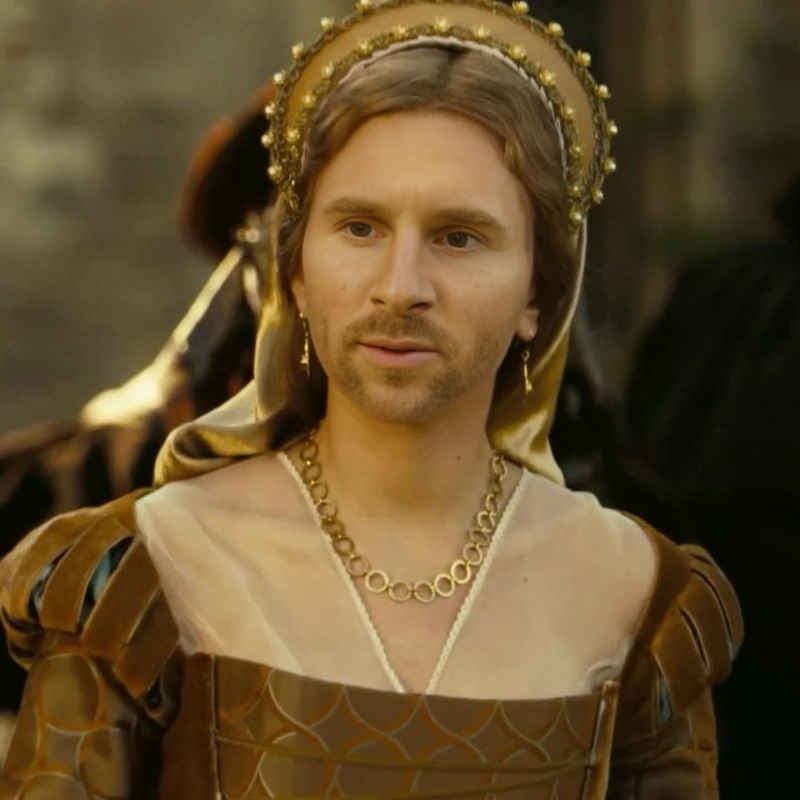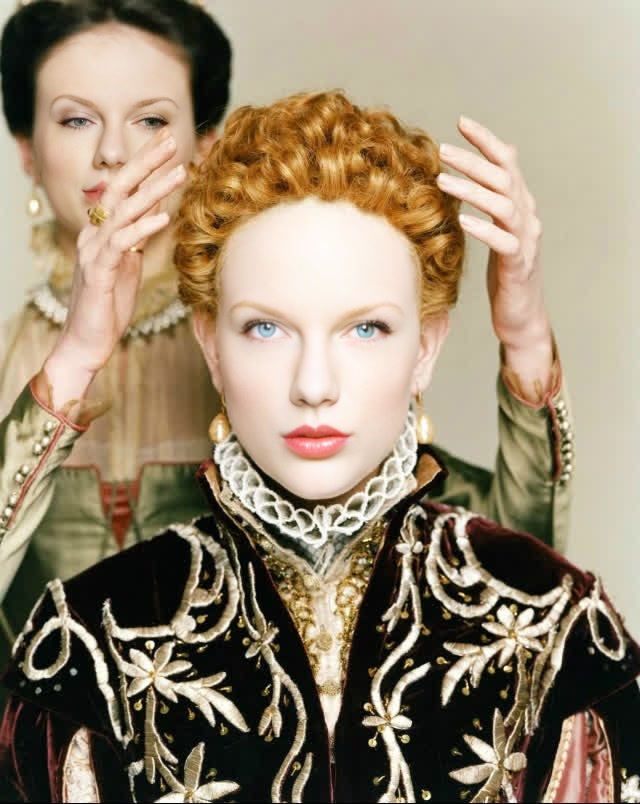
Elizabeth I Cate Blanchett Film Portrait
- Image
- 640 × 804 px
Any aspect ratio
Overview
Step back into the Tudor era and craft a stunning video with our Elizabeth I Cate Blanchett Film Portrait template. This Video Face Swap template allows you to transform your footage by placing yourself or your subjects into the regal visage of Queen Elizabeth I, portrayed by Cate Blanchett. Perfect for history buffs and creative filmmakers alike.
What It Does
This template enables users to perform sophisticated face swaps, integrating the distinct features of Cate Blanchett as Queen Elizabeth I into your video projects. With the latest in AI technology, gain access to video-to-video transformations that bring a touch of Renaissance grandeur to any scene.
Who It's For
Designed for filmmakers, content creators, and enthusiasts of historical dramas, this template provides a unique opportunity to reimagine scenes with the celebrated looks of Elizabeth I. If you're tasked with creating historical documentaries, character pieces, or promotional content, this could be the perfect tool. Great for users familiar with AI image editing who want to expand into video content.
Summary
Embrace your passion for period pieces and transform ordinary footage into extraordinary regal displays. Use the Elizabeth I Cate Blanchett Video Face Swap template for unmatched visual storytelling by embodying the essence of one of history's most iconic queens.
How to Use
Choose the Template

Customize Your Project

Generate and Download

Use Cases
Historical Documentaries
- Augment educational content with realistic face swaps
- Enrich narrative videos about Elizabethan England
Promotional Films
- Stand out in film festivals with unique video transformations
- Craft trailers that captivate and entertain
Cultural Installations
- Produce engaging visual displays
- Offer interactive experiences with historical accuracy
Best Practices
High-Quality Footage
Use high-resolution video to capture details and nuances in facial expressions accurately.Lighting Consistency
Ensure consistent lighting in your footage to enhance the realism of the face swap effect.Motion Match
Align facial movements between the source and target videos for a natural-looking result.
FAQs
More Like This