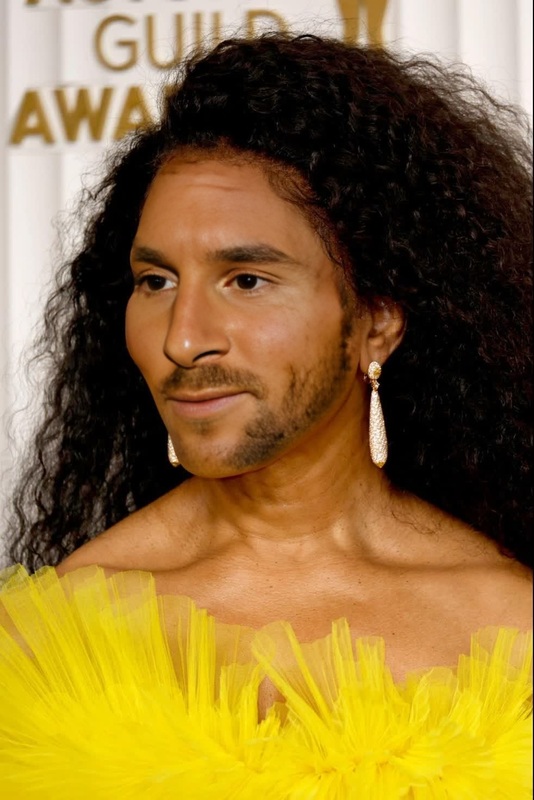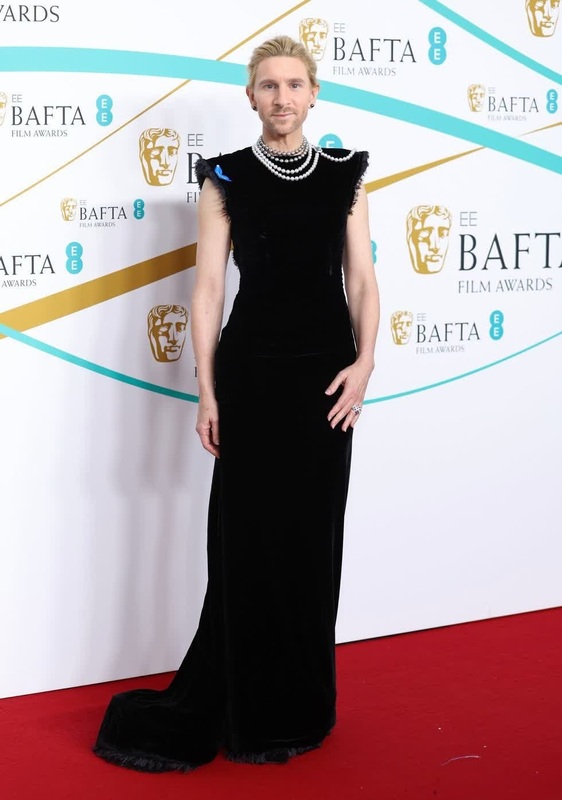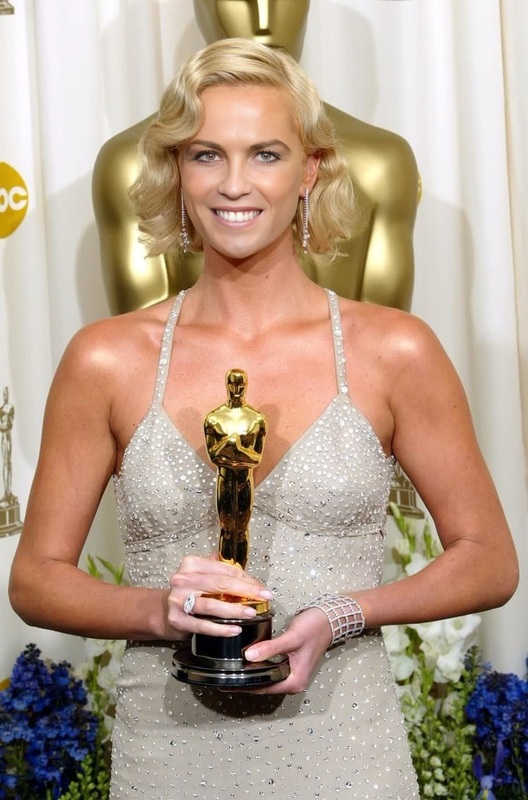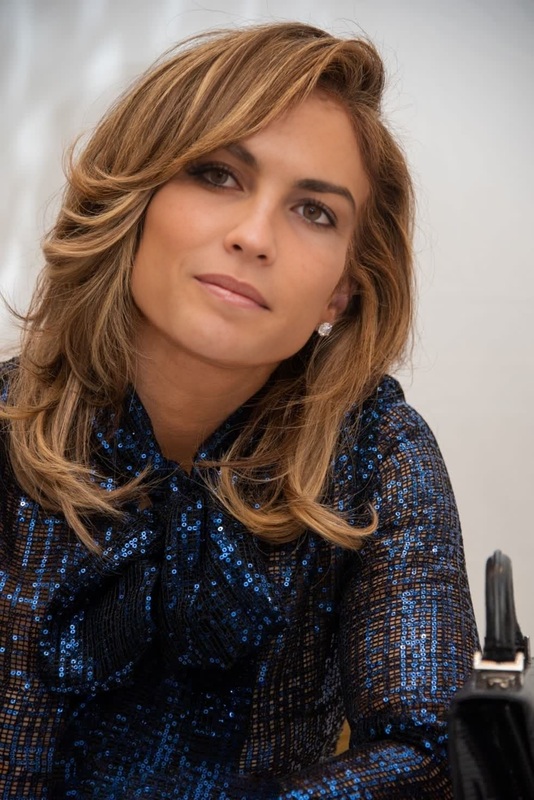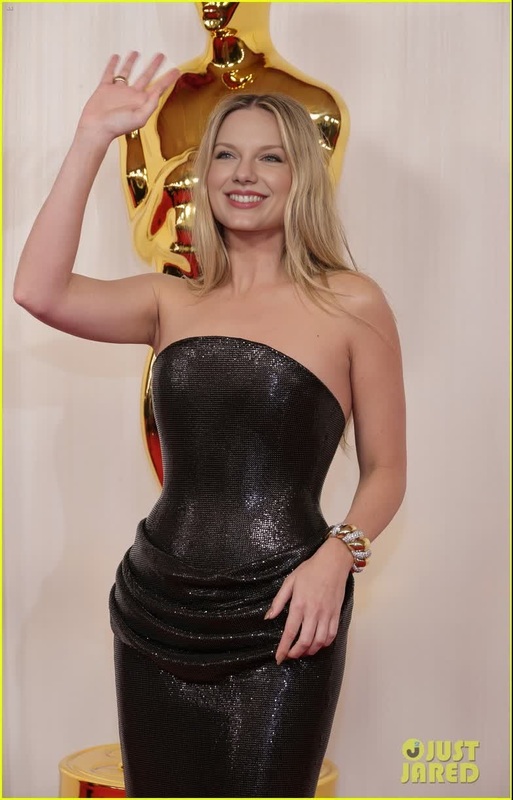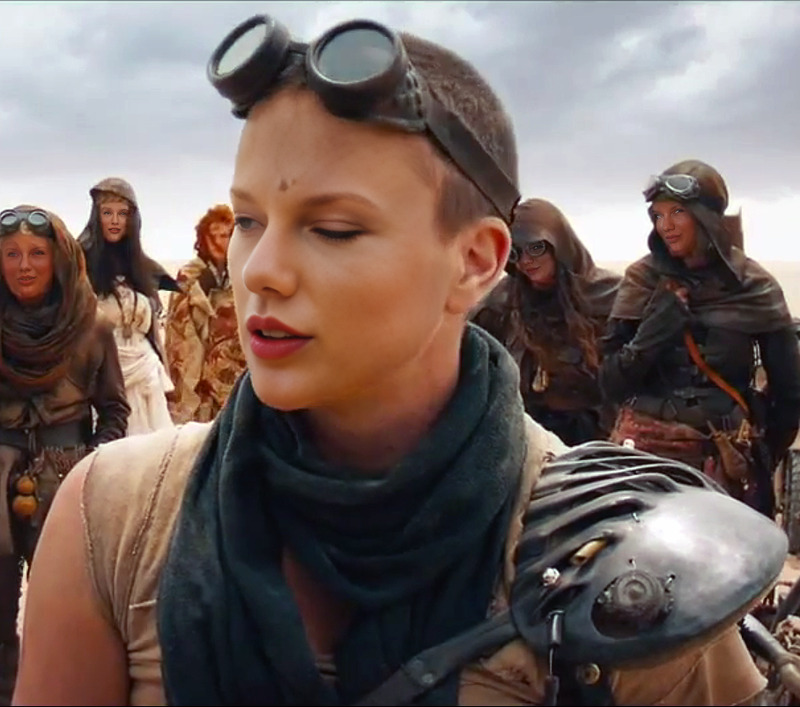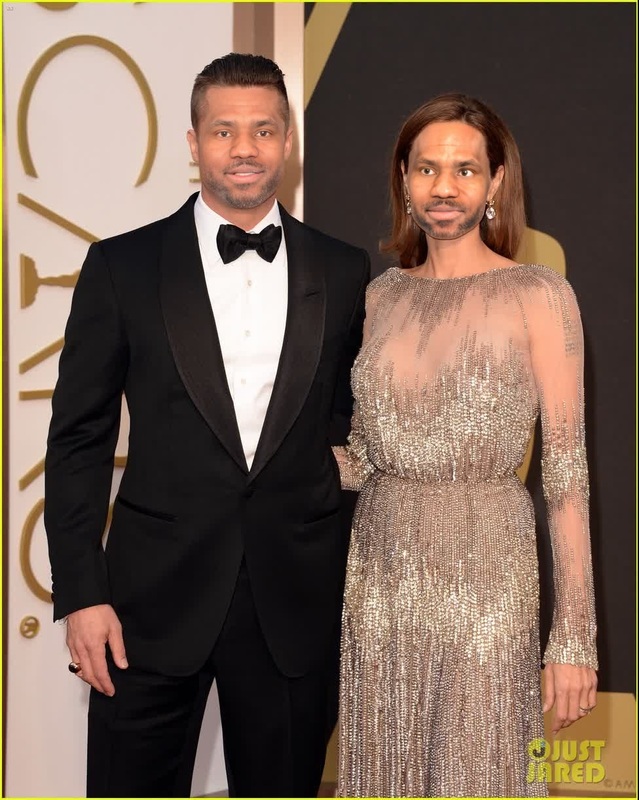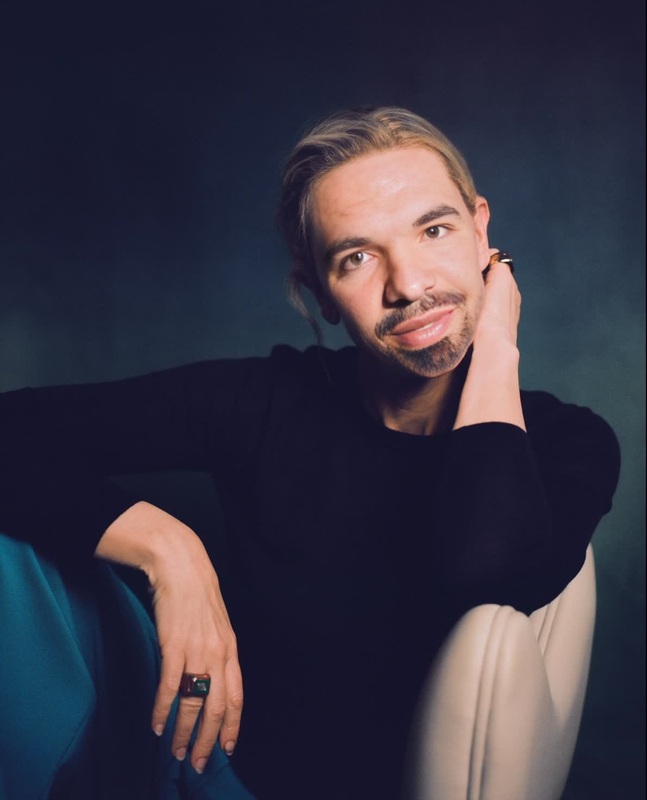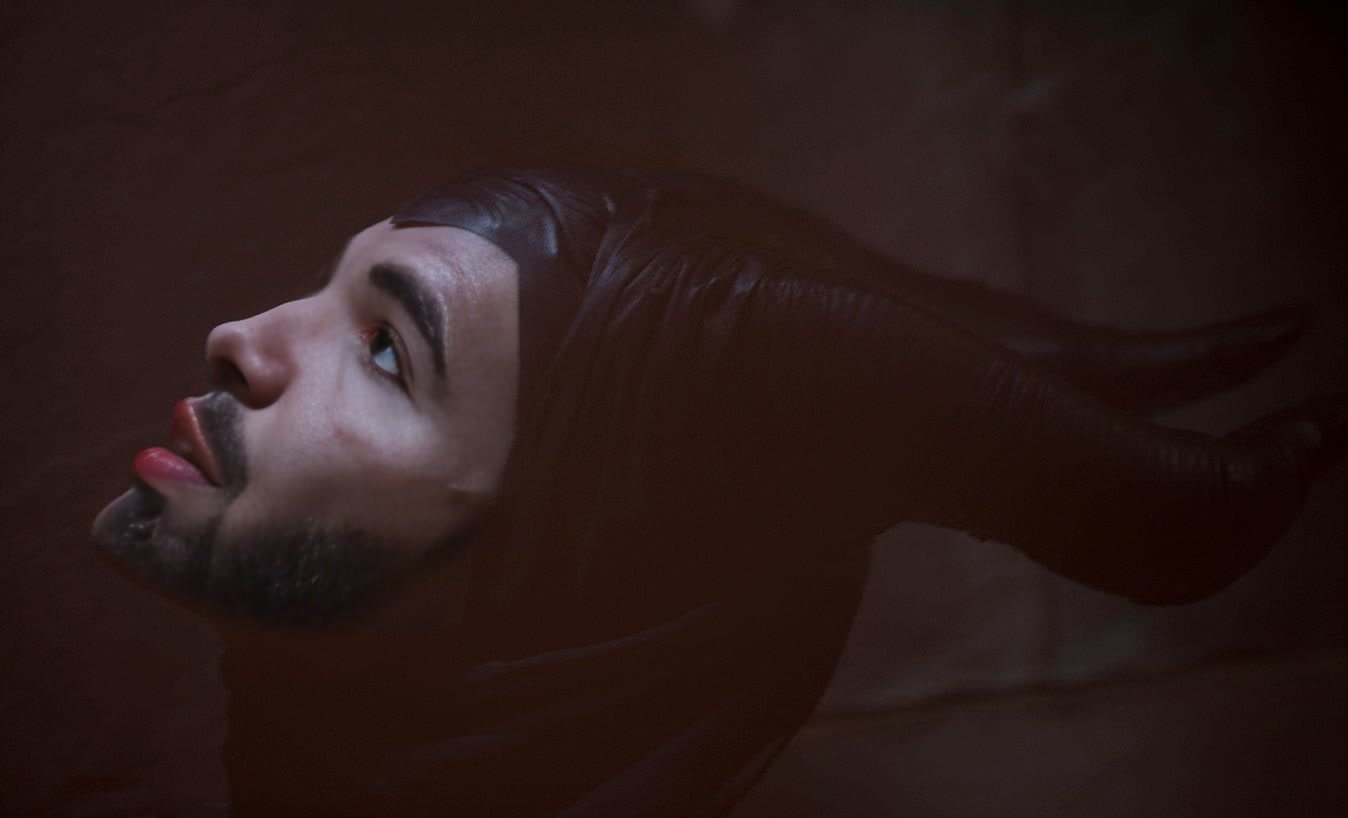
Angelina Jolie Maleficent Press Portrait
- Image
- 1348 × 818 px
Any aspect ratio
Overview
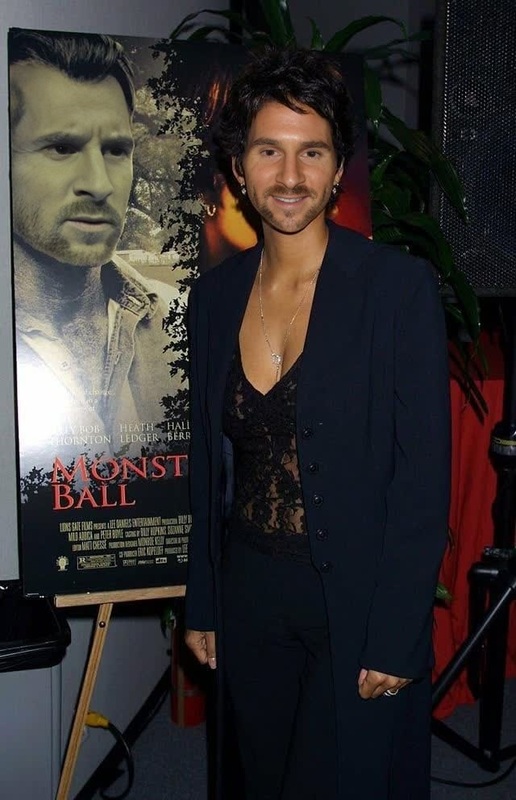
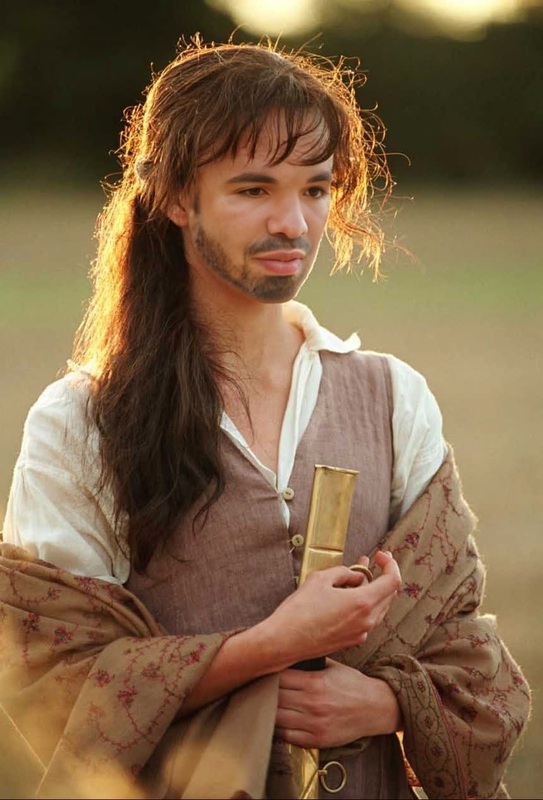
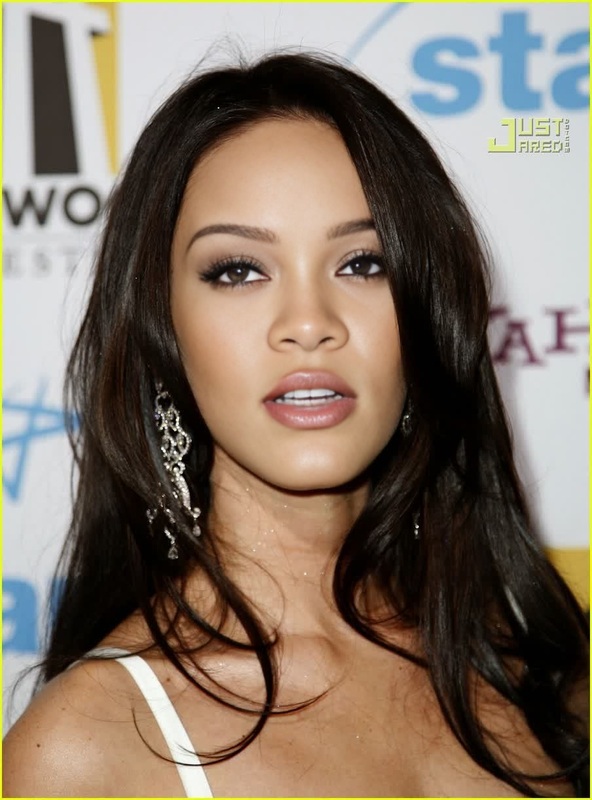
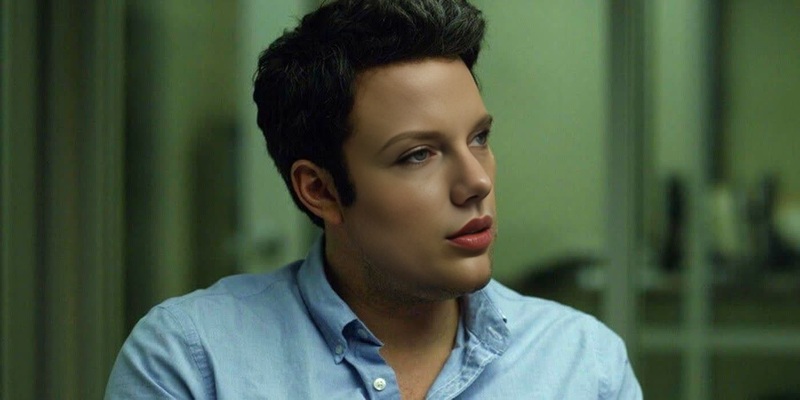
Step into the enchanting world of fantasy with the Angelina Jolie Maleficent Press Portrait face swap video template. This tool allows you to seamlessly transform your face into the iconic Disney character played by Angelina Jolie, giving your videos a magical touch. It's a quick way to capture the ageless allure of Maleficent in your personal content.
What It Does
This template leverages advanced face swap technology to replace your facial features with those of Angelina Jolie as Maleficent, without requiring extensive edits or technical expertise. Perfect for themed videos or social media content, it employs sophisticated algorithms that align your expressions with the character's visage.
Integrate this tool with products like the Video Face Swap for enhanced customization options, or explore the AI Image Editor for post-production tweaks.
Who It's For
The template is ideal for content creators, fans of the "Maleficent" movie, or anyone looking to add a touch of Hollywood glamour to their videos. Whether you're a social media influencer creating themed content or an enthusiastic cosplayer looking to perfect your digital look, this template caters to a wide range of creative needs.
For those who also enjoy creating compelling still images, consider using the Image to Video tool alongside this template to bring your photos to life.
Summary
Transform your videos into a magical spectacle with the Angelina Jolie Maleficent Press Portrait face swap. By using this template, you add an artistic edge and Hollywood flair to your content, ensuring engagement and surprise across your audience. Don't forget to enhance your project with tools like the AI GIF Generator to create versatile content formats from your videos.
How-To
Choose Your Template

Customize Your Input

Generate and Download

Use Cases
Cosplay Enhancements
- Create captivating cosplay introductions
- Enhance social media posts
- Perfect for virtual cosplay events
Social Media Content
- Increase engagement with cinematic content
- Participate in theme challenges
- Enhance video storytelling
Best Practices
Choose High-Quality Source Images
Ensure that your input photo or video is of high resolution to achieve the best swap results. Low-quality images may result in less precise facial mapping.Adjust Lighting Consistently
To maintain realism, match the lighting of your photo/video with that of the original Maleficent image. Consistent lighting helps in achieving a seamless blend.Utilize Additional Effects
Combine with tools such as the AI Video Generator for adding special effects and enhancing the visual appeal of your video.
Frequently asked questions
More Like This