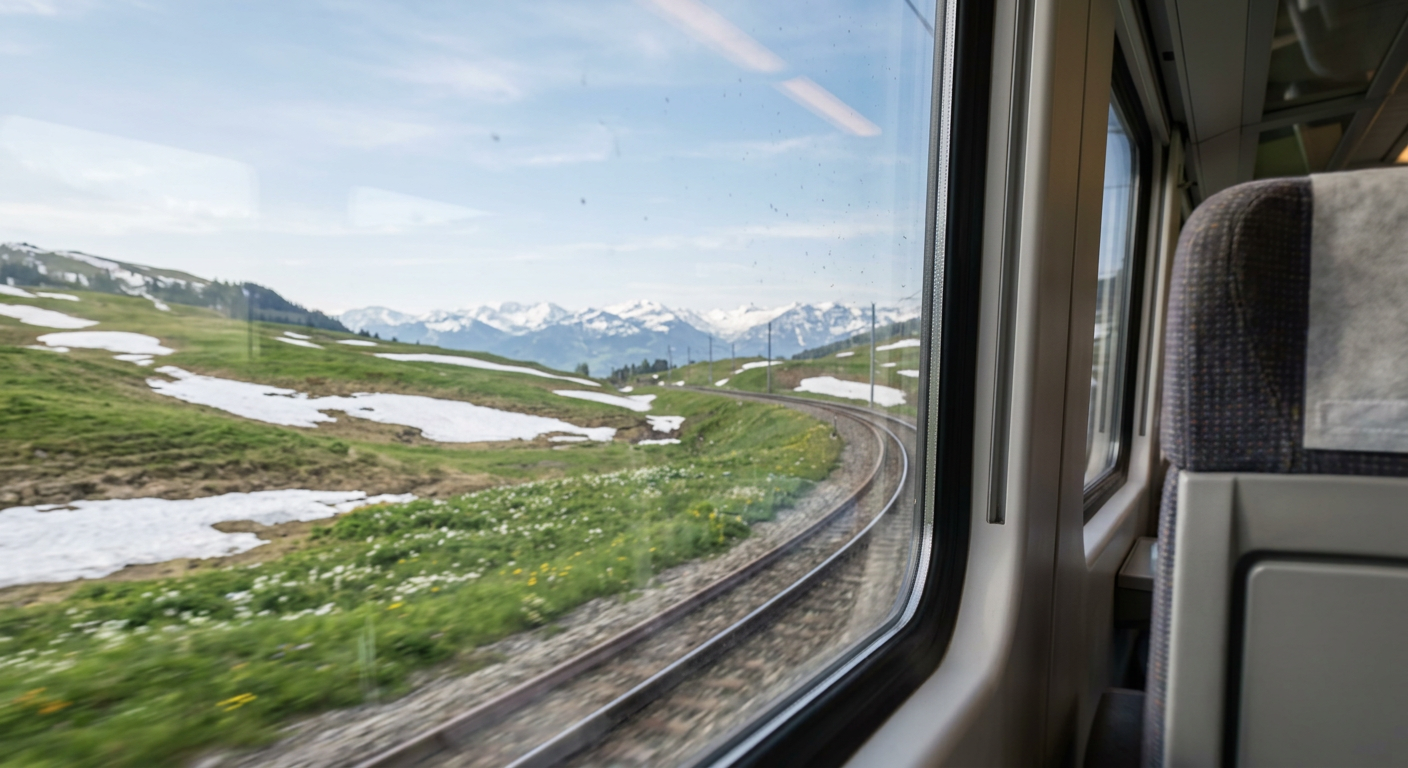
Train Window Spring Journey
ai-image-editor
Any aspect ratio
First-person view from a passenger seat inside a modern European train, looking out the right-side window as the train curves along the tracks; slight motion blur in the foreground with clear midground; outside shows early spring landscape with green grass, melting snow patches, small flowers, and distant snow-covered mountains; soft blue sky with light clouds; natural diffused sunlight; subtle reflections and dust on the window glass; calm, peaceful travel mood; ultra-realistic, cinematic, wide-angle, deep depth of field, high detail, 8K quality.
Transform Any Photo with AI Image Editor (Magic Hour Template)
Turn ordinary images into polished, on-brand visuals in minutes using this AI Image Editor–powered template. Whether you’re a solo creator, startup team, or marketing lead, this template gives you a repeatable workflow for editing, enhancing, and repurposing images directly in Magic Hour.
What This Template Is For
This template is built on the AI Image Editor and is designed for:
- Cleaning up product photos and social media assets
- Swapping backgrounds to match campaigns or seasons
- Fixing details (objects, faces, clothing, colors) without manual Photoshop work
- Creating multiple branded variants from a single base image
- Preparing images for use in video, ads, landing pages, and social
It’s ideal if you need high-quality visuals quickly and want a consistent, remixable workflow.
How to Remix This Template in Magic Hour
You can recreate and customize this template entirely inside Magic Hour. A typical remix flow:
Import your base image
- Upload a product shot, portrait, scene, or brand asset.
- High-resolution, well-lit images give you the most flexibility for editing and upscaling.
Define your editing goal clearly
Decide what you want to achieve:- “Remove distractions from the background for an e‑commerce listing”
- “Change the setting to a modern office for a LinkedIn banner”
- “Turn this selfie into a polished profile headshot”
Use AI Image Editor for targeted changes
With AI Image Editor, you can:- Remove objects or people with the AI Remover or Remove Object from Photo tools
- Change or clean backgrounds using the Image Background Remover and AI Background Generator
- Edit faces and expressions with AI Face Editor or AI Face Generator
- Refine clothing or style using the AI Clothes Changer or AI Outfit Generator
Enhance, fix, and restore quality
Before exporting, use:- AI Image Upscaler to sharpen and increase resolution for print or high‑quality social
- Unblur Image to recover soft or slightly out‑of‑focus shots
- Photo Colorizer or Old Photo Restoration for archival or vintage assets
Export, then reuse across Magic Hour tools
Once you have a base look you like, you can treat it as a reusable “asset template”:- Turn static images into motion using Image to Video or Text to Video
- Create GIFs for social with the AI GIF Generator
- Generate talking avatars from edited portraits using AI Talking Photo
Remixing is simply: start from this workflow → swap in your own images → adjust edits → save as a new template for your brand or client.
Example Use Cases
1. Startup & SaaS Marketing
- Clean, consistent founder and team photos for pitch decks and “About” pages using AI Headshot Generator
- Product feature images and hero sections built from edited screenshots and UI mockups
- On-brand thumbnails for YouTube, webinars, and product tours via Thumbnail Maker
Workflow:
- Start from this template
- Replace the sample image with a founder or product shot
- Use AI Image Editor + Image Background Remover to standardize backgrounds
- Upscale with AI Image Upscaler and export for your site, ads, and decks
2. Creators & Influencers
- Custom avatars and profile photos using the Avatar Generator or AI Selfie Generator
- Branded Instagram and TikTok cover images
- Meme-ready assets with AI Meme Generator
Remix ideas:
- Edit a selfie into multiple aesthetics (professional, cinematic, anime) by combining AI Image Editor with:
3. E‑commerce & Product Teams
- Clean product cutouts against white or on-brand gradients
- Lifestyle mockups by placing a single product image into different backgrounds and scenes
- Seasonal campaigns by quickly re‑theming existing assets
Useful tools in the same workflow:
- AI Background Generator for scene changes
- Watermark Remover for removing intrusive marks from your own assets
- AI Art Generator or AI Photo Generator for stylized brand art
Connect Image Editing to Video, Voice, and Animation
Because Magic Hour is multi‑modal, this template is a starting point, not an endpoint.
Once your image is edited:
Turn it into video content
- Animate characters or logos with Animation or Image to Video
- Convert product or brand visuals into short clips using Video to Video
Add faces and lipsync
- Combine edited portraits with Face Swap or Face Swap GIF
- Sync faces to audio with Lip Sync
Layer in AI voices
- Generate or clone voices using AI Voice Generator or AI Voice Cloner
- Edit narration or character voices with the AI Voice Changer
Polish the final video
- Improve resolution with Video Upscaler
- Add automatic captions via Auto Subtitle Generator
This makes the AI Image Editor template a central building block for a complete content pipeline: image → video → voice → publish.
Creative Extensions You Can Build as New Templates
You can turn this template into a series of reusable, domain‑specific templates for your team:
Brand Kit Template
- Standardized image treatment for all team photos, thumbnails, and hero images
- Combine: AI Image Editor + AI Logo Generator + Album Cover Generator for consistent visual language
Character & Worldbuilding Template
- Create recurring characters for games, comics, or campaigns
- Use: AI Character Generator, Animated Characters Generator, Fantasy Map Generator, and Dark Fantasy AI
Niche Visual Generators
- Book covers with Book Cover Generator
- Comic layouts via Comic Book Generator
- Architecture concepts with Architecture Generator
- Interior scenes using AI Interior Design Generator
Each of these can start from this same AI Image Editor template: drop in a new base image, apply edits, and save as your own remix.
Best Practices for Consistent, High-Quality Results
Start from the highest-quality source you have
Better input images reduce artifacts and improve editing realism, especially for faces and fine details.Be explicit about your intent
When planning edits, be specific: “remove the person in the background,” “change the wall color to deep navy,” “make the lighting match a studio portrait.”Think in reusable systems, not one-off edits
Treat the combination of AI Image Editor + your usual tools (upscaler, background generator, face editor, etc.) as a template pipeline. Use it across campaigns, clients, or products.Leverage styles across assets
If you find a look that works—e.g., a certain background style, character design, or color treatment—reuse it to build recognizable visual identity.
Related Magic Hour Tools Worth Exploring
If you’re building a broader AI‑powered creative stack around this template, these tools integrate well with the same workflow:
Visual creation and styling:
Identity & avatars:
Specialized styles & fun:
How to Use This Template as a Starting Point
- Open this AI Image Editor–based template in Magic Hour.
- Replace the example image with your own photo, product, or brand visual.
- Apply edits using the tools linked above, following your specific goal.
- Save your version as a new template for your brand, client, or project.
- Reuse it whenever you need that same style or format—no need to rebuild from scratch.
This template is meant to be remixed. Think of it as a practical, configurable starting point for any workflow where you need to rapidly turn raw images into polished, on-brand assets—ready to plug into your videos, campaigns, or product experience.