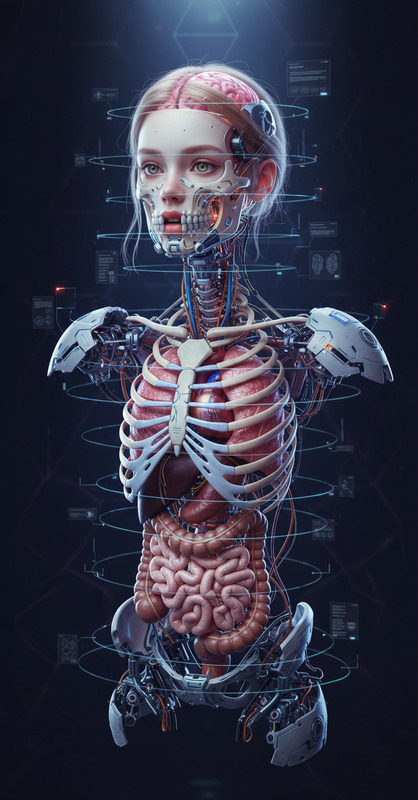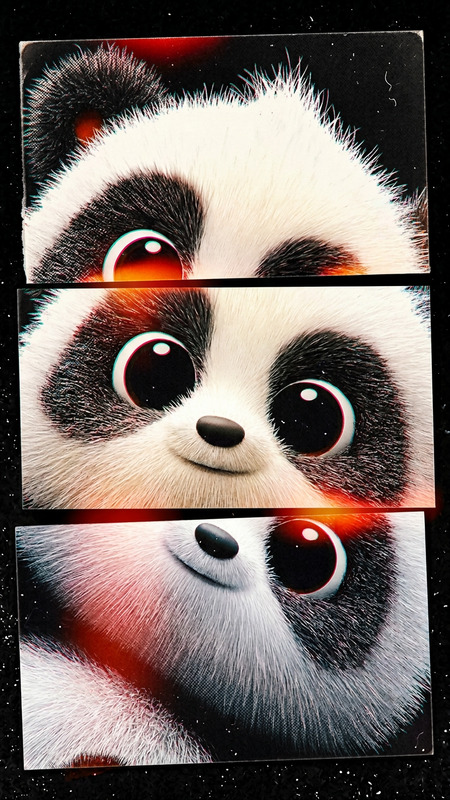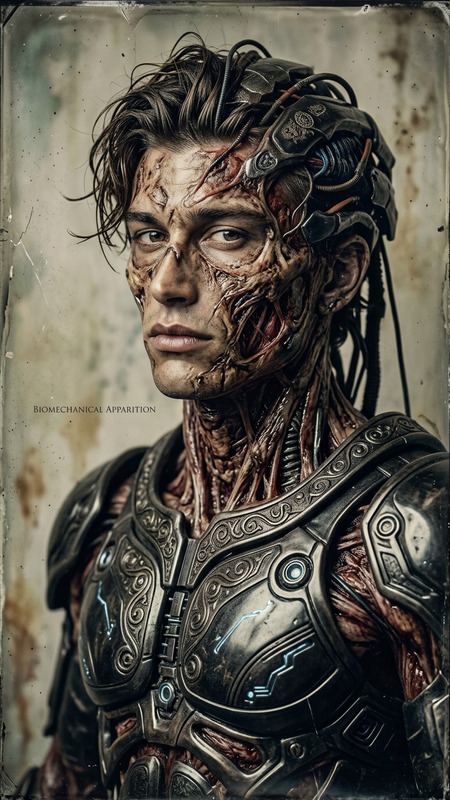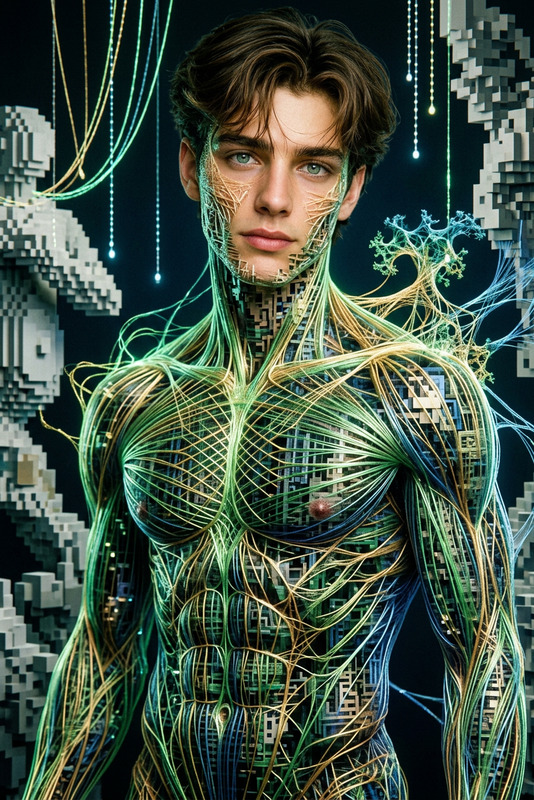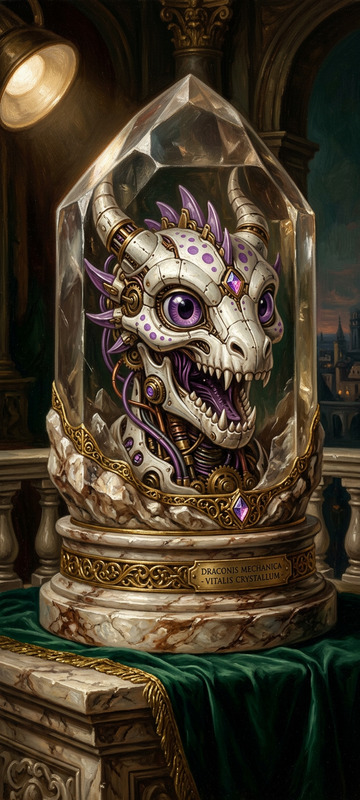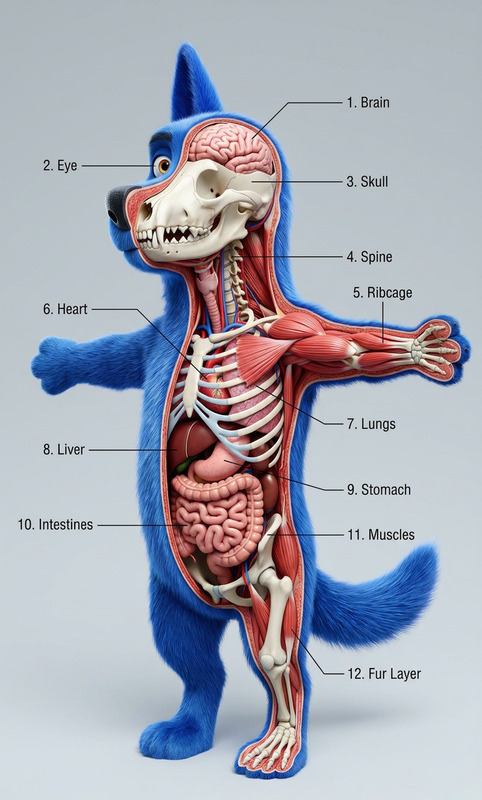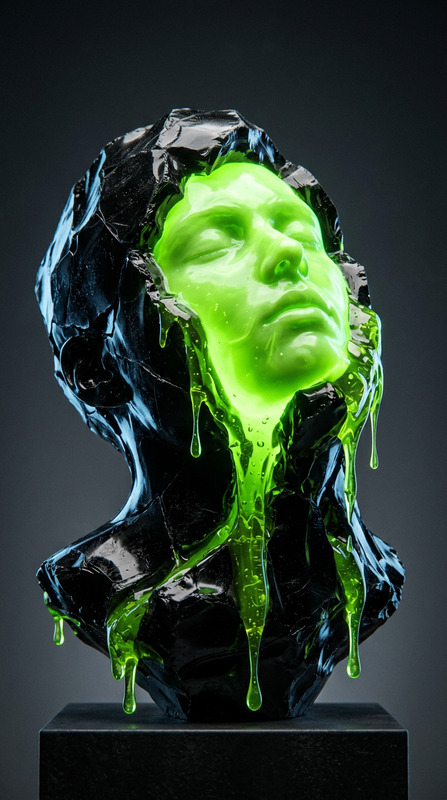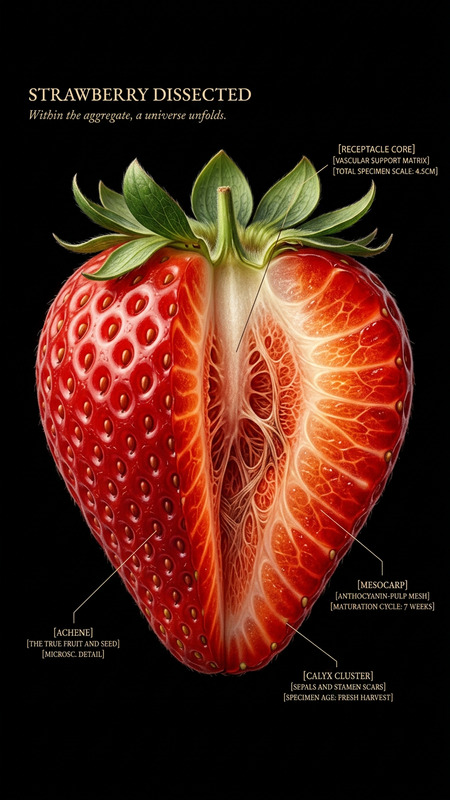
Sacred Dissection Study
- Model
- Nano Banana 2
- Image
- 768 × 1365 px
Prompt
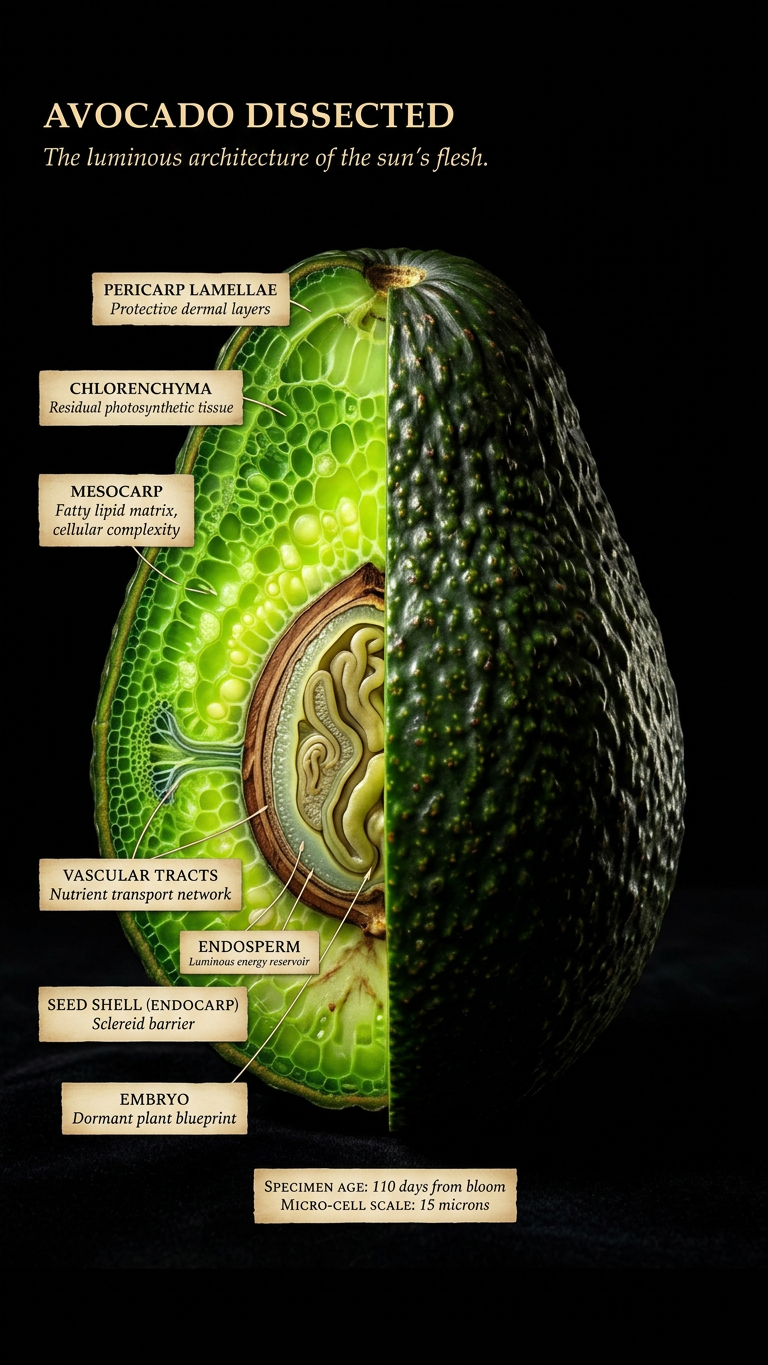
Subject transforms into a natural object presented as a masterfully dissected specimen. One half remains intact, the other split open to reveal intricate internal structures at obsessive resolution. Dramatic chiaroscuro lighting evokes a painterly, almost sacred atmosphere. Each internal layer glows with its material truth, hyper-detailed and luminous. Composition is centered against a pure black velvet background, creating a sense of precious isolation. Close-pressed labels in handwritten-style serif identify: “[STRUCTURE]” / “[MATERIAL TRUTH]” / “[AGE OR SCALE]”. Top-left title in warm ivory caps: “[OBJECT] DISSECTED” Italic subtitle beneath: “[One line that makes you lean closer]” Ultra-detailed 4K rendering, specimen-style lighting, blending naturalist illustration and fine art drama. Nothing clinical—everything alive, intense, and reverent.
Any aspect ratio
Overview
The Sacred Dissection Study template brings fine art drama to scientific presentations with a focus on hyper-detailed imagery. Designed to transform subjects into artfully dissected natural objects, this tool is perfect for those looking to blend naturalist illustration with intense artistic flair. Utilizing the AI Image Editor, this template creates visuals that feel both precious and thought-provoking.
What It Does
This template enables users to create visually stunning images that dissect a subject into a natural object with breathtaking clarity. The dramatic chiaroscuro lighting and painterly style enhance the presentation, while labels add a layer of educational context. It's designed for use in medical presentations, art exhibitions, and any project where detailed visual storytelling is key.
Who It's For
Ideal for educators, medical professionals, and artists, this template serves those who need to present intricate details with a high level of artistry. It's a valuable addition for anyone involved in product videos or educational content that demands a detailed and dramatic touch.
Summary
The Sacred Dissection Study template offers a blend of hyper-realism and dramatic artistry, transforming visuals into engaging and educational tools. Its unique composition style makes use of the nano-banana-2 model, ensuring ultra-detailed rendering that brings subjects to life.
How to Use
Choose the Template

Customize Your Image

Generate and Download

Use Cases
Medical Education
- High-resolution images
- Detailed anatomical labels
- Dramatic lighting effects
Art Exhibitions
- Chiaroscuro lighting techniques
- 4K ultra-detailed rendering
- Engaging narrative compositions
Product Videos
- Close-up of product layers
- Identification labels
- Fine art drama approach
Best Practices
Emphasize Lighting
Utilize dramatic lighting to highlight the contrast between different layers and structures effectively.Adjust Label Fonts
Ensure labels are easy to read by choosing the right handwritten-style serif font size and color.Review Composition
Center compositions on a black backdrop to amplify drama and focus, using balanced spacing for labels and subject.