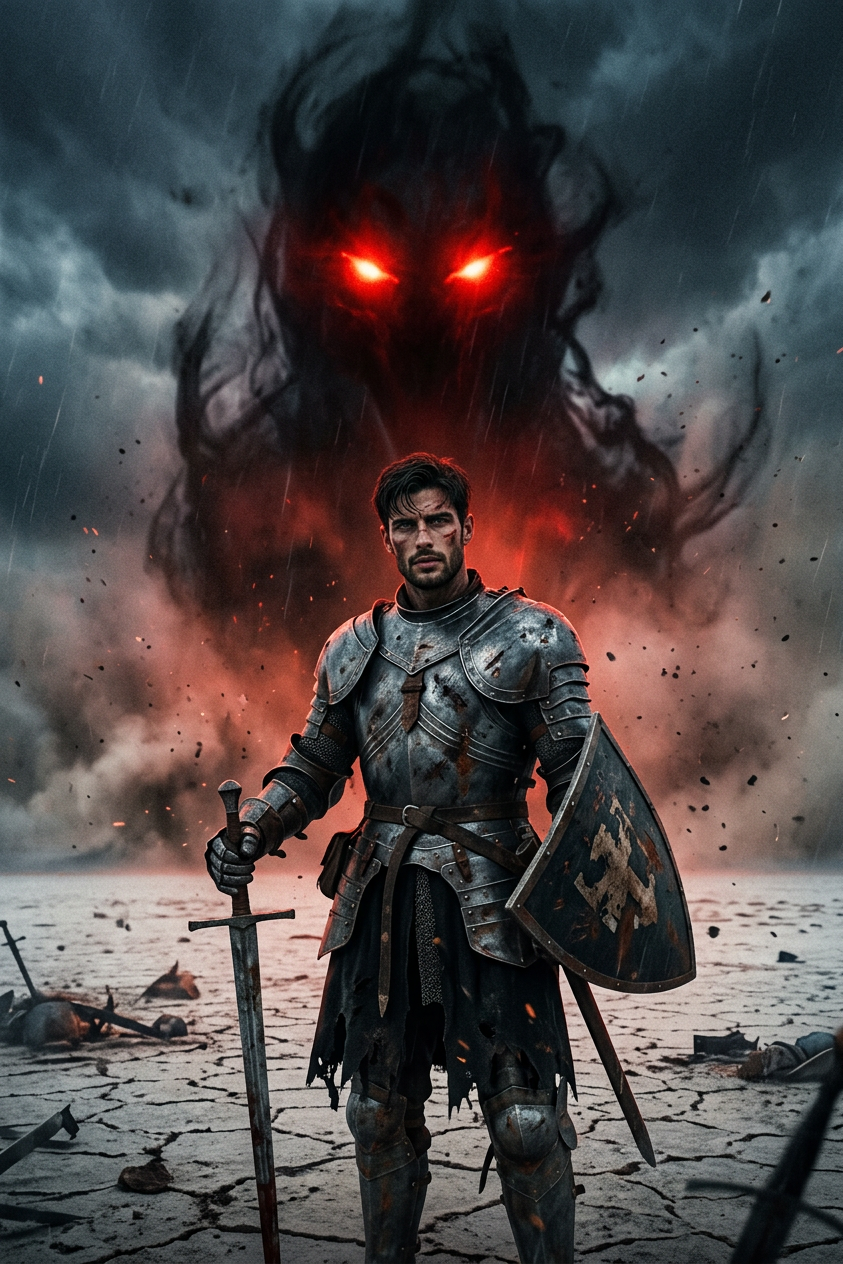
Knight Confronts Shadow Monster
ai-image-editor
Any aspect ratio
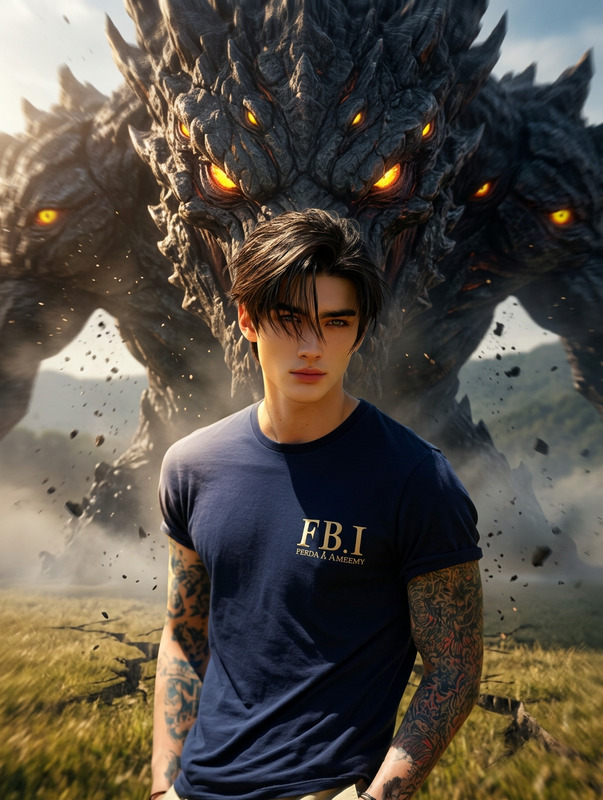
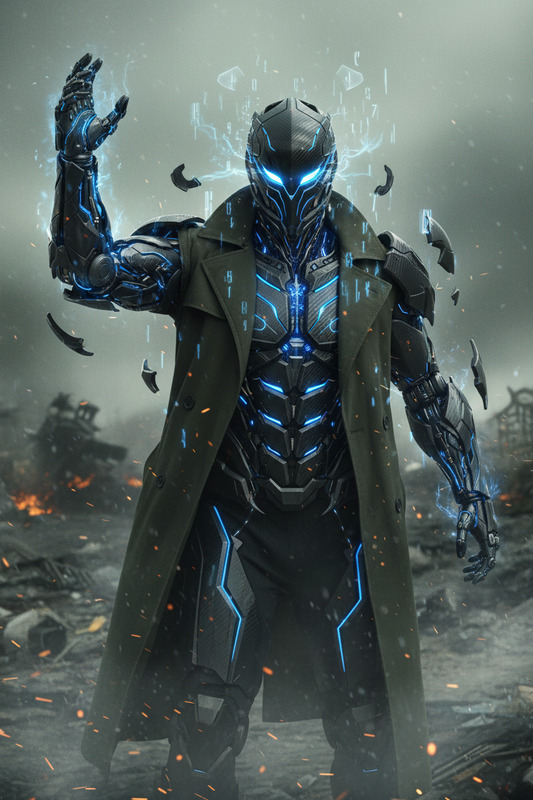
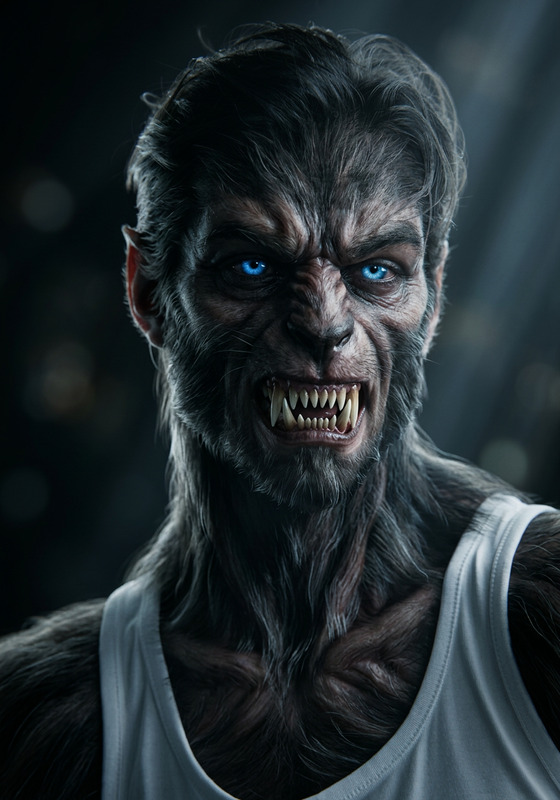
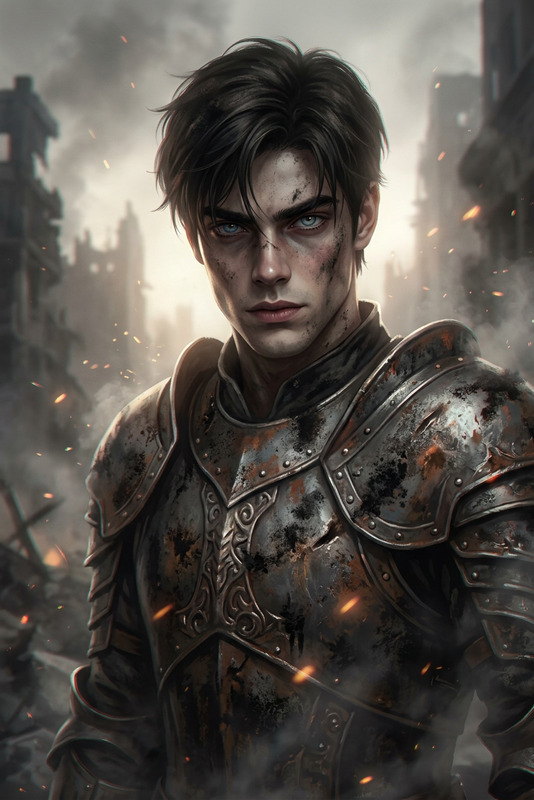
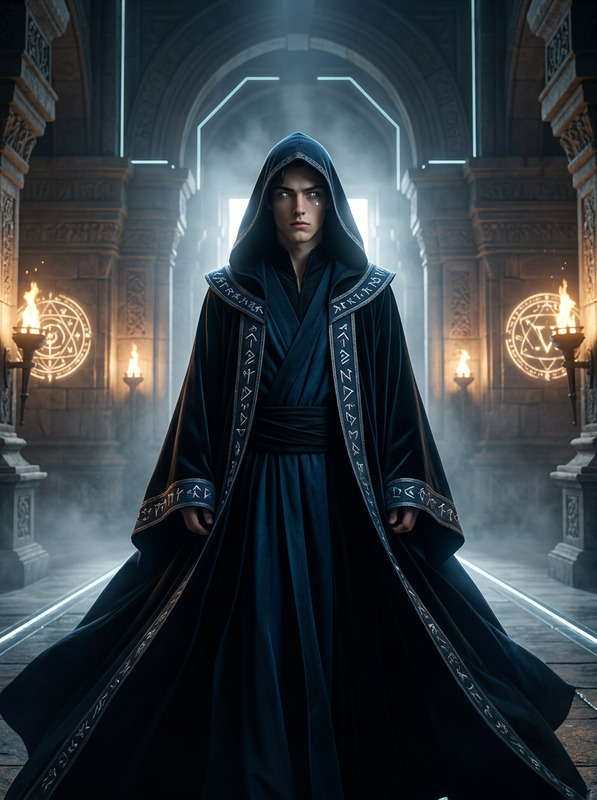
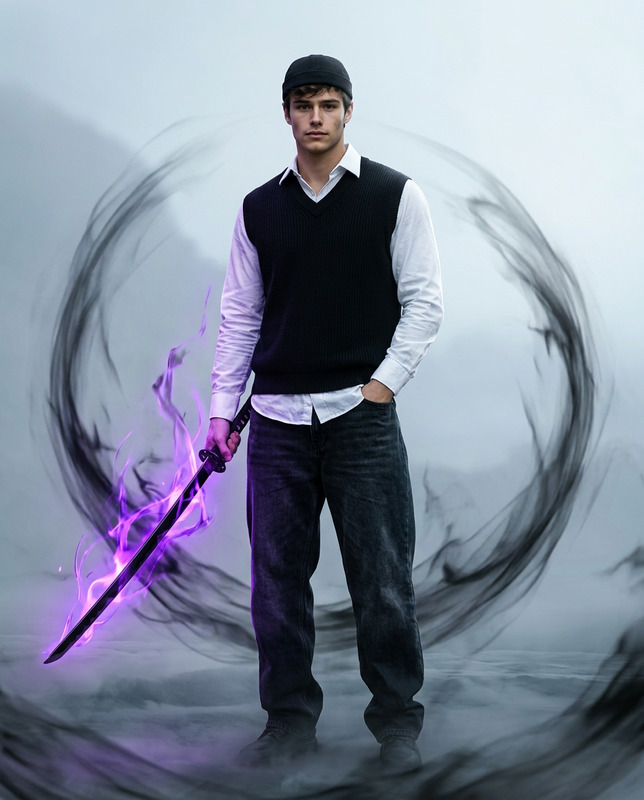
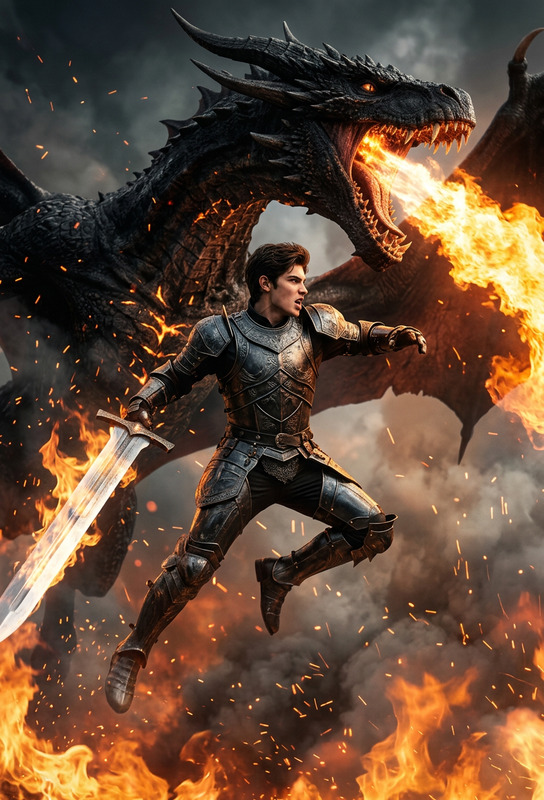
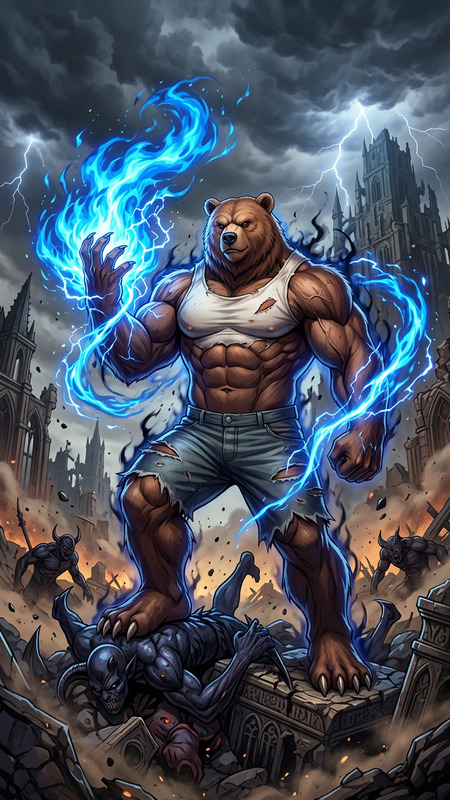
A lone knight in battle-worn armor faces a towering, shadowy entity with glowing red eyes on a desolate plain. The dramatic lighting and gritty texture amplify the atmosphere of impending doom in this cinematic fantasy scene
AI Image Editor Template: Transform Any Image in Seconds
Use this template to rapidly clean up, enhance, and repurpose images with the AI Image Editor. It’s designed for creators, marketers, founders, and technical teams who need production‑ready visuals without a full design team.
This template shows a complete “before/after” workflow you can easily remix inside Magic Hour to fit your own brand, product, or creative concept.
What You Can Do With This Template
Remix this template to:
Remove or replace unwanted elements
Clean up product photos, social media posts, and UGC by erasing distractions. For more targeted removal workflows, pair with the AI Remover and Remove Object from Photo.Change backgrounds and environments
Turn a rough snapshot into a polished promo shot by generating new scenes. Combine with:- AI Background Generator for on‑brand backdrops
- Image Background Remover when you need clean cutouts
- AI Interior Design Generator for rooms and sets
Enhance resolution and clarity
Upscale low‑quality assets so they’re usable in ads, decks, and websites with the AI Image Upscaler or Unblur Image.Re-style or restage existing images
Change lighting, mood, and art style without reshooting. For more stylized results, explore:Create campaign‑ready assets from one source image
Generate variations tailored to:- Ad creatives (pair with Thumbnail Maker)
- Social content, memes, and virals (AI Meme Generator)
- Brand avatars and characters (Avatar Generator, Animated Characters Generator)
How to Remix This Template in Magic Hour
You can recreate and adapt this template directly inside Magic Hour:
Open the AI Image Editor
Go to the AI Image Editor.Upload a base image
Use:- Product shots (e‑commerce, SaaS UI, hardware)
- Portraits and headshots (for AI Headshot Generator style workflows)
- Concept art or sketches (great paired with Photo to Sketch, then edited back into clean art)
Plan the “before → after” story
Decide what this template should demonstrate for your use case:- Distraction‑free product page photo
- Polished LinkedIn headshot built from a casual selfie (plus AI Selfie Generator)
- Social graphic with removed clutter and a new background
- Concept art cleaned up into a production‑ready illustration
Edit with prompts and targeted changes
Use natural language to:- Remove objects, logos, or watermarks (or use the dedicated Watermark Remover)
- Change environments (office, studio, outdoor, cyberpunk, fantasy, etc.)
- Adjust style (minimalist, cinematic, 3D render, comic, graffiti via Graffiti Generator, etc.)
- Refine faces with AI Face Editor or AI Face Generator
Export and reuse the workflow as a repeatable template
Once you like the output, save your input image and prompt pattern so teammates can:- Drop in new product shots and get consistent edits
- Standardize profile pics or team photos
- Generate consistent visual style across campaigns
You can remix this into additional workflows by chaining tools:
- Image → AI Image Editor → Image to Video for motion promos
- Image → AI Clothes Changer → AI Image Editor for fashion/editorial shots
- Image → AI QR Code Generator for scannable creative posters, then refine with AI Image Editor
Advanced Use Cases for Teams and Power Users
This template is especially useful if you:
Run ads and growth experiments
- Quickly test visual hypotheses: different backgrounds, framing, or props
- Turn UGC into ad‑ready creatives by cleaning and restyling
- Combine with AI GIF Generator or Face Swap GIF for playful performance creatives
Build content for video‑first channels
Start with a strong key image, refine it, then bring it to life with:- Text to Video
- Image to Video
- Animation templates
- AI Talking Photo to animate portraits
- Lip Sync and Face Swap Video to map your edits onto video
Develop characters, IP, and branded worlds
- Use AI Character Generator, Superhero Generator, or Pokemon Generator to create characters
- Refine and pose them with the AI Image Editor
- Extend into comics, covers, and maps using:
Upgrade legacy and low‑quality assets
- Restore and modernize old visuals using Old Photo Restoration and Photo Colorizer, then refine with AI Image Editor
- Upscale videos with Video Upscaler and align still frames/thumbnail aesthetics via this template
Inspiration: Variants You Can Build from This Template
You can clone this AI Image Editor template into specialized workflows:
Professional headshot pipeline
- Start from a casual selfie
- Refine face, background, and lighting with AI Image Editor + AI Headshot Generator
- Generate matching avatars with the Avatar Generator
Brand‑consistent product catalog
- Use AI Image Editor to normalize angles and backgrounds
- Pair with Full Body Generator or AI Outfit Generator for apparel
- Use AI Fashion Generator for editorial‑style shots
Niche creative pipelines
- Architecture and interiors: Architecture Generator + AI Interior Design Generator, polished in AI Image Editor
- Fantasy, dark, and gaming art: Dark Fantasy AI, DND AI Art Generator, then refine details and remove artifacts
- Optical illusions and stylized art: Optical Illusion Generator, AI Illustration Generator
Combining Image Editing With Audio & Video
If your workflow extends beyond static images, this template plays well with Magic Hour’s video and audio tools:
Turn edited portraits into talking clips using:
- AI Talking Photo
- Lip Sync
- Video to Video for style‑matched footage
Add voice to your visuals with:
Prepare assets for publishing and distribution:
- Auto‑generate captions with the Auto Subtitle Generator
- Refine thumbnails via Thumbnail Maker
Why This Template Works for Serious Creators and Teams
Reusable workflow
Instead of one‑off edits, you’re creating a repeatable editing pattern your team can reuse across campaigns, clients, and channels.Compatible with existing pipelines
You can plug the AI Image Editor into your current content stack: export assets to design tools, CMSs, ad platforms, and internal dashboards without changing how you ship.Fast experimentation, low overhead
Because this template is prompt‑driven, you can iterate quickly: refine prompts, swap source images, and chain with other Magic Hour tools until you have a reliable “house style.”
If you’re building a system or product around automated creative (e‑commerce, UGC platforms, ad tech, or internal tooling), this AI Image Editor template is a solid starting point to prototype workflows you can later scale, chain with other Magic Hour tools, and standardize for your team.