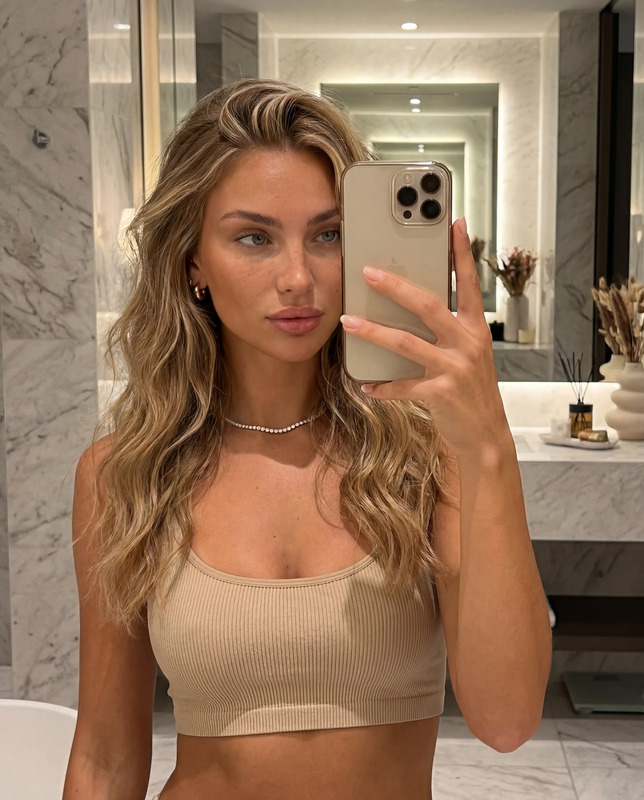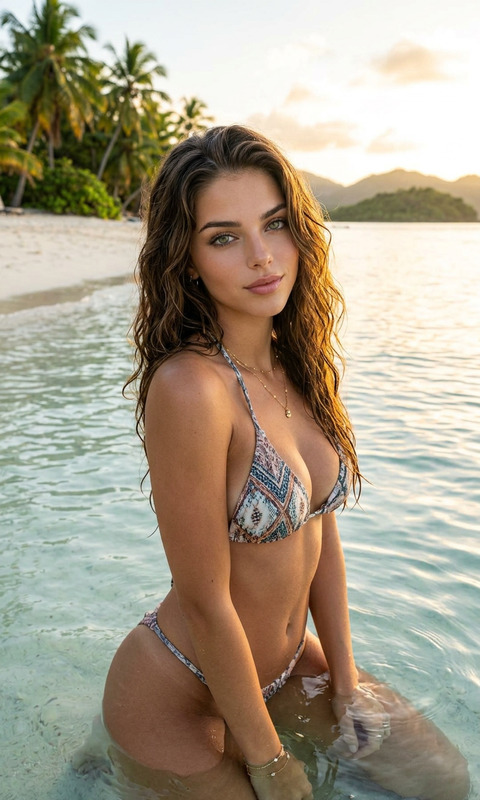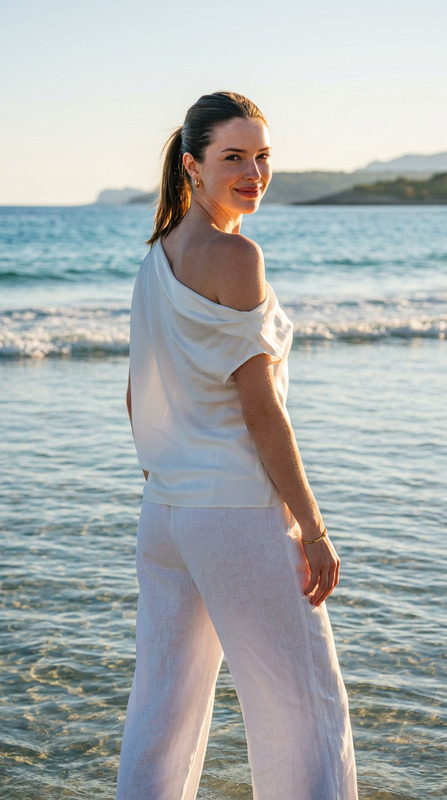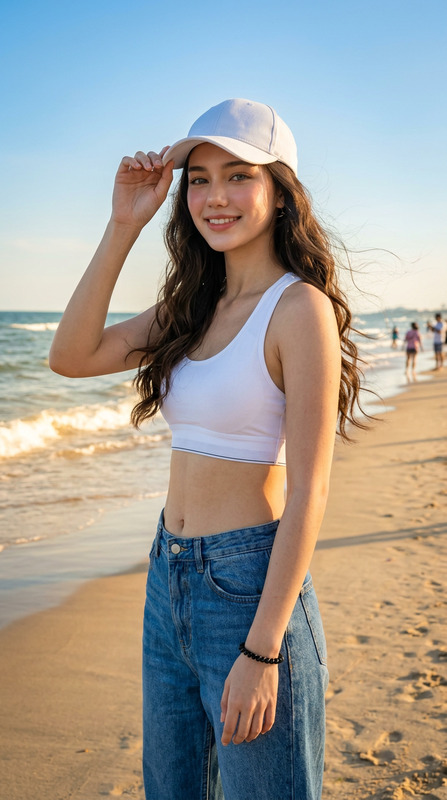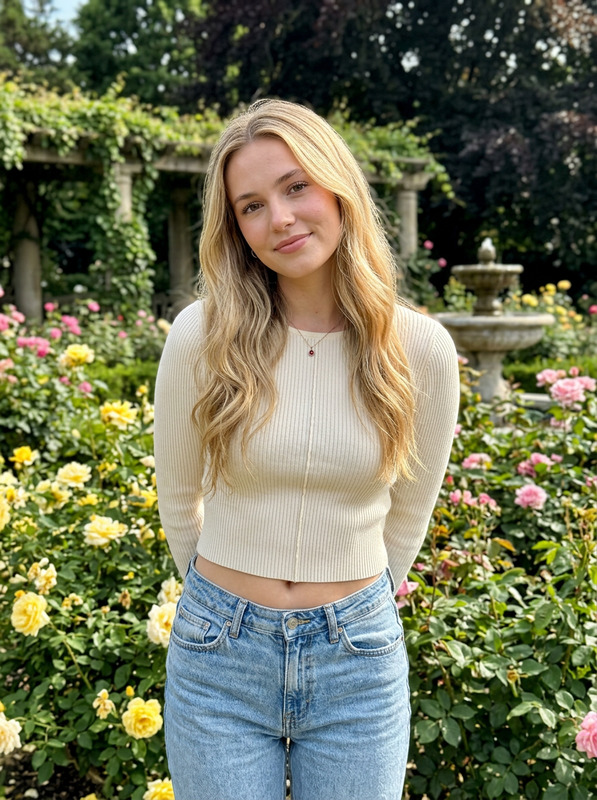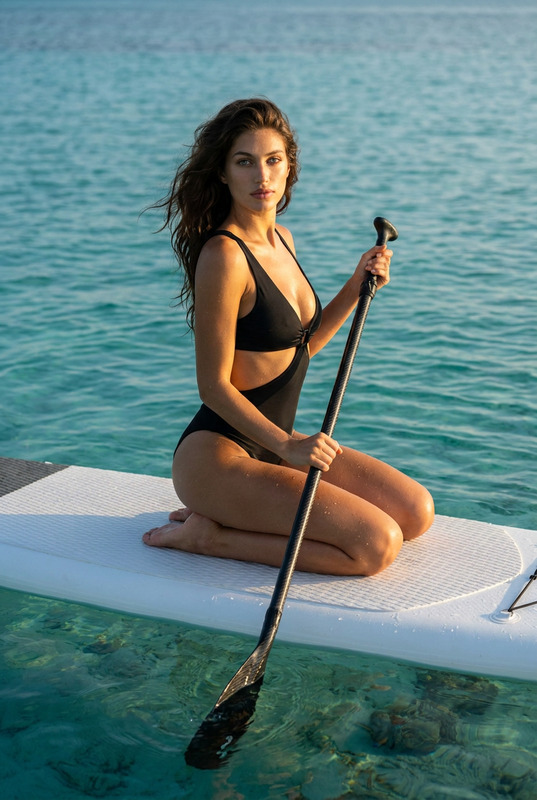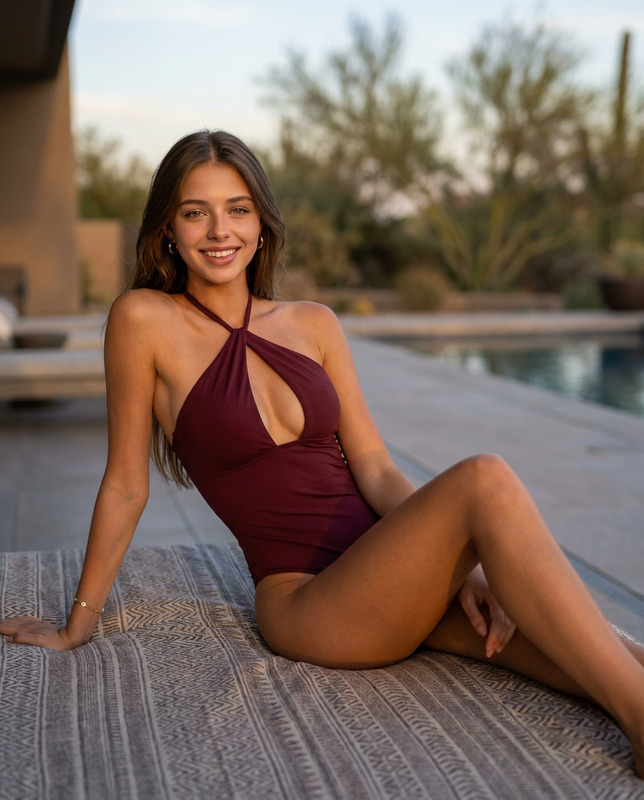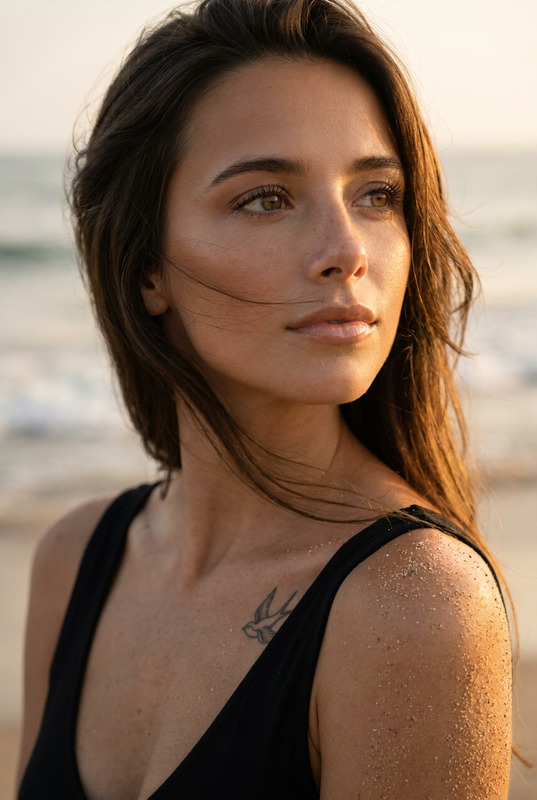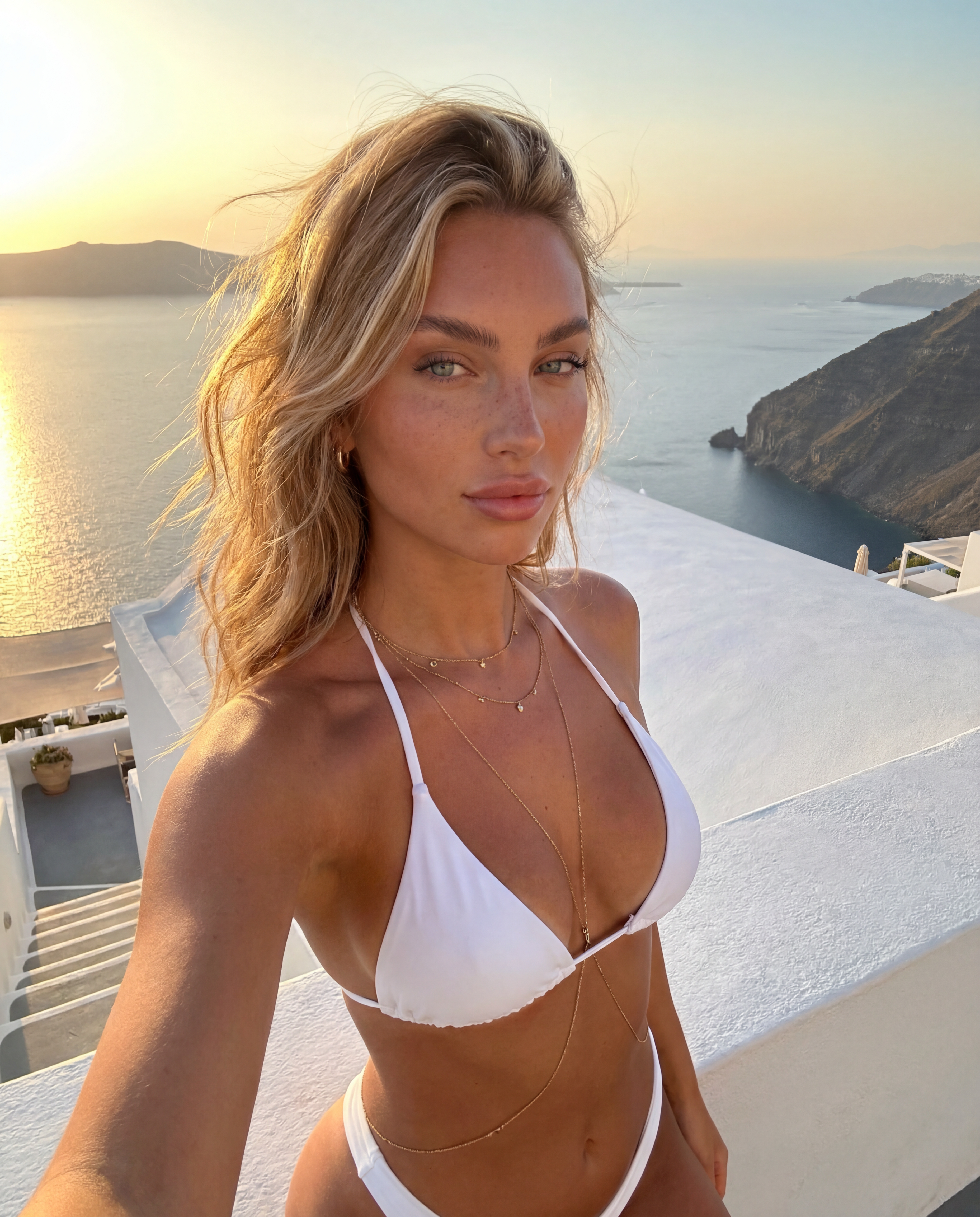
Santorini Selfie
- Model
- Nano Banana Pro
- Image
- 3712 × 4608 px
Prompt
{ "positive prompt": [ "reference image face identity preserved exactly — same light blue almond eyes, full pouty lips, straight narrow nose, fluffy brushed-up eyebrows, honey blonde balayage hair, warm bronzed skin, natural freckles and beauty marks", "half-body shot from waist up, slight low angle, golden hour natural light", "20-year-old Caucasian female influencer in Santorini Greece at golden hour", "wearing a white two-piece swimsuit — elegant minimal triangle bikini top with thin adjustable ties, matching high-waisted bikini bottoms, clean crisp white fabric with subtle texture", "delicate gold layered necklaces and a thin gold body chain catching the warm sunlight", "small gold huggie hoop earrings", "honey blonde balayage hair loosely flowing and windswept in the warm Aegean breeze, soft undone waves with natural sun-lightened ends", "natural effortless makeup — intensely sun-kissed bronzed glow, warm peachy glossy lips, soft mascara only, sun-warmed freckles more visible from sun exposure", "iconic Santorini setting — whitewashed Cycladic terrace or infinity pool edge overlooking the caldera, deep cobalt blue Aegean sea and sky in background", "warm intense golden hour sun at low angle hitting skin from the side, casting rich amber and rose gold tones across the scene", "sunlight creating a natural luminous backlight halo through her blonde hair", "bronzed bare shoulders and décolletage glowing warmly, natural highlight kissing the tops of shoulders and collarbones", "candid relaxed pose — one hand lightly touching hair or resting on terrace railing, slight body turn, soft natural expression with relaxed parted lips", "warm golden reflections shimmering on the sea surface in background bokeh", "highly detailed skin texture, visible pores, natural skin imperfections, sun-kissed warmth, faint tan lines, light natural glow from prolonged sun exposure", "photorealistic, ultra detailed, 4K, luxury travel editorial aesthetic, golden hour swimwear campaign feel" ], "negative prompt": [ "cartoon, anime, illustration, painting, 3D render", "blurry, low resolution, grainy, pixelated", "plastic skin, airbrushed, overly filtered, doll-like", "heavy dramatic makeup, dark lip color, heavy contouring", "changed eye color, different nose shape, different lip shape", "dark hair, cool skin undertones, pale skin", "harsh midday flat lighting, overcast sky, cold blue or grey tones", "busy tourist crowds, modern urban elements", "colorful printed bikini, dark swimsuit, one-piece swimsuit", "fully covered outfit, sarong or cover-up", "stiff catalogue modeling pose, unnatural expression", "full body head to toe shot showing feet", "indoor setting, studio background, plain backdrop", "wet hair, dripping water, just out of pool look" ] }
Any aspect ratio
Overview
The "Santorini Selfie" template is designed for creators aiming to capture high-impact, photorealistic images with an exotic backdrop. Leveraging advanced AI technology, it transforms selfies into editorial-quality photos set against Santorini's iconic vistas. Ideal for showcasing travel adventures or personal branding in a luxurious context.
What It Does
This template employs the AI Image Editor to preserve facial identity while enhancing the scene with vivid, natural elements typical of Santorini at golden hour. Utilizing the nano-banana-pro model, it ensures high-resolution, lifelike images that maintain all-natural skin imperfections for authenticity.
Who It's For
"Santorini Selfie" is perfect for travel influencers, professional photographers, and social media enthusiasts wanting to elevate their content with a luxurious touch. Whether you're enhancing your online presence or producing content for editorial purposes, this template offers rich visual storytelling potential.
Summary
Elevate your selfie game with the "Santorini Selfie" template. Capture yourself in highly detailed, stunning views that replicate the unique atmosphere of Santorini's golden hour. For those seeking more image editing options, explore our AI Image Generator and AI Clothes Changer to complement your creative process.
How to Use
Choose the Template

Customize Your Inputs

Generate and Download

Use Cases
Travel Influencer Posts
- Post daily adventures
- Build a coherent travel aesthetic
Lifestyle Blogs and Editorials
- Feature in fashion or travel blogs
- Showcase in high-end publications
Brand Partnerships
- Partner with travel brands
- Create eye-catching advertisement content
Best Practices
Focus on Natural Lighting
Work with natural or simulated golden-hour lighting for realistic results. This effect enhances the color and mood of your final image.Maintain Originality
Stay true to the reference image's identity, focusing on preserving unique features like freckles or hair color to ensure authenticity.Fine-Tune Scene Elements
Use the prompt details to emphasize certain backdrop elements, such as the Aegean sea or architectural features of Santorini.