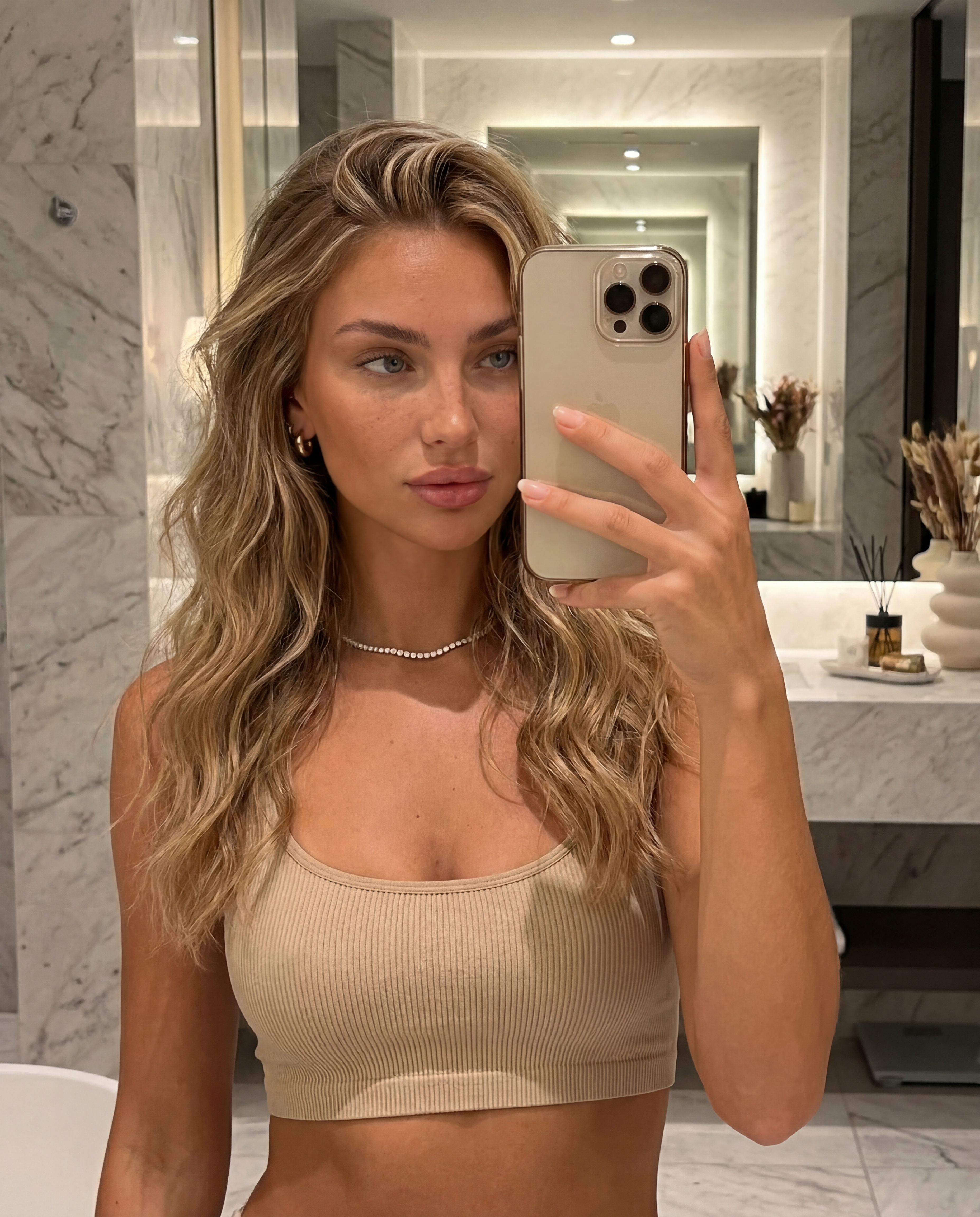
Luxury Selfie

Luxury Selfie

ai-image-editor

1 clip
0 uses

Any aspect ratio

Prompt

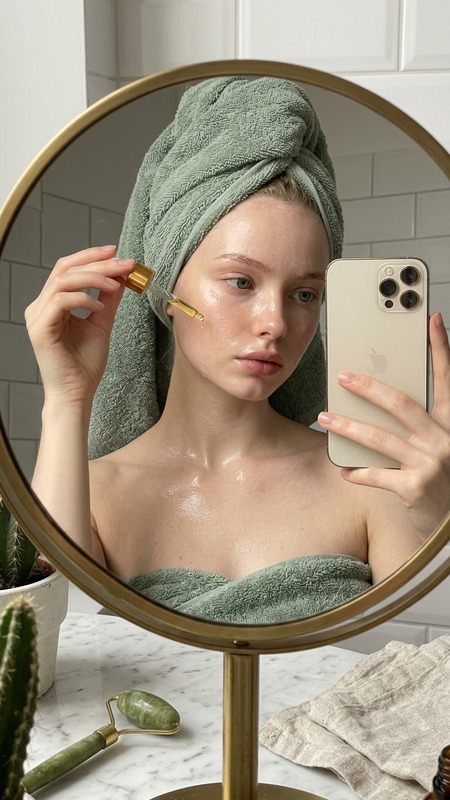
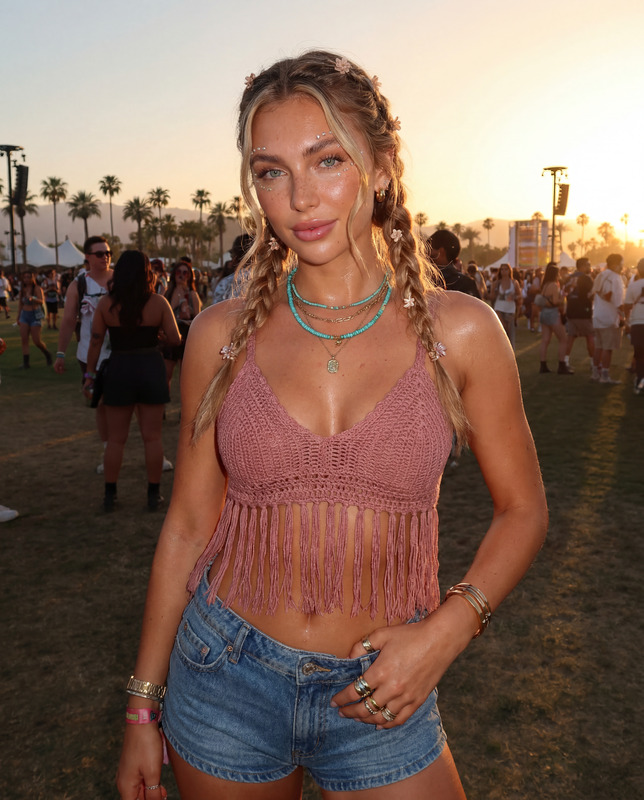
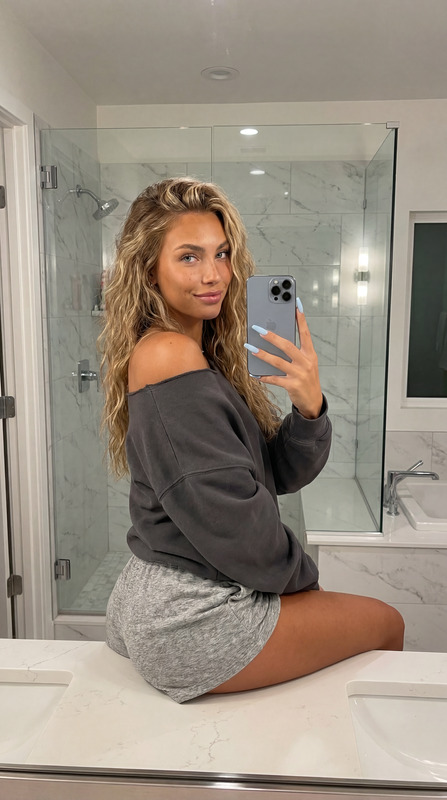
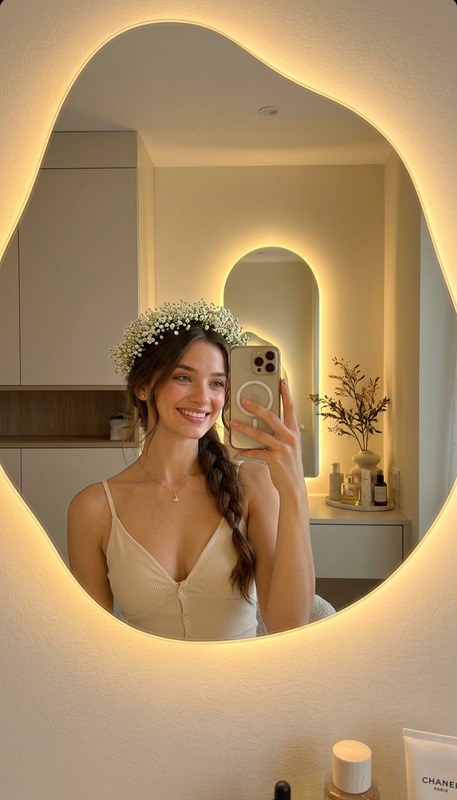
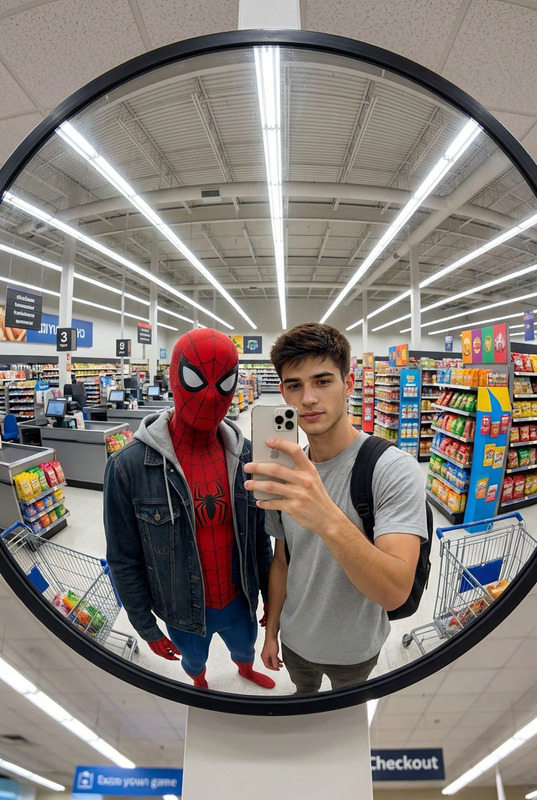
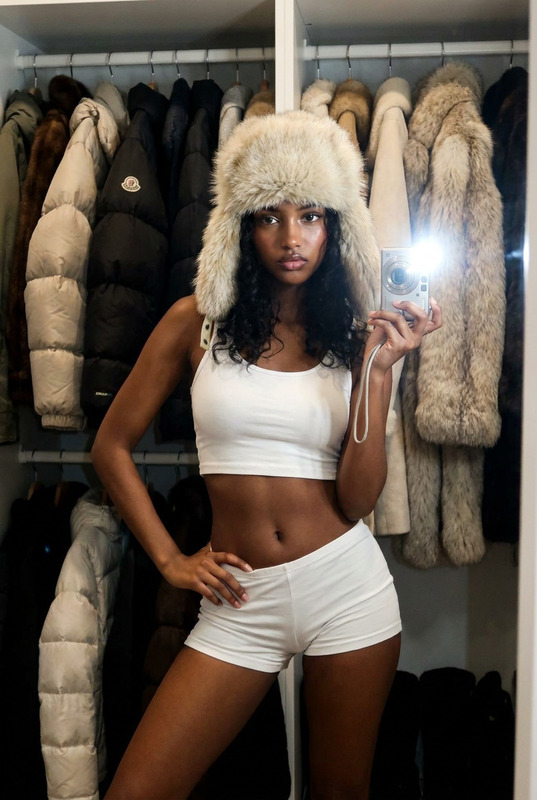
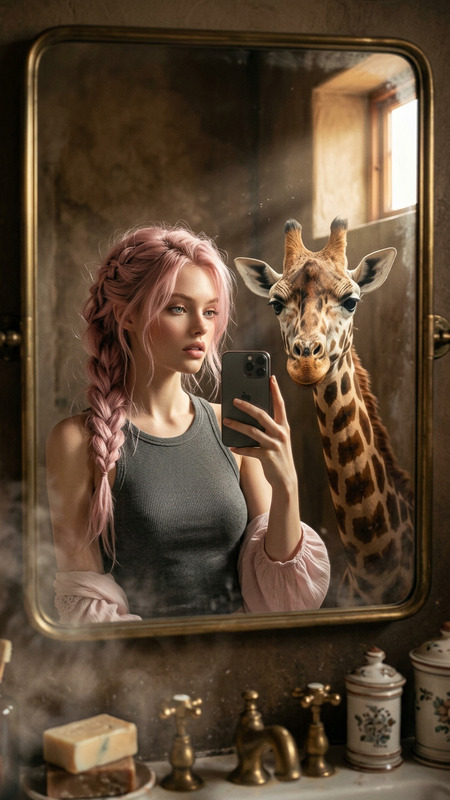
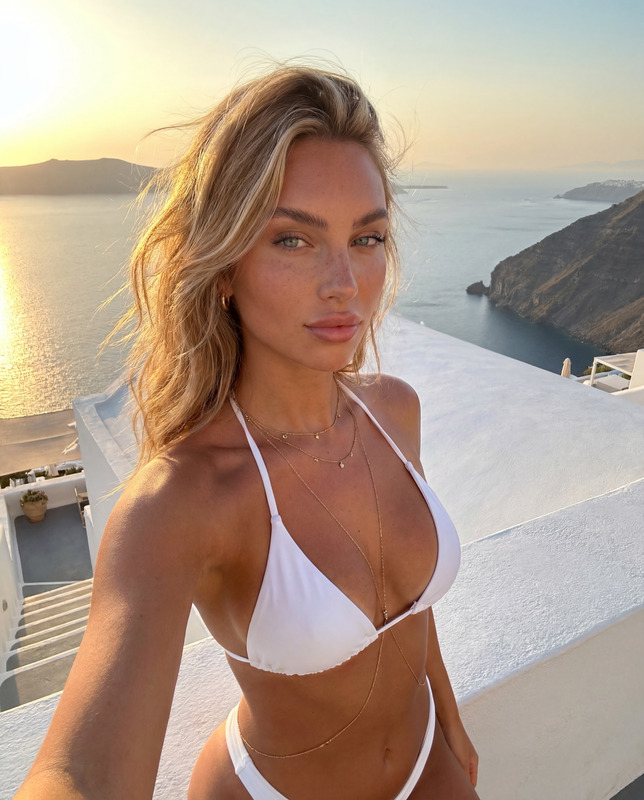
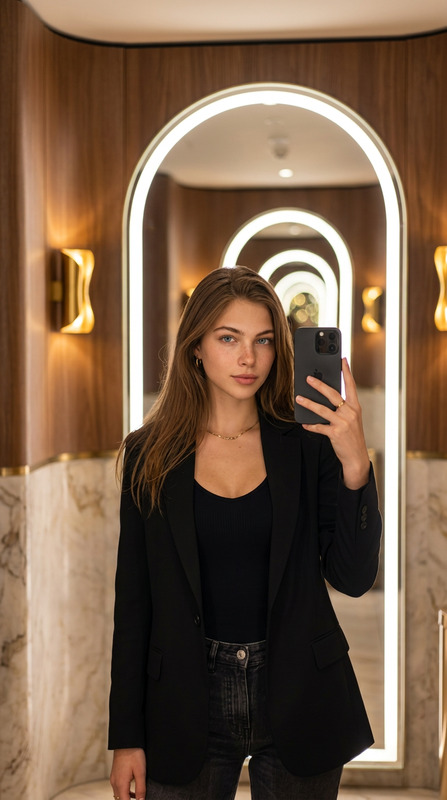
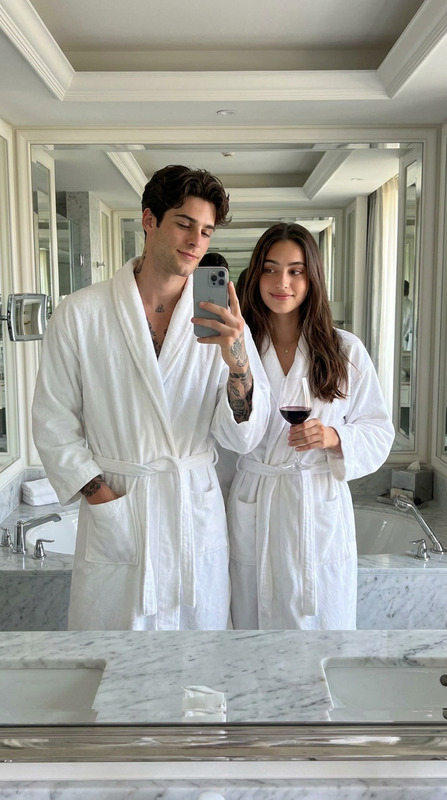
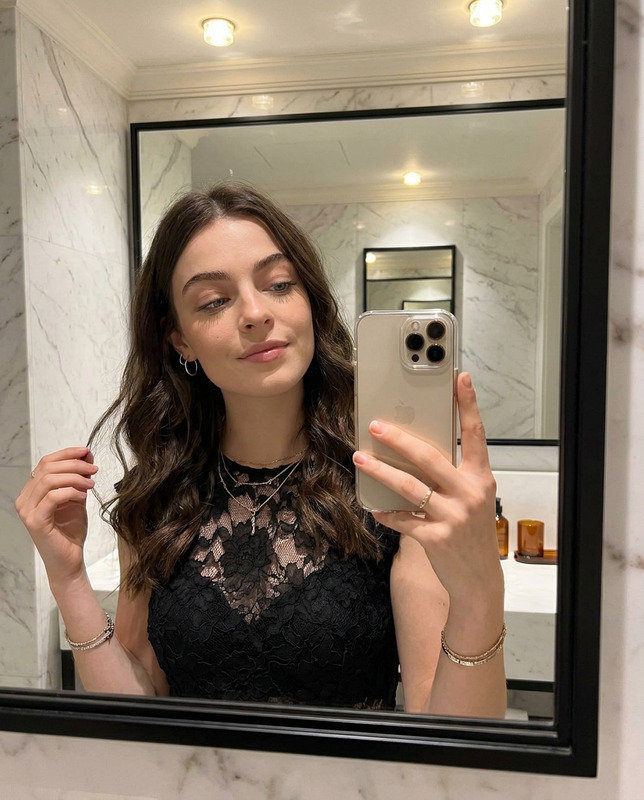
{ "positive prompt": [ "reference image face identity preserved exactly — same light blue almond eyes, full pouty lips, straight narrow nose, fluffy brushed-up eyebrows, honey blonde balayage hair, warm bronzed skin, natural freckles and beauty marks", "half-body mirror selfie shot", "20-year-old Caucasian female influencer holding iPhone slightly above eye level", "phone partially covering face in classic influencer mirror selfie style", "large full-length mirror or bathroom vanity mirror", "stylish modern interior background — marble bathroom or aesthetic bedroom with soft decor", "wearing a fitted ribbed crop top or oversized neutral loungewear", "casual effortless styling, minimal jewelry — small gold hoops or delicate chain", "honey blonde balayage waves loosely falling past chest, slightly tousled", "warm soft ambient lighting reflecting naturally in mirror", "natural candid expression, soft relaxed gaze into phone camera", "highly detailed skin texture, visible pores, natural skin imperfections, subtle natural glow", "photorealistic, ultra detailed, 4K, iPhone mirror selfie aesthetic" ], "negative prompt": [ "cartoon, anime, illustration, painting, 3D render", "blurry, low resolution, grainy, pixelated", "plastic skin, airbrushed, overly filtered, doll-like", "heavy makeup, fake lashes, overdone glam", "changed eye color, different nose shape, different lip shape", "dark hair, cool skin undertones, pale skin", "full body only with no face visible", "multiple reflections, distorted mirror effect" ] }

Create Stunning AI Image Edits with This Magic Hour Template (Remix-Ready)

This template is built with the AI Image Editor, designed for fast, precise, and repeatable image transformations. It’s ideal if you need to reliably produce a specific visual style or effect across many images—without manually redoing the process each time.

Use it as-is, or remix it into your own reusable workflow.


What This Template Does

This template shows how to turn the AI Image Editor into a lightweight “image pipeline” you can reuse across:

  • Marketing visuals – ad creatives, landing page hero images, email headers
  • Product imagery – consistent backgrounds, lighting, or styling for product shots
  • Personal branding – profile photos, thumbnails, podcast covers, banners
  • Creative assets – concept art, book covers, album covers, character references

Because it’s powered by the AI Image Editor, you can:

  • Upload any image and apply consistent edits
  • Refine details with text-based prompts (e.g., “cinematic lighting,” “minimalist white background,” “hand-drawn style”)
  • Chain edits together so your results look coherent across dozens or hundreds of images

If you like what this template does visually, you can open it in Magic Hour and remix it—swap in your own images, prompts, and style directions, then save it as your own template.


How to Remix This Template in Magic Hour

You can create your own version of this template in a few minutes:

  1. Open the template in Magic Hour

    • Click “Remix” (or “Use this template,” depending on the interface).
    • This copies the underlying AI Image Editor flow into your workspace.
  2. Swap in your own images

    • Replace the example input image(s) with your own assets: product shots, portraits, logos, UI mockups, etc.
    • Think about your end use: ad creative, social post, hero image, internal mockup.
  3. Adjust the text instructions

    • Edit the prompt text to define your visual style and constraints. For example:
      • “Studio-style product photo on a soft gradient background, high contrast, no text”
      • “Professional LinkedIn headshot, natural lighting, neutral background”
      • “Minimalist app screenshot mockups, flat design, consistent color palette”
    • Keep instructions specific (subject, style, background, mood) and negative constraints clear (e.g., “no watermark,” “no extra text,” “no extra objects”).
  4. Test with edge cases

    • Run a few very different inputs (different aspect ratios, busy backgrounds, low-light images) to see how stable your edits are.
    • Tweak prompts until you get predictable, repeatable results.
  5. Save as your own template

    • Once the results are consistent, save it as a personal template so your team can reuse it for future campaigns or projects.

Practical Use Cases for Teams and Creators

This template is useful anytime you want automation + brand consistency without sacrificing visual quality.

For marketers and growth teams

  • Normalize UGC photos into on-brand ad creatives
  • Generate multiple ad variants from the same base image
  • Quickly restyle old content for new campaigns

Pair it with:

For founders and product teams

  • Turn rough product screenshots into polished marketing visuals
  • Create consistent UI mockups for pitch decks and landing pages
  • Rapidly iterate on branding directions (colors, composition, style) before involving design

Useful complementary tools:

For creators, agencies, and designers

  • Create repeatable look-and-feel templates for each client or brand
  • Standardize portrait or headshot edits for teams and talent
  • Build image pipelines for newsletters, YouTube, or course materials

You can combine this template with:


How This Template Fits into a Larger AI Workflow

While this page focuses on the AI Image Editor, you can plug this template into a broader Magic Hour workflow to generate entire content systems.

1. Generate base images

Start from:

Then run those outputs through this AI Image Editor template to standardize your brand style.

2. Turn images into motion

After editing with this template, you can:

This is powerful if you want a coherent visual identity across static images, short-form video, and motion graphics.

3. Enhance, clean up, and specialize

Before or after applying this template, you might:


Tips for Getting High-Quality Results from the AI Image Editor

To get predictable, production-ready results when you remix this template:

  1. Be explicit about what must not change

    • If you need the subject, product shape, or layout preserved, say so in the prompt.
    • Example: “Keep product shape, logo, and label text exactly the same; only change background and lighting.”
  2. Define style with reference language

    • Use clear style terms: “studio lighting,” “flat illustration,” “isometric,” “cinematic,” “minimalist,” “NYT-style editorial illustration,” etc.
    • You can reference visual cultures or mediums (e.g., “vintage film photography,” “architectural rendering,” “UX mockup”).
  3. Constrain background and composition

    • For product and marketing work, specify background (“plain white,” “soft gradient,” “dark textured”) and framing (“centered,” “close-up,” “top-down”).
  4. Iterate with small changes

    • When you’re close to what you want, change a single phrase at a time and compare.
    • Save working variants as separate templates if they’re useful for different campaigns.
  5. Establish a shared prompt for teams

    • Once you have a stable version, write the prompt as a “brand spec” in natural language and keep it inside the template.
    • This aligns non-design teammates on how to generate on-brand images independently.

Related Magic Hour Tools Worth Knowing

Depending on your use case, you might combine this template with:


Why Use a Template Instead of Starting from Scratch?

For busy teams and creators, templates in Magic Hour act as reusable playbooks:

  • Faster: You edit the system once, then reuse it across campaigns.
  • More consistent: Everyone on your team uses the same underlying instructions and edit logic.
  • Easier to scale: Onboard new teammates with a single link instead of a style guide plus manual Photoshop steps.
  • More experiment-friendly: Clone templates to test visual hypotheses (e.g., new style or color system) without risking your main pipeline.

This AI Image Editor template is a starting point. Remix it, adjust it to your brand or product, and turn it into your own “always-on” visual engine inside Magic Hour.

More Like This