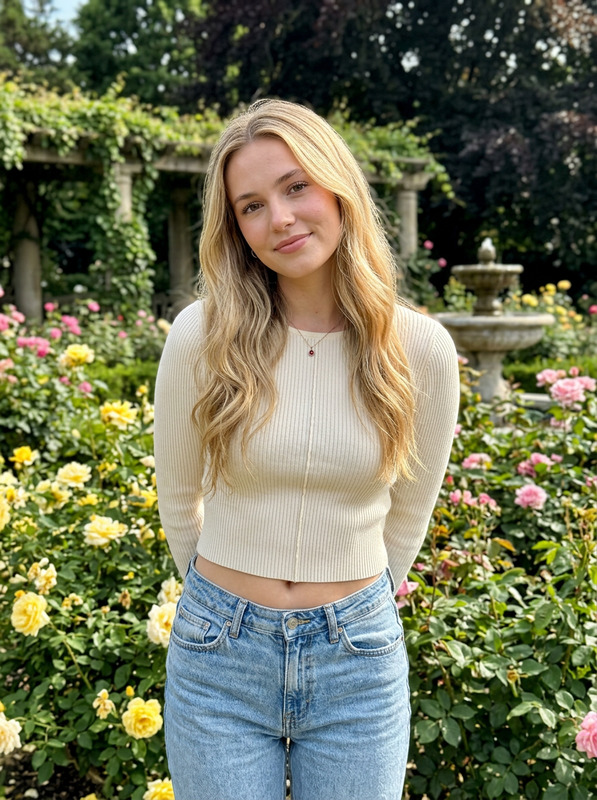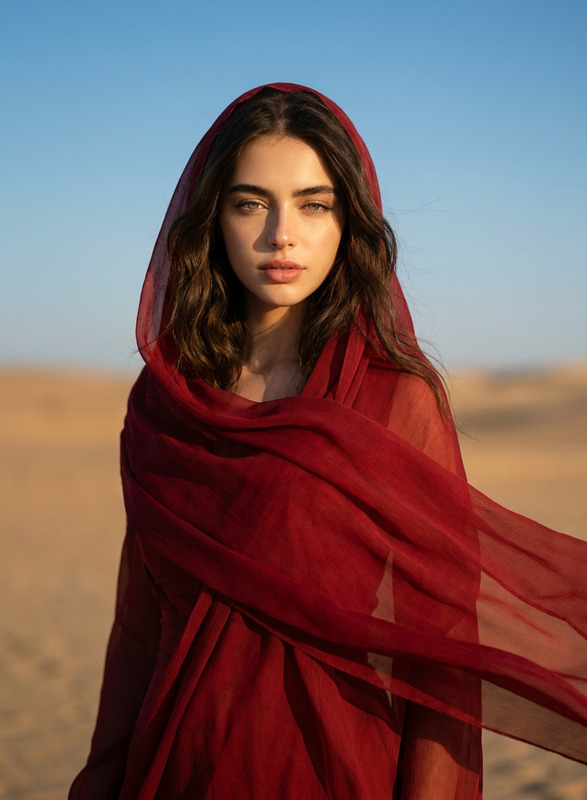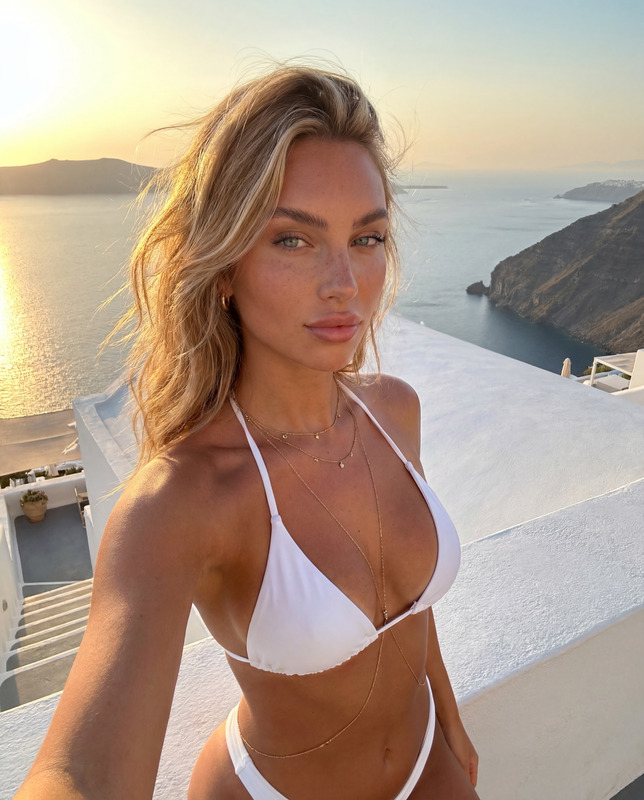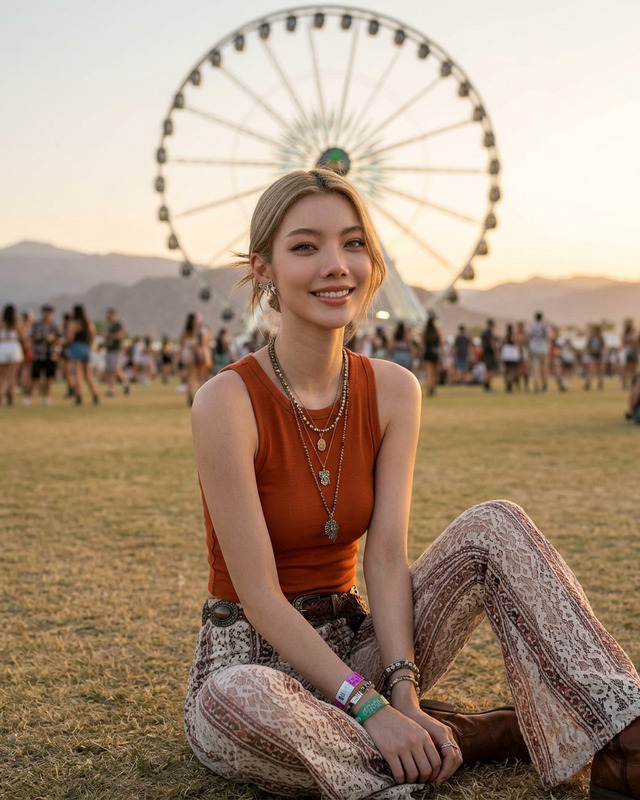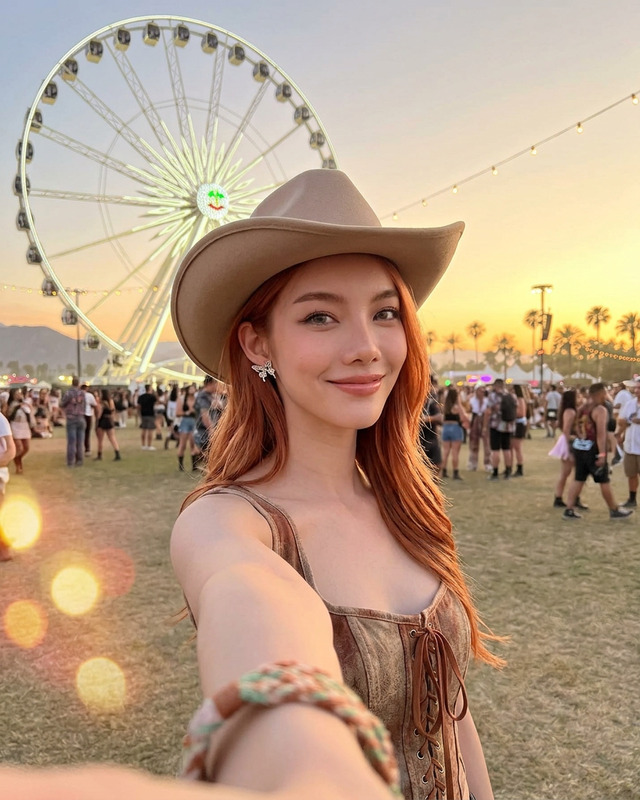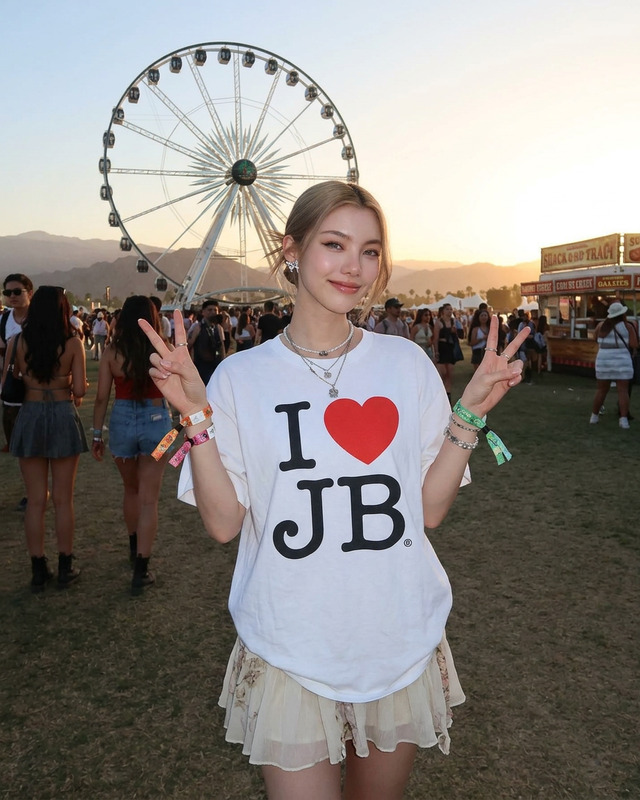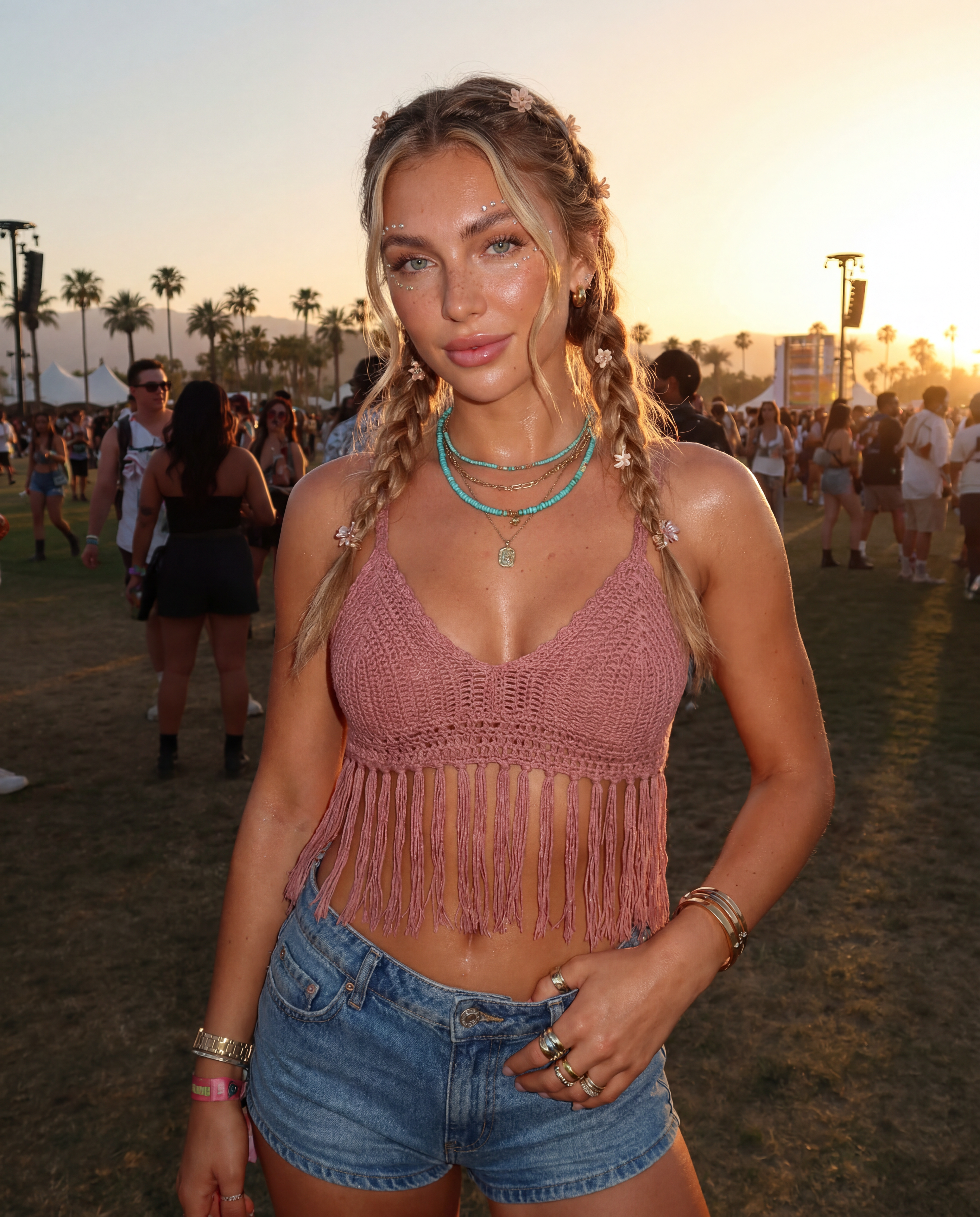
Coachella Girl
ai-image-editor
Any aspect ratio
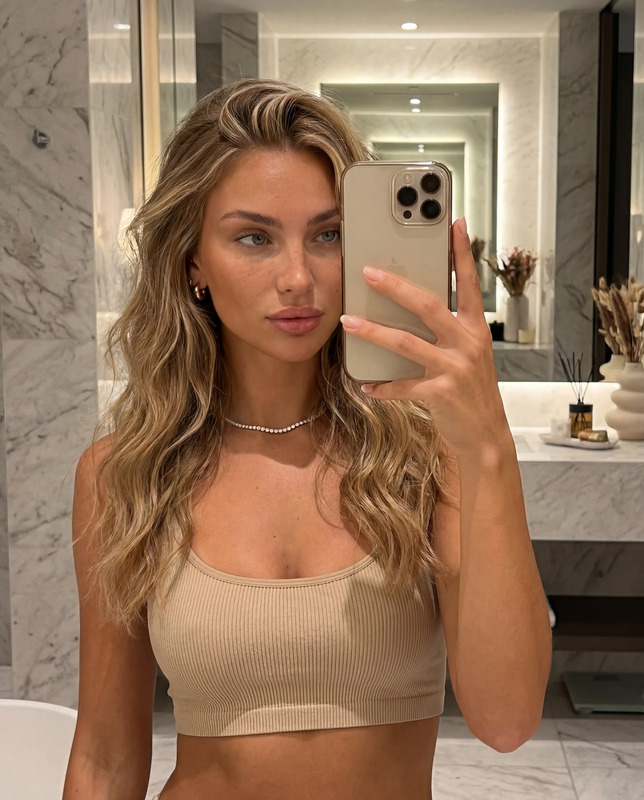
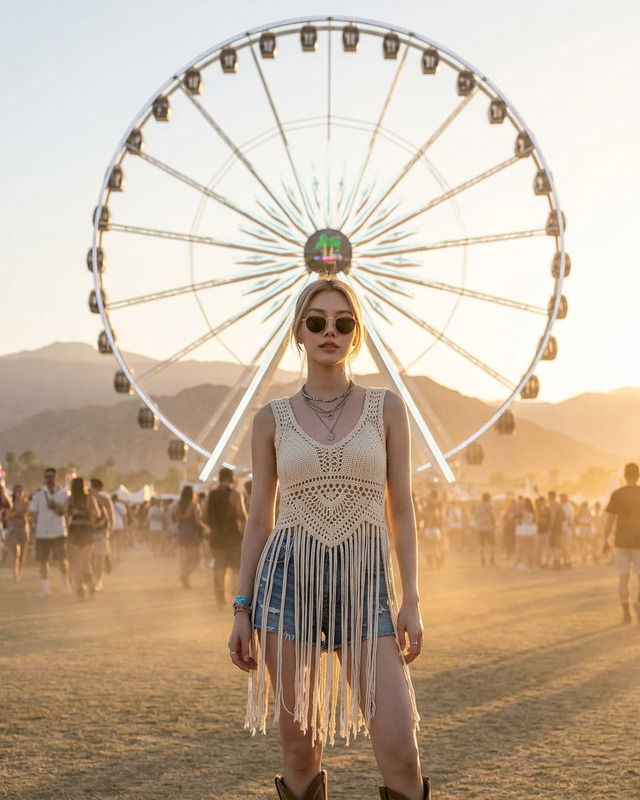
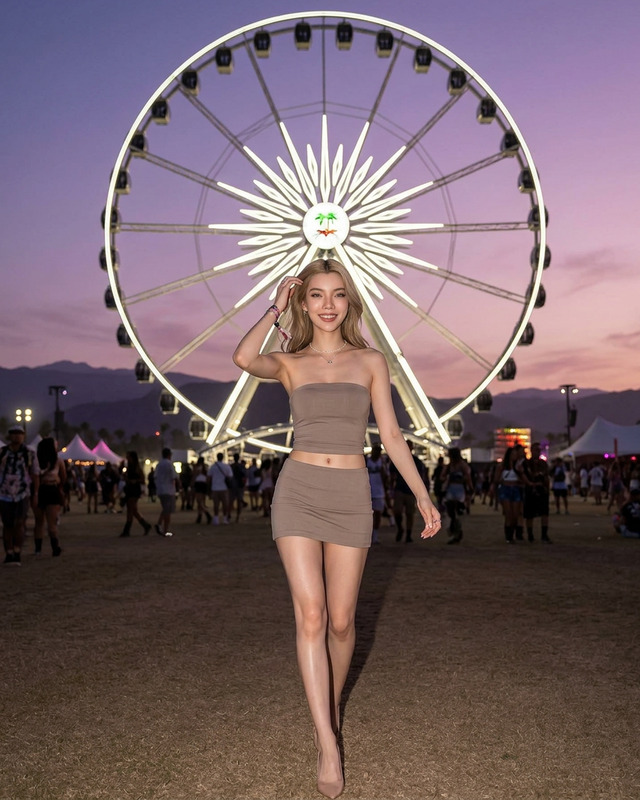
{ "positive prompt": [ "reference image face identity preserved exactly — same light blue almond eyes, full pouty lips, straight narrow nose, fluffy brushed-up eyebrows, honey blonde balayage hair, warm bronzed skin, natural freckles and beauty marks", "half-body close-up shot, slight low angle looking up for flattering perspective", "20-year-old Caucasian female influencer at Coachella festival", "wearing a crochet or fringe crop top in warm ivory or dusty rose tone, bohemian festival style", "high waisted denim micro shorts with subtle distressing", "layered boho jewelry — turquoise stone pendant necklace, stacked gold rings, multiple thin gold bangles", "small decorative gems or rhinestone face jewels delicately placed under eyes or on temples", "honey blonde balayage hair styled in loose boho braids with face-framing tendrils, small decorative hair clips or tiny flowers woven in", "natural glowy sun-kissed makeup — bronzed cheeks, peachy gloss on lips, subtle shimmer on eyelids", "warm golden hour desert light casting a soft orange glow on skin", "Coachella festival background — blurred crowd, festive lights, palm trees, desert haze atmosphere", "candid confident expression, slight smile, eyes catching the golden light", "highly detailed skin texture, visible pores, natural skin imperfections, sun-kissed warmth, light perspiration for realism", "photorealistic, ultra detailed, 4K, golden hour festival photography" ], "negative prompt": [ "cartoon, anime, illustration, painting, 3D render", "blurry, low resolution, grainy, pixelated", "plastic skin, airbrushed, overly filtered, doll-like", "heavy dramatic makeup, dark gothic styling", "changed eye color, different nose shape, different lip shape", "dark hair, cool skin undertones, pale skin", "plain studio background, indoor lighting", "winter clothing, covered up outfits, formal wear", "sharp focused background, no bokeh", "rainy or overcast lighting, cold tones" ] }
AI Image Editor Template – Removable Mask + Face Enhancement
Use this template to quickly remove a face-covering mask and restore a clean, photorealistic version of the person’s face using Magic Hour’s AI Image Editor. It’s designed for creators and teams who need fast, high‑quality edits for:
- Thumbnails, social posts, and ads
- Profile photos and headshots
- Content localization and A/B testing
- Creative concepts, storyboards, and mockups
Important: This template is for creative, illustrative, and experimental use only. Do not use it for identity fraud, impersonation, surveillance, or any harmful or deceptive purpose. Always respect privacy, consent, and local regulations.
What this template does
This AI Image Editor–based template helps you:
- Remove or replace face masks from photos (surgical masks, cloth masks, costume masks, etc.)
- Reconstruct or invent a plausible face in place of the mask (realistic lighting, skin texture, and perspective)
- Clean up artifacts and blend the edited area seamlessly with hair, background, and clothing
- Iterate quickly on multiple facial variations for creative projects, storyboards, or visual testing
Because it’s built on Magic Hour’s editing stack, you get:
- High‑resolution output and clean inpainting
- Natural skin tone handling and lighting consistency
- Strong performance on selfies, portraits, and mid‑shots
For more general face modifications (aging, reshaping, subtle retouching, expression changes), also see AI Face Editor and AI Headshot Generator.
How to remix this template in Magic Hour
You can use this template as‑is, or treat it as a starting point and build your own custom version in the AI Image Editor.
1. Start from the template or an existing image
- Upload the masked photo you want to edit
- Open it in the AI Image Editor experience from your Magic Hour workspace
- Use the brush to select only the masked region (covering nose, mouth, lower face)
If your use case is more about replacing the entire face (e.g., swapping one person for another), you may want to combine this workflow with Magic Hour’s Face Swap or the Face Swap Video template for moving footage.
2. Describe the face you want
The strength of this template comes from precise, text‑based instructions. In the editor, write a short, specific prompt describing the reconstructed face, for example:
- “Natural, unmasked face of the same person, neutral expression, soft studio lighting, high‑resolution portrait photography”
- “Realistic female face, East Asian, early 30s, minimal makeup, friendly expression, consistent with existing hairstyle and lighting”
- “Photorealistic male face, dark brown skin, mid‑40s, light stubble, confident look, matches current camera angle and scene”
You can adapt the template to other face transformations by changing the prompt:
- To simulate different outfits or style, combine with AI Clothes Changer
- To generate entirely new characters (for games, comics, or pitch decks), explore AI Character Generator, AI Face Generator, or Animated Characters Generator
3. Refine and iterate
Once you have a first pass:
- Zoom into the edited area to check edges, skin texture, and lighting
- If hair, glasses, or accessories look off, re‑select just those areas and re‑prompt
- Try multiple prompt variations to explore different looks (age, expression, makeup, lighting)
To increase realism or production quality, you can post‑process with:
- AI Image Upscaler – sharpen details and upscale for large prints or high‑density displays
- AI Remover or Remove Object from Photo – clean distractions, logos, or leftover artifacts
- Unblur Image – recover crispness from soft or low‑light originals
Example use cases
Marketing & growth teams
- Remove masks from user photos (with consent) to create more expressive testimonials and landing page visuals
- Localize the same concept with different faces, demographics, or expressions for regional campaigns
- Generate clean, high‑impact thumbnails by revealing full facial expressions, then combine with Thumbnail Maker
Content creators & YouTubers
- Turn masked vlog screenshots into vivid, click‑worthy thumbnails
- Build “before/after” story visuals for narratives about pandemic, health, or transformation
- Convert static edited portraits into short motion clips with Image to Video or Text to Video
Product, UX, and startup teams
- Rapidly prototype personas and user stories with fully visible faces for decks and internal docs
- Create consistent sets of character images across product screens or flows using AI Photo Generator
- Turn your edited faces into speaking avatars with AI Talking Photo or Lip Sync
Designers, illustrators, and storytellers
- Start with a realistic unmasked face, then stylize it with:
- Turn edits into posters, covers, or album art using Album Cover Generator or Book Cover Generator
How to build your own variant of this template
If you want to go beyond “mask removal” and build a more specialized template for your team:
Define your consistent style
- Decide on camera framing (close‑up vs. mid‑shot), lighting (studio, natural, cinematic), and post‑processing (sharp, soft, filmic).
- Encode that style into your prompts inside the AI Image Editor.
Standardize your prompts
- Maintain a short library of reusable prompt fragments such as:
- “soft daylight, depth of field, natural skin texture”
- “studio portrait, 50mm lens look, subtle color grading”
- “cinematic lighting, moody shadows, high dynamic range”
- Use them across projects so your outputs stay visually consistent.
- Maintain a short library of reusable prompt fragments such as:
Create a character or persona system
- For recurring characters, combine this template with:
- AI Character Generator for concept exploration
- Full Body Generator for head‑to‑toe visuals
- Use the AI Image Editor to ensure the face and expression match across scenes.
- For recurring characters, combine this template with:
Extend into motion or interactive content
- Turn your edited faces into animated content with:
- Add narration with AI Voice Generator or clone a specific voice with AI Voice Cloner.
- Auto‑subtitle your final videos with Auto Subtitle Generator.
Ethical and legal considerations
Professional teams using face‑focused AI editing should keep a few standards in mind:
- Consent & rights – Ensure you have clear rights to edit and publish the original image. For commercial or public use, obtain explicit consent from the subject wherever possible.
- No impersonation – Do not use this template to create or distribute deceptive images that impersonate real individuals for fraud, harassment, or political manipulation.
- Contextual transparency – For journalism, research, legal, and other high‑stakes domains, clearly label AI‑edited content and avoid mixing it with authentic documentary imagery.
- Bias awareness – When generating or reconstructing faces, be mindful of demographic balance and representation. Avoid using prompts or workflows that reinforce stereotypes.
For many teams, a simple internal policy and lightweight review step is enough to keep usage aligned with brand, legal, and platform guidelines.
Related Magic Hour tools worth exploring
To build a more complete face‑editing and content pipeline around this template, consider combining:
Visual quality & enhancement
Faces, identities, and avatars
Design & branding
Creative and narrative world‑building
When to use this template vs. other tools
Use this AI Image Editor – Mask Removal & Face Enhancement template when:
- You have a real photo with a partially occluded face
- You want a photorealistic, single‑frame result
- You need fine‑grained control over the edited area (only the mask, not the entire image)
Consider other tools when:
- You’re starting from text and need a brand‑new image → AI Image Generator, AI Photo Generator
- You’re creating stylized or illustrated characters → AI Art Generator, AI Manga Generator, AI Illustration Generator
- You want to animate or talkify an edited face → AI Talking Photo, Lip Sync, Image to Video
Use this template as your reliable baseline for mask removal and face restoration, then remix it to fit your brand, characters, or narrative style across the rest of the Magic Hour ecosystem.