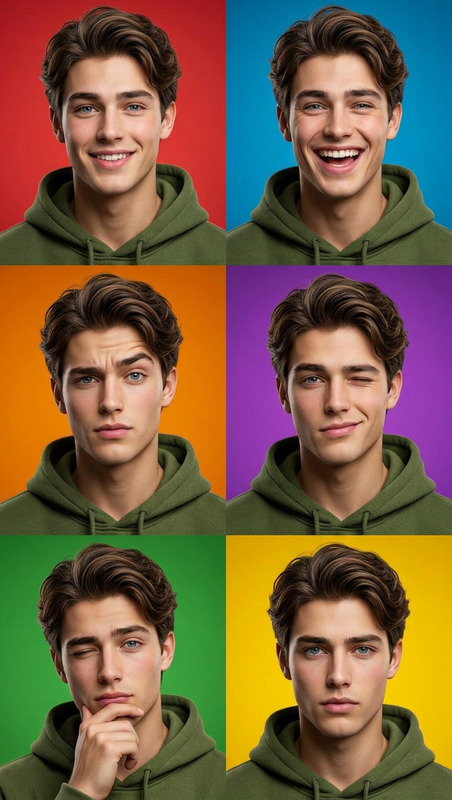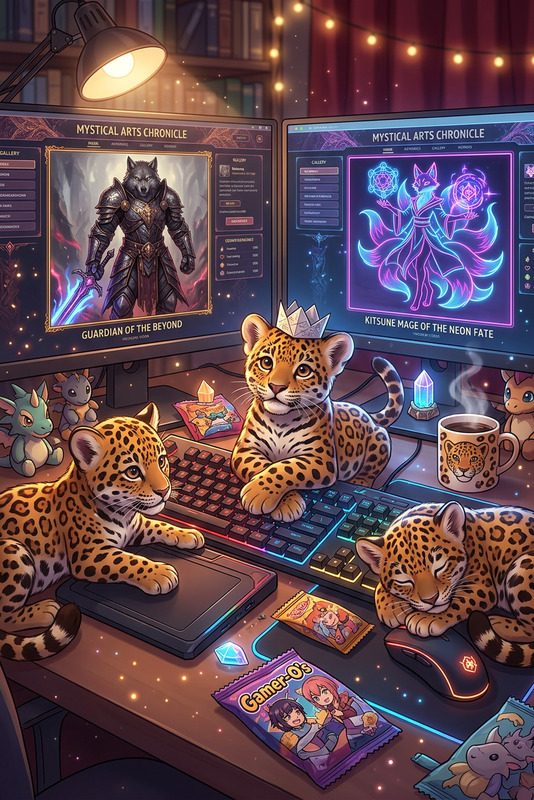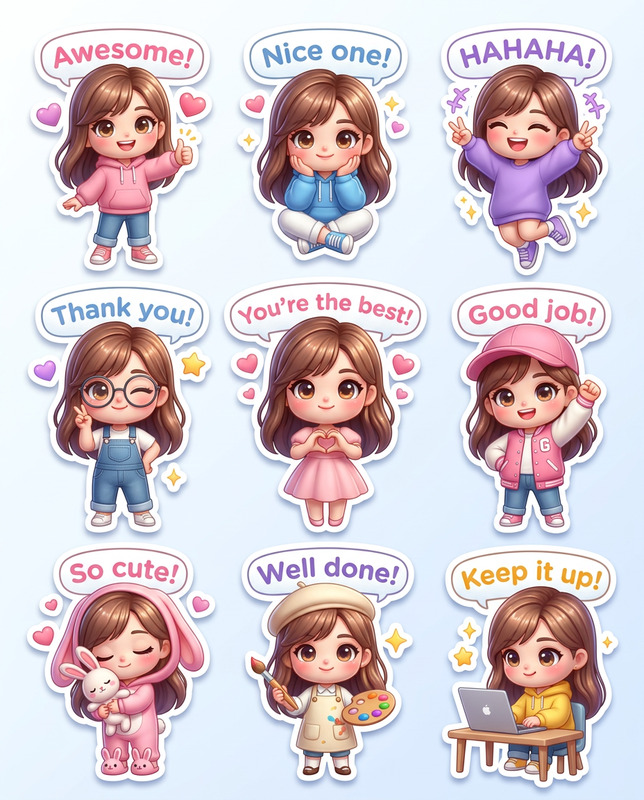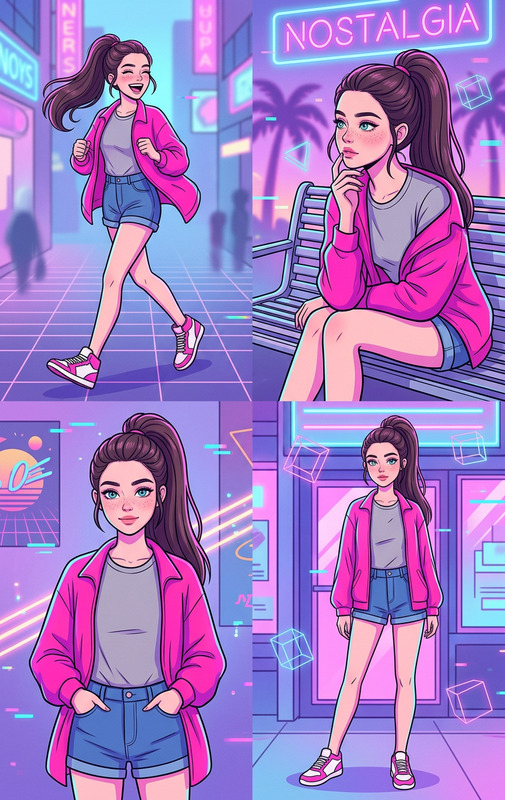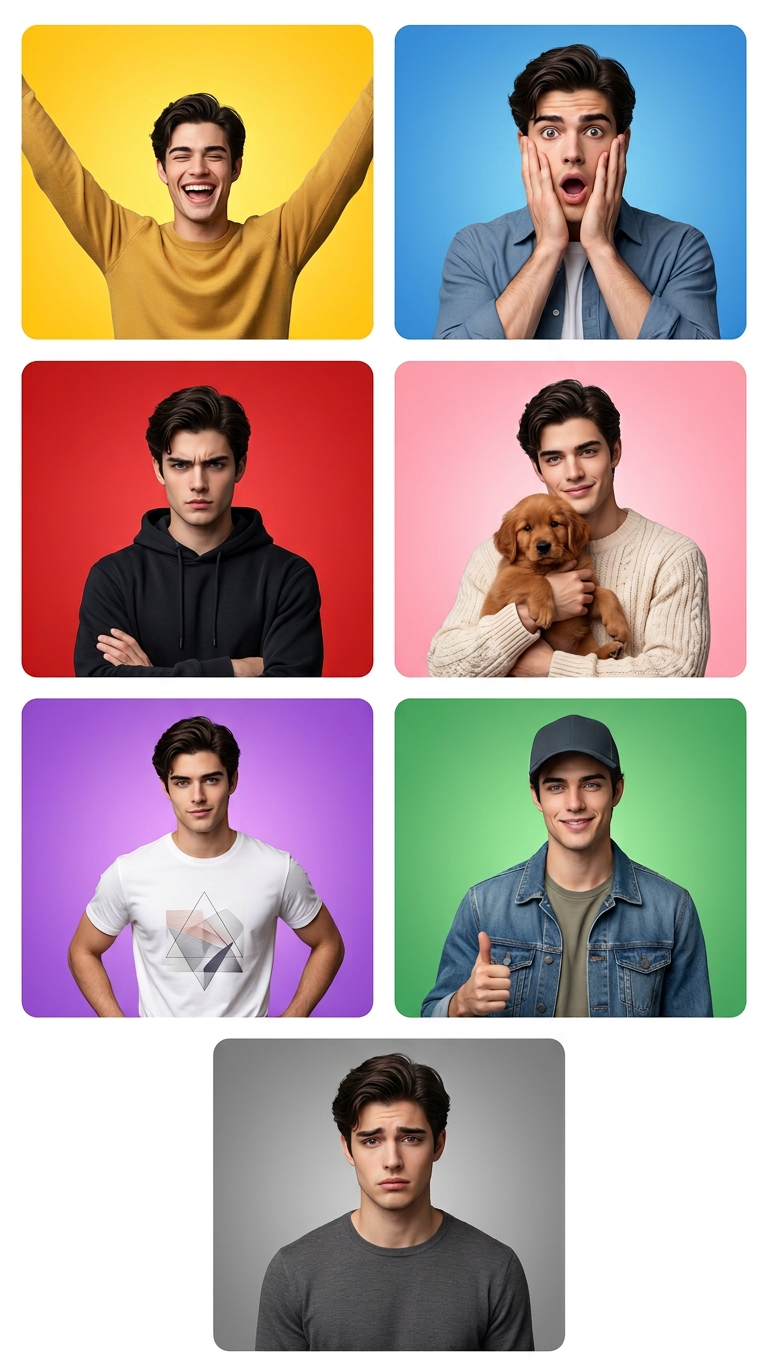
Emotion Tile Grid (7 Panels)
- Model
- Nano Banana 2
- Image
- 768 × 1365 px
Prompt
Clean modern UI-style grid of 7 panels (not edge-to-edge), with thin white spacing between tiles and a subtle outer white margin. Each panel has slightly rounded corners. Panel 1 — Joyful (Yellow): bright yellow gradient, arms raised, eyes closed, big open laugh, energetic posture. Panel 2 — Shocked (Blue): blue gradient, hands on cheeks, wide eyes, open mouth, raised brows. Panel 3 — Serious (Red): red background, arms crossed, furrowed brows, tight neutral lips, dark hoodie. Panel 4 — Affectionate (Pink): soft pink gradient, holding a small brown puppy, gentle smile, cozy knit sweater. Panel 5 — Confident (Purple): purple gradient, one hand on hip, slight smirk, graphic t-shirt, relaxed stance. Panel 6 — Friendly (Green): green gradient, wearing cap and denim jacket, thumbs-up, relaxed smile. Panel 7 — Sad (Gray): gray gradient, slight downward gaze, brows raised in center, lips slightly downturned. Consistent character design across all panels, expressive poses, soft lighting, clean composition, high detail.
Any aspect ratio
Overview
Capture the full spectrum of emotions in one clean, sophisticated grid with the Emotion Tile Grid (7 Panels) template. Perfect for creators looking to express a wide range of feelings through design, this template offers a modern, uniform style across each panel. Whether it's for a campaign or personal project, these emotional visuals are sure to make an impact.
What It Does
This template leverages the advanced capabilities of the AI Image Editor, tailored by the nano-banana-2 model. It generates a grid of seven distinct panels with expressive, character-driven imagery suitable for both personal and commercial use. The soft lighting and detailed expressions make it ideal for adding depth to your visual content.
Who It's For
The Emotion Tile Grid is designed for digital marketers, content creators, and designers who need to convey complex emotions in a visually appealing format. It's a valuable tool for those in advertising, digital storytelling, or anyone aiming to create compelling image-based narratives.
Summary
Bring emotions to life with this seven-panel grid, combining aesthetics with clear, actionable impact. Seamless integration with the AI Video Generator expands your creative horizons beyond static images, offering a multi-faceted approach to digital storytelling. Engage audiences by communicating emotions directly through image editing excellence.
How to Use

Adjust Settings

Generate Grid

Use Cases
Social Media Campaigns
- Create Instagram posts highlighting diverse moods.
- Enhance Facebook content with captivating imagery.
Digital Storytelling
- Perfect for graphic novel adaptations.
- Ideal for adding layers to video storytelling.
Advertising
- Design banner ads with emotional connections.
- Increase engagement with animated marketing content.
Best Practices
Consistent Character Design
Ensure all panels feature a consistent character design to maintain a cohesive grid appearance.Color Gradient Harmony
Use similar tones across gradients to keep the visual appeal smooth and connected.Lighting and Shadows
Soft lighting and subtle shadows create depth; adjust these elements to enhance character expressions.