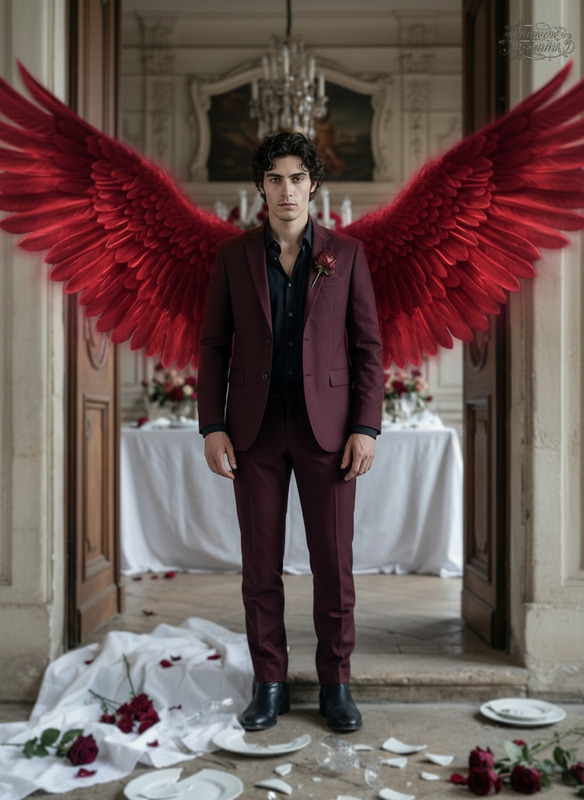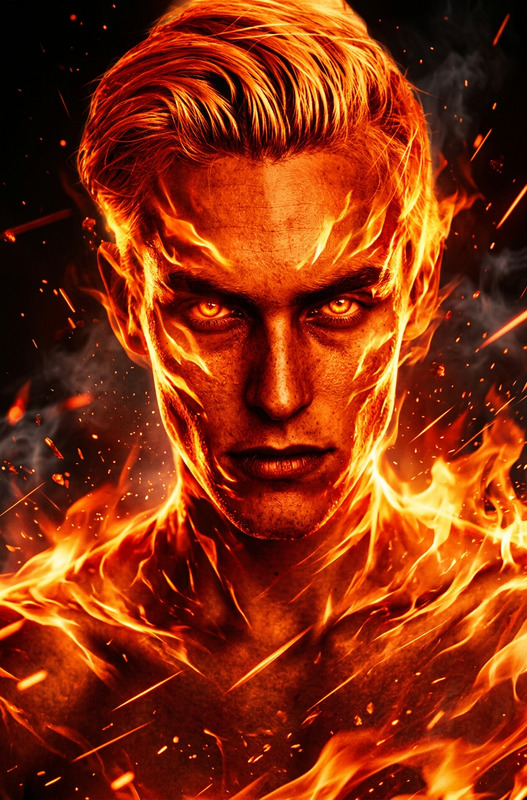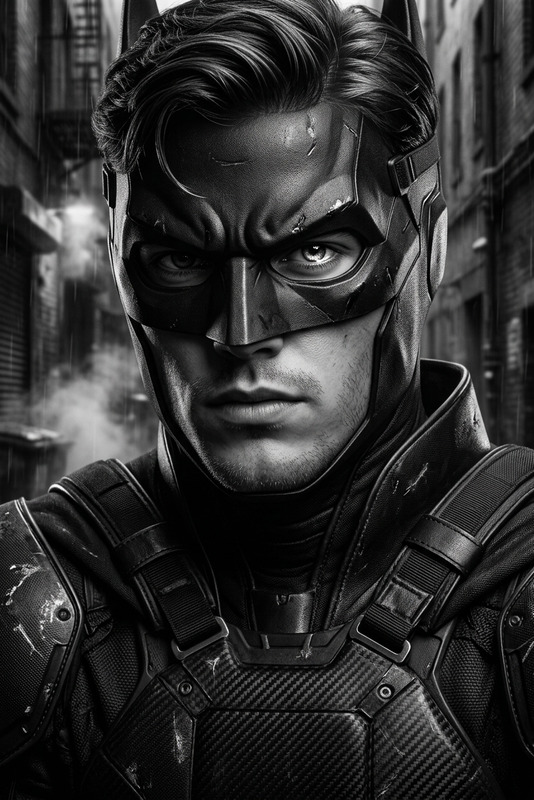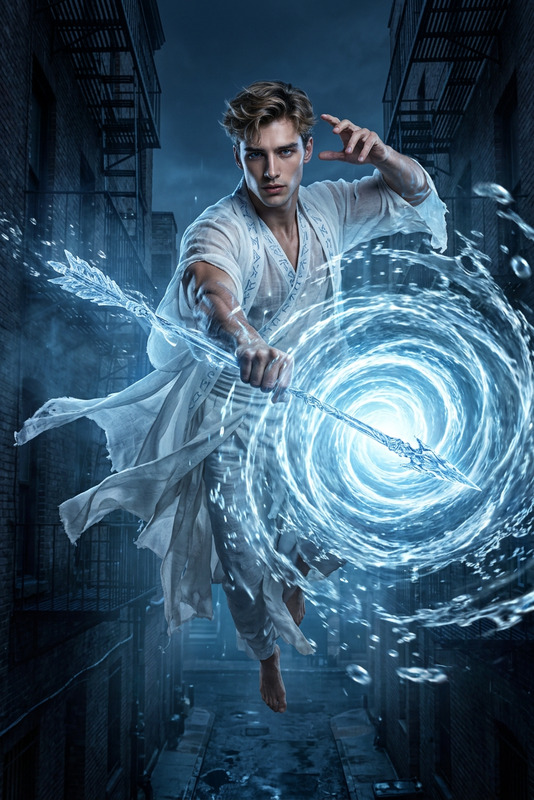
Asymmetrical Winged Sentinel
- Model
- Nano Banana 2
- Image
- 843 × 1264 px
Prompt
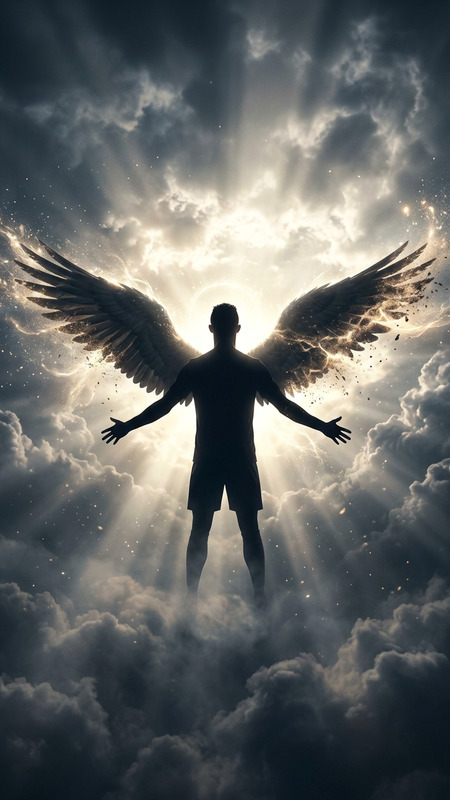
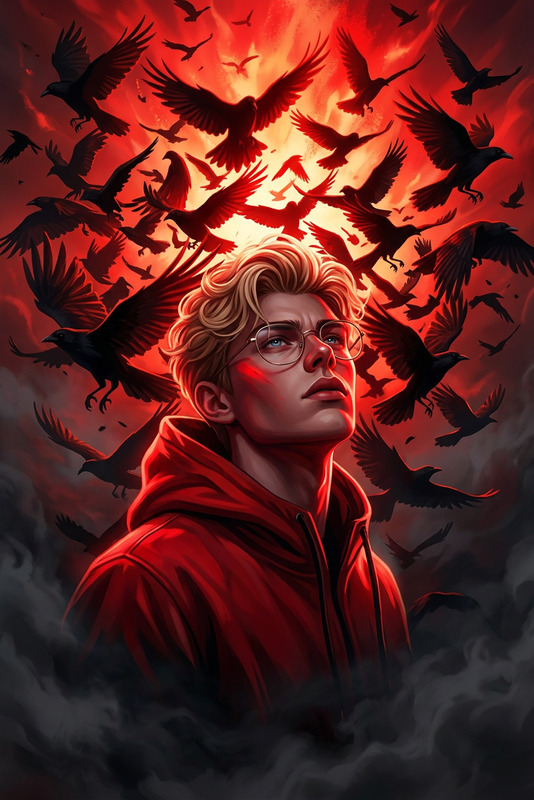
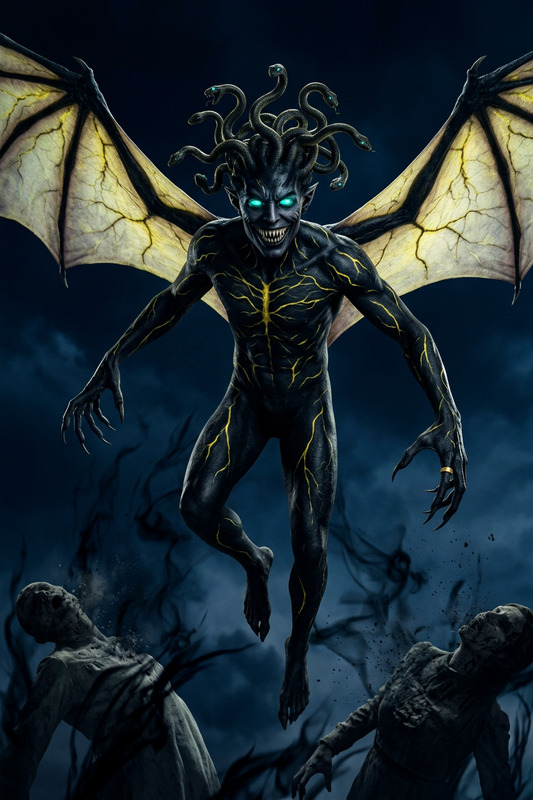
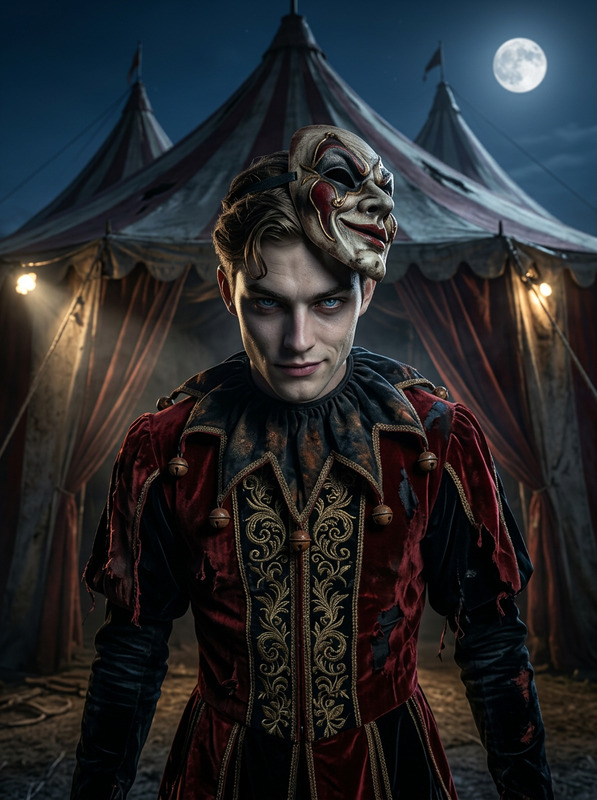
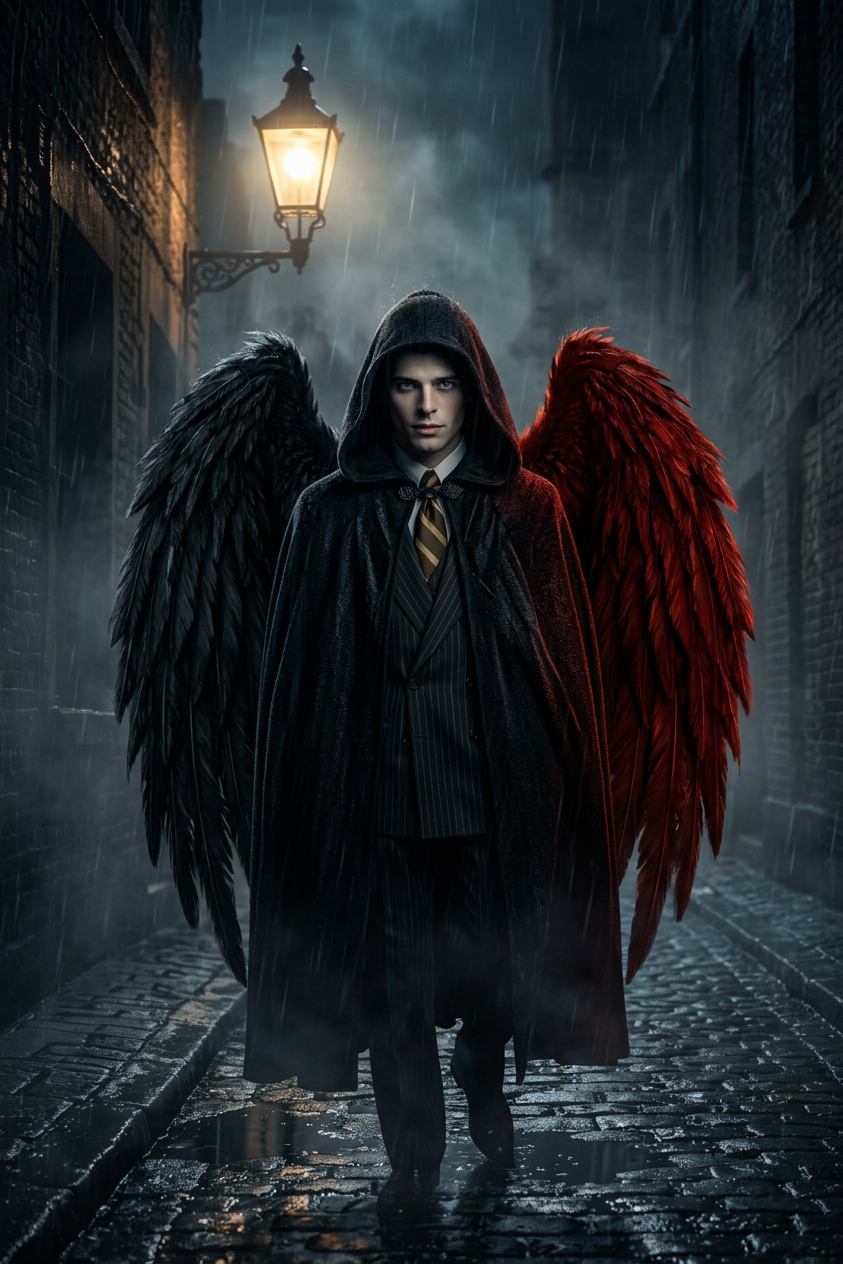
Subject transforms into a mysterious hooded figure with one black and one red feathered wing, standing beneath a glowing streetlamp in a dark rainy alley. Mist-filled environment, cinematic composition, dramatic lighting. Somber, moody atmosphere with strong contrast and reflective wet surfaces.
Any aspect ratio
Overview
The Asymmetrical Winged Sentinel template is an AI Image Editor that lets you craft visually striking scenes imbued with narrative depth. Specifically designed for creators looking to engage their audience with compelling visuals, this template utilizes the nano-banana-2 model to generate high-quality images from your prompts. Whether you're developing graphics for storytelling or enhancing a visual project, this tool provides the flexibility and creativity you need.
What It Does
This template leverages advanced AI image editing to transform subjects into atmospheric scenes, like a hooded figure under a streetlamp with wings, creating a mystical, rain-soaked ambiance. Through the use of AI Image Editor, it offers dramatic lighting effects, highlights wet reflective surfaces, and captures the misty mood. The outcome is a cinematic scene perfect for narrative pieces.
Who It's For
The Asymmetrical Winged Sentinel template is ideal for graphic designers, filmmakers, and storytellers seeking to enhance their visual projects. It's also great for digital artists and marketers who aim to incorporate unique, moody visuals into their work to captivate and engage their audience. Students and educators in visual arts can benefit by using this tool to explore composition and lighting effects in digital storytelling.
Summary
Perfect for creating dynamic visuals with a mysterious allure, this template uses the nano-banana-2 model to deliver high-quality image edits. By applying strong contrasts and cinematic compositions, it allows you to produce visually compelling scenes. Use the Asymmetrical Winged Sentinel to bring your imaginative ideas to life, enhancing your AI Video Generator projects or standalone images.
How-To Structure
Choose the Template

Customize Your Inputs

Generate Your Image

Use Cases
Digital Storytelling
- Enhance visual storytelling with mood-driven images
- Use in graphic novels or digital comics
Marketing Campaigns
- Appeal to audiences with dramatic visual content
- Strengthen brand storytelling
Film Pre-Visualization
- Test various scene settings for film
- Assist in mood board creation
Best Practices
Define Your Mood
Clearly outline the mood and atmosphere you wish to achieve. Use contrast and light effectively to enhance the scene's drama.Experiment with Prompts
Adjust parts of the prompt to explore various outcomes. Test changes in lighting, subject positioning, and environmental conditions for varied effects.Incorporate Feedback
Share initial outputs with peers to gather insights, which can refine your approach and improve the final image quality.