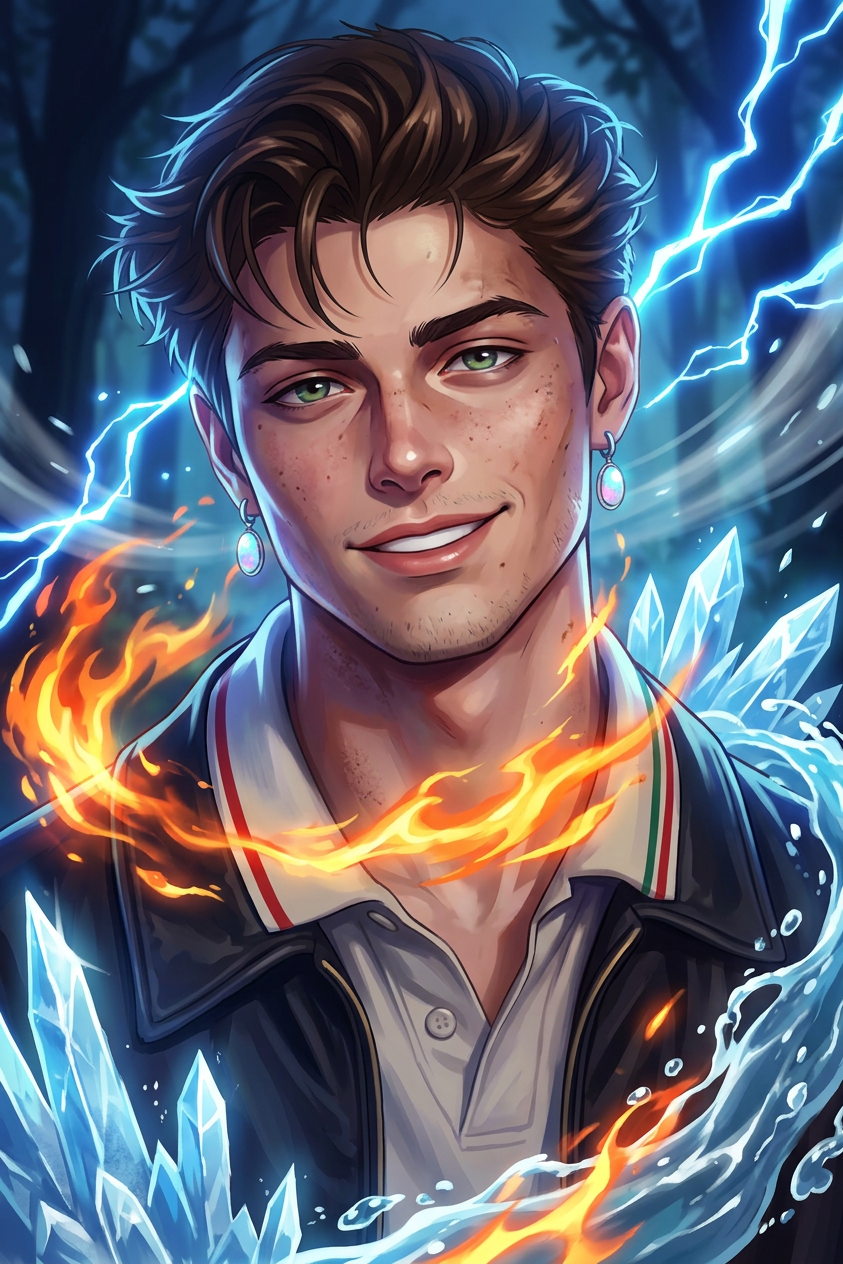
Elemental Dream Weaver
- Model
- Nano Banana 2
- Image
- 843 × 1264 px
Prompt
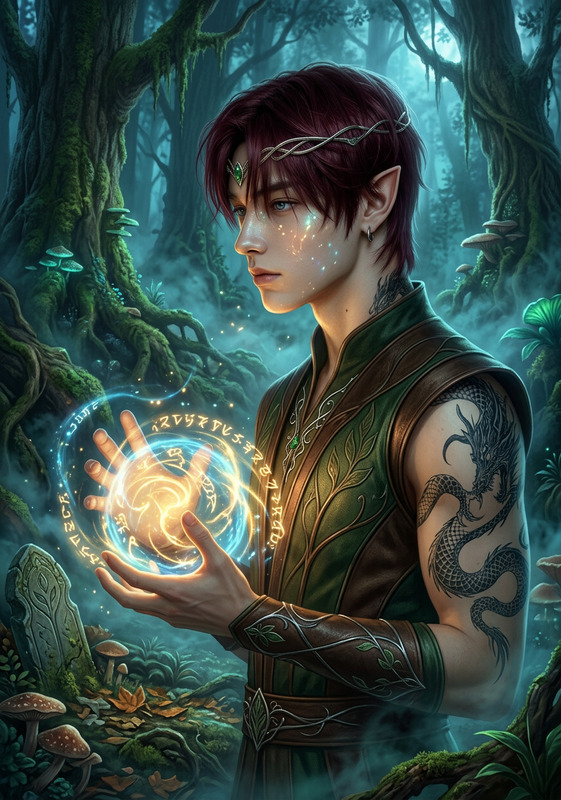
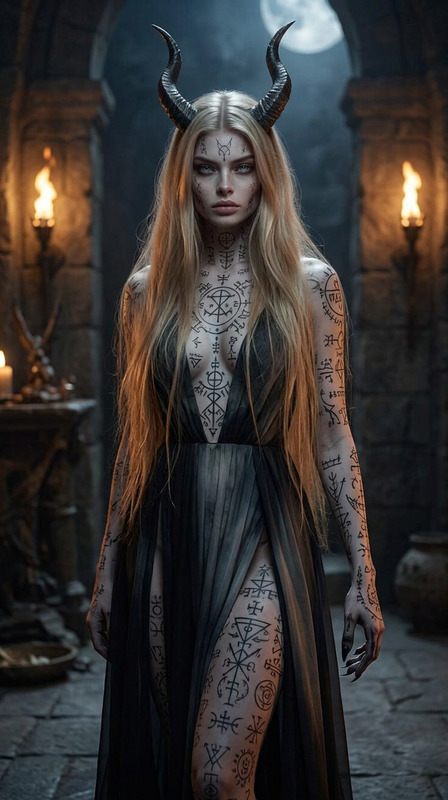
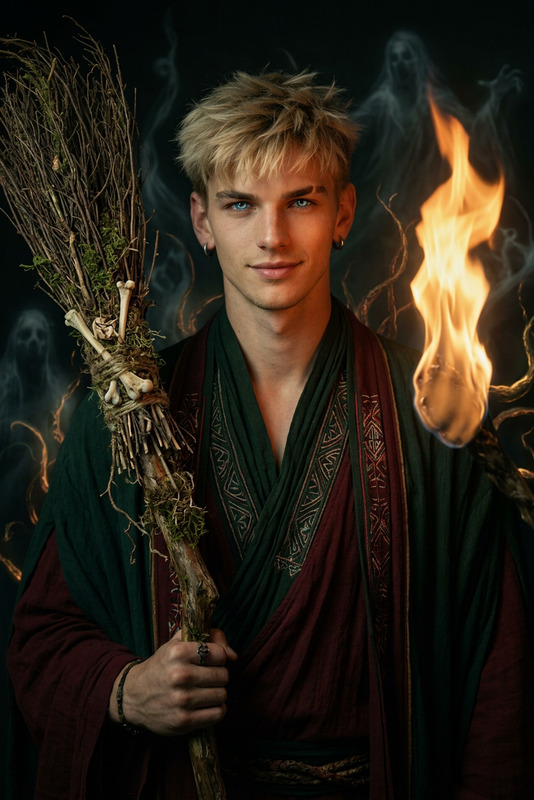
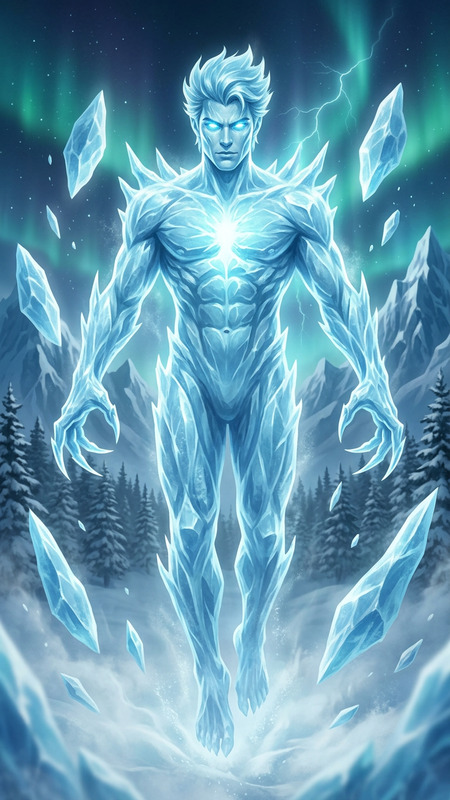
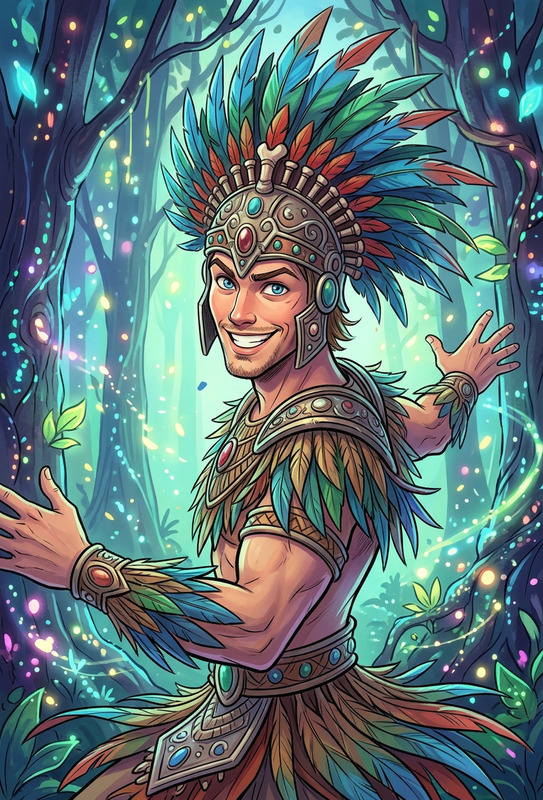
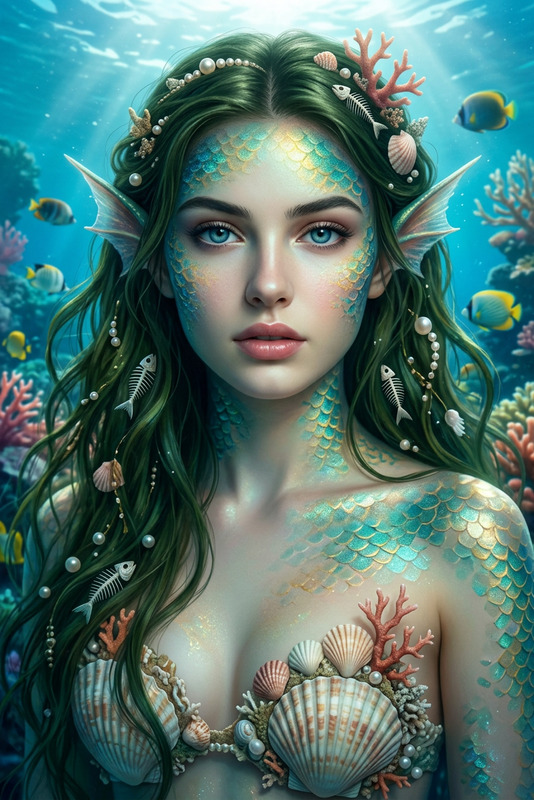
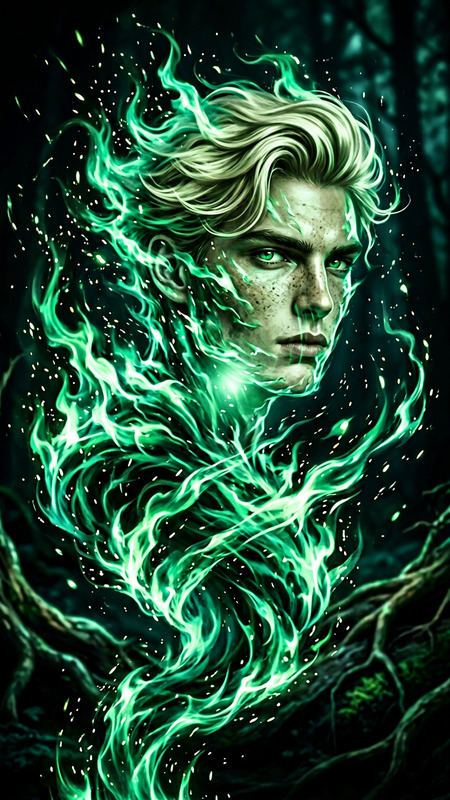
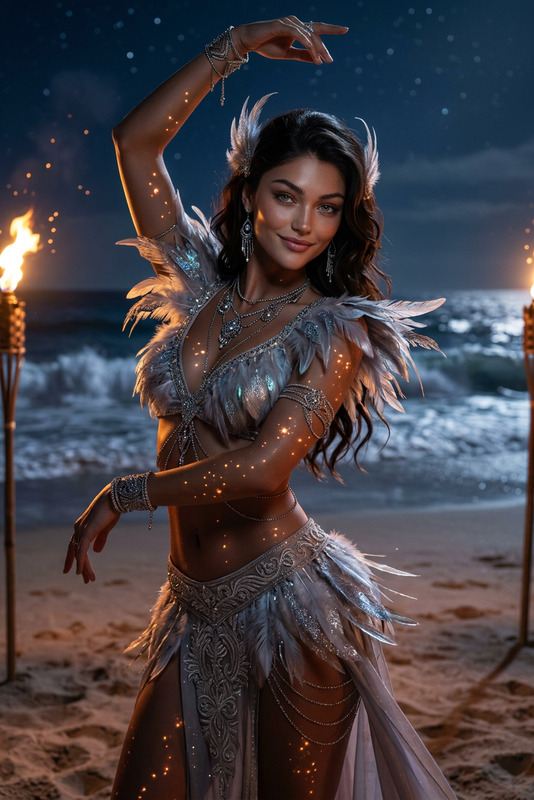
Subject transforms into an anime-inspired figure surrounded by lightning, fire, ice, water, and wind. Vibrant glowing colors in a mysterious nocturnal setting. Slightly imperfect, weathered features with iridescent, opalescent earrings. Volumetric lighting adds depth. Painterly, dreamlike composition blending fantasy and reality, ethereal and powerful atmosphere.
Any aspect ratio
Overview
The Elemental Dream Weaver is an AI Image Editor template designed to transform visuals into an anime-inspired art piece. This template harnesses the creative power of the AI Image Editor, allowing you to craft scenes filled with lightning, fire, ice, water, and wind. The result is a vibrant and engaging composition that sparks imagination.
What It Does
Elemental Dream Weaver takes your existing images and morphs them into fantasy scenes where subjects become ethereal beings surrounded by the elements. The scene is set in a dreamy, nocturnal environment enhanced by vibrant, glowing colors and volumetric lighting. This tool effectively blends the real and the imaginary, creating a fantastic atmosphere that captivates viewers.
Who It's For
This template is ideal for artists, storytellers, and content creators seeking to add a fantasy twist to their visuals. Whether you're making dynamic video storyboards or looking to enhance your social media content, Elemental Dream Weaver offers powerful capabilities for those wanting to experiment with the fantastical. It's also suitable for game designers looking to conceptualize animatic scenes.
Summary
Leverage the capabilities of Elemental Dream Weaver to enrich your storytelling and visual projects. This editor focuses on blending realism with the fantastical, producing images with depth and character. By integrating elements such as fire and lightning with detailed, painterly compositions, you can craft ethereal images that feel both historic and otherworldly. Explore its dynamic features by checking our Full Body Generator for more creative opportunities.
How To
Choose Your Image

Customize the Details

Generate Your Image

Use Cases
Creative Storytelling
- Visual novels
- Graphic design
- Anime art
Social Media Content
- Instagram stories
- Facebook covers
- TikTok visuals
Game Design and Concept Art
- Fantasy game artwork
- Character design
- Environment concepts
Best Practices
Focus on Details
Use the template's detailed elements, like earrings and volumetric lighting, to create depth.Enhance Mood
Play with lighting and color to set the appropriate mood, enhancing the ethereal quality of the image.Experiment with Composition
Try different arrangements of elemental themes to see which best complements your central subject.