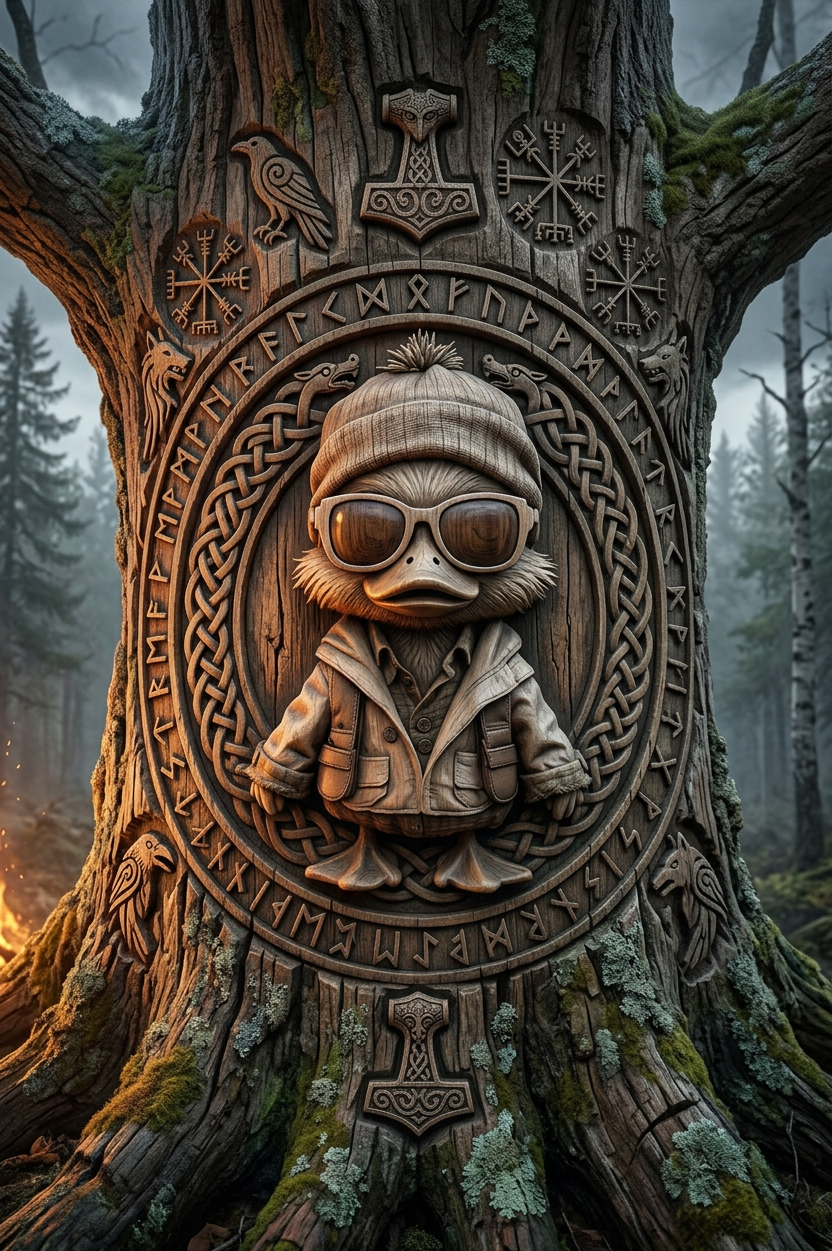
Norse Carving
ai-image-editor
Any aspect ratio
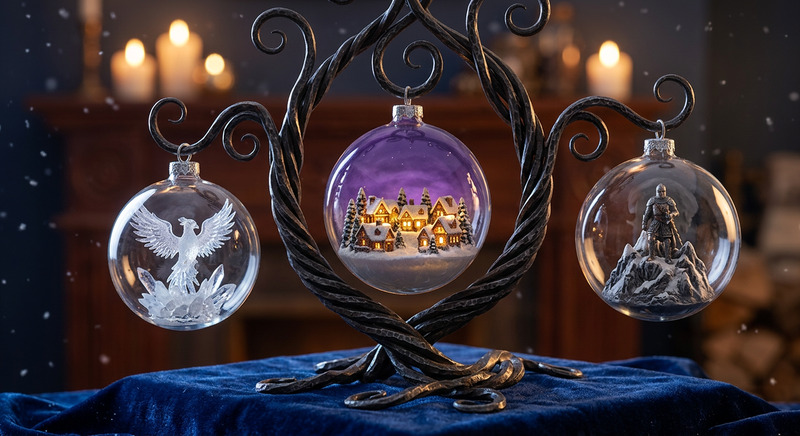
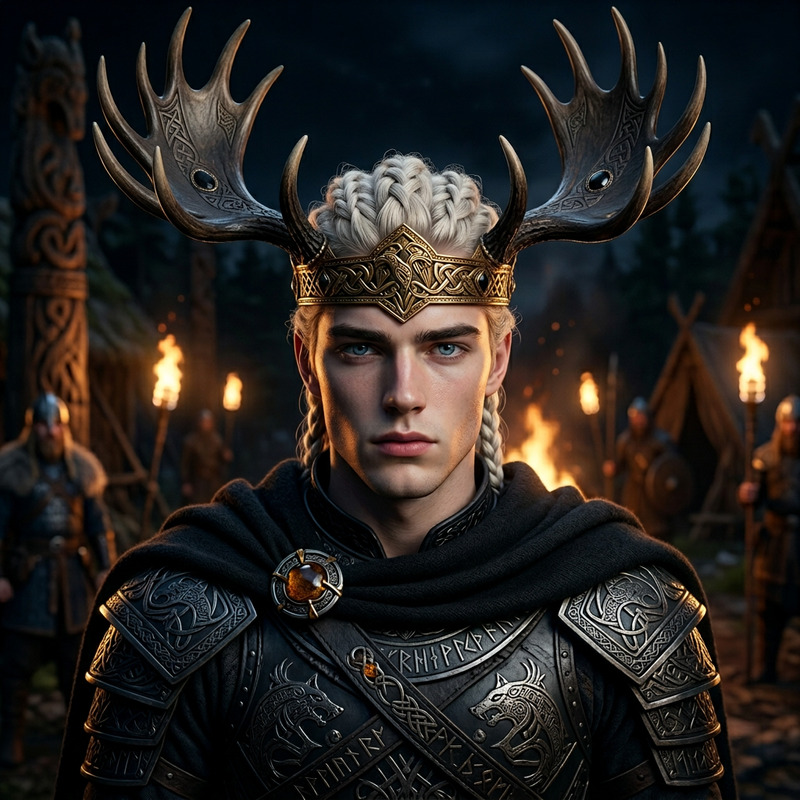
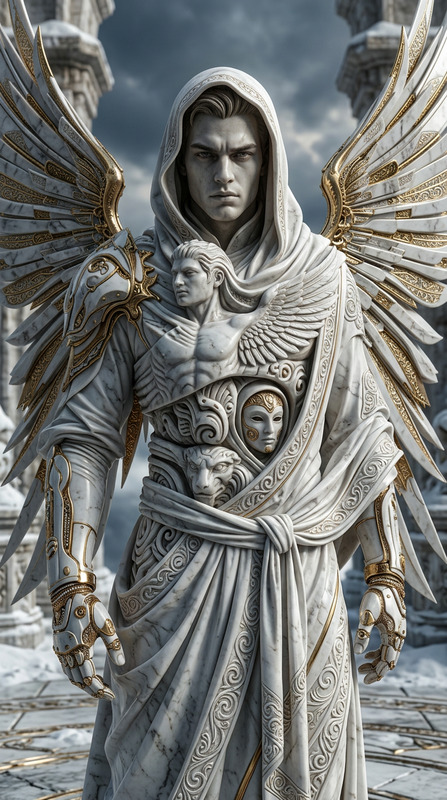
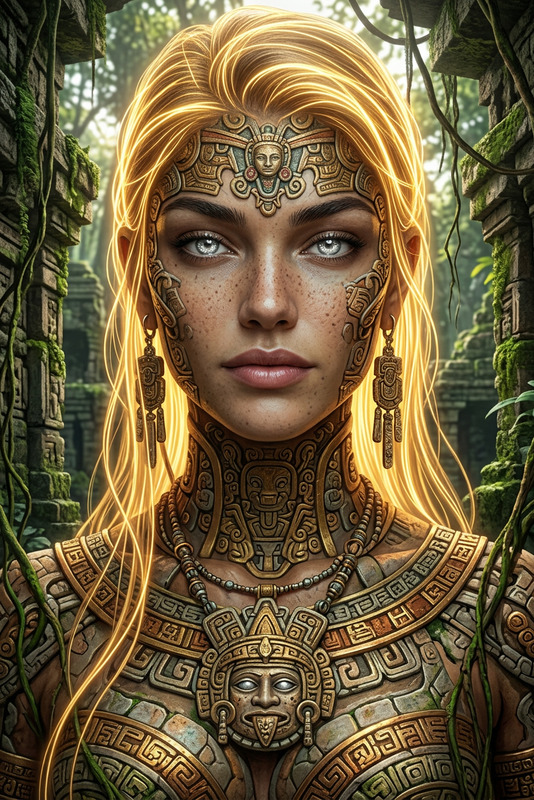
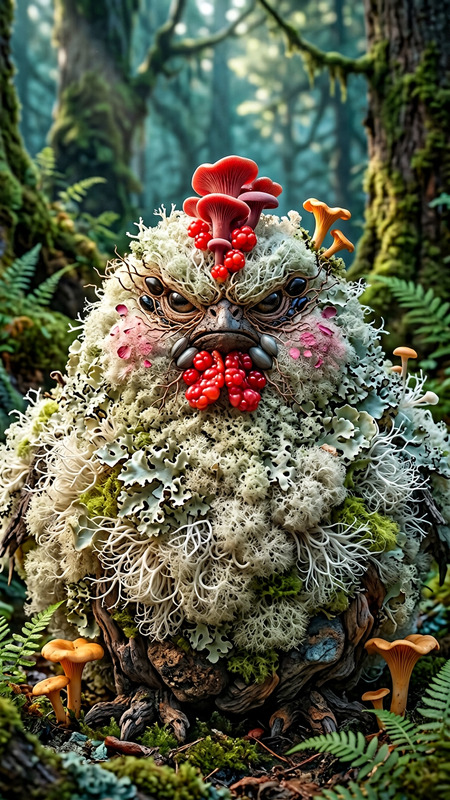
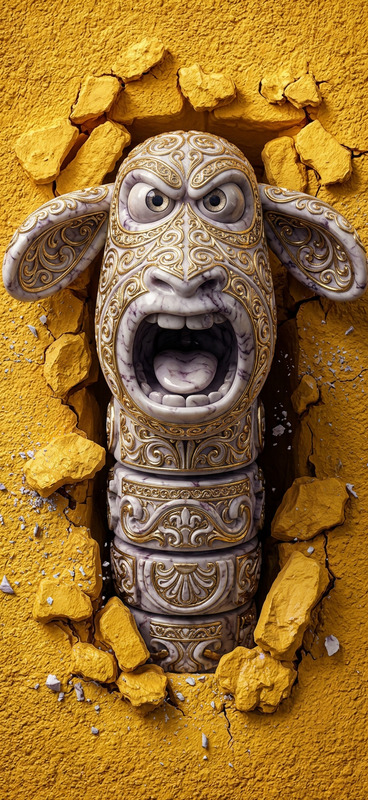
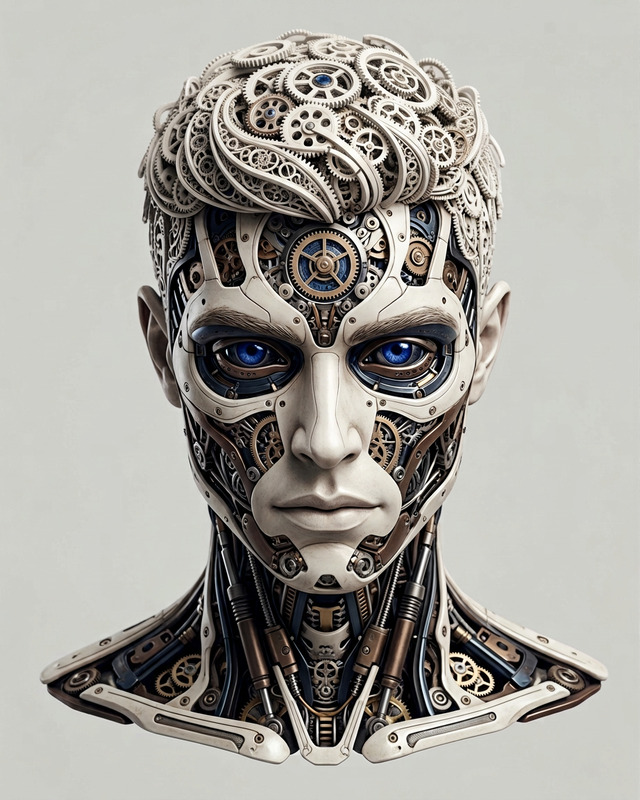
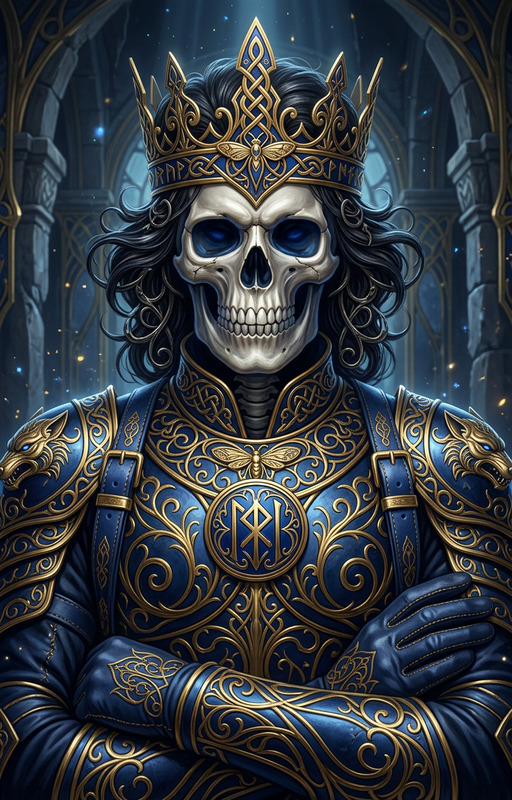
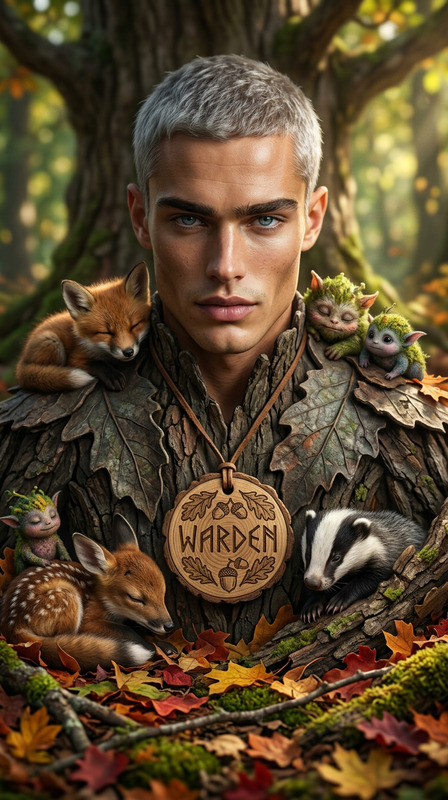
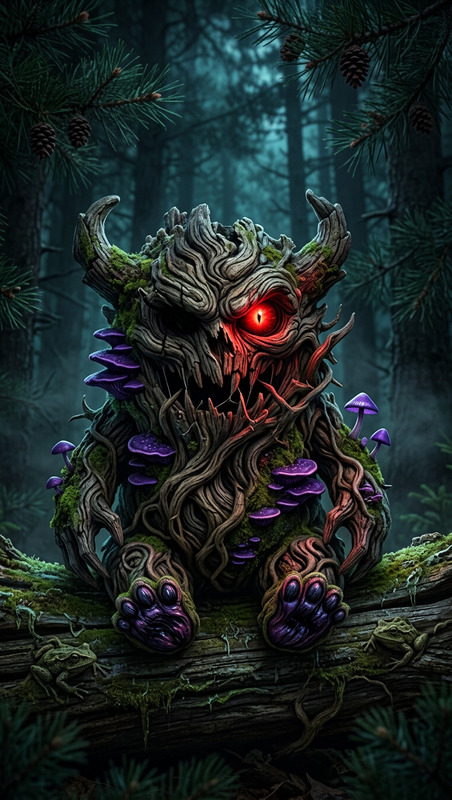
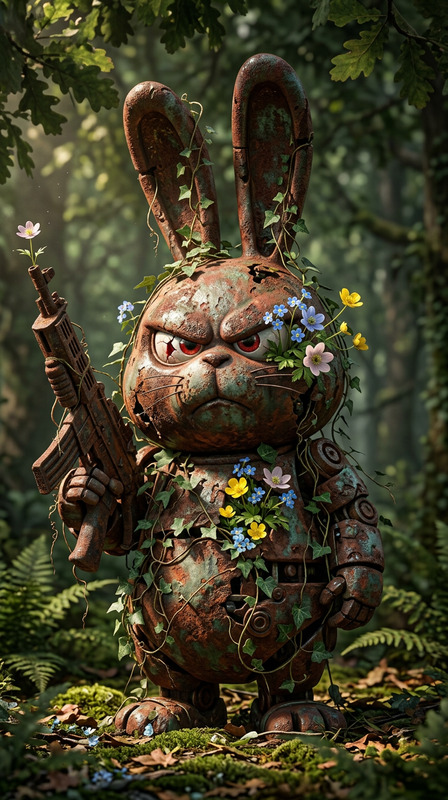
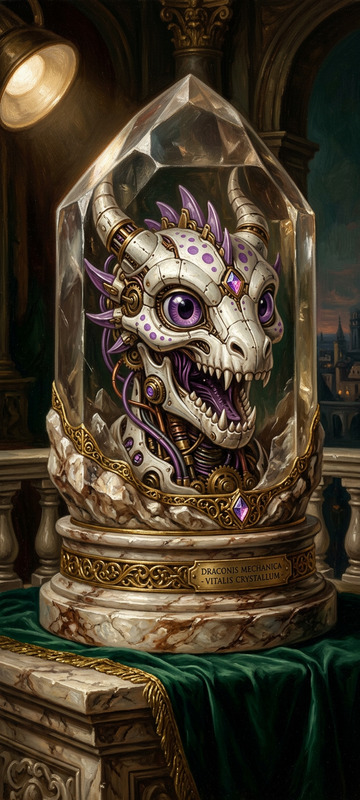
Subject engraved into a massive ancient tree trunk as a hyper-realistic Viking-style carving; intricate Norse knotwork borders, runes, and symbolic motifs surround the figure; deep chisel marks and ultra-detailed wood grain with natural bark texture, moss, and cracks; dramatic side lighting with strong rim light and deep shadows enhances depth and relief; background fades into a misty Nordic forest; cinematic, photorealistic, ultra-detailed textures and craftsmanship.
AI Image Editor Template: Precise, Fast Visual Editing for Modern Teams
Use this template to turn any image into a polished, on-brand asset in seconds. Built on Magic Hour’s AI Image Editor, it’s designed for creators, marketers, founders, and product teams who need reliable, repeatable edits without leaving the browser.
What You Can Do with This Template
This template is optimized for common, high-impact editing workflows:
Clean Up Photos Instantly
- Remove unwanted objects, distractions, or people
- Fix composition issues without manual masking
- Ideal for product photos, social posts, landing pages
- For more specialized removal, combine it with:
Transform Backgrounds While Keeping the Subject
- Swap busy backgrounds for clean, branded environments
- Create lifestyle scenes from basic studio shots
- Localize visuals for different markets and campaigns
- Pair with:
Refine Faces and Portraits
- Subtle enhancements for profile photos, team pages, and campaigns
- Consistent style across headshots and avatars
- Related tools:
Enhance Quality and Sharpness
- Upscale older or low-res images for modern screens
- Improve clarity for decks, ads, and social content
- Often used together with:
Restyle for Campaigns, Brands, or Formats
- Turn a single asset into multiple campaign variations
- Match illustration styles, textures, or moods
- Prepare visual concepts to hand off to design teams
- Explore specialized style tools:
How to Remix This Template in Magic Hour
You can create your own version of this template directly inside Magic Hour:
Open the AI Image Editor
- Go to the AI Image Editor product page.
- Upload the image you want to work with (product shot, portrait, illustration, etc.).
Define Your Core Edit
- Decide your primary goal for this template:
- Clean product photos for ecommerce
- Social-ready portraits for personal branding
- Concept art for product or game ideas
- On-brand visuals for marketing campaigns
- Use the editor to perform your first “ideal” edit on one sample image.
- Decide your primary goal for this template:
Save Your Process as a Reusable Workflow
- Once you’ve landed on a result you’re happy with, use the same editing flow on a few more images to validate it.
- This sequence of actions becomes your “template logic” — a repeatable pattern you can apply to similar images.
Scale Across Assets
- Keep using this template-style workflow on:
- Product catalogs
- Creator / influencer content
- Pitch decks and landing pages
- Thumbnails, covers, and social creatives
- For thumbnail-specific variants, experiment with:
- Keep using this template-style workflow on:
Extend to Video and Motion (Optional)
- Once your images look right, you can turn them into dynamic media:
- Animate characters or scenes with Animation Templates
- Convert key visuals into clips using Image to Video
- Build talking avatars from edited portraits with AI Talking Photo
- Once your images look right, you can turn them into dynamic media:
Example Use Cases for Busy Teams
Founders & Marketers
- Rapidly test visual variants for landing pages and ads
- Maintain visual consistency across campaigns without a full design team
- Turn raw screenshots, mockups, or investor deck images into polished slides
- For ads and social, you can also explore:
Content Creators & Influencers
- Clean and restyle photos for Instagram, TikTok, and YouTube
- Generate multiple thumbnail concepts from the same base image
- Combine clean images with:
Designers & Product Teams
- Quickly generate visual directions for stakeholders to react to
- Explore multiple art directions before committing design time
- Prototype characters, UI imagery, or environments with:
Ecommerce & Fashion
- Refine product shots and lifestyle imagery at scale
- Test different outfits, looks, and creative directions without reshoots
- Combine this template with:
Combining AI Image Editing with Other Magic Hour Tools
This template is most powerful when used as part of a larger workflow:
Image Creation → Editing → Upscaling
- Generate concepts using:
- Refine with this AI Image Editor template.
- Finalize for production with:
Face & Identity Workflows
- Generate, clean, and repurpose faces for avatars, characters, or campaigns:
From Static Visuals to Video
- Use your edited images as the base for:
- Clean source frames first with this template, then animate for:
- Product explainers
- Character intros
- Short-form social content
Advanced Visual Experiments
If you’re exploring more creative or technical directions, edited images from this template plug into:
Worldbuilding & Games
Branding & Identity
Niche Visual Styles
Best Practices When Using This Template
Start with the highest-quality source you have
Better input images lead to more consistent edits and fewer artifacts. If needed, pre-process with Unblur Image or Old Photo Restoration.Work from a clear goal, not just an effect
Decide what “good” looks like: performance on ads, clarity for presentations, or aesthetic for a brand system. That helps you remix this template into a repeatable workflow.Keep a small reference set
Maintain 3–5 “golden” edited images that represent the standard you’re aiming for. Use them to sanity-check new results and keep your style consistent.Design your pipeline, not just a single output
Think in stages: generate → edit → upscale → deploy. This template is the “edit” stage in that pipeline and connects cleanly to the other Magic Hour tools listed above.
Use this AI Image Editor template as your base layer for reliable, fast visual refinement. Remix it to match your brand, stack it with other Magic Hour tools, and scale from a single test asset to an entire content pipeline—without adding design headcount or switching between multiple apps.