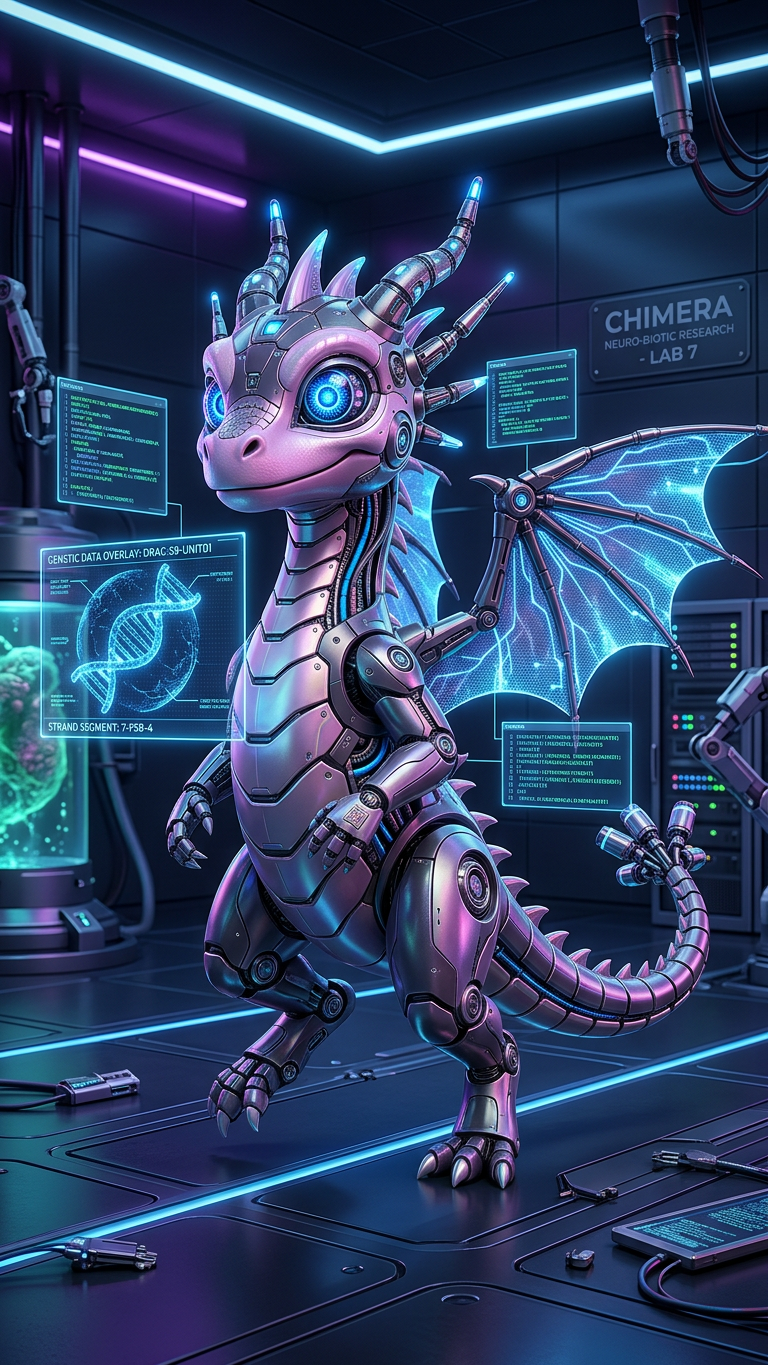
Cybernetic Lab Entity

Cybernetic Lab Entity

ai-image-editor

1 clip
0 uses

Any aspect ratio

Prompt

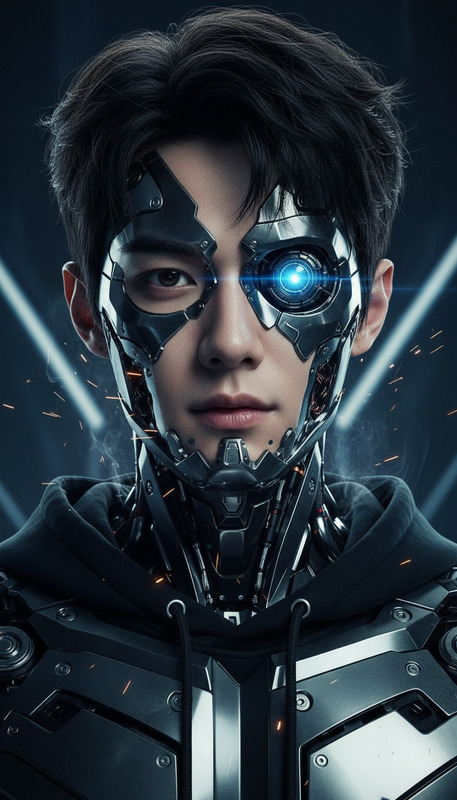
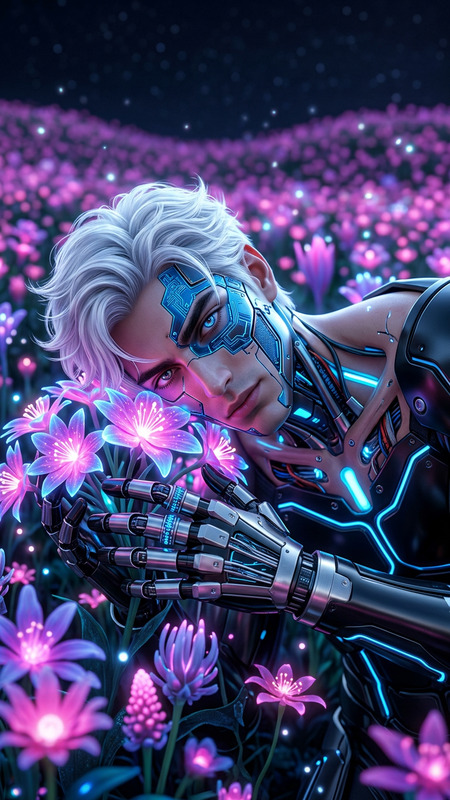
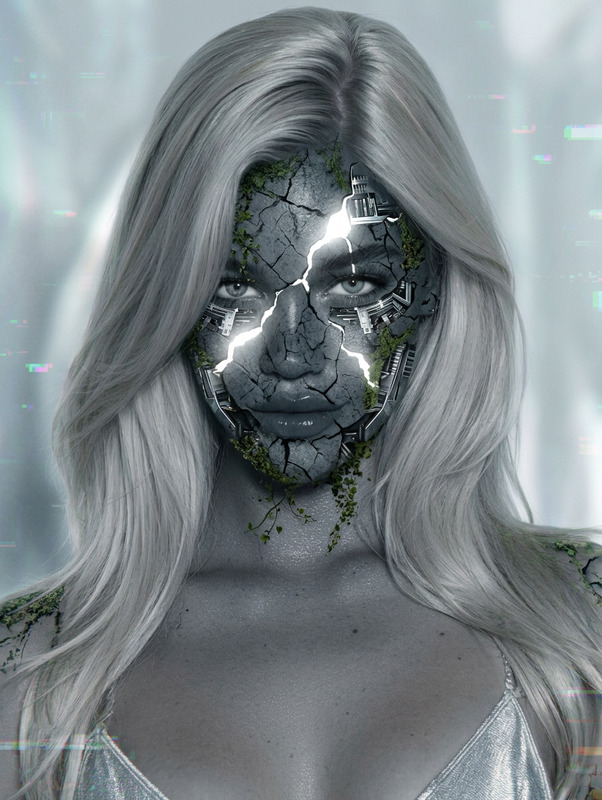
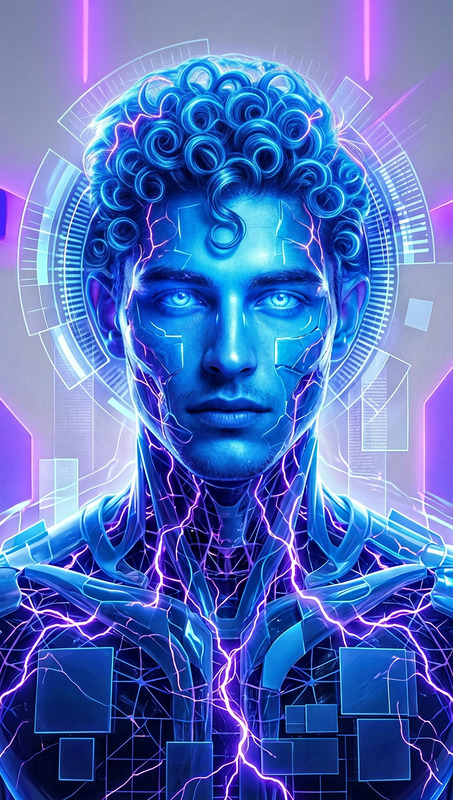
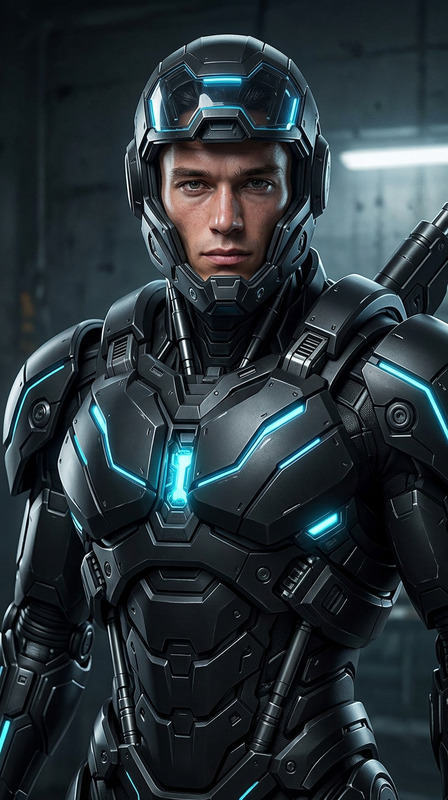
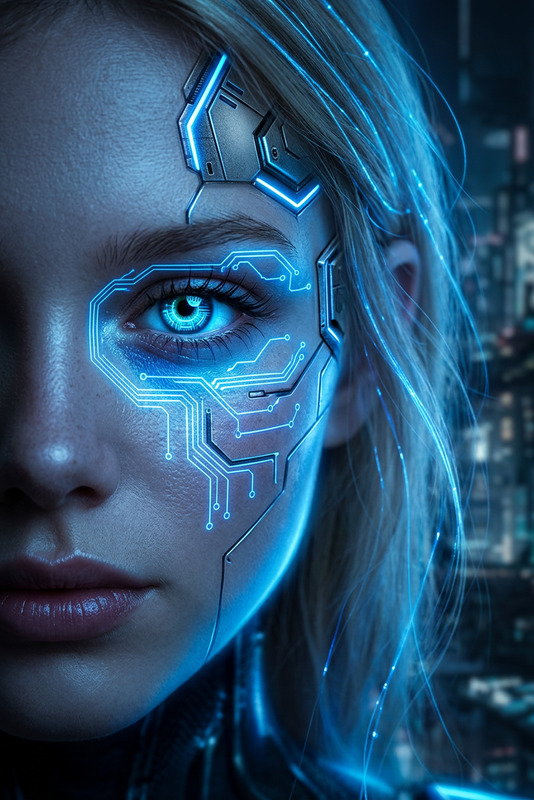
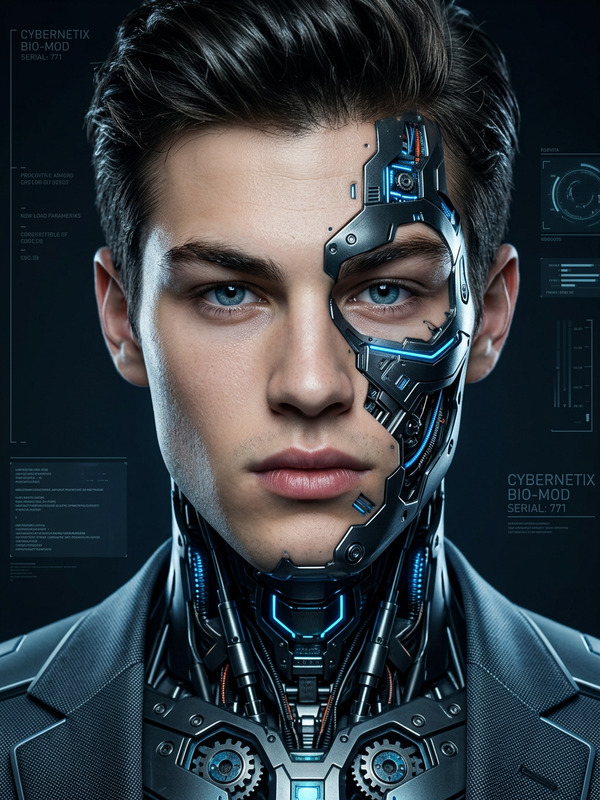
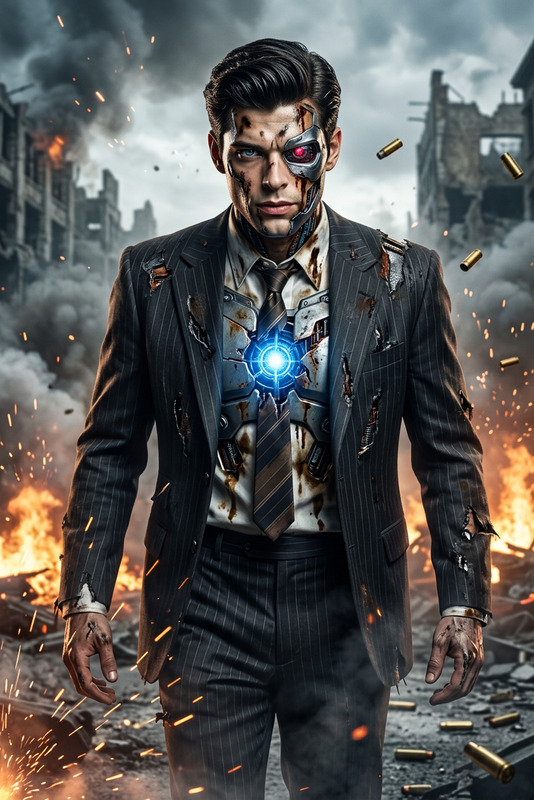
Subject transforms into an advanced cybernetic entity with glowing blue eyes and intricate mechanical enhancements, moving through a neon-lit futuristic laboratory. Holographic screens display DNA strands and flowing code. High-tech, bio-engineered environment, cinematic lighting, sleek and futuristic atmosphere.

AI Image Editor Template: Turn Any Photo Into a Studio-Grade Visual in Minutes

Use this AI Image Editor–based template to transform a single photo into polished, on‑brand visuals without needing Photoshop or a designer. Perfect for quick experiments, campaigns, and product tests where you want quality results fast.


What This Template Does

This template is built on the AI Image Editor and is designed to:

  • Clean up or replace backgrounds for a more professional look
  • Refine faces, lighting, and composition for studio-quality portraits
  • Add or remove objects, text, or visual elements
  • Generate multiple visual variations from the same base image
  • Maintain consistency with your brand, moodboards, or reference shots

Use it as a starting point for:

  • Marketing & growth: ad creatives, landing page hero images, social posts
  • Product & startups: quick mockups, pitch decks, launch visuals
  • Content & media: thumbnails, cover art, blog illustrations
  • Personal branding: profile photos, headshots, avatars

How to Remix This Template in Magic Hour

You can build your own version of this template directly inside Magic Hour by remixing it in a few steps:

  1. Open the AI Image Editor
    Go to the AI Image Editor. This tool lets you upload any image and selectively modify parts of it using AI.

  2. Upload a Base Image

    • Use a clear, high‑resolution photo (face, product, scene, or layout).
    • If needed, pre‑enhance it with the AI Image Upscaler or unblur with Unblur Image.
  3. Define the Transformation You Want
    Decide the core purpose of your template:

    • Turn casual selfies into professional headshots
    • Swap cluttered backgrounds for clean studio or brand scenes
    • Remove unwanted objects or distractions
    • Add new elements (props, branding, UI elements, text placeholders)
    • Re-style the image in a specific aesthetic (e.g., cinematic, anime, comic, minimal)
  4. Edit the Image with AI
    In AI Image Editor, you can:

  5. Save a “Before/After” Pattern as Your Template Logic
    Think of your template as a transformation pattern, not just a single image:

    • “Turn any portrait into a LinkedIn-ready headshot”
    • “Convert any product shot into a clean e‑commerce image”
    • “Transform any selfie into a stylized character or avatar”
      Once you’re happy with your edited example, you can re‑apply the same kind of edit flow to new images by repeating the same steps on different source photos.
  6. Create Multiple Variants for Testing
    For creators and marketers, one of the biggest advantages is rapid iteration:

    • Generate multiple background or style variants
    • Export several options and A/B test in ads, emails, or landing pages
    • Combine with the Thumbnail Maker for YouTube or content thumbnails, or Album Cover Generator for audio projects.

Practical Use Cases for Creators, Marketers, and Builders

1. Professional Headshots and Avatars

Turn casual photos into professional images suitable for LinkedIn, investor decks, and team pages:

This workflow becomes a reusable template for consistent founder/team visuals across your website, pitch decks, and PR assets.

2. Product & App Marketing Visuals

If you’re building a SaaS or product startup:

  • Generate UI or product art with the AI Image Generator or AI Photo Generator.
  • Drop the mockups into this template using AI Image Editor to:
    • Place them on realistic devices (laptop, phone, tablet)
    • Add backgrounds that match your brand palette
    • Overlay subtle elements like charts, dashboards, or flows
  • Extend into video using Image to Video or Text to Video for dynamic demos.

3. Social, Content, and Creator Thumbnails

For YouTube, TikTok, or newsletter thumbnails:

4. Creative Worlds, Stories, and IP

For storytellers, game designers, or IP builders:

5. Brand Systems and Visual Identity

For early-stage teams:

  • Generate logo directions with the AI Logo Generator.
  • Create hero visuals, mockups, and brand scenes in AI Image Editor.
  • Use Book Cover Generator or Comic Book Generator as references for layout and hierarchy.
  • Save your favorite outputs as internal “visual patterns” you reuse for future campaigns.

How This Template Fits with Other Magic Hour Tools

You can build more advanced pipelines by chaining tools around this AI Image Editor template:


Tips for Consistent, High-Quality Outputs

  • Start with the cleanest source possible

  • Think in systems, not single images
    Treat every edited image as the “specimen” of a pattern:

    • The same kind of lighting
    • The same background “vibe”
    • Similar framing and composition
      Reapplying that pattern to new inputs is how you effectively “remix” this template.
  • Remove friction and noise


Example Workflows You Can Copy

You can remix this template into different, repeatable flows:

  1. Founder Headshot Template

    • Generate or upload a portrait → clean background → adjust outfit → export variants for LinkedIn, site, press kit.
    • Tools: AI Image Editor + AI Headshot Generator + AI Clothes Changer + AI Image Upscaler.
  2. App Landing Hero Template

    • Generate UI mockup → place on device → add gradient background → add subtle product context (graphs, teams, dashboards).
    • Tools: AI Image Editor + AI Image Generator + Image to Video (optional) + Thumbnail Maker (for promos).
  3. Character / IP Pitch Template

    • Create character with AI Character Generator or Full Body Generator → refine pose, background, and props in AI Image Editor → add logo marks.
    • Tools: AI Character Generator, Full Body Generator, AI Image Editor, AI Logo Generator.
  4. Social Content Template

    • Capture or generate a photo → enhance it → add text and design elements → reuse same style weekly.
    • Tools: AI Image Editor, Thumbnail Maker, Album Cover Generator (for layout inspiration).

Who This Template Is For

This AI Image Editor template is optimized for:

  • Startup founders & PMs who need fast, consistent visuals for decks, launches, and experiments.
  • Marketers & growth teams who run continuous creative tests across channels.
  • Designers & creatives who want a repeatable AI workflow they can hand off to non-design teammates.
  • Developers & builders who care more about velocity and clarity than manual pixel pushing.

If you’re working under time pressure and need to turn raw images into usable, on‑brand assets, this template provides a repeatable, remixable pattern you can adapt to your own stack.


Next Steps

  1. Open the AI Image Editor.
  2. Upload a sample image you’d like to transform.
  3. Run through your ideal “before → after” transformation.
  4. Save that pattern and reuse it across new inputs to effectively create your own version of this template.

From there, you can extend your visuals into video, voices, or interactive campaigns using other Magic Hour tools as your needs grow.

More Like This