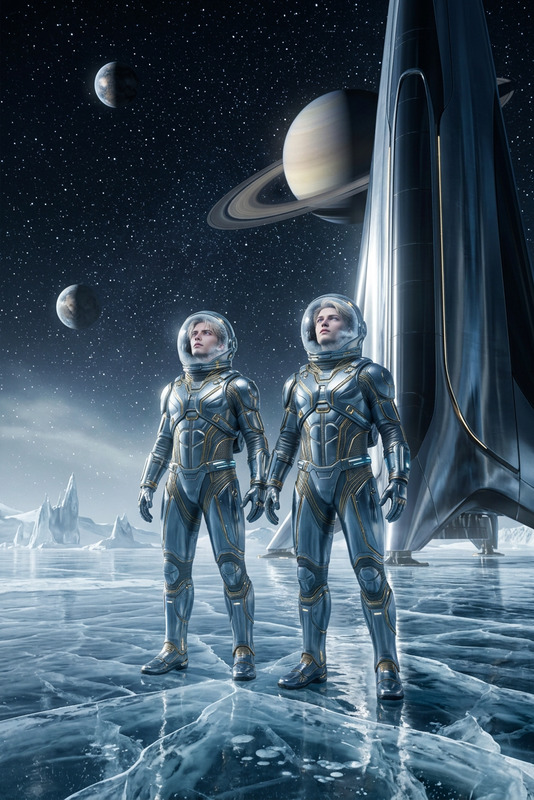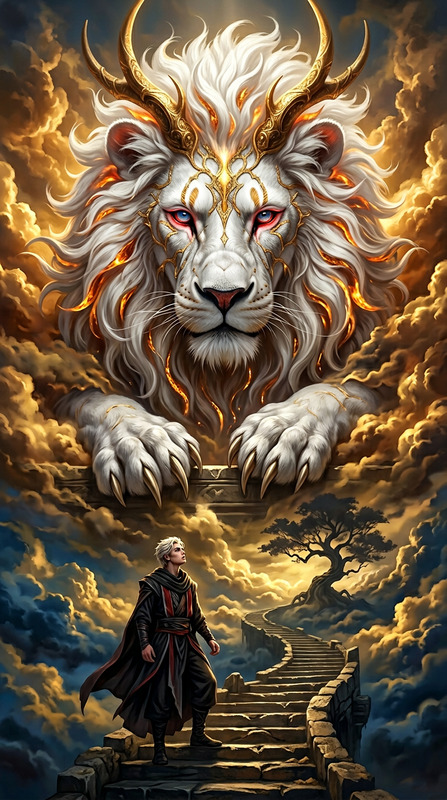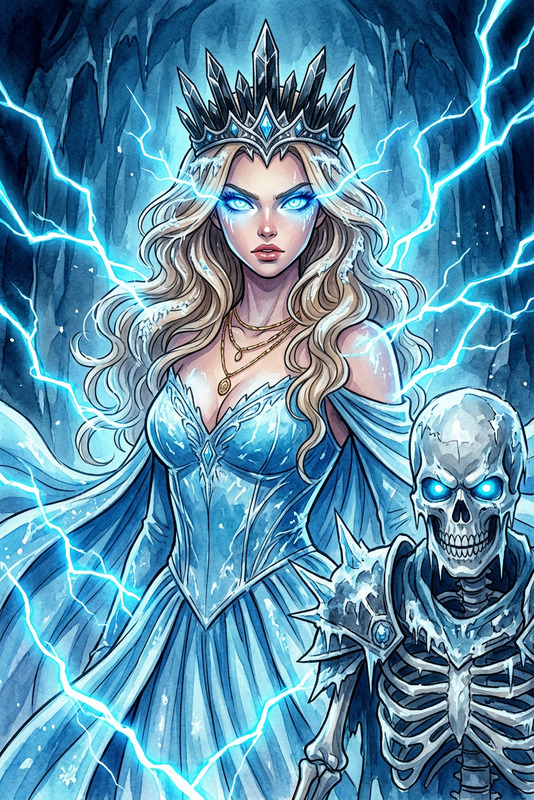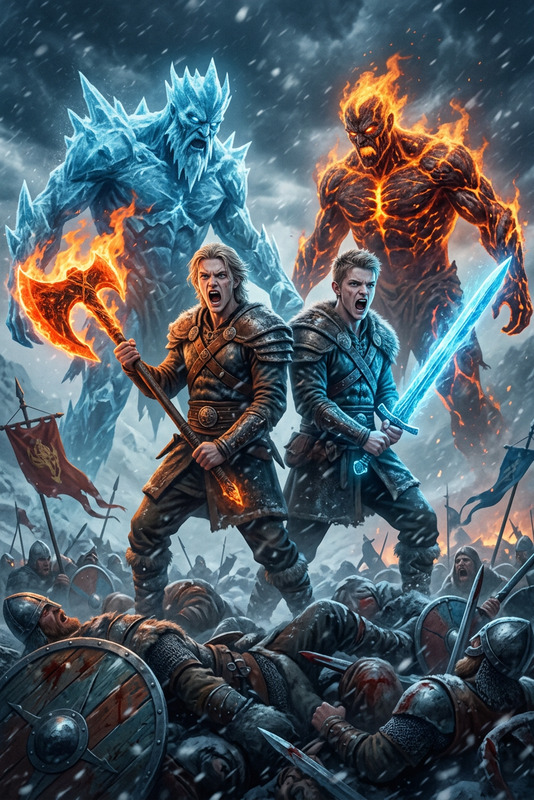
Ice Elemental Ascension
- Model
- Nano Banana 2
- Image
- 768 × 1365 px
Prompt
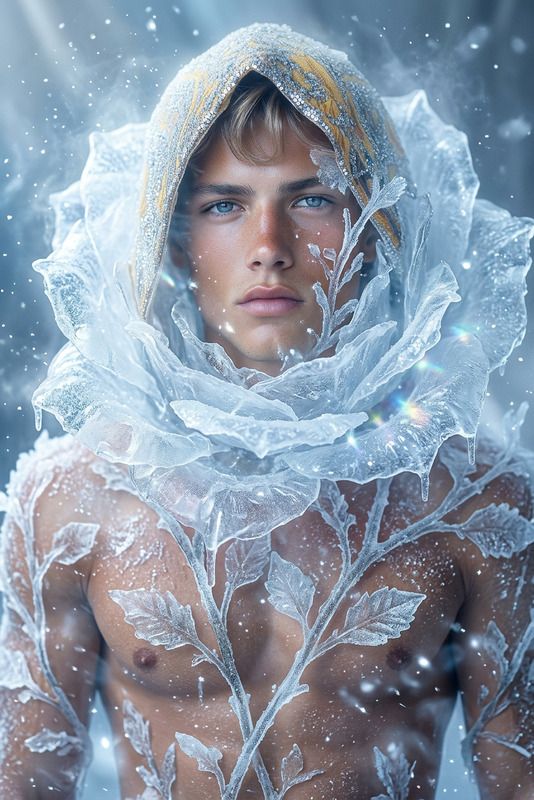
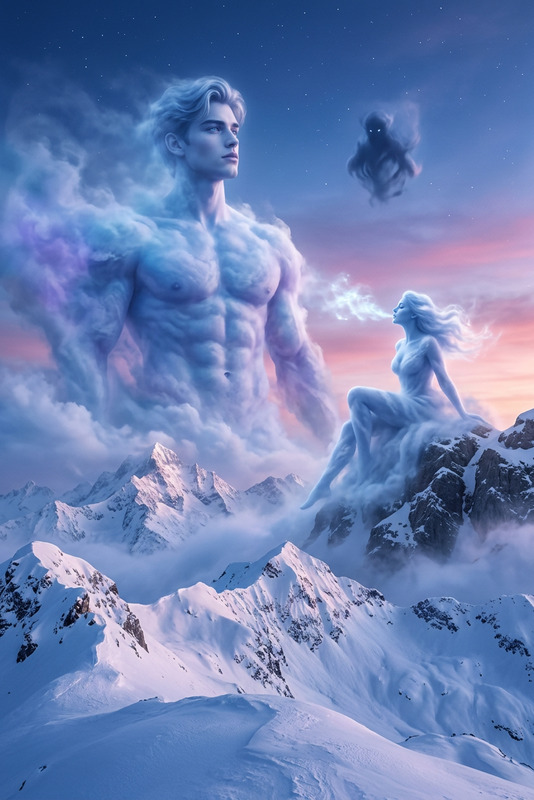
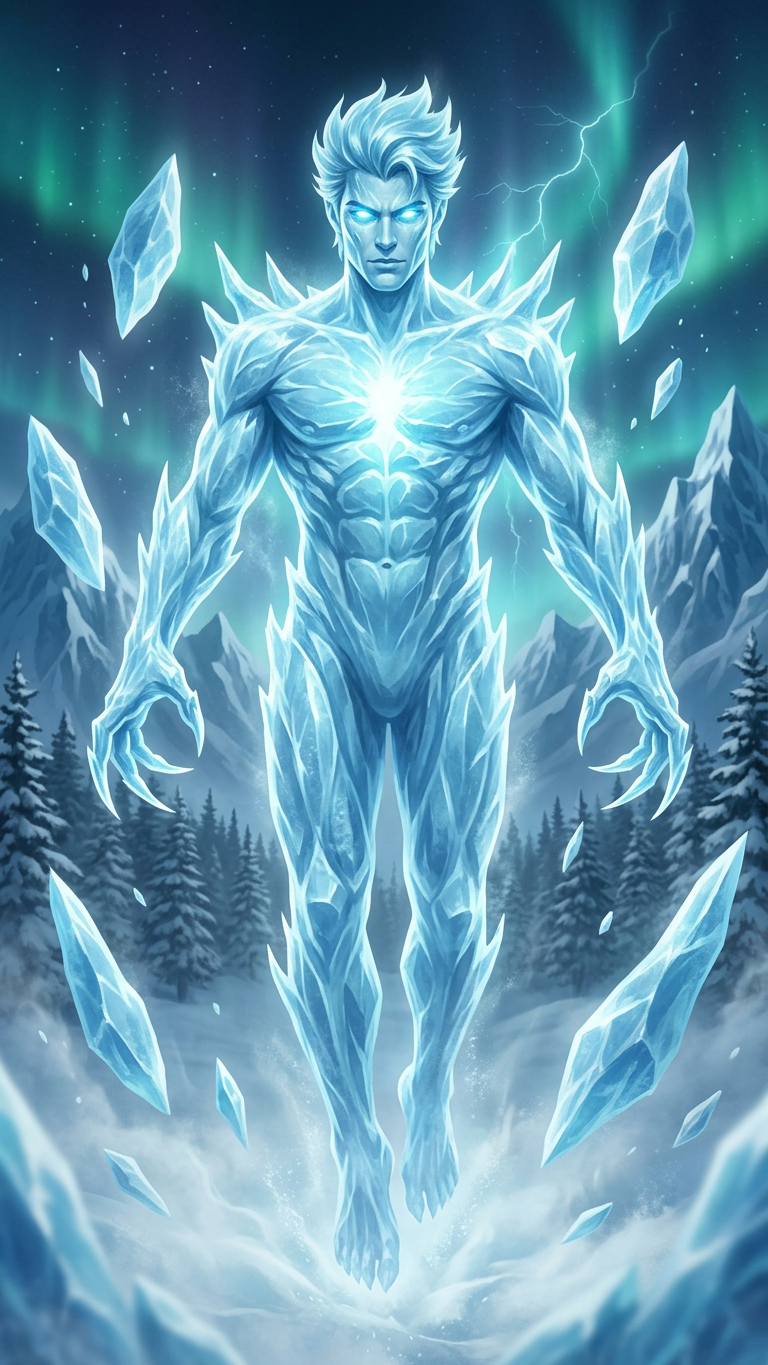
Subject transforms into a majestic ice elemental, ethereal and imposing, glowing eyes and chest radiating light blue energy, surrounded by floating ice shards. Subject levitates slightly above swirling ice mist and snow, centered composition. Epic digital painting style, dynamic lighting emphasizing glow. Powerful, mystical, cold atmosphere. Icy blues, whites, dark green aurora in sky. Background of jagged ice mountains, snow-covered pine forest, dark cloudy sky with subtle lightning.
Any aspect ratio
Overview
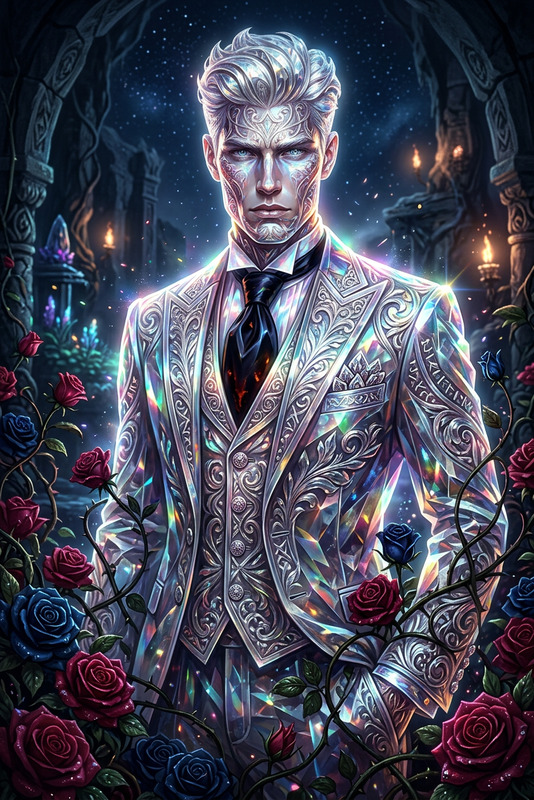
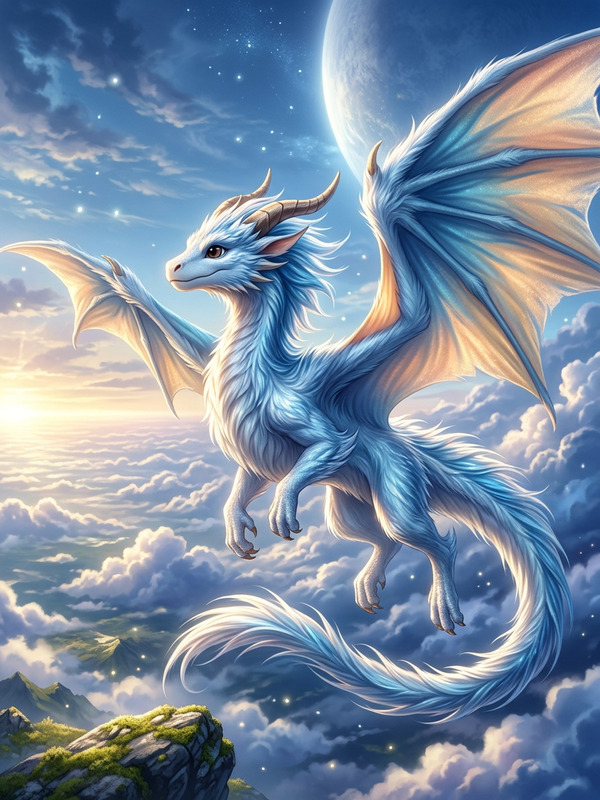
The Ice Elemental Ascension template empowers creators to transform images into mystical scenes of transformation with an awe-inspiring icy theme. Using the advanced capabilities of the AI Image Editor, this template captures the ethereal transformation into an ice elemental, with a focus on dynamic lighting and glacial atmospheres.
What It Does
This template allows you to edit images by transforming your subject into an ice elemental with glowing energy, surrounded by a majestic winter landscape. With the help of the AI Image Editor, you can create a powerful scene that emphasizes glow and mystical energy. Perfect for creating visuals with an epic digital painting style.
Who It's For
This template is ideal for fantasy artists, game developers, and creative storytellers looking to enhance narratives with visually stunning ice transformations. Whether you're working on game trailers or immersive storytelling projects, integrating this ice elemental theme adds a layer of mythic depth to your creations.
Summary
The Ice Elemental Ascension template is a powerful tool in the AI Image Editor lineup, designed for those who wish to transform ordinary characters into extraordinary mystical beings. Its applications extend to a variety of creative projects, offering an expansive canvas for visual storytelling.
How To
Choose

Customize

Generate

Use Cases
Fantasy Art
- Create ethereal characters for digital canvases
- Emphasize magical transformations in storytelling
Game Trailers
- Enhance character introductions with epic scenes
- Create mesmerizing teaser visuals
Film and Animation
- Craft concept art for animated scenes
- Develop enhanced backgrounds for film sequences
Best Practices
Optimize Lighting
Focus on dynamic lighting adjustments to emphasize the glow and energy emanating from your ice elemental, using tools in the AI Image Editor.Color Palette
Leverage icy blues and whites contrasted with dark greens to capture the cold, mystical atmosphere effectively.Composition Balance
Ensure the floating ice shards and background elements like the jagged mountains are well-balanced to maintain a cohesive scene.