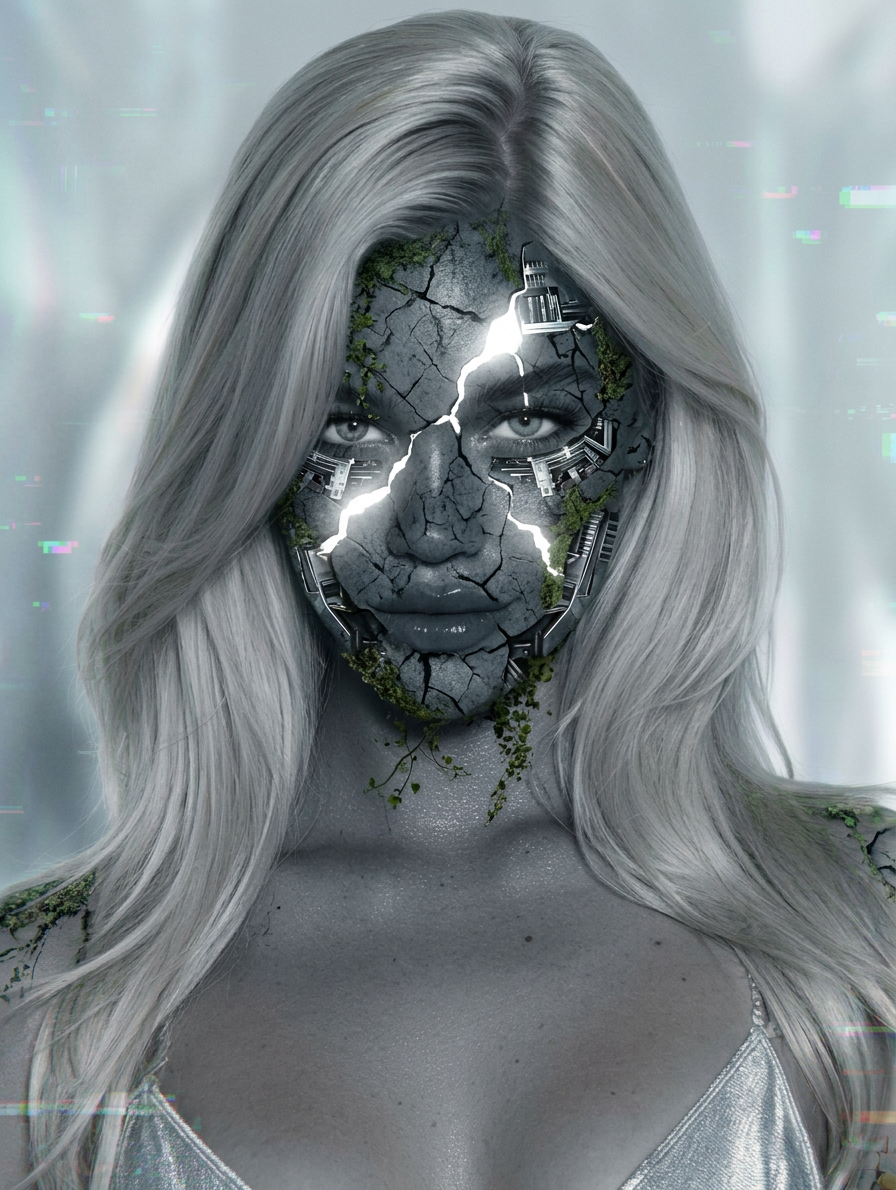
Thoughtful Glowing Stone Cyborg

Thoughtful Glowing Stone Cyborg

ai-image-editor

1 clip
0 uses

Any aspect ratio

Prompt

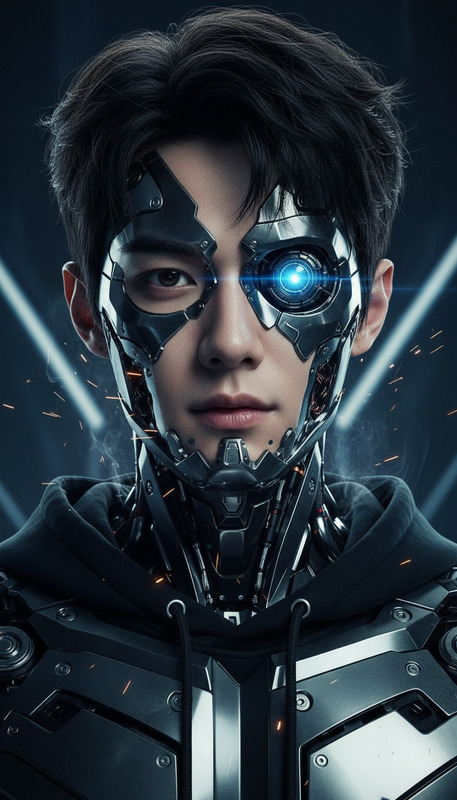
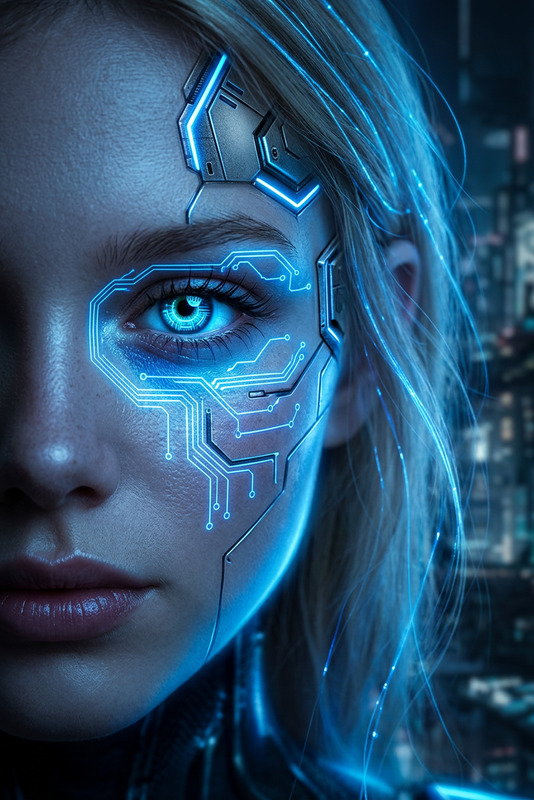
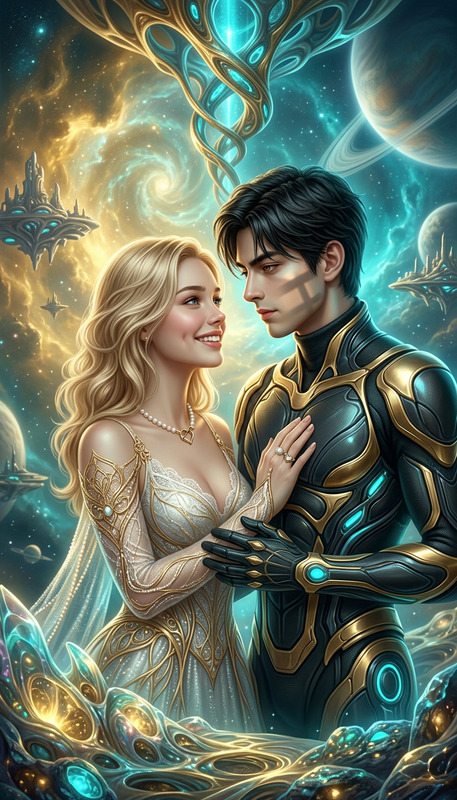
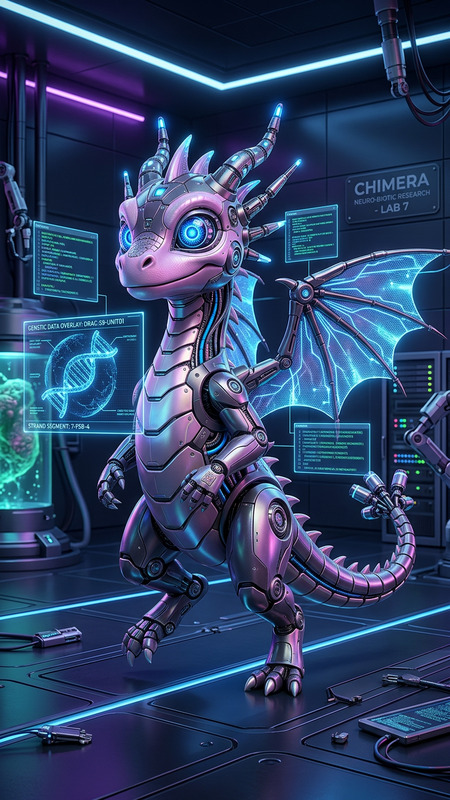
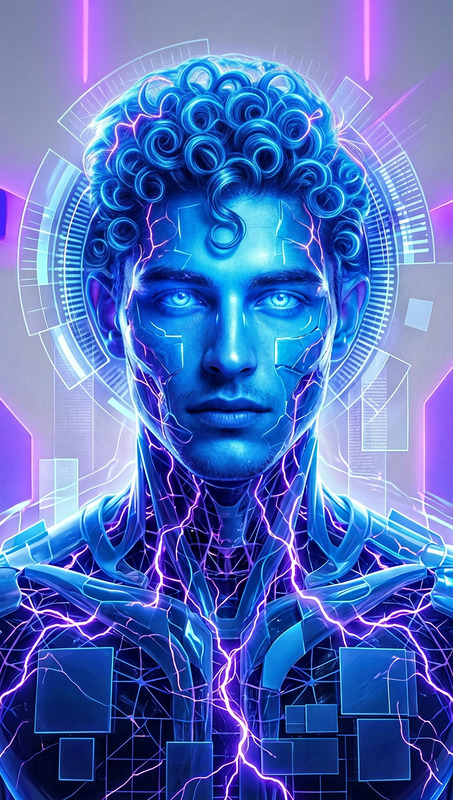
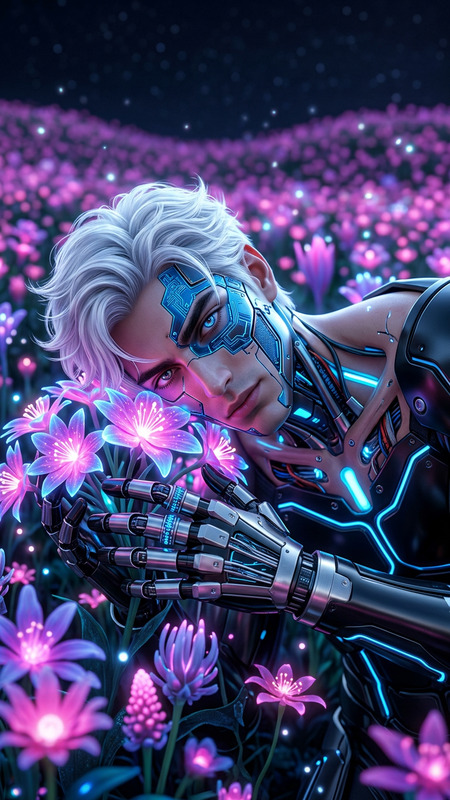
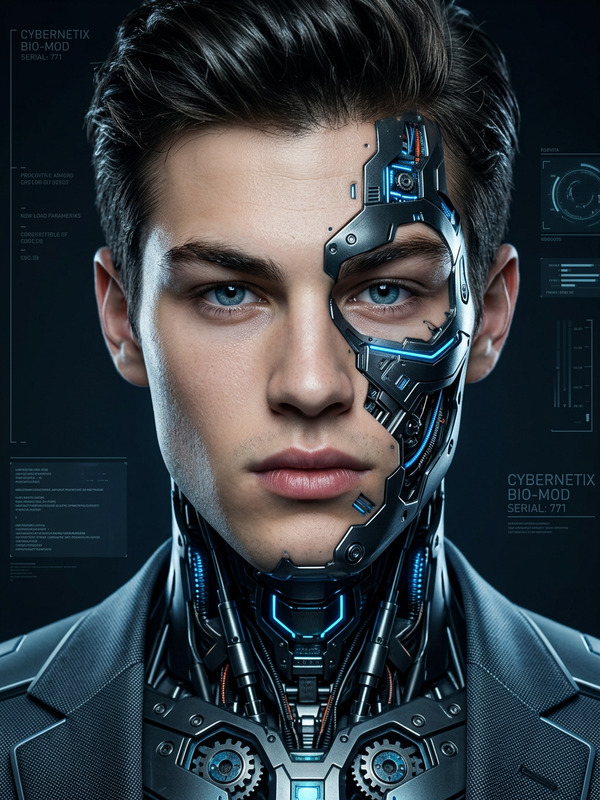
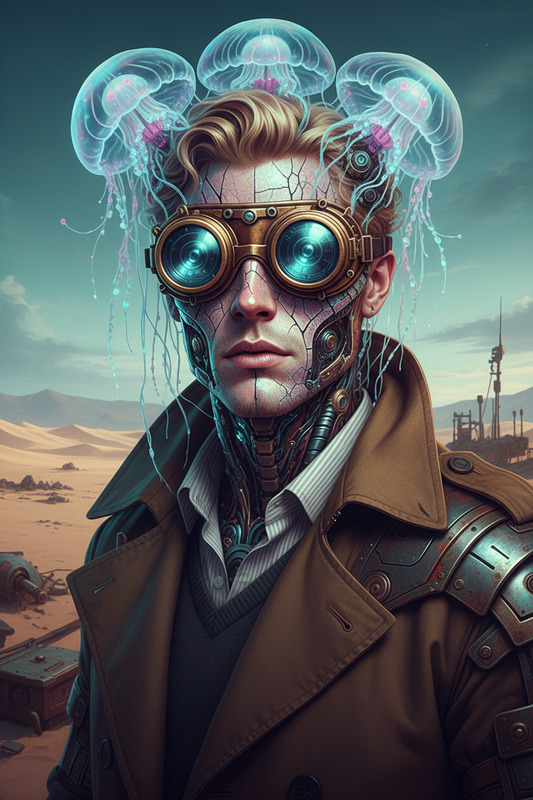
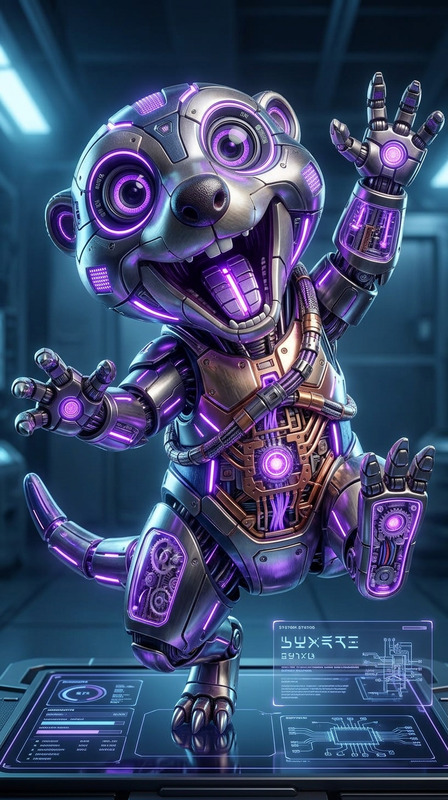
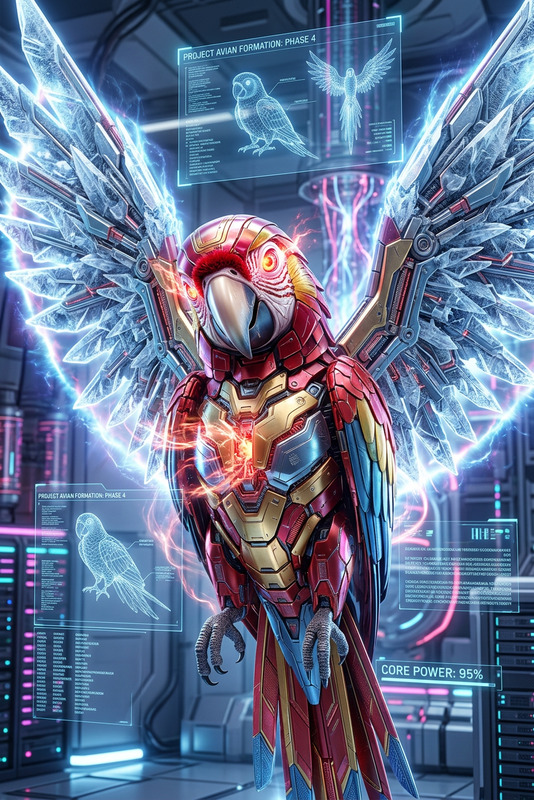
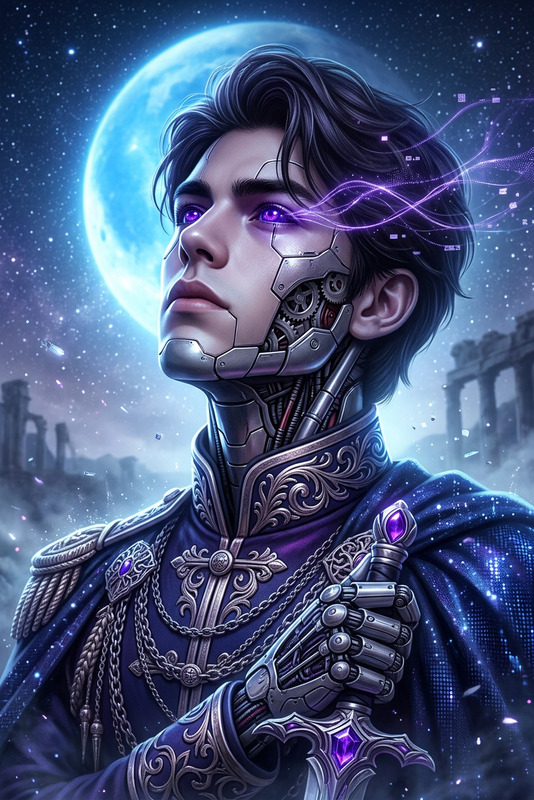
A futuristic cyborg entity with a contemplative gaze, featuring dark cracked stone-like skin emitting intense white light from within. Organic moss grows subtly across fragmented surfaces, seamlessly fused with metallic mechanical structures. The composition emphasizes a serene yet powerful presence, set against an ethereal soft-focus background with faint digital glitch distortions. Ultra-detailed, cinematic lighting, high-tech surreal aesthetic

AI Template: Portrait to Fantasy Landscape Composite (AI Image Editor)

Turn any portrait into a cinematic fantasy scene in minutes. This template uses Magic Hour’s AI Image Editor to seamlessly blend a person into a new background—perfect for thumbnails, campaign visuals, concept art, or social content that looks like it took a full production team.


What this template does

This template helps you:

  • Replace or extend the background behind a person with a detailed fantasy or cinematic landscape
  • Preserve the subject’s identity, pose, and expression while changing the environment
  • Add lighting, atmosphere, and color grading that matches the new scene
  • Produce ready-to-use assets for marketing, social, product launches, or storytelling

Typical use cases:

  • Creators & YouTubers – video thumbnails, channel branding, story stills
  • Marketers & startups – ad creatives, hero images, landing page art, campaign visuals
  • Game & worldbuilders – character-in-world mockups, concept art, pitch decks
  • Photographers & designers – fast background replacement, test looks, client previews

How to remix this template in Magic Hour

You can create your own version of this template by remixing it in the AI Image Editor flow. You don’t need design or compositing skills—just a good input image and a clear idea of the fantasy environment.

1. Start from any portrait
Use a photo where:

  • The subject is clearly visible (face and upper body ideally unobstructed)
  • The background is simple enough that the subject’s edges are easy to distinguish
  • The lighting is not extremely dark or blown out

You can also enhance older or lower-quality portraits first using:

2. Open the AI Image Editor

Go to the AI Image Editor and upload your portrait. This is the core tool behind this template: it lets you selectively transform parts of your image (like the background) while keeping the person intact.

3. Isolate or protect the subject

Use the editor to work around your subject rather than over them. The goal is:

  • Background = editable / replaceable
  • Subject = preserved (face, clothes, pose)

If you’re removing elements from the background (people, objects, logos), combine this with:

These tools help clean the scene before you add the fantasy environment.

4. Describe your fantasy environment clearly

The quality of your composite depends heavily on how you describe the new scene. In the prompt field, specify:

  • Location type – “misty mountain pass,” “floating islands over a neon city,” “ancient forest with glowing runes”
  • Time & mood – “sunset, warm orange light,” “stormy, dramatic clouds,” “night with bioluminescent plants”
  • Lighting direction – “light coming from the left,” “backlit silhouette,” “soft overhead glow”
  • Style – “cinematic concept art,” “studio Ghibli-inspired,” “dark fantasy illustration,” “realistic”

You can experiment with genre-specific variations using:

5. Generate and refine

Run the edit and review:

  • Check edges around hair, shoulders, and hands
  • Make sure lighting on the subject feels consistent with the new background
  • Verify that perspective and scale make sense (subject isn’t too large or tiny vs. the environment)

If needed, iterate:

  • Use the AI Image Editor again to refine specific areas (sky, foreground, color grading)
  • Adjust your description to be more explicit about atmosphere, contrast, or detail level
  • Use Image Background Remover if you want to fully cut out the subject and rebuild the scene from scratch

Recommended combinations and advanced workflows

To create more advanced or production-ready assets, you can chain this template with other Magic Hour tools:

1. Turn your composite into animation or video

  • Use Image to Video to add subtle camera motion (parallax, zoom, pan) to your fantasy composite
  • Convert your character scene into a short animation or motion graphic with:

2. Make your character talk or move

Once you have a strong fantasy portrait composite, you can turn it into a talking or animated character:

3. Build full characters and worlds

Use this template as a visual anchor for more worldbuilding:


Practical tips for better results

For creators and teams using this template in production contexts:

  • Plan for consistency: If you’ll create a series (e.g., multi-episode content, campaign variants), keep a short style document: lighting direction, color palette, scene mood, and a few reference prompts that worked well.
  • Think in “use cases,” not just aesthetics: Decide how the image will be used (thumbnail, hero image, ad creative, in-app art), then generate at the appropriate composition and level of detail.
  • Optimize faces first: Because human perception is extremely sensitive to faces, you can pre-process or post-process them with:
  • Respect brand constraints: For startups and marketers, align fantasy elements (color, typography in overlays, overall tone) with your brand guidelines. You can create multiple template variants tuned to different campaigns.

Who this template is for

This template is designed for people who need high-quality, on-brand visuals fast, without building an in-house VFX pipeline:

  • Content creators and solo founders running lean channels or newsletters
  • Growth and performance marketers testing multiple creatives per week
  • Product and design teams building pitch decks, app visuals, and experiment pages
  • Game, fiction, and worldbuilding creators prototyping characters in-world

Related Magic Hour tools worth exploring

If you find this template useful, the following tools integrate well into similar workflows:


Use this template as a starting point, then remix it aggressively: swap environments, experiment with genres (fantasy, sci‑fi, cyberpunk, mythic), and connect it with Magic Hour’s animation, video, and voice tools to build full character-driven experiences from a single portrait.

More Like This