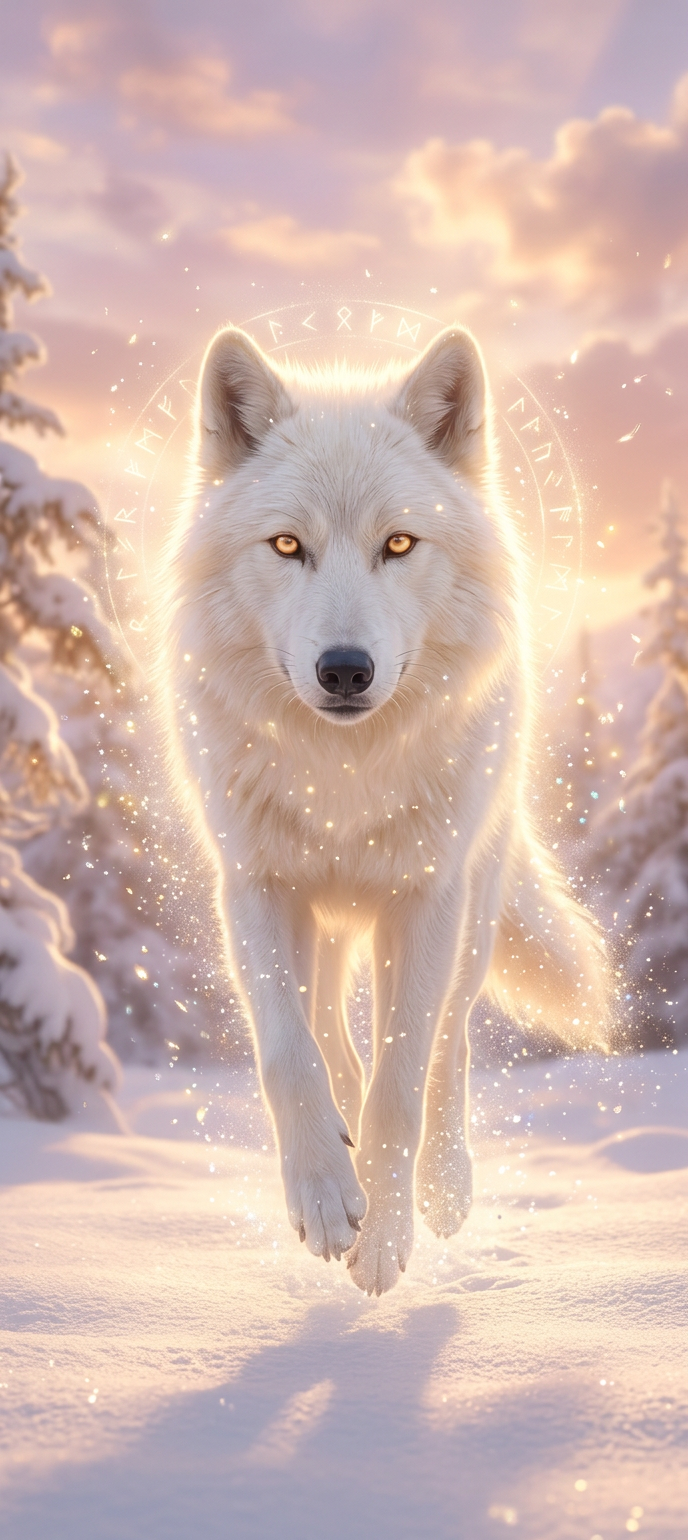
Celestial Guardian

Celestial Guardian

ai-image-editor

1 clip
0 uses

Any aspect ratio

Prompt

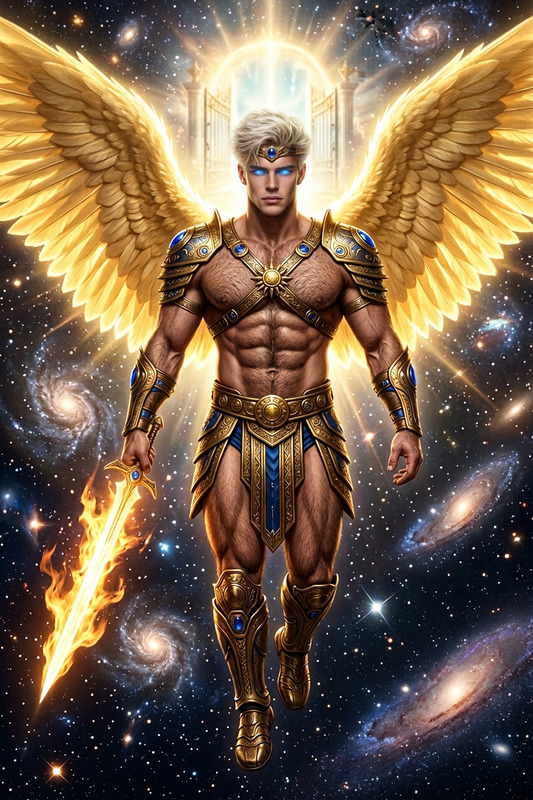
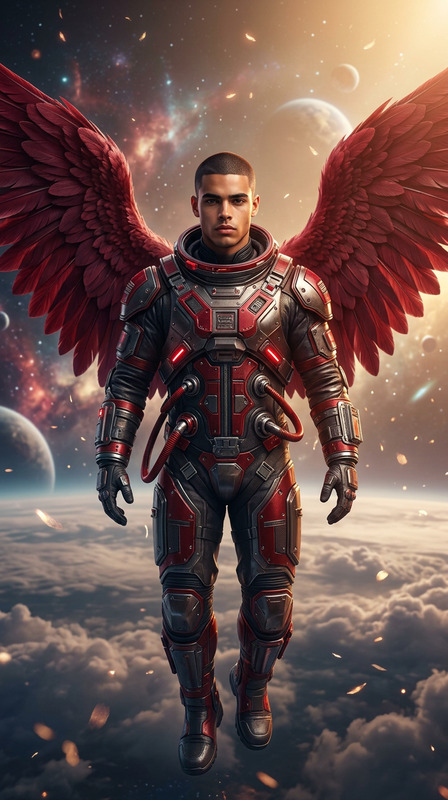
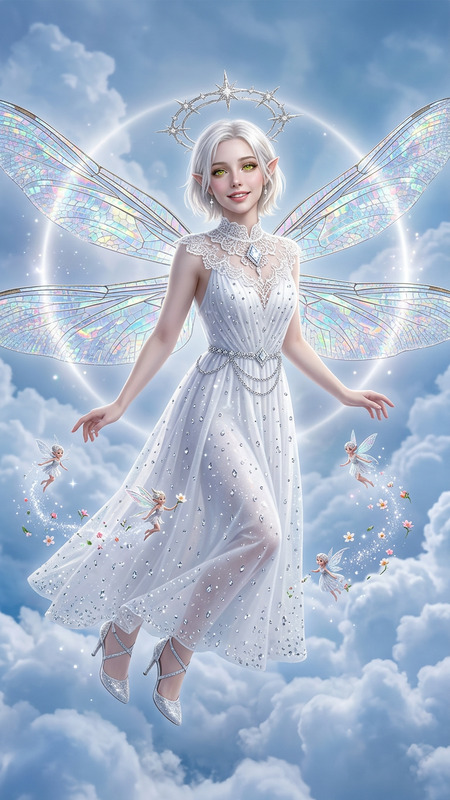
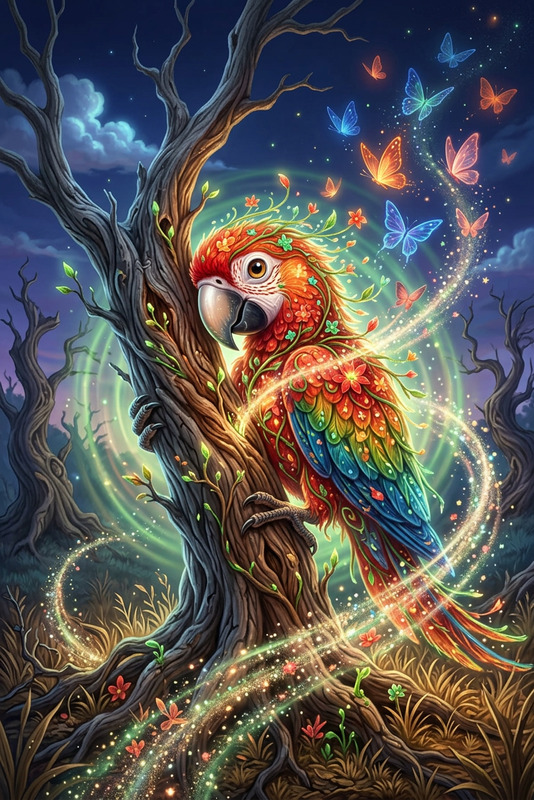
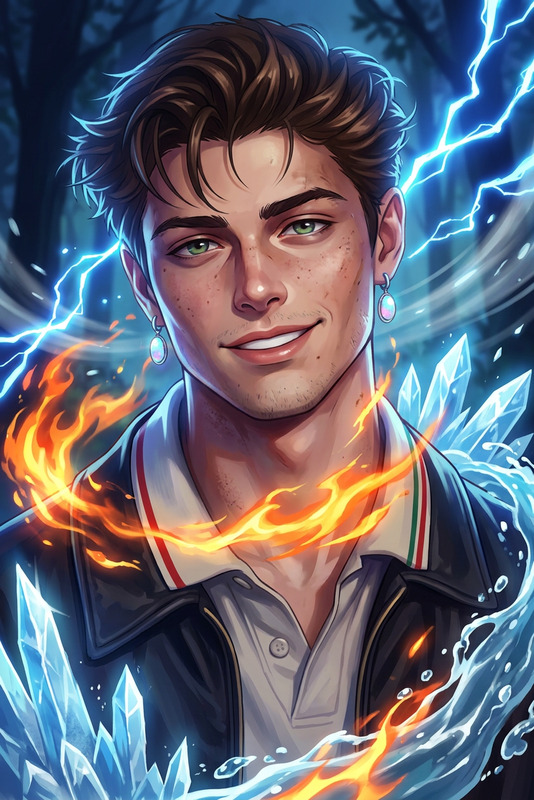
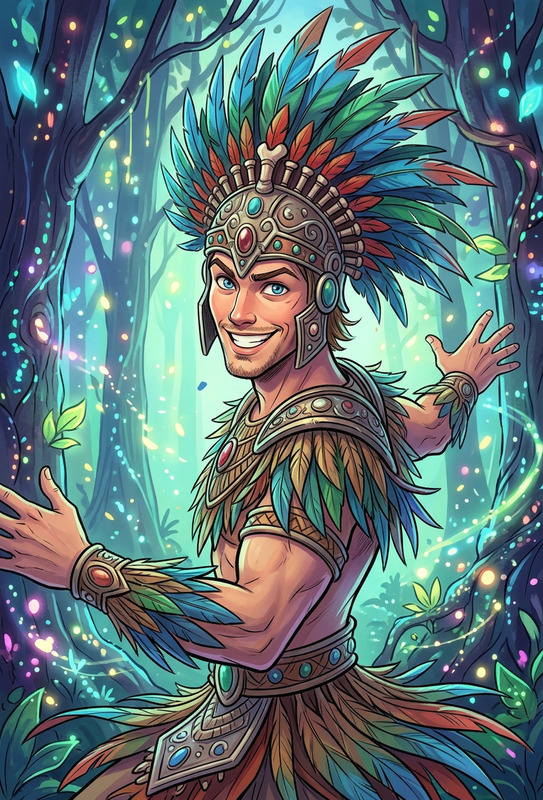
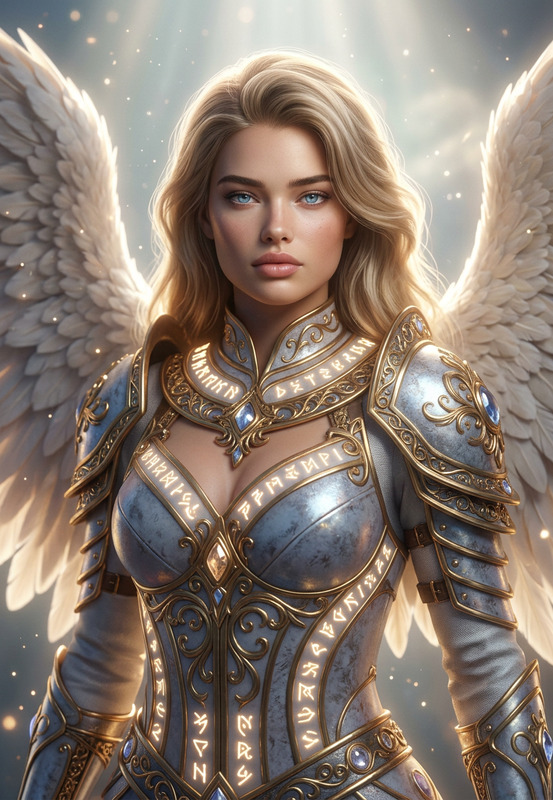
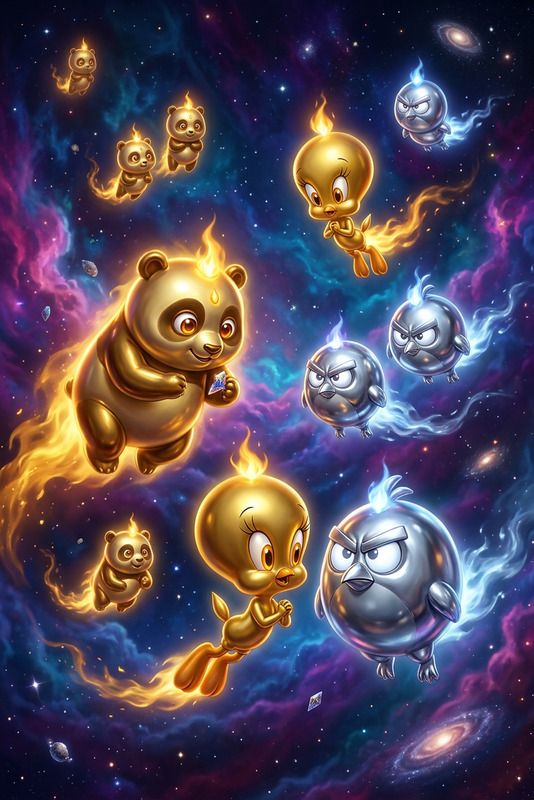
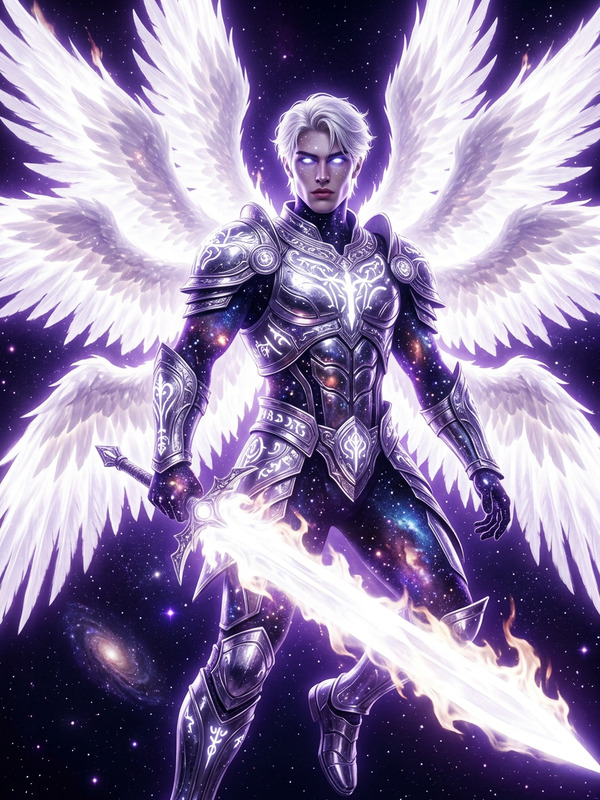
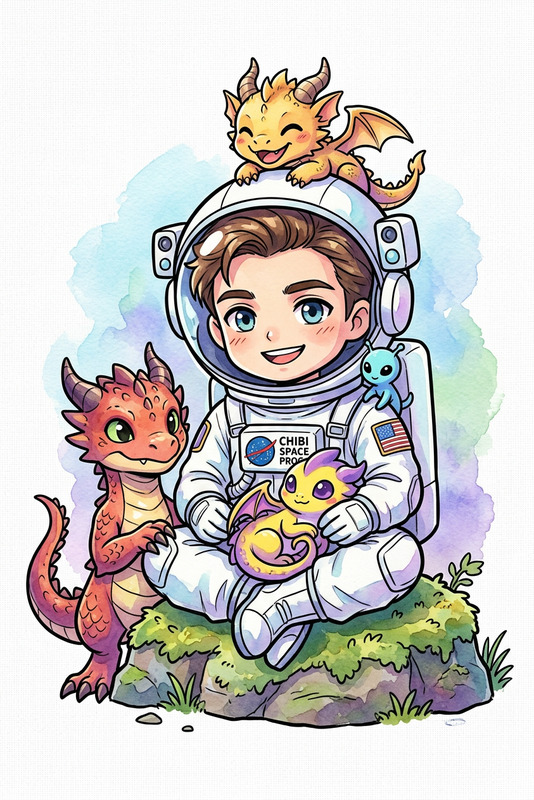
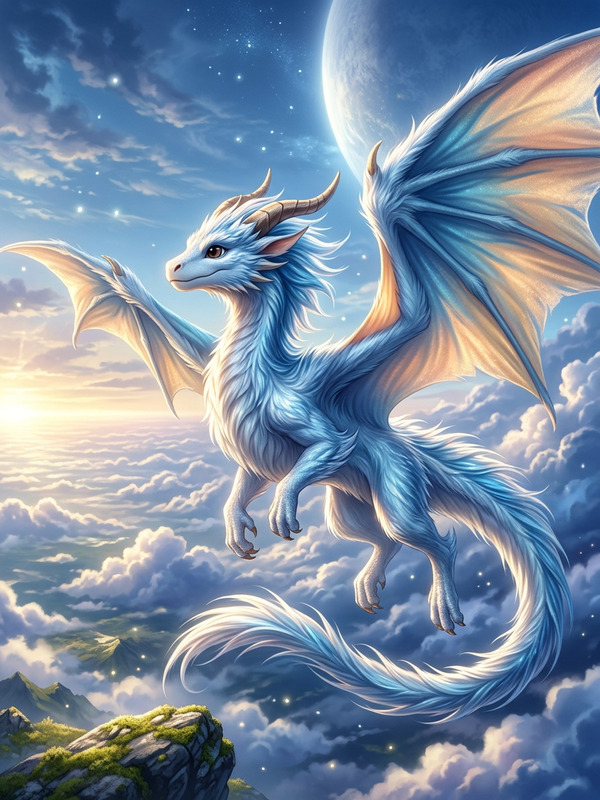
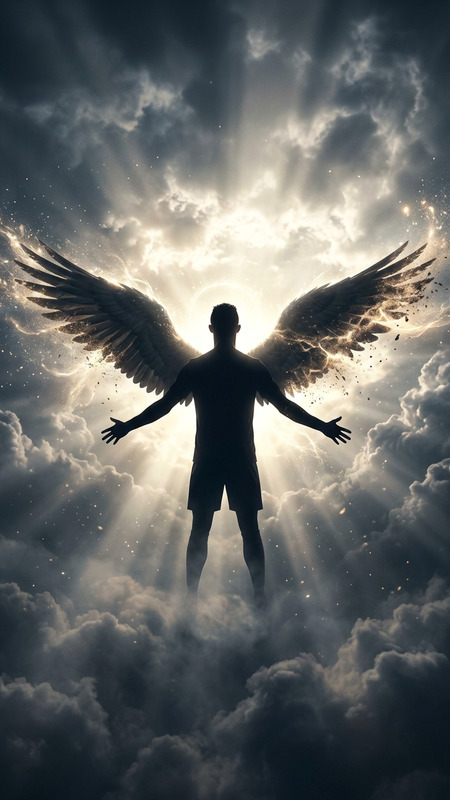
Subject transforms into a radiant guardian with pure white fur and soft golden eyes, surrounded by a gentle aura of warm light. Subject emits shimmering particles instead of flames, with a calm, protective presence. Subject moves gracefully, able to walk through air like drifting light. High fantasy style, bright dawn setting, peaceful and sacred atmosphere. Soft sunlight, pastel skies, glowing clouds. Subject appears only to guide and protect, fading away as daylight fully rises.

AI Image Editor Template: Turn a Single Photo into Multiple On‑Brand Variations

Use this template to quickly generate high‑quality variations of any image—product shots, social assets, app screenshots, pitch visuals, or campaign key art—directly in Magic Hour’s AI Image Editor.

This page explains what the template does, when to use it, and how to remix it into your own reusable workflow in Magic Hour.


What This Template Is For

This AI Image Editor template is optimized for:

  • Product & marketing teams

    • Create multiple versions of a hero image for A/B tests
    • Localize creatives for different regions or channels
    • Refresh old campaigns without reshooting
  • Founders, indie hackers, and startup teams

    • Generate pitch deck visuals and app mockups in multiple styles
    • Keep brand‑consistent imagery across website, social, and ads
    • Iterate quickly on visual direction before involving a design team
  • Creators & solo marketers

    • Turn one good photo into a week of social content
    • Adapt a key visual to different platforms (Instagram, LinkedIn, X, YouTube thumbnails)
    • Experiment with aesthetics (minimalist, cinematic, cyberpunk, editorial, etc.)

What You Can Do With This AI Image Editor Template

Starting from a single input image, you can:

  • Restyle the entire scene
    Change the visual style (e.g., “studio lighting,” “flat illustration,” “pixel art,” “cinematic still,” “editorial photography”) while preserving the core layout and subject.

  • Swap backgrounds without reshooting
    Move your subject into clean studio backdrops, branded gradients, real‑world environments, or abstract textures using the AI Background Generator and Image Background Remover.

  • Edit faces and people in‑frame
    Subtly refine facial features, expressions, or makeup with the AI Face Editor or transform style entirely using AI Face Generator.

  • Upgrade quality for professional use
    Upscale and unblur assets for pitch decks, app stores, or print using:

  • Remove and replace distracting elements
    Clean up backgrounds, remove logos or objects, and replace them with on‑brand visuals via:

  • Generate new assets around the same concept
    Use the edited image as a base and extend your asset library with:


How to Remix This Template in Magic Hour

You can use this template as‑is, or turn it into your own custom “image system” for repeated use.

1. Start from a Strong Base Image

Pick an image that already works reasonably well:

  • Clear subject (product, person, UI, etc.)
  • Decent lighting and composition
  • No heavy compression or artifacts

If you’re starting from scratch, you can generate a base image first using:

Then pass that image into the AI Image Editor.

2. Define Your “House Style”

To make the template reusable, standardize a few things:

  • Lighting & mood – e.g., “soft studio lighting, subtle shadows, high contrast, clean and modern”
  • Color language – specify brand colors and saturation (muted vs. vibrant)
  • Framing & negative space – where text or UI should sit in the final composition
  • Texture & detail – glossy vs. matte, flat vs. detailed, analog vs. digital

You can encode this visual language in the instructions you reuse when editing images in Magic Hour. Over time, this becomes your internal “prompt library” for on‑brand visuals.

3. Create Systematic Variations

For each campaign or use case, generate consistent sets of variations:

  • Channel‑specific crops

    • Horizontal for site hero
    • Square for feed posts
    • Vertical for Stories / Shorts
  • Creative variants

    • Minimal vs. busy background
    • Real‑world context vs. abstract gradient
    • Dark mode vs. light mode look

Use the AI Background Generator, Thumbnail Maker, and Album Cover Generator for inspiration on composition and focal points.

4. Build Full Campaigns From a Single Image

Once your core image is edited, you can spin out entire campaigns without leaving Magic Hour:


Example Use Cases

1. Product Launch Landing Page

  • Start with one product photo.
  • Use AI Image Editor to:
    • Create a clean hero image with branded background
    • Generate a “lifestyle” version showing the product in context
    • Add a dark‑mode treatment for alternative sections
  • Upscale the final assets via AI Image Upscaler for crisp display at all resolutions.

2. Founder or Team Brand System

3. Content Creators & YouTube Channels


How This Template Fits Into a Broader Magic Hour Workflow

This AI Image Editor template works best as a core building block in an end‑to‑end visual workflow:

  1. Ideation & concepting

  2. Primary asset creation

  3. Expansion into formats & channels

  4. Cleanup and archival


Tips for Consistent, High‑Quality Results

  • Use consistent language. Reuse the same descriptive phrases across projects (“soft cinematic lighting,” “high‑contrast editorial,” “clean tech landing page look”) to build a stable visual identity.
  • Lock in brand colors. Explicitly mention your primary and secondary brand colors so the editor can keep backgrounds, accents, and UI elements consistent.
  • Think in systems, not one‑offs. Whenever you find an edit that works (e.g., a great product hero style), treat it as a reusable “pattern” and apply it across your assets.
  • Combine tools deliberately. For example:

Related Templates and Tools You May Want Next

If this AI Image Editor template is useful, you might also want to explore:

Use this AI Image Editor template as the backbone of a scalable, on‑brand visual system—then layer in Magic Hour’s other tools as your content and campaigns grow.

More Like This