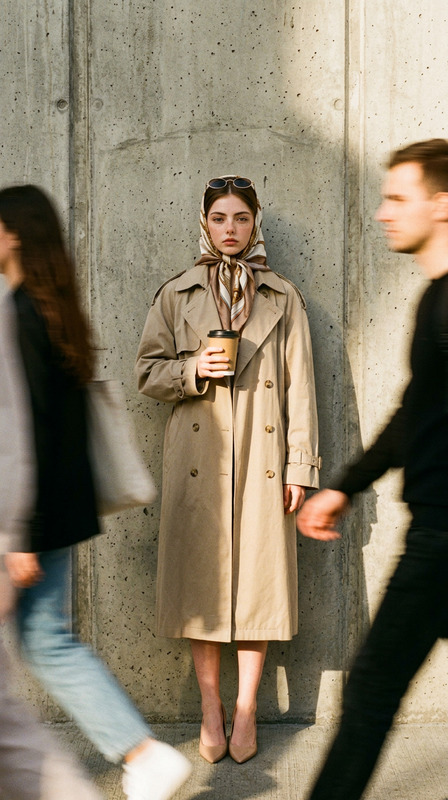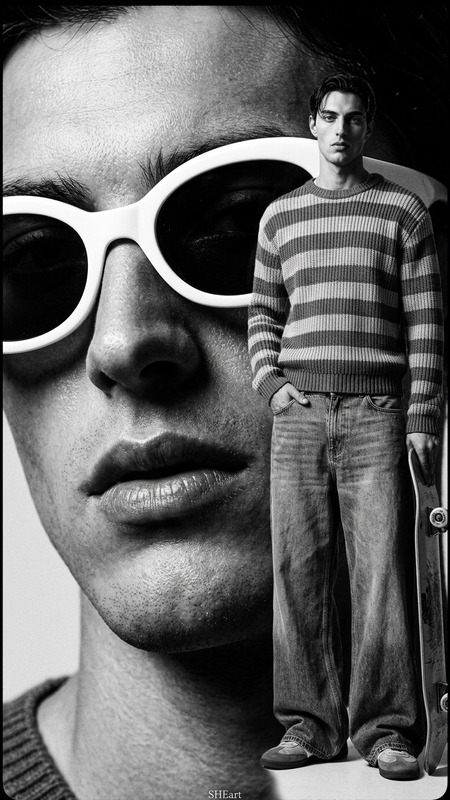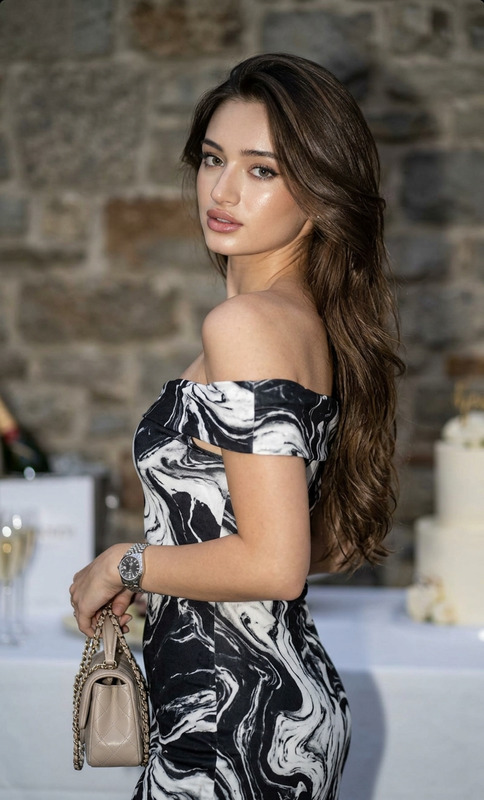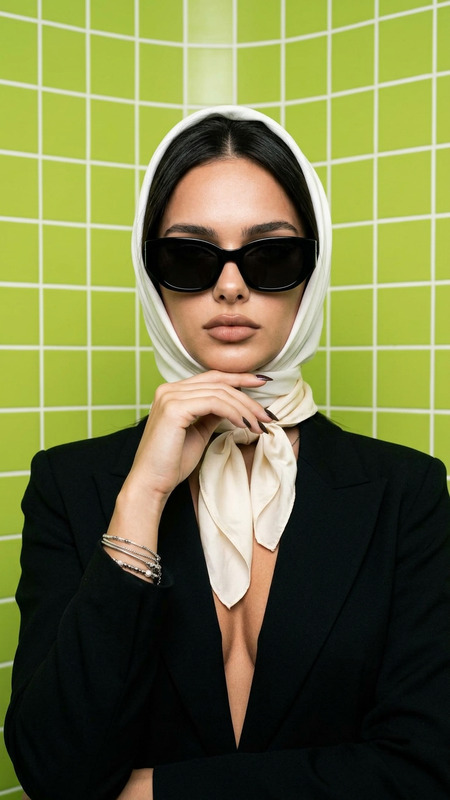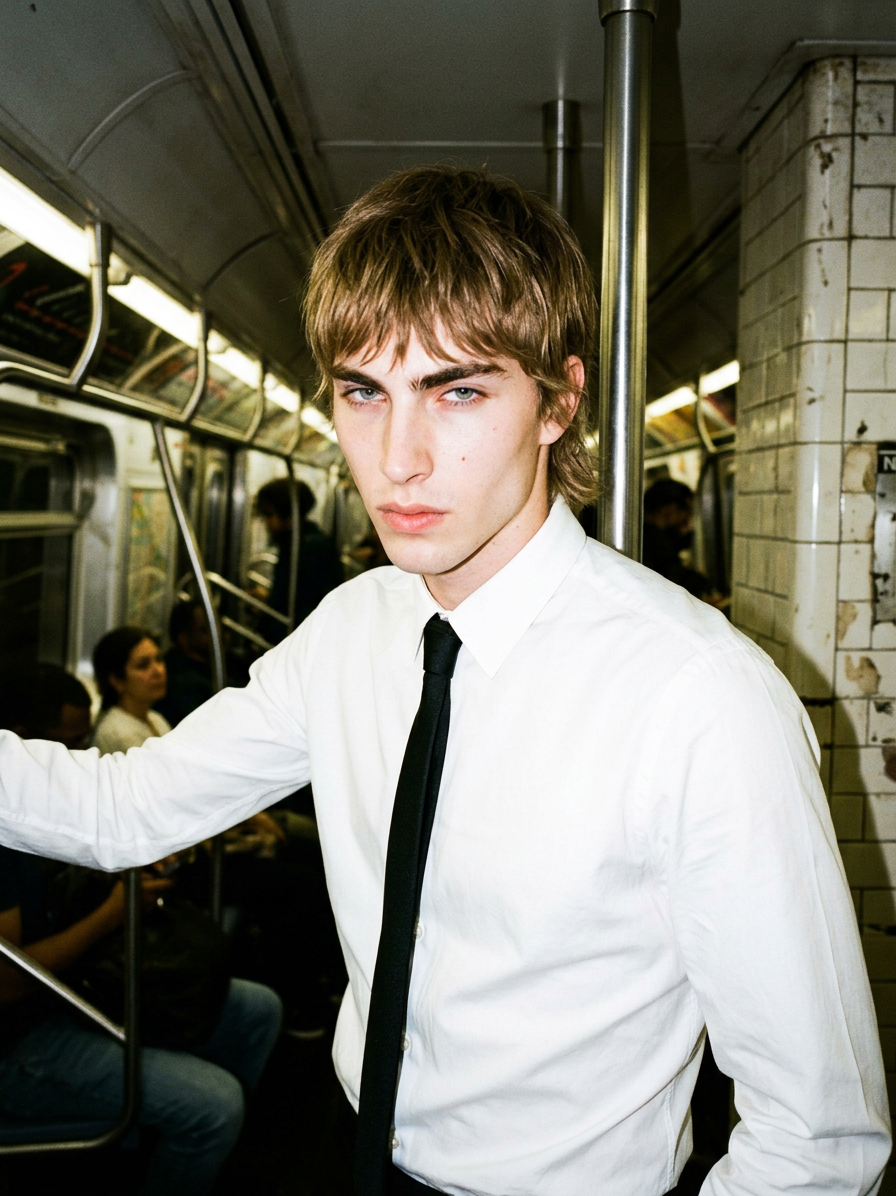
Direct Flash Subway Editorial
- Model
- Nano Banana 2
- Image
- 896 × 1196 px
Prompt
Generate a striking high-fashion editorial portrait of a subject with a shaggy mullet haircut, dressed in a crisp white shirt and black tie, posed with a confident, stylized editorial stance; the scene is set inside a subway environment, with minimal environmental distraction and a raw urban atmosphere; the image is captured using direct flash, creating harsh highlights, deep shadows, and a gritty, candid flash-photography aesthetic; the color grading resembles expired film stock with slightly shifted tones, faded contrasts, and subtle color imperfections; the overall composition emphasizes bold character presence, fashion-forward styling, and an underground documentary-editorial mood with a raw, spontaneous visual energy.
Any aspect ratio
Overview
The Direct Flash Subway Editorial template is designed for those looking to create high-fashion editorial images with a gritty and raw urban aesthetic. Utilizing the AI Image Editor, this template captures striking portraits that resemble the candid nature of expired film stock photography.
What It Does
This template allows users to generate editorial-style images depicting a fashion-forward subject in a subway setting. The AI meticulously applies direct flash effects to create harsh highlights and deep shadows, emulating the gritty, spontaneous feel of flash photography. Further enhancing the scene, it uses expired film stock color grading to inject unexpected tones and textures.
Who It’s For
The Direct Flash Subway Editorial template is ideal for fashion photographers, creative directors, and designers seeking an edgy, documentary-inspired look. It's suitable for projects needing bold, character-driven imagery in urban settings. It's also a great fit for those working on product videos that demand a unique visual impact.
Summary
This template leverages the advanced capabilities of the nano-banana-2 model to produce visually compelling images right inside the subway. Perfect for fashion-forward projects, it delivers finished visuals that merge style and storytelling with ease. Check out other features available in the AI Video Generator to complement your work.
How To
Choose

Customize

Generate

Use Cases
Fashion Editorials
- Capture unique styles in urban environments
- Highlight bold fashion choices
- Develop visual narratives for magazines
Brand Campaigns
- Align campaign visuals with urban themes
- Add character to brand promotions
- Stand out in competitive fashion markets
Music and Entertainment Promotions
- Create an underground vibe
- Appeal to an alternative audience
- Emphasize artistic expression
Best Practices
Focus on the Subject
Ensure the subject's styling aligns with the desired fashion-forward appearance. This will enhance the visual impact of the editorial.Utilize the Environment
Leverage the subway's unique structural elements to frame your subject, adding depth and context to each shot.Experiment with Prompts
Don't hesitate to adjust prompts to slightly change visual elements like color gradation to match the mood of your project.