Cosmic Mercury
- Model
- Nano Banana 2
- Image
- 843 × 1264 px
Prompt
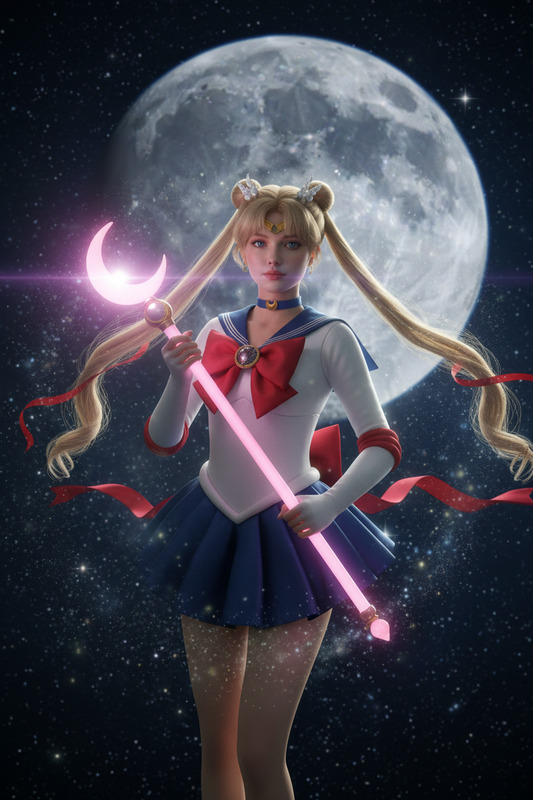
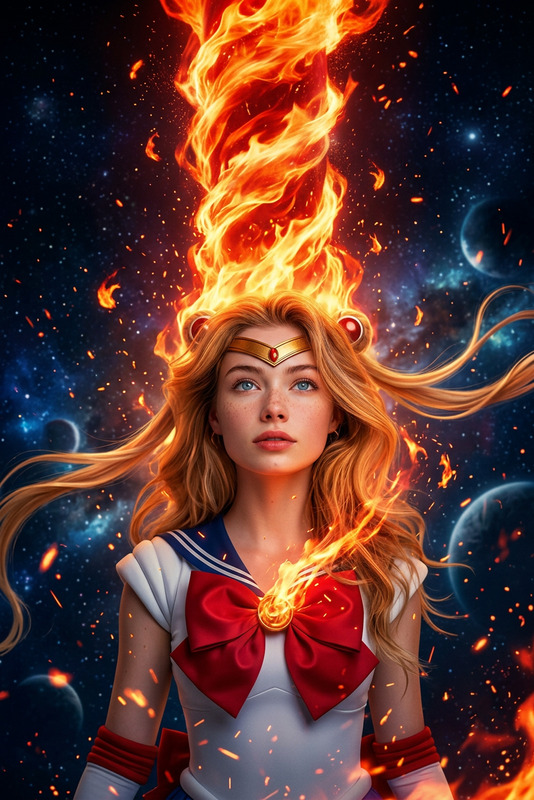
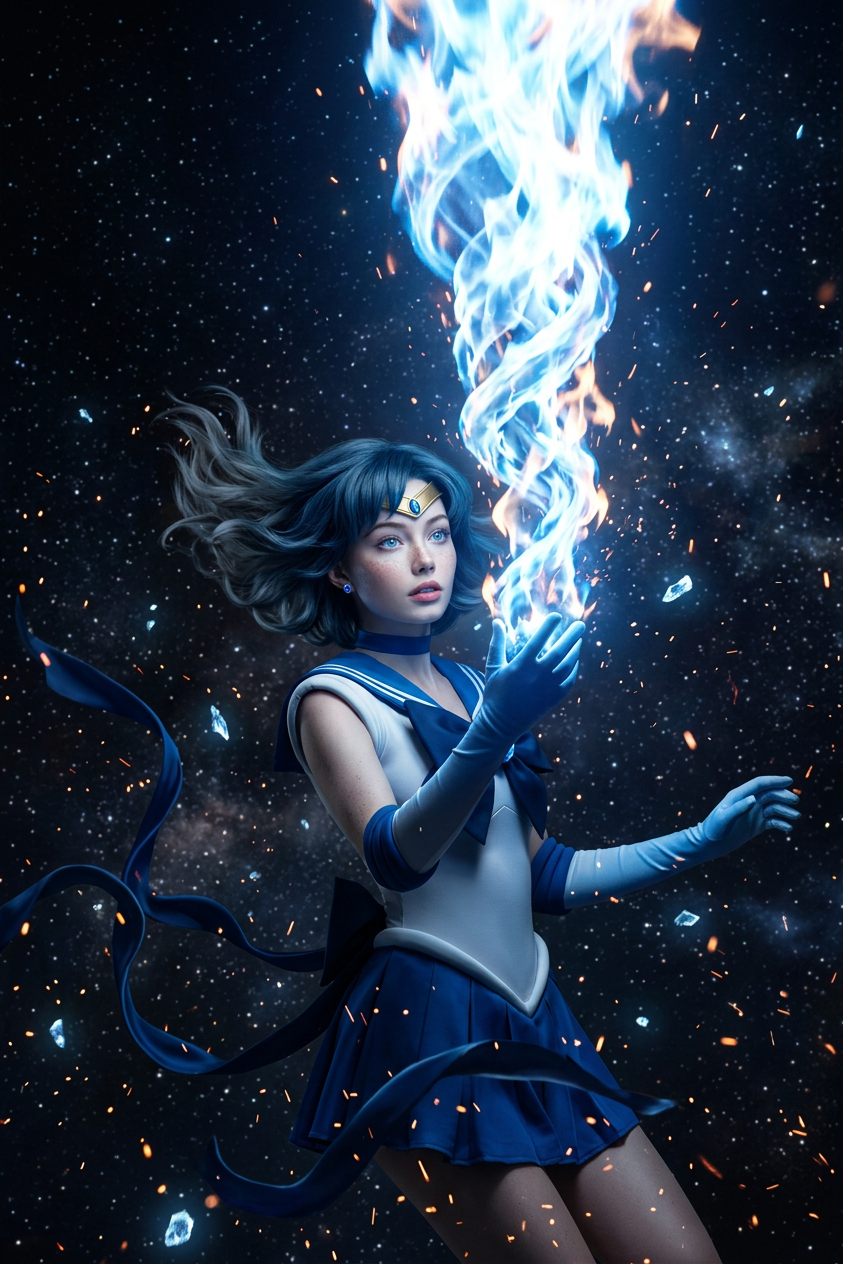
A photorealistic Sailor Mercury suspended in deep space, a massive spiral pillar of magical fire roaring up from her body past the top of the frame. Slow-motion zero-gravity float as the camera orbits her — hair and ribbons lifted, embers and sparks drifting around, a calm heroic gaze upward. Cinematic IMAX-grade close-up.
Any aspect ratio
Overview
Cosmic Mercury is a captivating AI Image Editor template, crafted to bring exquisite sci-fi artistry to life. Utilizing the advanced nano-banana-2 model, this template captures Sailor Mercury in a breathtaking cosmic tableau, accented by spirals of magical fire.
What It Does
This template harnesses the power of AI to create a photorealistic scene featuring Sailor Mercury in deep space. The image captures her in a state of zero-gravity as spirals of fire and embers unveil a dramatic, heroic narrative. The resulting image is reminiscent of a cinematic masterpiece with vivid detail and dynamic motion.
Who It's For
Cosmic Mercury is ideal for digital artists, graphic designers, and sci-fi enthusiasts looking to elevate their creative projects. Whether for storyboarding, promotional artwork, or concept art, this AI Image Editor template is perfect for crafting high-impact visuals.
Summary
Seize the opportunity to animate your vision of Sailor Mercury with our advanced AI tools. This template is part of a suite designed for those serious about imagery precision and creativity. Explore other products like the Face Swap or AI Clothes Changer to enhance other facets of your project with similar detailed refinement.
How to Use
Choose Cosmic Mercury Template

Customize Your Inputs

Generate Your Image

Use Cases
Concept Art Development
- Design futuristic scenes
- Visualize character concepts
Digital Storytelling
- Illustrate sections of graphic novels
- Develop dramatic scenes for comics
Marketing and Promotions
- Create posters and digital banners
- Develop unique promotional visuals
Best Practices
Define Your Vision
Start with a clear idea of the scene you wish to depict, noting specific details you want to highlight with the AI's features.Tweak Model Settings
Experiment with the model's parameters to achieve a balance between realism and stylized effects, especially for elements like fire and lighting.Review Output
After generation, closely review the details of the image to ensure it meets your quality standards. Make adjustments as necessary for optimal results.