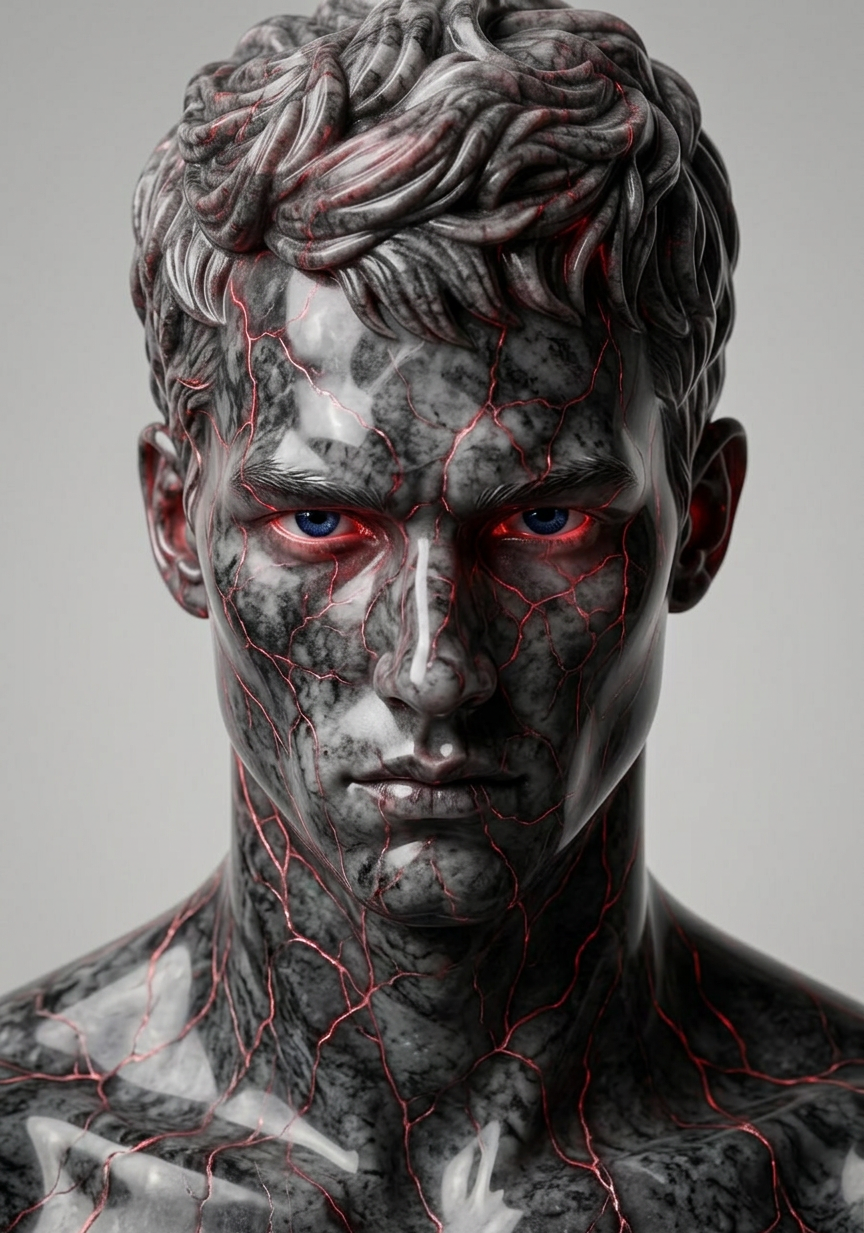
Glowing Vein Marble
ai-image-editor
Any aspect ratio
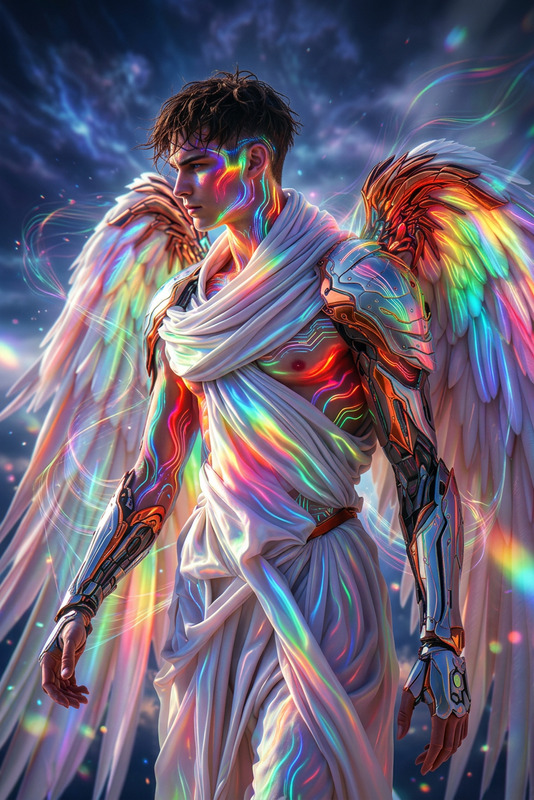
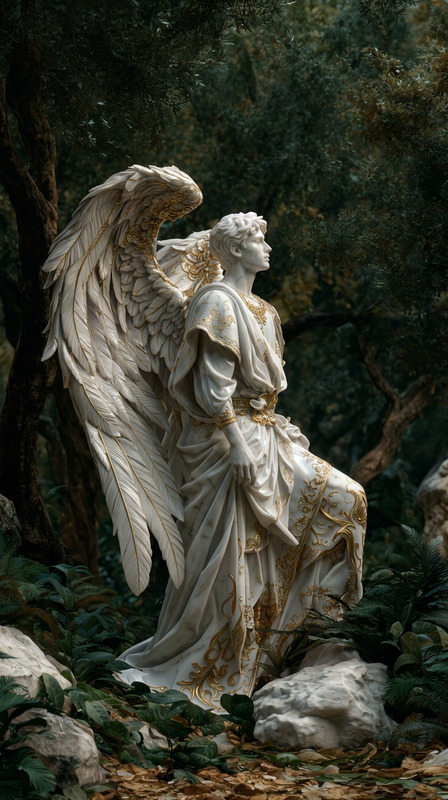
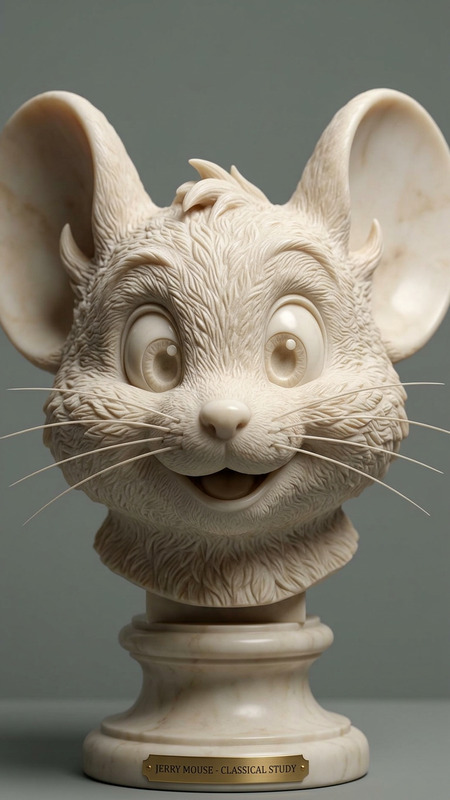
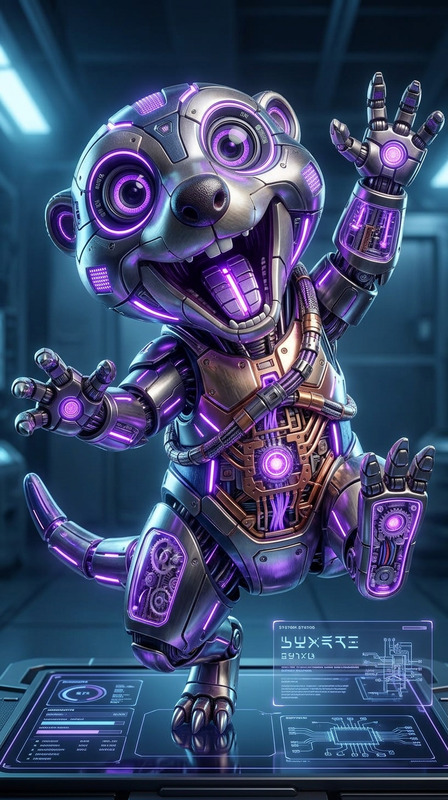
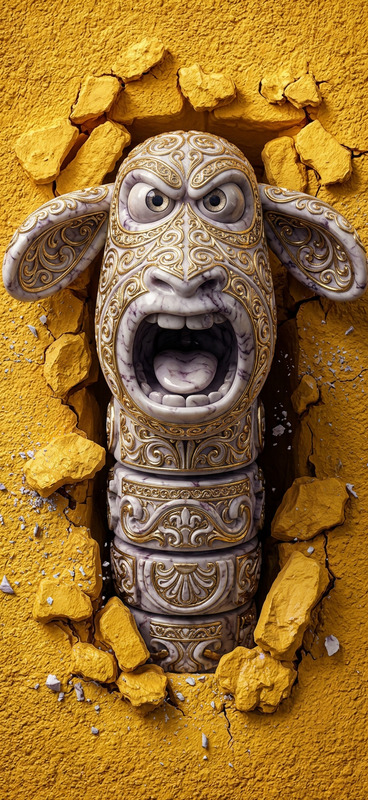
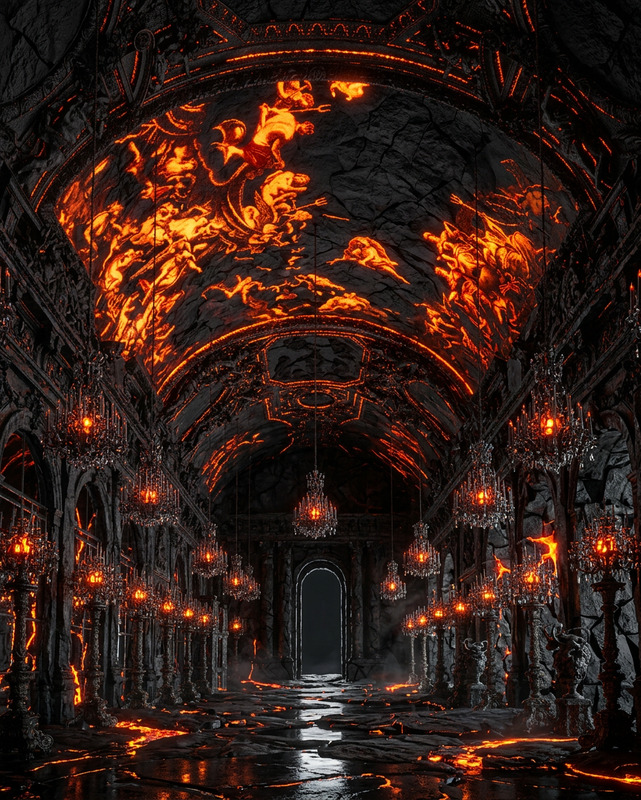
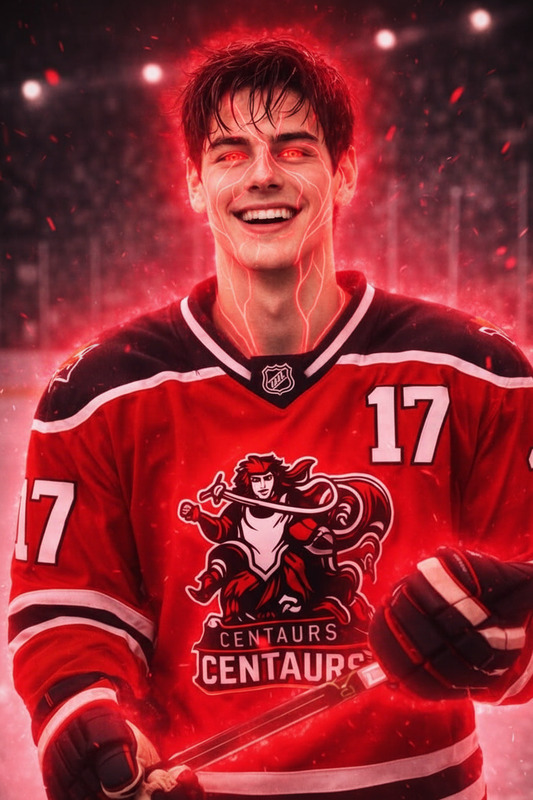
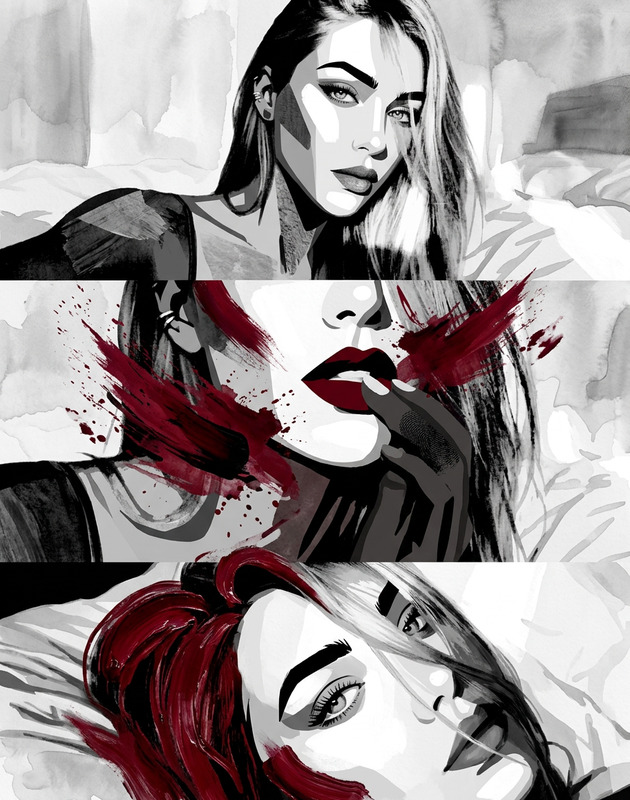
Subject depicts marble surface with intricate veins emitting a subtle glowing red light. Texture shows detailed stone patterns with smooth polished finish. Lighting emphasizes contrast between natural marble tones and luminous red veins, creating a dramatic and refined aesthetic.
AI Image Editor Template: Turn Any Photo Into a Polished, On‑Brand Visual in Minutes
Use this template to quickly transform an existing photo into a clean, professional asset—without opening Photoshop. Whether you’re cleaning up marketing images, iterating on product visuals, or testing creative variants, this template shows what’s possible with the AI Image Editor and how to remix it for your own workflow.
What This Template Does
This template is built with the AI Image Editor and is designed to help you:
- Fix or refine existing images (lighting, composition, distracting elements)
- Change small details without rebuilding the entire image
- Create fast variants for A/B tests, social posts, and ad creatives
- Keep visual style consistent across campaigns and channels
- Prep image assets for downstream tools (video, avatars, thumbnails, etc.)
Typical use cases include:
- Marketing & growth: hero images, landing page visuals, creative variants for paid ads
- Product & UX: mockups, UI shots, product renders, app screens
- Creators & influencers: thumbnails, social content, channel branding
- Founders & operators: pitch decks, investor updates, sales collateral
How to Use This Template in Magic Hour
Start from this template
Open this template in Magic Hour to load the example image and editing workflow directly in the AI Image Editor.Swap in your own image
Replace the example image with:- Product photos
- Screenshots or UI mocks
- Portraits or headshots
- Brand or campaign visuals
Follow the edit steps
The template demonstrates a sequence of edits you can adapt:- Clean up unwanted elements (e.g., logos, clutter, text) using the AI Remover or Remove Object from Photo
- Adjust or regenerate the background to match your brand using the AI Background Generator
- Refine faces or expressions with the AI Face Editor
- Sharpen and enhance quality with the AI Image Upscaler
Remix for your own brand and use case
Once you’ve run it once, duplicate the project and turn it into your own reusable “house” template. Common remixes:- A “clean product shot” pipeline for ecommerce
- A “founder / team headshot” pipeline using AI Headshot Generator
- A “YouTube / podcast thumbnail” setup combined with Thumbnail Maker
- A “social cutdown” asset flow feeding into Text to Video or Image to Video
Example Workflows You Can Build From This Template
Use this template as a starting point to build more advanced, multi‑step workflows inside Magic Hour:
1. Ecommerce & Product Visual Pipelines
- Start with raw product photos
- Clean and standardize them with the AI Image Editor
- Generate lifestyle variants or branded backgrounds with the AI Photo Generator or AI Art Generator
- Upscale final images with the AI Image Upscaler for marketplace or print
2. Creator Thumbnails & Channel Branding
- Import a frame from your video or a selfie
- Enhance your face with the AI Selfie Generator or AI Face Generator
- Replace or stylize the background using the AI Background Generator or Disney AI Generator
- Add brand-consistent layouts using the Thumbnail Maker
- Optionally animate it into short loops using the AI GIF Generator
3. Headshots, Avatars & Identity
- Clean up or restyle an existing portrait in AI Image Editor
- Spin off professional variants via the AI Headshot Generator
- Create social / gaming avatars with the Avatar Generator, AI Anime Generator, or Full Body Generator
- Make talking profile photos with AI Talking Photo or pair with AI Voice Generator
4. Brand Concepting & Visual Systems
- Use AI Image Editor to iterate on brand motifs, compositions, and layouts
- Generate iconography with the AI Icon Generator or AI Logo Generator
- Build book or album visuals via Book Cover Generator and Album Cover Generator
- Create campaign-specific art styles with AI Illustration Generator, Dark Fantasy AI, or Comic Book Generator
How to Remix This Template for Your Own Use
You can recreate or extend this template in a few steps:
Duplicate and rename
Save a copy of this template in Magic Hour and name it by use case (e.g., “Landing Page Hero Cleaner,” “UGC Polisher,” “Ecom Product Standardizer”).Lock in your visual rules
- Decide on background styles you’ll reuse (solid color, gradient, studio, lifestyle).
- Define how you treat faces (natural, beauty-filtered, stylized).
- Set a consistent crop and framing approach you’ll repeat across assets.
Chain tools together for a repeatable system
Depending on your needs, you can combine:- AI Image Editor → AI Image Upscaler for polished stills
- AI Image Editor → Image to Video or Animation for motion
- AI Image Editor → Text to Video for campaigns that mix static and video assets
- AI Image Editor → AI QR Code Generator to embed trackable links into visually branded codes
Build variants instead of one‑offs
For every base image, use the same flow to generate:- 2–3 background options
- 2–3 crops (square, vertical, horizontal)
- 2–3 stylistic directions (photo‑real, illustrated, minimal)
This makes it easy to test creatives across channels, audiences, and funnels.
Advanced Ideas for Teams, Startups, and Technical Users
For more systematic or technical workflows:
Content pipelines for marketing teams
Use AI Image Editor as the “normalization” layer at the start of your asset pipeline, then send outputs into tools like:- Face Swap Video or Face Swap for personalized campaigns
- Lip Sync and AI Talking Photo for video explainers and UGC variants
- Animation for high‑impact hero animations on landing pages
Product & UX prototyping
- Clean up UI screenshots with AI Image Editor for decks and PRDs
- Use AI Interior Design Generator, Architecture Generator, or Fantasy Map Generator to quickly explore spatial concepts
- Combine with Unblur Image and Photo to Sketch for before/after and concept exploration
Creative R&D & concept art
Start with rough sketches or reference photos, refine in AI Image Editor, then branch out using:- AI Character Generator, Animated Characters Generator, or Superhero Generator
- Style‑specific tools like AI Manga Generator, Graffiti Generator, and Optical Illusion Generator
Related Tools You May Want in the Same Stack
Depending on your use case, this template pairs well with:
Restoration and cleanup
People & identity
Social, memes, and engagement
Audio & video layering
Who This Template Is For
This AI Image Editor template is optimized for:
- Marketers & growth teams who need fast, consistent creative at scale
- Founders & startup teams who want “good enough” design quality without hiring agencies for every asset
- Creators & influencers looking to polish content and test new formats rapidly
- Designers & art directors who want AI to handle repetitive cleanup while they focus on higher‑level direction
- Developers & technical builders integrating AI image flows into apps, internal tools, or content pipelines
Use this template as a practical reference implementation: start with it, adapt it to your own brand and constraints, then turn it into a repeatable, documented flow your entire team can use.