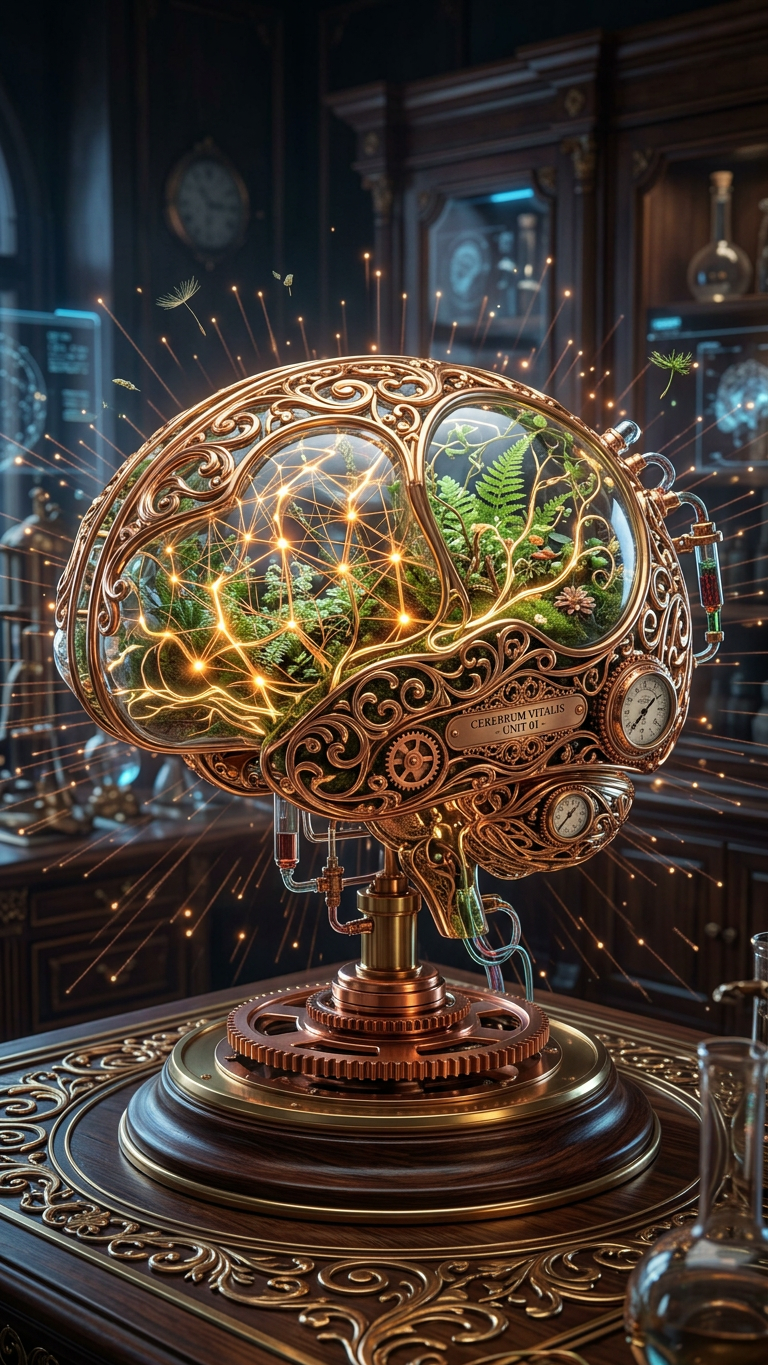
Sci-Fi Baroque Brain Terrarium

Sci-Fi Baroque Brain Terrarium

ai-image-editor

1 clip
0 uses

Any aspect ratio

Prompt

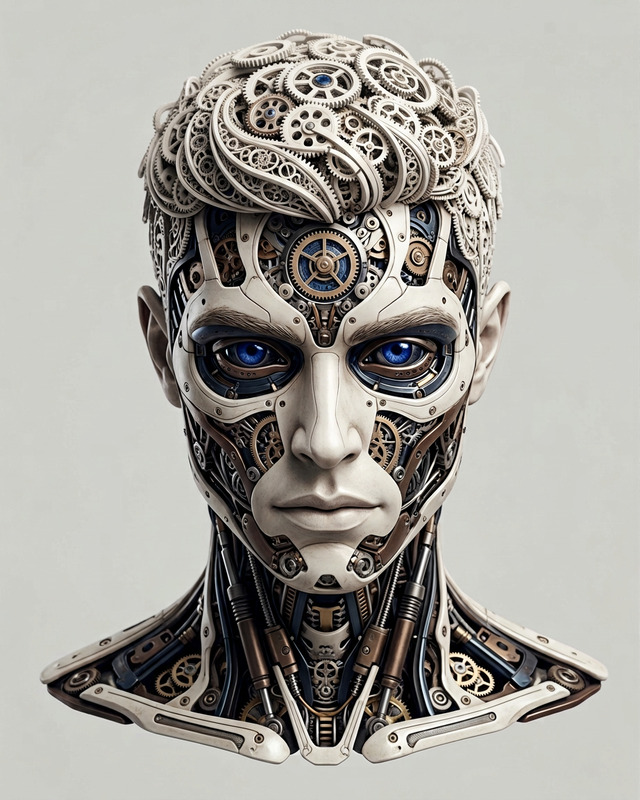
Subject depicts 3D render of a sci-fi baroque concept design featuring an anatomically accurate brain device integrated with a lush terrarium and steampunk aesthetics. Design includes intricate metallic filigree, copper gears, and glass chambers, blending scientific precision with ornate detail. Scene is hyper-detailed and photorealistic, set in a futuristic laboratory where nature and machine merge. Softly glowing neural pathways intertwine with delicate vines, creating a mesmerizing interplay of light and organic forms.

AI Image Editor Template: Precise, Fast Image Editing in Your Browser

Use this AI Image Editor–powered template to make surgical edits to any image in seconds—no Photoshop skills required. Clean up photos, change objects, tweak branding, or generate creative variations directly in your browser.

This template is built on the AI Image Editor, and you can duplicate or remix it inside Magic Hour to match your own workflow, brand, or use case.


What You Can Do With This Template

This template is optimized for fast, repeatable edits that creators and teams need every day:

  • Remove objects, people, or distractions
    Instantly erase logos, strangers, background clutter, or unwanted items while keeping lighting and perspective consistent. For heavier clean-up work, you can also use the dedicated AI remover or remove object from photo tools.

  • Replace or add objects realistically
    Swap a coffee cup for a laptop, add new props to a product scene, or generate missing elements that match your existing style. This works well with concept testing, ad variations, and product photography.

  • Change backgrounds without reshooting
    Move your subject into clean studio backdrops, lifestyle scenes, or on-brand environments. If you’re focusing specifically on backgrounds, check out the AI background generator or image background remover.

  • Polish portraits and faces
    Clean up blemishes, adjust facial details, or refine headshots with natural-looking results. For dedicated pipelines, you can combine this with:

  • Re-skin or rebrand visuals at scale
    Quickly change colors, patterns, or branding elements across multiple images—useful for campaign refreshes, white-label content, or seasonal updates.

  • Enhance quality and clarity
    Clean up low-resolution images or older assets before editing by pairing this template with:

If you need to generate a brand-new image instead of editing an existing one, start with AI image generator or AI art generator, then refine the result with this template.


How to Use and Remix This Template in Magic Hour

You can treat this template as a starting point for your own internal “image-editing assistant.” Here’s how to adapt and remix it inside Magic Hour:

  1. Upload or select your base image

    • Use any asset: product photos, marketing creatives, portraits, UI mockups, or concept art.
    • For faster iteration, keep a small library of “base shots” you regularly test edits on.
  2. Describe the edit in natural language

    • Be explicit about what should change and what must remain.
    • Example prompts:
      • “Remove the person in the background, keep the lighting and reflections intact.”
      • “Replace the plain wall with a modern office interior, midday lighting.”
      • “Change the t-shirt color to #FF4757 and add a subtle geometric pattern.”
  3. Iterate quickly with variations

    • Run multiple versions in parallel: different background concepts, colorways, or object placements.
    • Compare outputs side by side to choose your best-performing visual.
  4. Chain this template with other Magic Hour tools
    Use this template as one step in a bigger content pipeline:

  5. Save your own “clone” of the template

    • Once you have a pattern of edits you like, save or duplicate the template so your team can reuse it.
    • You can create internal variants like:
      • “Ad Creative Cleanup”
      • “Product Background Swap”
      • “Portrait Retouch – Natural”
      • “Brand Recoloring”

Example Workflows for Creators and Teams

This template is designed for serious, time-constrained users: agencies, product teams, founders, and growth marketers. Here are practical ways to use it:

1. Performance Marketing & Growth Teams

  • Generate and test dozens of visual variants for an ad set: change background, props, and on-image elements without reshooting.
  • Keep your hero asset constant (same subject, same pose) while optimizing surroundings and styling.
  • Combine this template with:

2. Product & Ecommerce Teams

  • Clean up product shots by removing distracting backgrounds or uneven lighting.
  • Create white-background catalog images plus lifestyle scenes from a single source photo.
  • Use with:

3. Founders & Startup Builders

  • Build consistent brand visuals across website, pitch decks, and social by editing a small set of base images.
  • Quickly align legacy assets with new branding (colors, logo placement, background style).
  • Pair with:

4. Content Creators & Educators

  • Clean up slides, screenshots, and thumbnails for YouTube, courses, and newsletters.
  • Swap backgrounds on talking head shots, reuse the same portrait in different visual narratives.
  • For more advanced flows, turn your edited faces into motion using:

Going Beyond Static Images: Combine With Video & Animation

Once you’ve refined your images with this template, you can extend them into video and dynamic content:


Best Practices for Accurate, On-Brand Edits

To get consistently reliable results with this template:

  • Be specific in your prompts

    • Define what to remove, what to keep, and the target style.
    • Mention lighting, setting, and mood when it matters (e.g., “soft natural light,” “studio lighting,” “night city background”).
  • Use consistent reference language

    • If you have a brand style (e.g., “flat, minimal SaaS illustration,” “cinematic product photography,” “comic-book inking”), reuse those descriptors across edits.
  • Work from the highest-quality input you have

    • Sharper, higher-resolution source images produce better, more coherent edits.
    • When needed, run assets through AI image upscaler or unblur image before editing.
  • Leverage specialized tools when edits get complex


Who This Template Is For

This AI Image Editor template is aimed at:

  • Growth marketers and performance teams who need to iterate creatives quickly.
  • Founders and startup teams who want polished visuals without a full-time design team.
  • Creative directors and agencies who want an AI-first image editing workflow.
  • Content creators, educators, and newsletter writers who need consistent, professional imagery on short timelines.

If you work with images frequently and care about speed, consistency, and quality, this template gives you a reusable, customizable foundation.


Start From This Template, Then Make It Your Own

Use this AI Image Editor template as your base, then:

  • Duplicate it inside Magic Hour.
  • Adjust your default prompts and instructions to match your brand and typical edits.
  • Chain it with other Magic Hour tools (image generation, upscaling, background removal, video, voice) to build a complete creative pipeline tailored to your product or team.

When you’re ready to go deeper into image editing with AI, explore the full AI Image Editor product and connect it with complementary tools like AI art generator, AI photo generator, and AI background generator to cover your entire visual workflow end to end.

More Like This