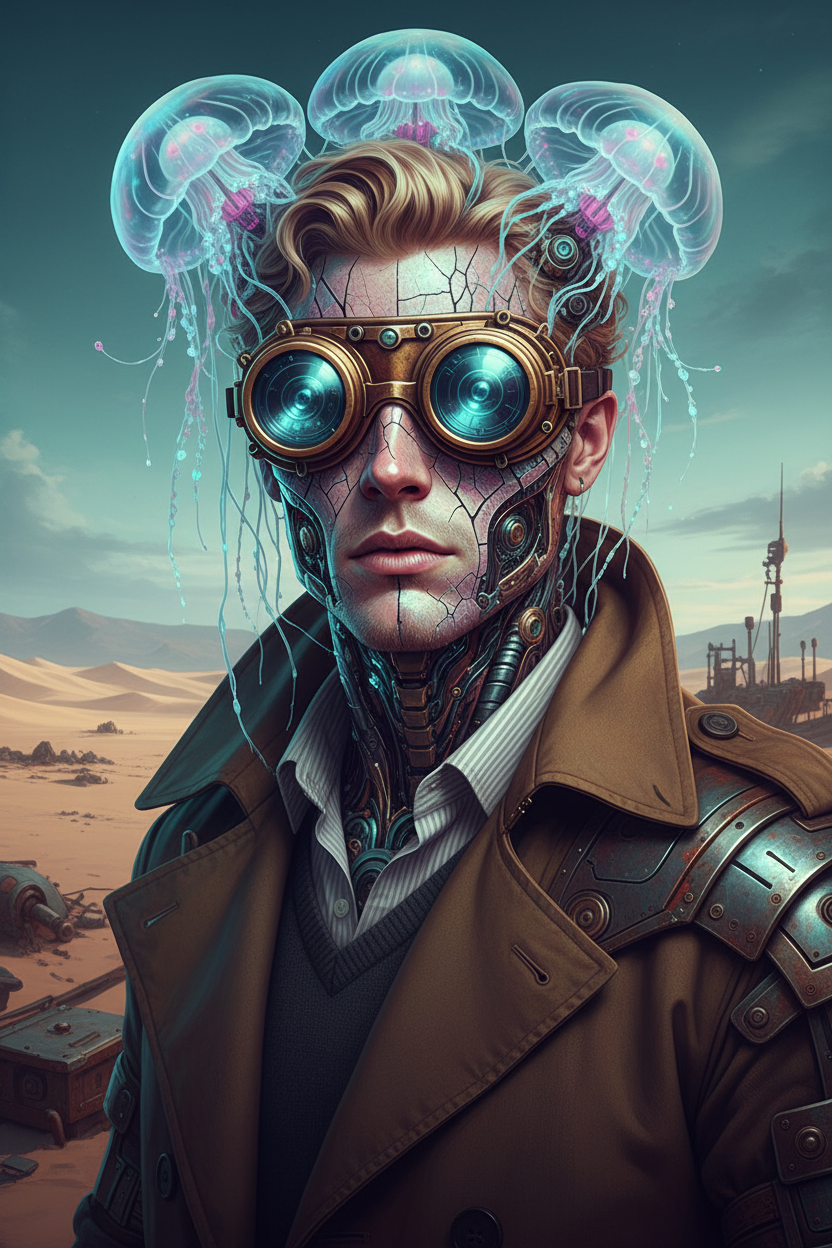
Ethereal Cyborg Fusion
- Model
- Nano Banana
- Image
- 832 × 1248 px
Prompt
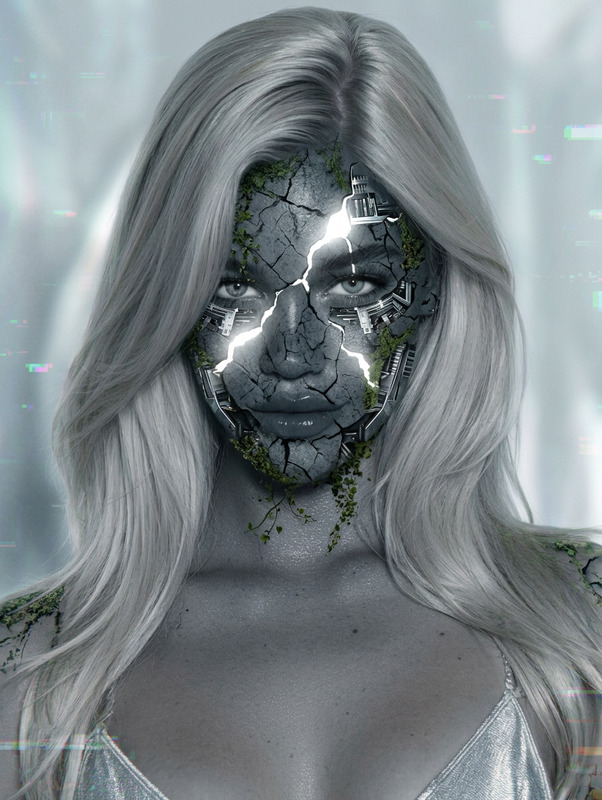
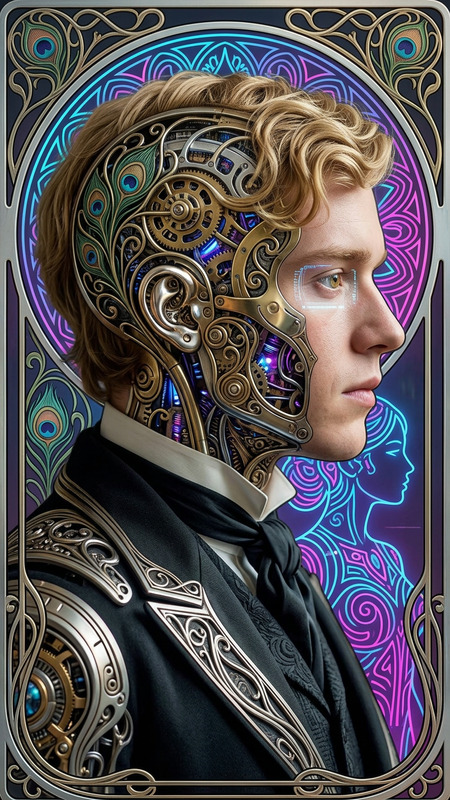
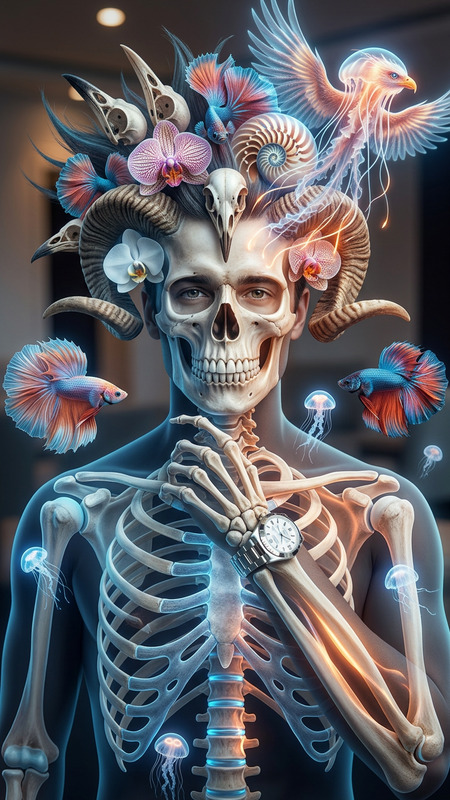
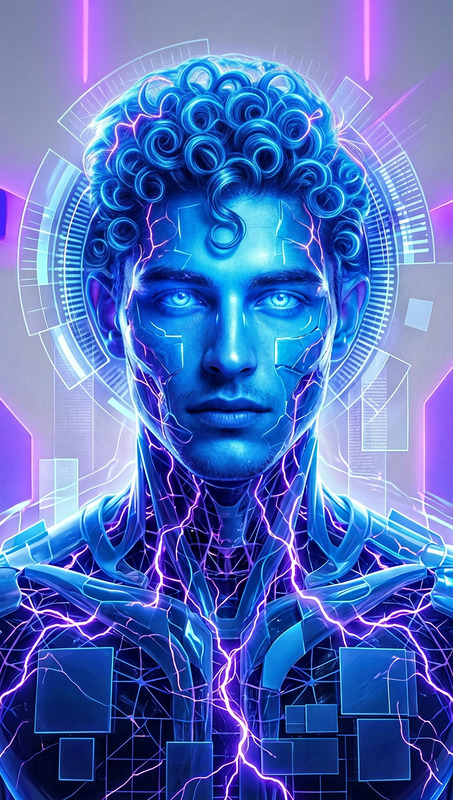
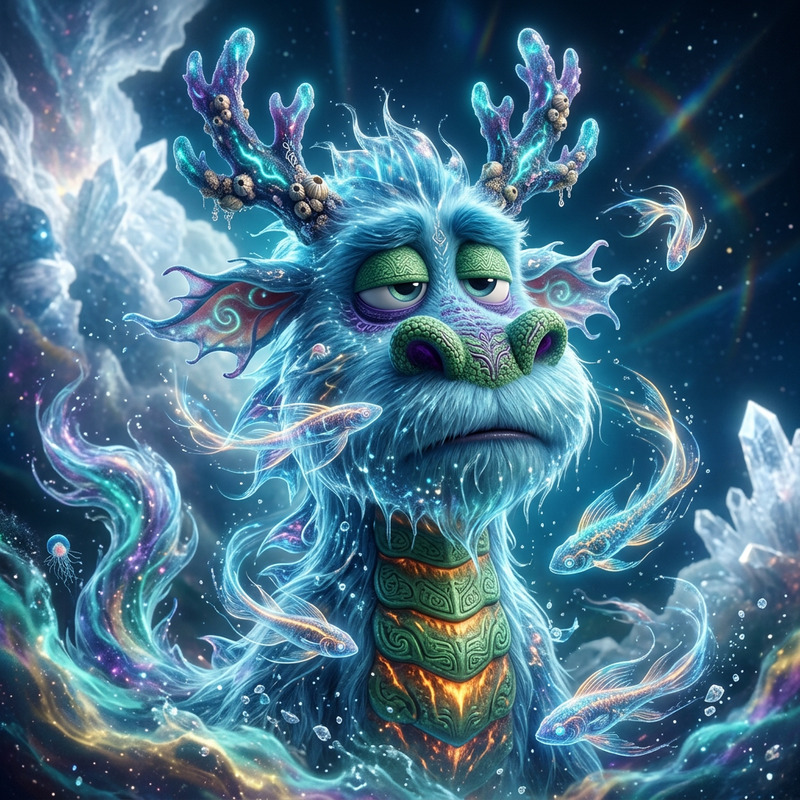
a subject transforming into an ethereal cyborg form, featuring a bioluminescent jellyfish-inspired headdress with translucent tentacles blending into steampunk-style goggles; the skin combines cracked porcelain textures with iridescent, scale-like surfaces, while mechanical implants intertwine with delicate organic tendrils; the face retains human features but glows with an otherworldly presence, with reflective eyes suggesting hidden dimensions; the color palette contrasts dreamy aquatic tones with aged, weathered metal elements; soft bioluminescent light interacts with a stark desert backdrop, creating tension between environments; the overall composition emphasizes a fusion of organic and synthetic, ancient and futuristic, rendered with ultra-detailed textures and a deeply surreal, atmospheric aesthetic.
Any aspect ratio
Overview
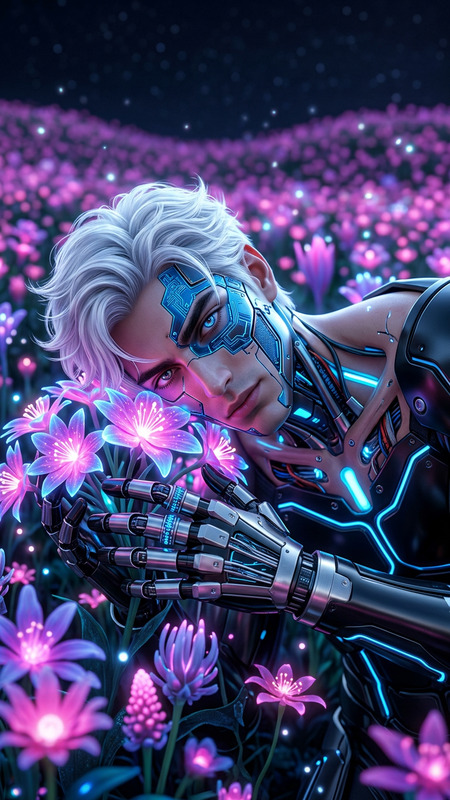
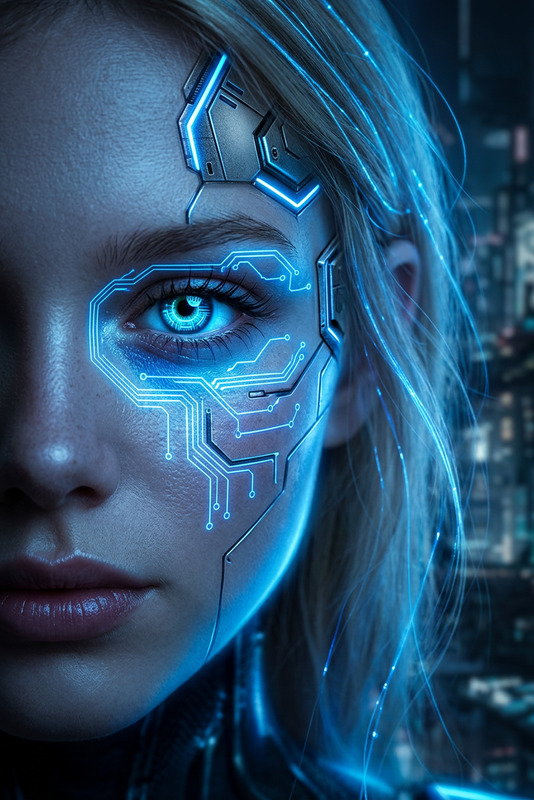
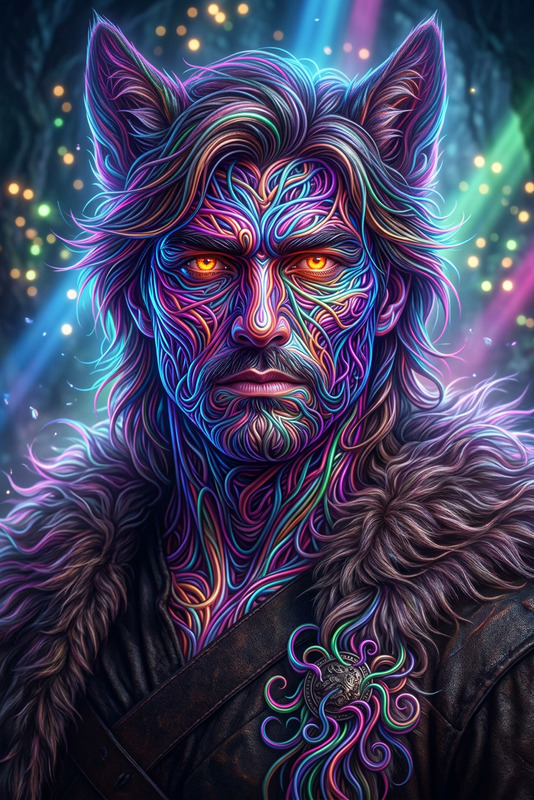
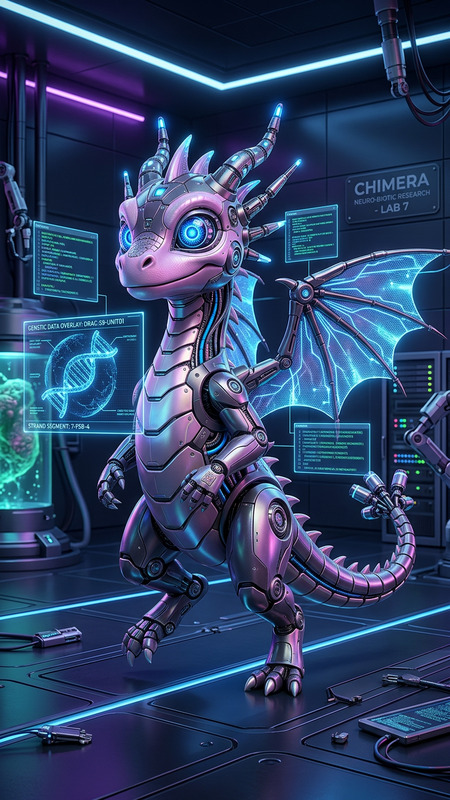
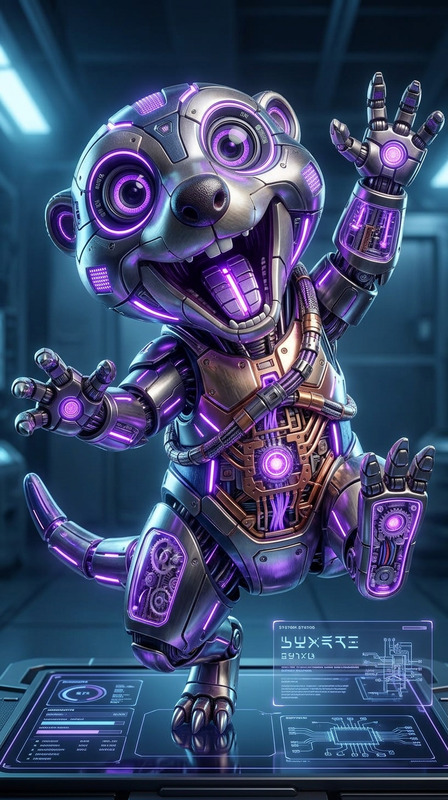
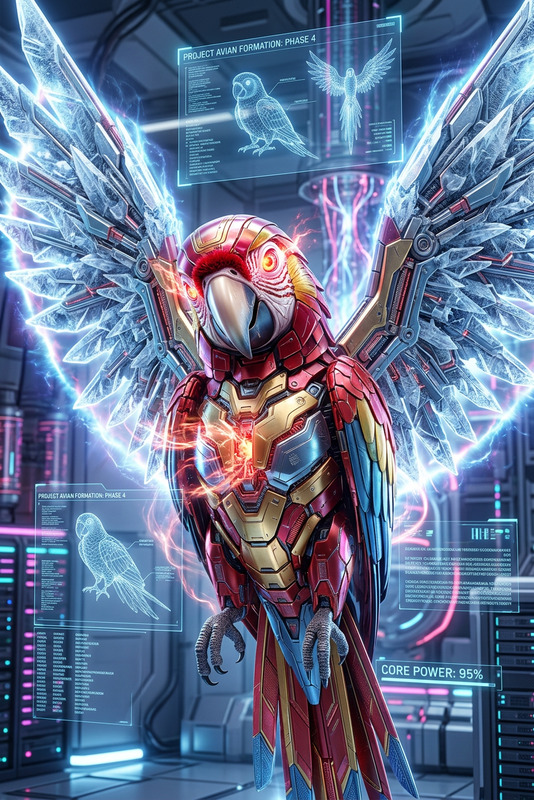
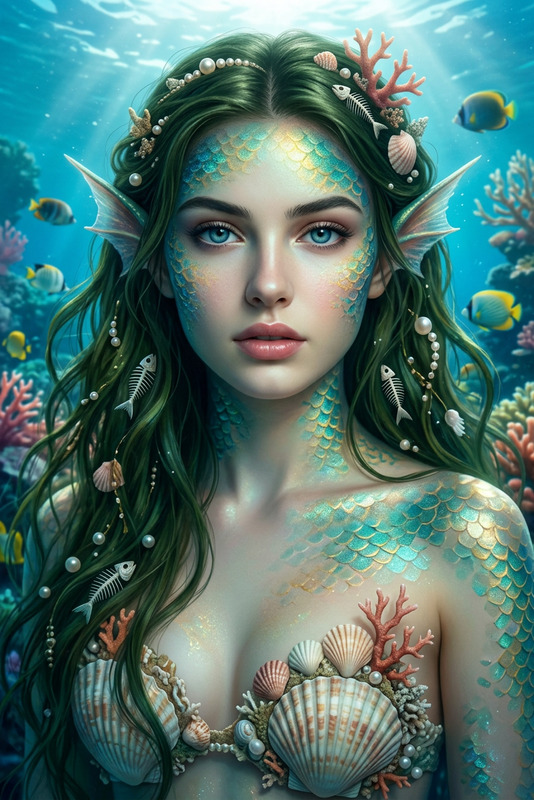
Experience the fusion of organic and synthetic worlds with the Ethereal Cyborg Fusion template. Designed for the AI Image Editor using the powerful nano-banana model, this template transforms subjects into surreal, otherworldly figures. Envision a character adorned with a bioluminescent, jellyfish-inspired headdress and a blend of futuristic elements.
What It Does
The Ethereal Cyborg Fusion template gives you the tools to transform any image into a blend of organic and mechanical aesthetics. It uses a bioluminescent color palette that interacts with stark environments to emphasize the contrast between nature and technology. With highly detailed textures and a surreal aesthetic, this template redefines creativity by enabling unimagined transformations through the AI Image Editor.
Who It's For
This template is ideal for creatives and artists seeking to explore futuristic and surreal themes within their work. Suitable for illustrators, concept artists, and content creators in the realms of science fiction and speculative art, it offers endless possibilities for those aiming to create striking visuals.
Summary
Overall, the Ethereal Cyborg Fusion template within the AI Image Editor presents a unique opportunity to create visually stunning content. Whether for personal art projects or commercial use, this tool helps you explore the boundaries of human imagination, making complex visual narratives a reality.
How-To
Choose Your Template

Customize Your Design

Generate Your Image

Use Cases
Science Fiction Art
- Create visuals for book covers
- Design concept art for films
- Enhance graphic novels
Conceptual Design
- Produce unique digital artworks
- Craft game-character design
- Develop artwork for exhibitions
Marketing and Advertising
- Create eye-catching social media posts
- Design campaign visuals
- Innovate brand storytelling
Best Practices
Experiment with Color Balance
Play with the palette to create different atmospheric effects, incorporating more metallic or aquatic tones as needed.Focus on Texture Details
Leverage the ultra-detailed texture capabilities to add depth and realism to your creations, which is crucial for a compelling visual narrative.Blend Elements Naturally
Ensure a seamless fusion of organic and mechanical parts by carefully adjusting the scale and position of various elements.