Floral Sky Mural
- Model
- Nano Banana 2
- Image
- 768 × 1370 px
Prompt
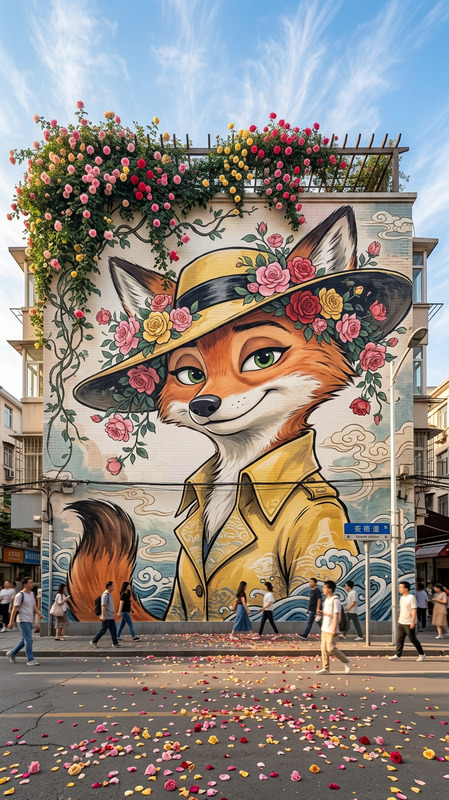
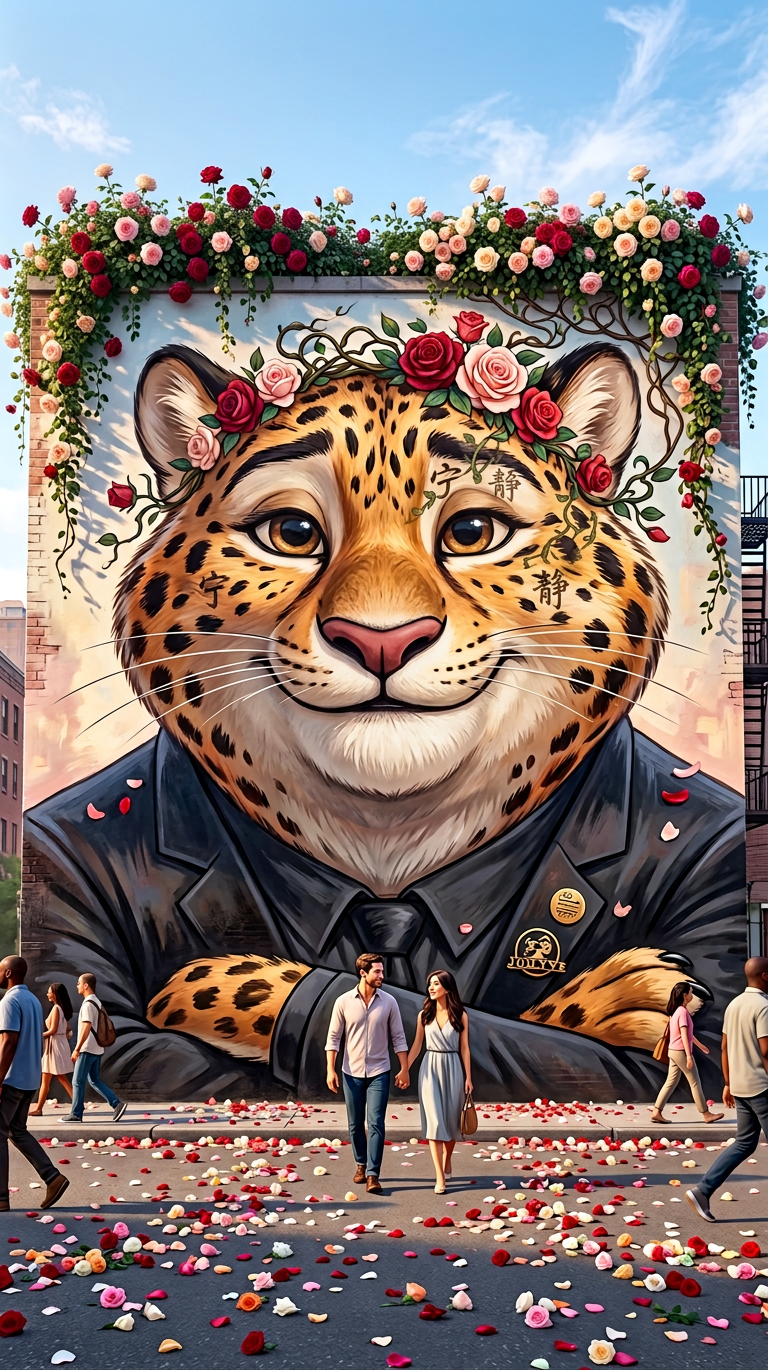
Subject as a large-scale street mural in Chinese artistic style, featuring a beautiful cartoon-style face in close-up with a serene, gentle expression. Roses bloom from the top of the wall, with vines cascading down and merging into the hair, forming a natural flower crown. Set on a city street with asphalt ground scattered in colorful petals, pedestrians strolling by. Background shows a bright blue sky with soft white clouds. Ultra-HD photorealistic mural art, vivid colors, fine detail. Wide shot capturing the full wall and surrounding street. Dreamy, romantic, ethereal atmosphere with bright soft natural light and warm shadows.
Any aspect ratio
Overview
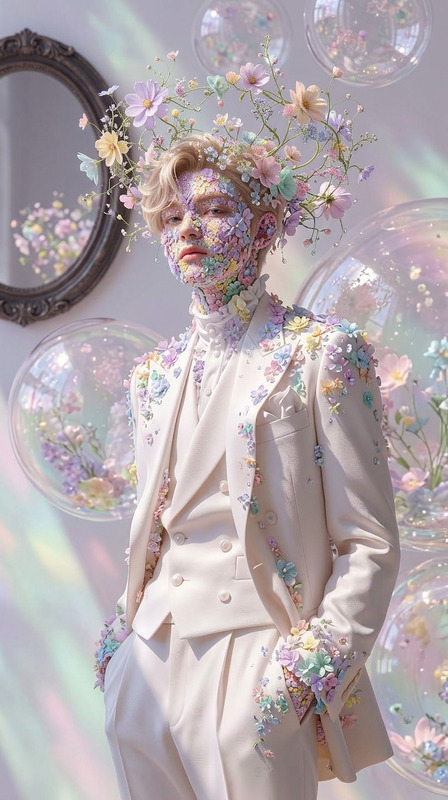
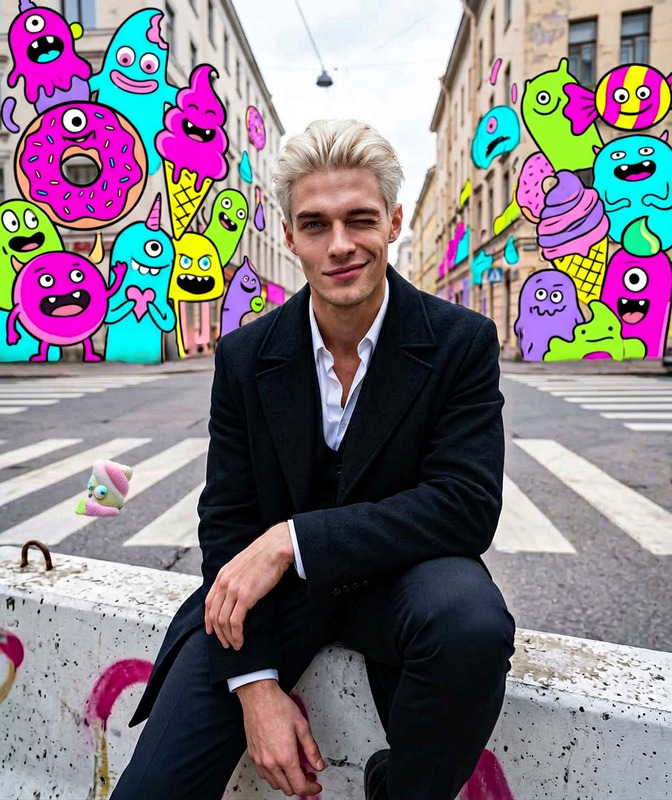
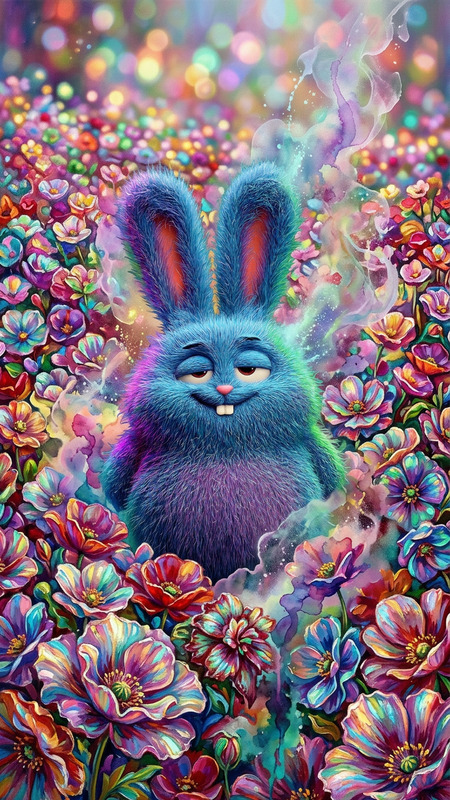
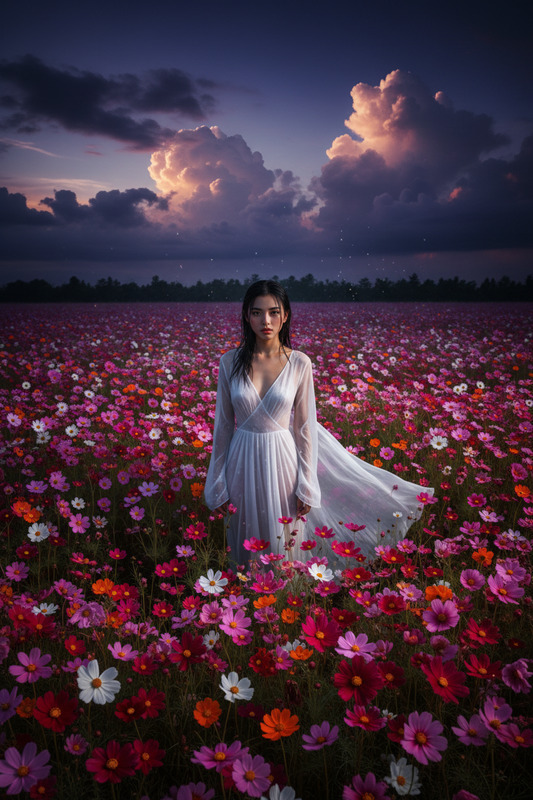
Dive into the realm of artistic transformation with the Floral Sky Mural template, a standout in our AI Image Editor suite. This template leverages the advanced capabilities of the nano-banana-2 model to craft breathtaking mural-like images with vibrant colors and intricate detail.
What It Does
This template allows you to create a large-scale street mural in a beautiful Chinese artistic style. With a focus on a cartoon-style face and cascading floral elements, it generates ultra-HD and photorealistic images. Perfect for projects needing vivid, fine detail, and a romantic atmosphere. It ensures wide shots capturing the full scenery with a dreamy and ethereal quality.
Who It's For
The Floral Sky Mural template is ideal for creatives, marketers, and designers who want to bring an artistic touch to their visual content. Whether you're working on animatics, product visuals, or immersive ad campaigns, this tool will enhance your projects with a vibrant and dynamic aesthetic.
Summary
Boost your creative projects by transforming images into vivid street murals featuring intricate details and vibrant colors. Use the Floral Sky Mural to add a romantic and ethereal quality to your visuals, all thanks to the powerful AI Image Generator capabilities embedded within our tools.
How to Use
Choose

Customize

Generate

Use Cases
Outdoor Event Promotions
- Festivals
- Concerts
- Fairs
Interior Wall Designs
- Cafes
- Offices
- Stores
Art Installations and Exhibitions
- Galleries
- Public Art Events
- Artist Showcases
Best Practices
Opt for High-Resolution Inputs
Always use high-definition images to ensure the mural art is detailed and vibrant.Experiment with Color Variations
Try different color palettes to see which suits your project best, enhancing aesthetic appeal.Incorporate Brand Elements
Customize the mural by including your brand's elements subtly within the design for marketing purposes.