Bklynbased Artist
ai-image-editor
Any aspect ratio
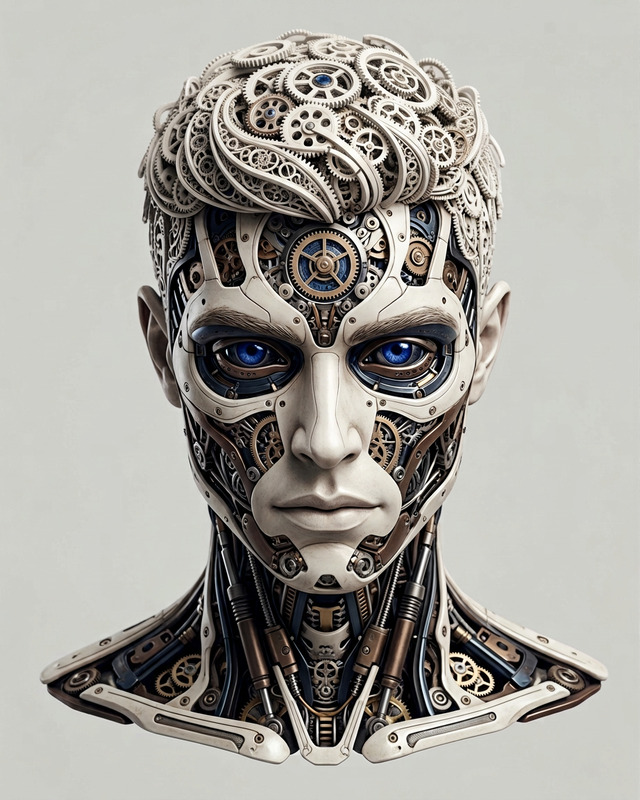
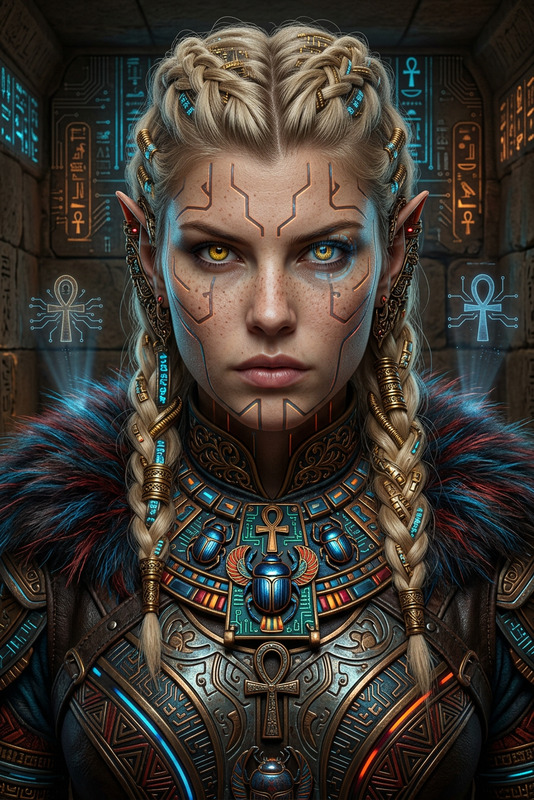
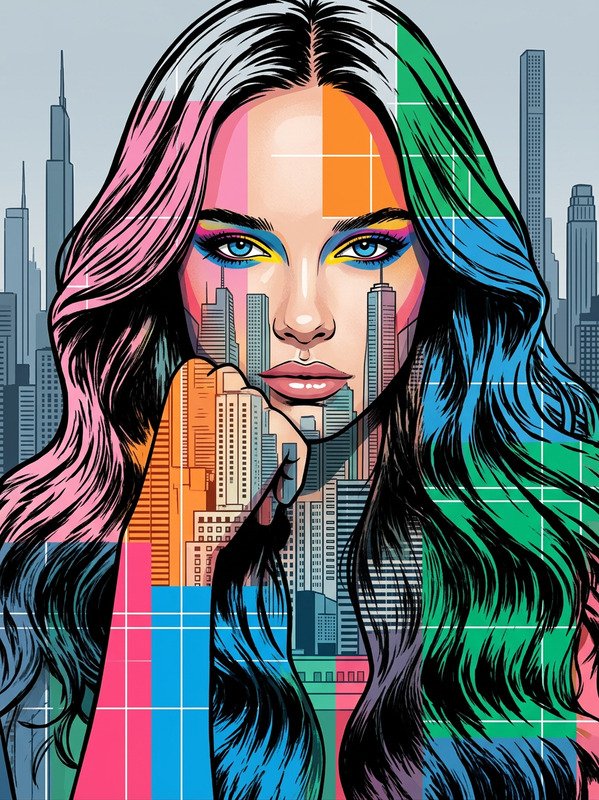
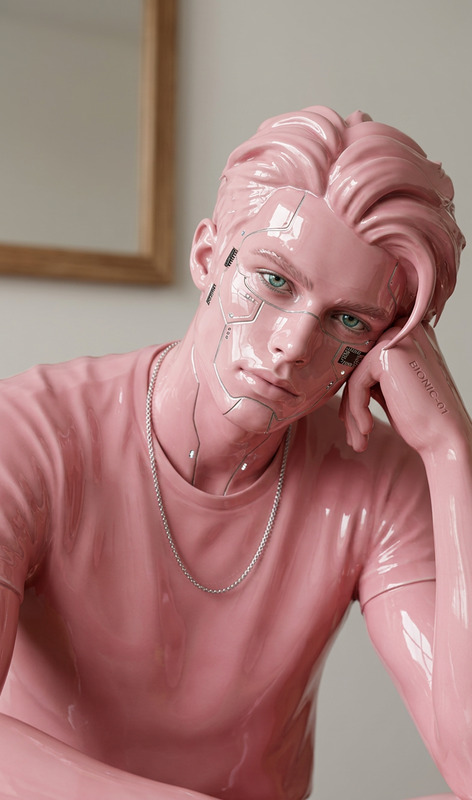
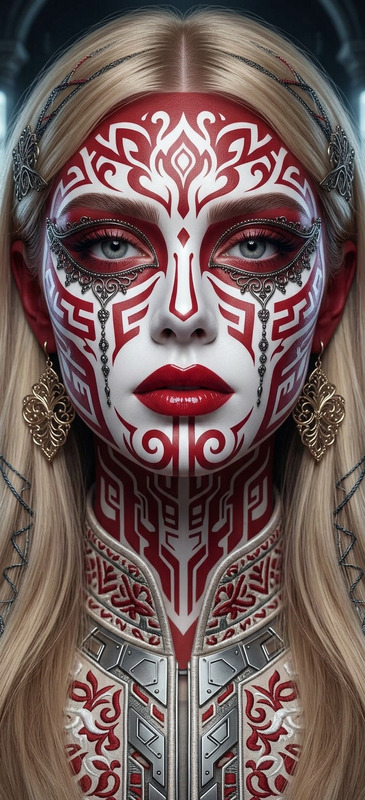
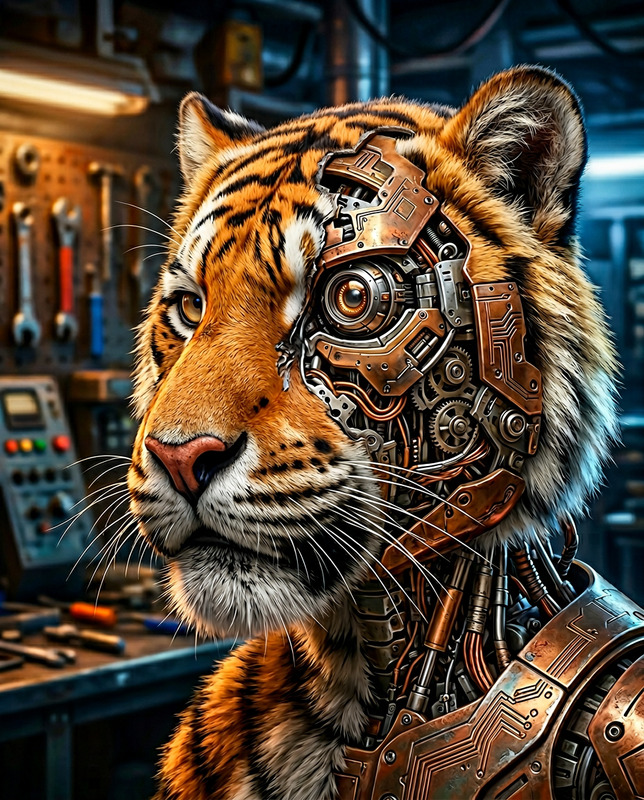
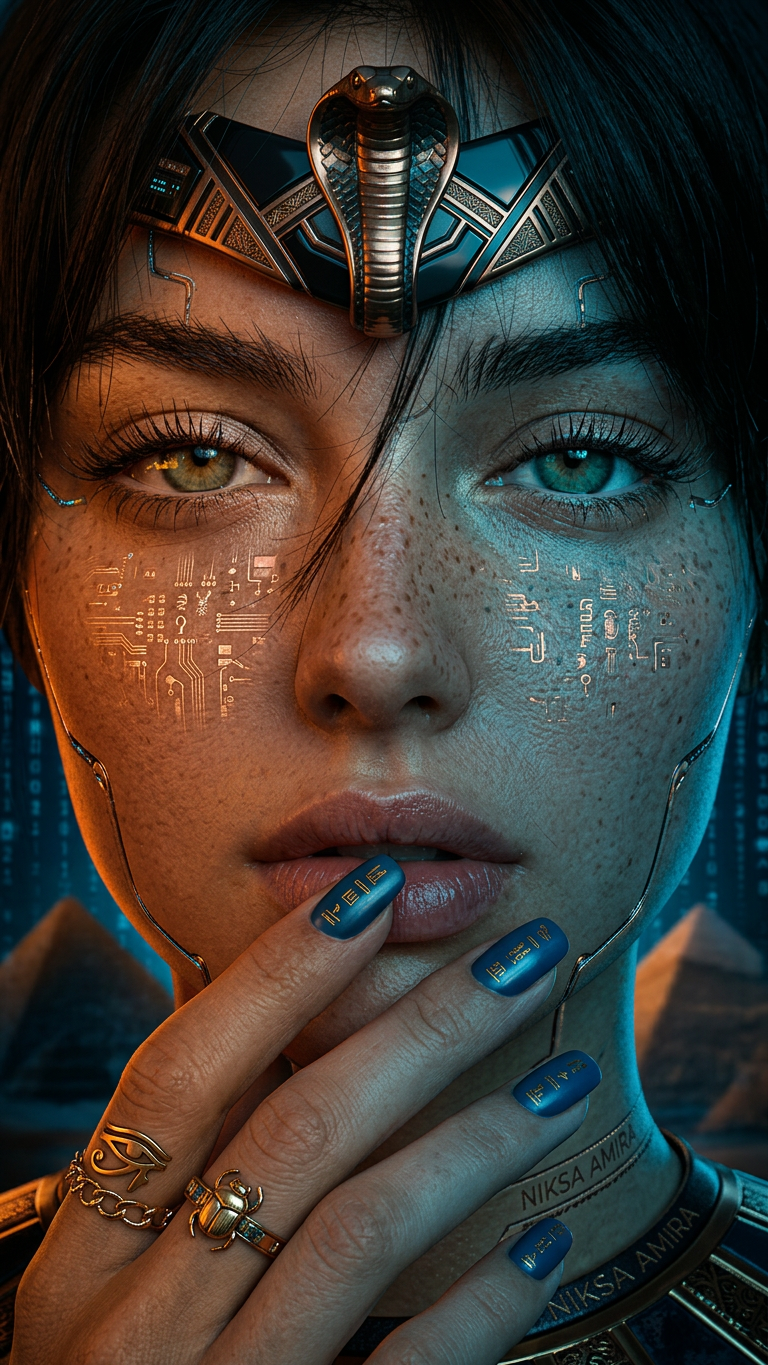
bklynbased artist niksa amira known for crafting photoreal 3d models infuses the work with elements of techno shamanism blending dark orange with azure hues inspired by egyptian iconography and fantasy realms the aesthetic is oriental with whispers of afrofutur
AI Image Editor: Turn Any Image into a Smart, Editable Asset
Use Magic Hour’s AI Image Editor to precisely edit, enhance, and transform images in minutes—without complex tools or manual masking. This template shows how to build a reusable editing workflow you can remix, clone, and adapt for your own brand or projects.
What You Can Do with This Template
This AI Image Editor–based template is designed for fast, high‑quality image editing that’s scalable and repeatable. Common use cases include:
Marketing & product visuals
- Clean up product photos, remove distractions, and refine lighting
- Generate multiple on‑brand variants from a single base image
- Repurpose one shoot across ads, landing pages, and social
Brand & creative assets
- Replace backgrounds with on‑brand scenes using the AI Background Generator
- Create stylized hero images with the AI Art Generator
- Turn rough concepts into polished visuals for decks, launch pages, and pitch materials
People & portrait editing
- Cleanly remove or replace objects and people using the AI Remover
- Enhance portraits or correct details with the AI Face Editor
- Generate professional profile shots with the AI Headshot Generator
Content & social creation
- Produce memes, thumbnails, and social assets at scale with the AI Meme Generator and Thumbnail Maker
- Create stylized avatars using the Avatar Generator and AI Selfie Generator
- Generate platform‑specific variants of the same core image
Because everything runs on Magic Hour’s AI engine, you can iterate quickly, compare alternatives, and standardize edits across teams and campaigns.
How to Remix This Template in Magic Hour
You can use this template as a starting point and adapt it for your own workflow. A typical remix flow looks like this:
Upload or generate your base image
- Start with an existing image (product photo, portrait, illustration, screenshot).
- Or generate one directly with:
- AI Photo Generator for photorealistic shots
- AI Image Generator for art, concepts, and stylized visuals
Open the image in the AI Image Editor
- Use the AI Image Editor to make your primary changes:
- Remove or replace parts of the image
- Adjust composition by removing objects with Remove Object from Photo
- Clean up noise, distractions, or watermarks with the Watermark Remover
- Use the AI Image Editor to make your primary changes:
Add or refine your background
- Replace plain or messy backgrounds using:
- AI Background Generator for new scenes
- Image Background Remover to isolate the subject
- This lets you create consistent brand‑aligned backdrops across multiple assets.
- Replace plain or messy backgrounds using:
Enhance quality and detail
- Upscale or restore resolution while preserving sharpness using:
- AI Image Upscaler
- Unblur Image for soft or low‑light photos
- For older or low‑quality photos, use:
- Upscale or restore resolution while preserving sharpness using:
Apply creative or brand styles
- For stylization or niche looks, you can chain in:
- AI Illustration Generator
- AI Manga Generator
- AI Anime Generator
- Dark Fantasy AI for moody concepts
- Graffiti Generator or Comic Book Generator for graphic styles
- For stylization or niche looks, you can chain in:
Save your remix as a reusable template
- Once you’ve dialed in a repeatable flow—e.g., “clean product shot → remove background → add branded background → upscale”—save it as your own template in Magic Hour.
- You and your team can then apply the same workflow to new images in a few clicks, ensuring consistency across campaigns.
Example Workflows You Can Build from This Template
You can adapt this AI Image Editor template into specialized workflows for different roles and teams. Here are some practical patterns:
1. Product & e‑commerce workflow
- Generate or import product shots
- Remove clutter and background with Image Background Remover
- Drop products into lifestyle scenes using AI Background Generator
- Upscale for marketplaces and ads with AI Image Upscaler
- Create promo variants (holiday, limited edition, seasonal) with AI Art Generator
2. Creator & social media workflow
- Create or enhance your face/character with:
- Style your outfits or aesthetics using:
- Turn the final image into:
- Memes with AI Meme Generator
- Thumbnails via Thumbnail Maker
- Animated content using AI GIF Generator
3. Brand & startup storytelling workflow
- Generate concept art for your product or world with:
- Turn sketches or wireframes into sleek visuals with Photo to Sketch and then refine with the AI Image Editor
- Build campaign visuals:
- Landing page hero images
- Deck illustrations
- App mockups with stylized devices or scenes
- Package everything into brand‑consistent image sets you can reuse across decks, demos, and investor updates.
Connect Images to Video, Voice, and Animation
Once you have strong edited images, you can extend them into video, motion, and voice within Magic Hour:
Animate or bring characters to life
- Turn characters into animated sequences using:
- Make photos talk with AI Talking Photo
Create video from images
- Convert static images into motion with Image to Video
- Generate full scenes with Text to Video
- Clean up or upscale outputs using Video Upscaler
Sync faces and voices
- Apply face animations to video with:
- Lip‑sync characters to voice with Lip Sync Templates
- Generate or clone voices:
These can all be layered on top of images edited and prepared in the AI Image Editor, turning your static visuals into fully voiced, animated experiences.
Specialized Generators You Can Plug into Your Template
Depending on your niche, you can embed these tools into your version of this template:
Characters & avatars
Books, music, and creative IP
Design & branding
Niche creative tools
Every one of these generators produces images you can refine, correct, or adapt in the AI Image Editor, then wrap into your own reusable Magic Hour template.
Why Use Magic Hour’s AI Image Editor for Templates?
For creators, marketers, and builders who care about speed and consistency:
- Repeatability – Turn one‑off edits into reusable templates your team can apply in seconds.
- Quality – Combine editing, upscaling, and stylization in a single AI‑native workflow.
- Interoperability – Seamlessly connect with image, video, voice, and animation tools across Magic Hour.
- Scalability – Produce entire asset libraries (product images, avatars, brand scenes) from a small number of base inputs.
Start Remixing This Template
To create your own version of this AI Image Editor template:
- Open the template in Magic Hour.
- Replace the sample inputs with your own images or assets.
- Chain in any additional tools you need (background removal, upscaling, stylization, face editing, etc.).
- Save as a new template and reuse it across campaigns, clients, or products.
Use this as your base “smart image pipeline” in Magic Hour, and adapt it for whatever you’re building—SaaS landing pages, e‑commerce catalogs, character IP, media brands, or social‑first content.