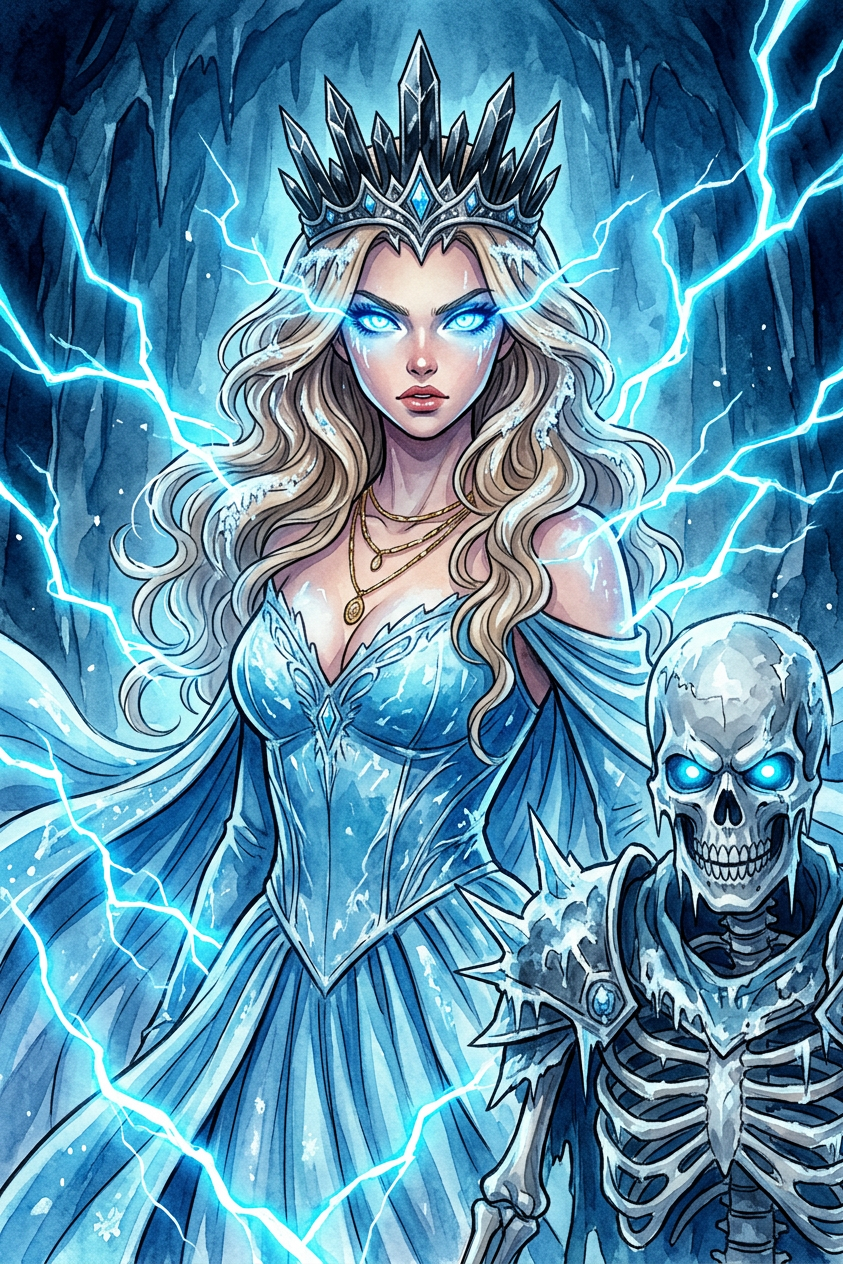
Ice Queen And Skeletal Warrior With Lightning

Ice Queen And Skeletal Warrior With Lightning

ai-image-editor

1 clip
0 uses

Any aspect ratio

Prompt

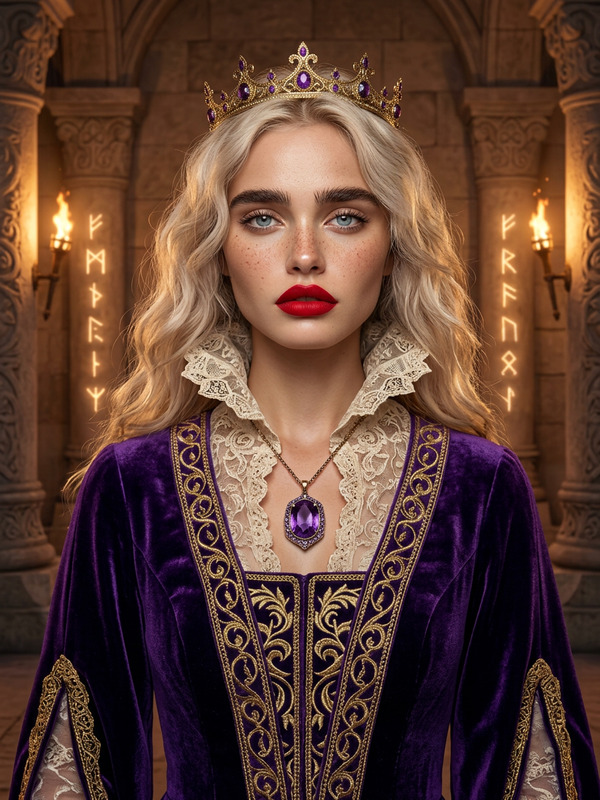
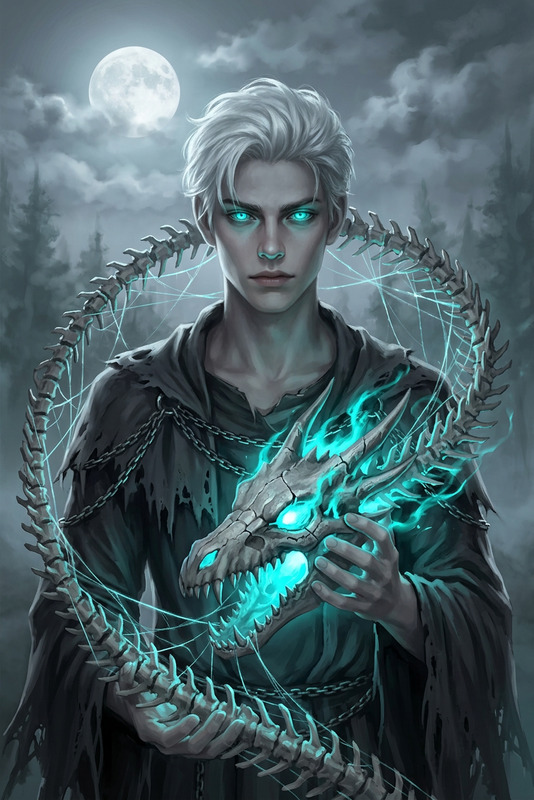
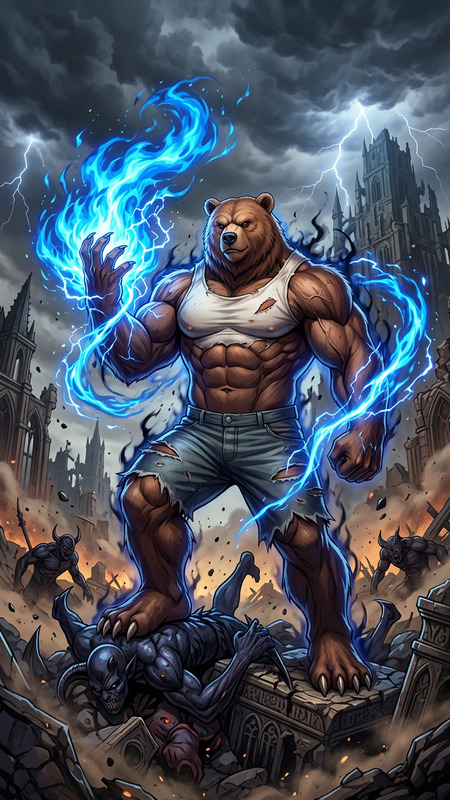
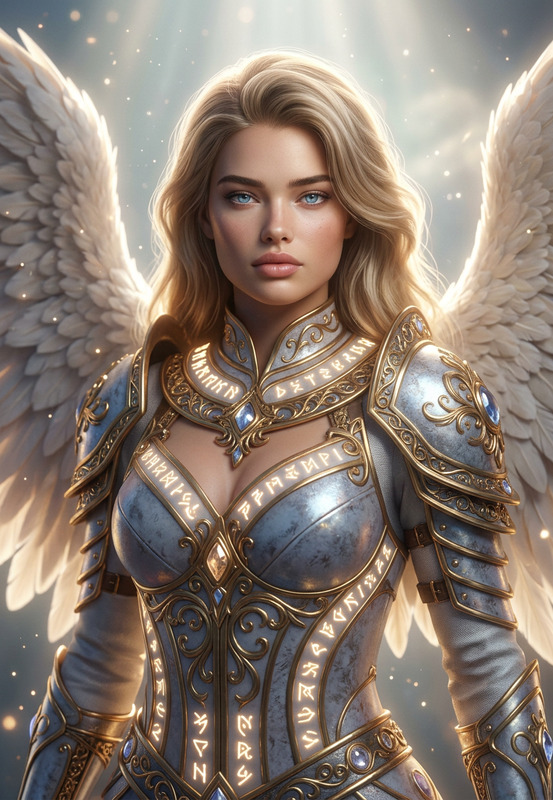
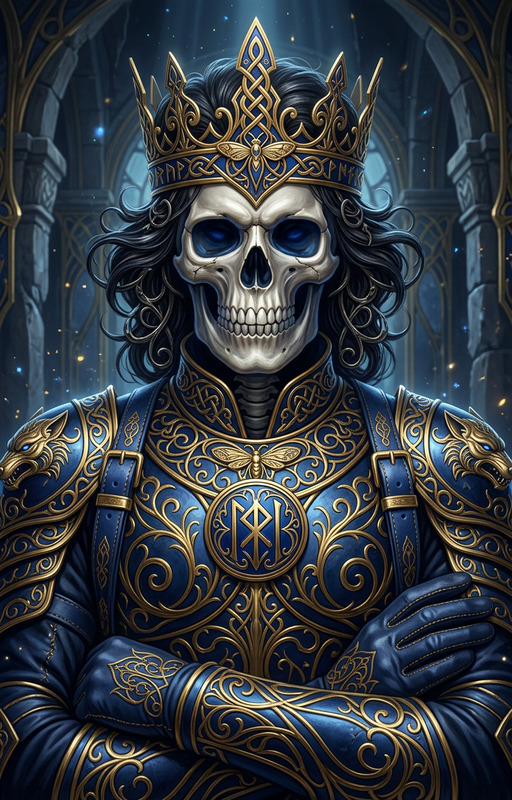
A powerful ice queen with glowing blue eyes and a dark crown stands beside a skeletal warrior, both surrounded by bright blue lightning. This dark fantasy scene is rendered in a dramatic anime watercolor style, dominated by chilling shades of blue and white

AI Image Editor Template: Edit Any Image in Seconds with Magic Hour

Use this AI Image Editor–powered template to transform any photo directly in your browser—no Photoshop, no manual masking, no design background required. Perfect for marketers, founders, content teams, and developers who need production‑ready visuals fast.


What this template is for

This template is built on the AI Image Editor, and is designed for:

  • Replacing or cleaning up backgrounds (product photos, profile pictures, lifestyle shots)
  • Removing unwanted objects or people from a scene
  • Adding or modifying elements (e.g., “add a neon sign on the wall,” “turn this T‑shirt into a hoodie”)
  • Quickly iterating on design ideas for campaigns, landing pages, and social posts

Because it’s prompt‑driven, you can work at the level of intent (“make this a studio shot with soft light”) instead of low‑level pixel edits.


How to remix this template in Magic Hour

You can create your own version of this template in a few minutes:

  1. Open AI Image Editor
    Go to AI Image Editor.

  2. Upload your base image

    • Product shot
    • Portrait / headshot
    • Lifestyle image
    • Illustration or concept art
  3. Explain the edit you want
    In natural language, describe what should change, e.g.:

    • “Remove the person in the background and replace with a blurred cityscape.”
    • “Turn this selfie into a professional LinkedIn headshot with a light gray background.”
    • “Change the outfit to a black suit and white shirt.”
    • “Convert this living room into a modern Scandinavian interior.”
  4. Refine with additional passes

    • Make follow‑up edits: “lighten the image,” “make the logo more visible,” “add depth of field.”
    • Run multiple variations to compare directions before you commit.
  5. Save as your own template

    • Decide on a repeatable workflow: image type + editing prompt (e.g., “clean e‑commerce product on white background, light shadow, high contrast”).
    • Reuse this combo across your team for consistent edits on future images.

This is all you need to effectively remix this template inside Magic Hour: start from a base image, describe the outcome you want, and iterate.


Practical use cases for creators and teams

This AI Image Editor template is especially useful for:

1. Performance marketing & growth teams

  • Standardize product imagery for landing pages and A/B tests
  • Quickly generate creative variations for paid social or programmatic ads
  • Localize visuals (e.g., adapt scenes for different markets) without expensive reshoots

Combine with:

  • AI Image Generator to create net‑new concepts, then refine them with this editor
  • AI Image Upscaler to turn winning creatives into high‑resolution assets for large placements
  • Thumbnail Maker to adapt edited images for YouTube or social video thumbnails

2. Founders & solo builders

  • Instantly “upgrade” scrappy product screenshots and founder photos for pitch decks and landing pages
  • Clean up office or home‑office photos to look more polished and on‑brand
  • Prototype multiple visual directions quickly, then hand off a short list to a designer

You can also:

3. Creators & social teams

  • Turn everyday photos into stylized content pieces
  • Remove distractions, logos, or people from the background
  • Adapt the same base photo to multiple visual identities or formats

Consider pairing with:

4. Product & UX teams

  • Generate polished UI mockups for case studies and marketing pages
  • Clean up screenshots and interface photos (remove cluttered backgrounds, adjust lighting, add context visuals)
  • Rapidly explore visual directions for new features and app states

You can feed these edited assets straight into:


Advanced workflows and related Magic Hour tools

To go beyond simple edits, combine this AI Image Editor template with other Magic Hour tools:


Tips for getting reliable, repeatable results

To make this template behave like a “reusable editing system” rather than a one‑off effect:

  1. Be explicit about what stays vs. what changes

    • “Keep the person exactly as is, only change the background to an office environment.”
    • “Do not alter the product; just remove reflections and dust.”
  2. Define the visual style in words your team can reuse
    Use short, consistent phrases such as:

    • “Studio lighting, soft shadows, neutral color palette”
    • “High‑contrast, cinematic look with shallow depth of field”
    • “Minimalist, flat lighting for e‑commerce catalog photos”
  3. Use reference categories (not just adjectives)

    • “Like an Apple product photo” (clean, high‑contrast, centered)
    • “Editorial fashion magazine style” (dramatic light, strong shadows)
    • “Corporate profile photo for LinkedIn” (neutral background, natural light)
  4. Iterate in small steps

    • First, fix the background.
    • Then, adjust subject or clothing.
    • Finally, refine color, contrast, and details.

This incremental approach produces more predictable, production‑ready images.


Example remix ideas

You can clone the logic of this template in multiple directions:

  • “Founder photo upgrade” template

    • Input: casual selfie or existing headshot
    • Edit idea: transform into a clean, professional photo with on‑brand background and lighting
    • Pair with: AI Headshot Generator, Unblur Image
  • “E‑commerce product cleanup” template

  • “Social content restyle” template

    • Input: lifestyle or behind‑the‑scenes shots
    • Edit idea: convert to a consistent brand aesthetic (color grading, background tweaks, props)
    • Pair with: AI Art Generator, AI Meme Generator
  • “IP / character visual” template


Why AI Image Editor is effective for teams

Research and industry practice show that image quality, clarity, and consistency have a compounding effect on:

  • Ad performance and click‑through rates
  • Perceived product quality and trust
  • Conversion rates on landing pages and e‑commerce catalogs

Using AI to standardize and improve your visual system lets small teams operate at the pace and quality of much larger design orgs—without adding headcount.

This AI Image Editor–based template turns natural‑language instructions into consistent, repeatable image edits, so your team can:

  • Move from concept to on‑brand visuals in minutes
  • Test more creative directions with less friction
  • Maintain visual consistency as your content volume scales

Open the AI Image Editor, upload a sample asset, and start describing the exact edit you want to turn this template into your own reusable editing workflow.

More Like This