Fire & Ice Warriors
ai-image-editor
Any aspect ratio
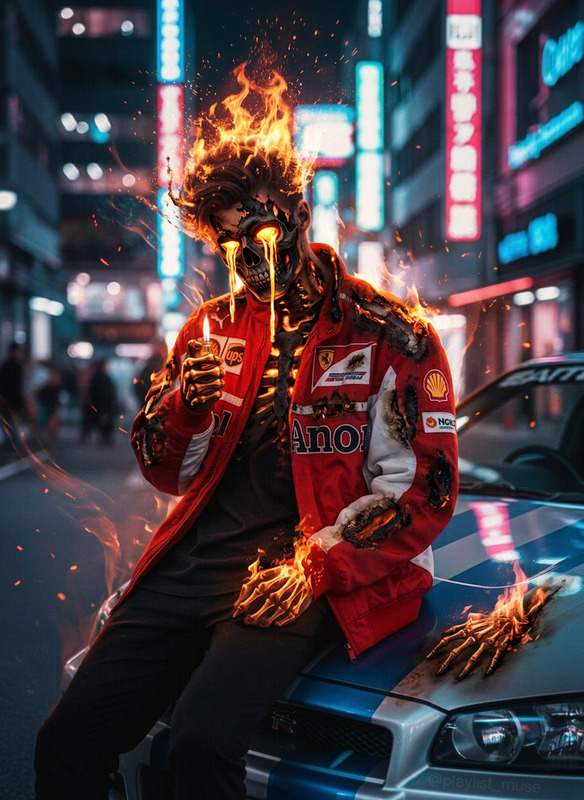
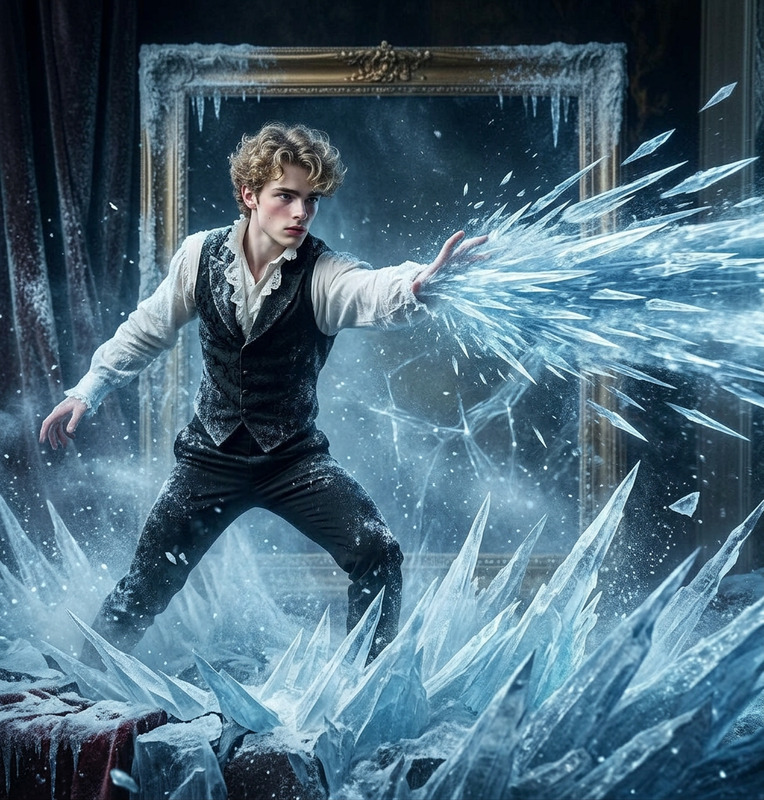
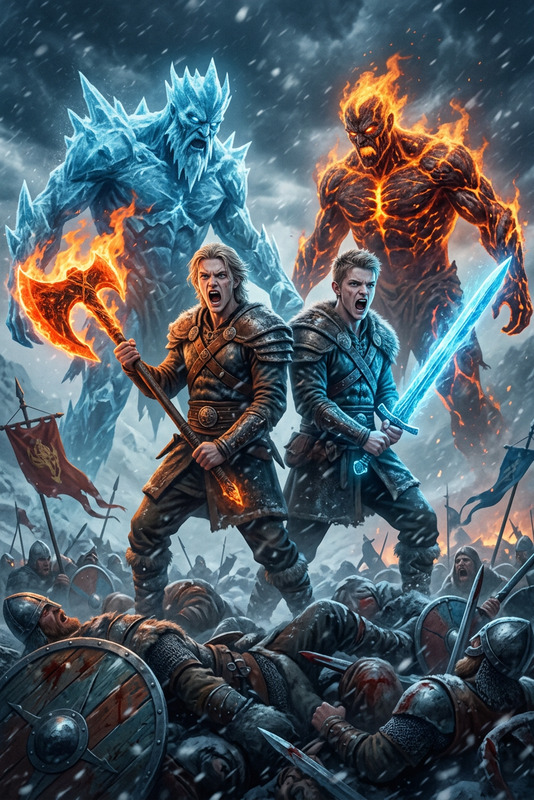
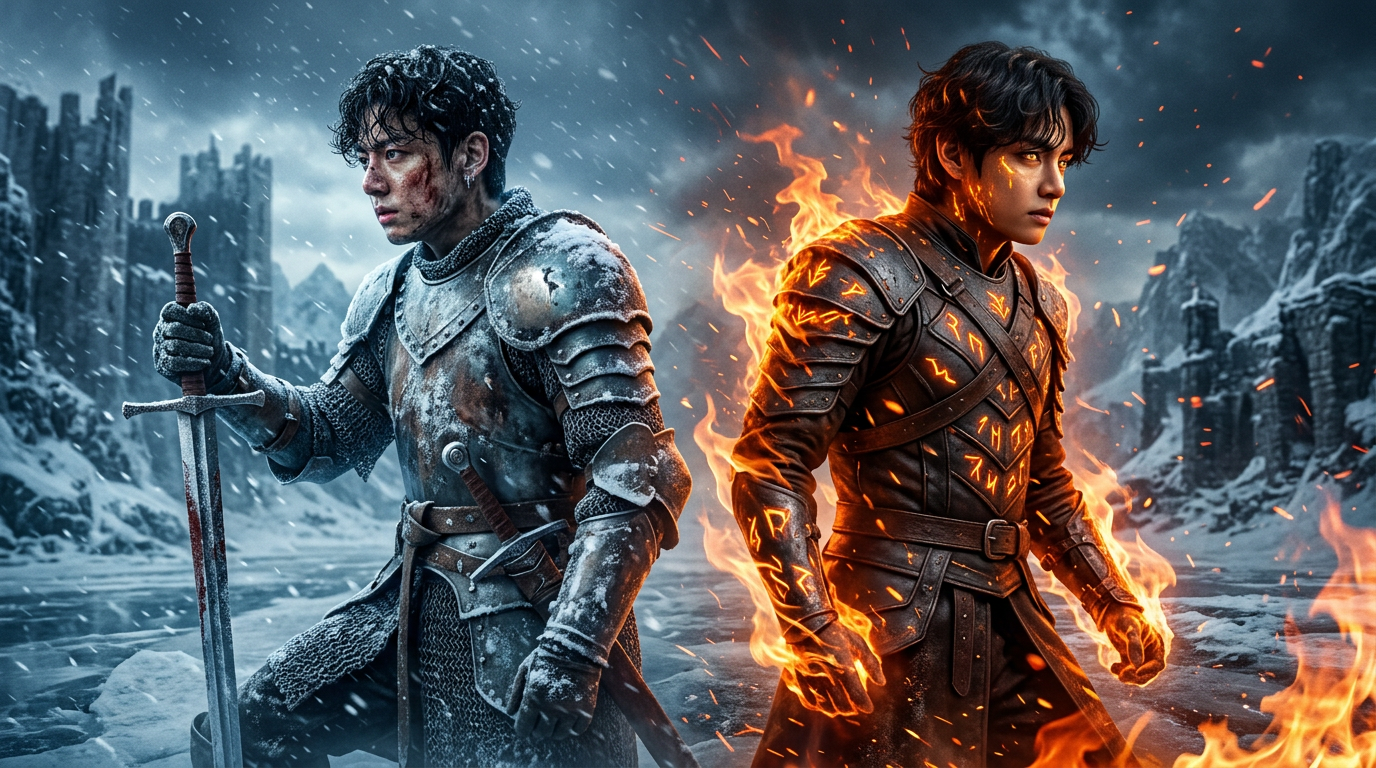
In a cinematic poster-style scene of two fantasy warriors standing back-to-back in a frozen storm; left side shows a battle-worn subject warrior with wet curly hair, holding a sword in the ice, covered in snow and frost; right side shows a powerful subject warrior glowing with fire, partially surrounded by flames; snow and fire mix in the air creating a strong contrast; dramatic lighting with cold blue tones and warm orange highlights, volumetric fog, high detail, emotional intensity, epic fantasy style, sharp focus, 8K quality.
Transform Product Photos into High-Converting Creatives with AI Image Editor
Use this template as a starting point to turn ordinary product photos into polished, on-brand marketing assets in minutes. Powered by the AI Image Editor, it’s built for founders, marketers, and creators who need studio-quality visuals without a studio workflow.
What This Template Is For
This template is optimized for:
- E-commerce product photos (Amazon, Shopify, Etsy, DTC sites)
- Social ads and promos (Meta, TikTok, X, LinkedIn)
- Landing page hero images and feature shots
- Brand refreshes (new colors, new backgrounds, new angles)
- Content testing (iterate multiple creative variants quickly)
Use it when you already have a base photo and need to:
- Change or clean up the background
- Remove unwanted objects, text, or people
- Adjust lighting, style, or aesthetic
- Align images to a consistent brand look and feel
- Export variants for A/B tests and performance campaigns
How to Remix This Template in Magic Hour
You can recreate or customize this template in a few minutes:
Open AI Image Editor
Go to the AI Image Editor.Upload Your Base Image
Start with:- A product packshot or lifestyle image
- A headshot or UGC photo if you’re building personal-brand creatives
Describe the Transformation in Natural Language
In your text instructions, be specific about:- Background — color, texture, setting (e.g., “soft gradient in brand blue,” “minimal studio white,” “modern kitchen countertop”)
- Style — realistic, cinematic, minimal, playful, illustrated, etc.
- Use case — ad creative, website hero, email header, PDP thumbnail, etc.
Refine with Iterations
- Generate multiple versions and pick the strongest
- Tweak your prompt to push closer to your brand style or campaign concept
- Create variations for different channels (e.g., more bold for social, more minimal for PDP)
Export and Reuse as a New Template
- Save your best result as your “base look”
- Reuse the same prompt and workflow for the rest of your catalog
- Share the prompt + instructions with your team so they can quickly match your visual system
Because Magic Hour uses a text-first interface, you can effectively “template” your brand look as a prompt and reuse it across campaigns and teams.
Recommended Prompt Patterns to Try
You can adapt these to your brand and product category:
Clean E-commerce Packshot
“Make this a high-end e-commerce product photo on a clean, soft white background with subtle shadows, studio lighting, and no extra objects. Keep the product realistic and sharp.”Lifestyle Context Shot
“Place this product on a modern living room coffee table, natural daylight, soft depth of field, realistic style, no people. Colors should feel warm and premium.”Bold Social Ad Creative
“Transform this into a scroll-stopping social ad creative with a bright gradient background in brand colors, strong contrast, minimal shapes, and legible space on the right side for text overlay.”Brand System Alignment
“Restyle this photo to match a minimal, tech SaaS aesthetic: muted colors, soft gradients, subtle reflections, plenty of white space, and consistent lighting.”
Keep a shared document of your best performing prompts so your whole team can generate on-brand images consistently.
Advanced Workflows and Combinations
Once you have strong edited images from AI Image Editor, you can extend them into richer content flows:
Turn Edited Photos into Short Videos
- Use Image to Video to animate your edited product photo into a smooth movement or camera pan for ads and landing pages.
- For talking visuals or explainers, combine with Text to Video and overlay motion graphics or product callouts.
Upgrade Quality and Resolution
- Use the AI Image Upscaler to create high-res versions for print, hero banners, or large-format placements.
- Pair with Unblur Image if your source assets are slightly soft or low-quality.
Generate Net-New Variants from Scratch
- Use the AI Image Generator or AI Photo Generator to explore entirely new concepts, props, or compositions before refining them with AI Image Editor.
- For stylized campaigns (anime, manga, or illustration), explore AI Anime Generator, AI Manga Generator, or AI Illustration Generator.
Remove Distractions and Cleanup
- Use AI Remover or Remove Object from Photo to delete logos, clutter, or sensitive details before styling.
- Use Watermark Remover for assets you own but only have with marks (e.g., from your own previous exports or templates).
Create Consistent Brand-Ready Sets
- For profile-based brands (founders, creators, experts), use AI Headshot Generator and then refine the look with AI Image Editor for each channel.
- For avatars and stylized personas, start with the Avatar Generator or AI Face Generator, then edit backgrounds and styling for different campaigns.
Example Use Cases for Teams
Founders / Startup Builders
- Quickly turn scrappy product shots into investor-ready pitch deck visuals
- Build landing page hero images before your product photography is finalized
- Test multiple value propositions with matching visuals for growth experiments
Performance Marketers
- Generate dozens of ad creative variants from a small set of base photos
- Localize visuals for different markets by changing backgrounds or environments
- Align creative to new offers, seasons, or sale events with minimal design hours
Content and Social Teams
- Create on-brand thumbnails using Thumbnail Maker after editing the hero subject in AI Image Editor
- Turn static content into GIFs using the AI GIF Generator for feeds and stories
- Maintain a consistent “grid look” across campaigns with reusable prompts
Designers and Creative Leads
- Rapidly prototype art directions before handing off final specs
- Explore niche aesthetics using tools like Dark Fantasy AI, Graffiti Generator, or Comic Book Generator, then polish final images in AI Image Editor
- Use edited images as inputs to more complex animation workflows in Animation or Video to Video
Related Magic Hour Tools Worth Exploring
If you like the workflow in this template, you may also find these useful for your creative stack:
- AI Image Editor – core editing, background changes, style control
- AI Image Generator – generate new concepts from text
- AI Clothes Changer – update outfits in model shots without reshoots
- AI Face Editor – adjust facial details responsibly on approved assets
- Photo Colorizer and Old Photo Restoration – modernize legacy brand images
- Image Background Remover – strip busy backgrounds before re-styling
- AI Talking Photo, Face Swap Video, and Lip Sync – turn static images into dynamic, performance-ready video assets
How to Turn This Template into Your Own System
To get the most value from this template over time:
Define Your Visual Rules
Document your brand’s preferred backgrounds, lighting, palettes, and styles in simple language.Codify Them as Prompts
Translate those rules into clear instructions used every time you edit with AI Image Editor.Standardize Across the Team
Share your “house prompts” and example before/after images so teammates can match the look without guesswork.Iterate Based on Performance Data
Review which versions perform best in ads, email, or landing tests; update prompts to reflect real performance, not just aesthetics.
By treating this template as a reusable workflow—rather than a single one-off—you build a durable, AI-powered creative system you can scale across channels, products, and campaigns.