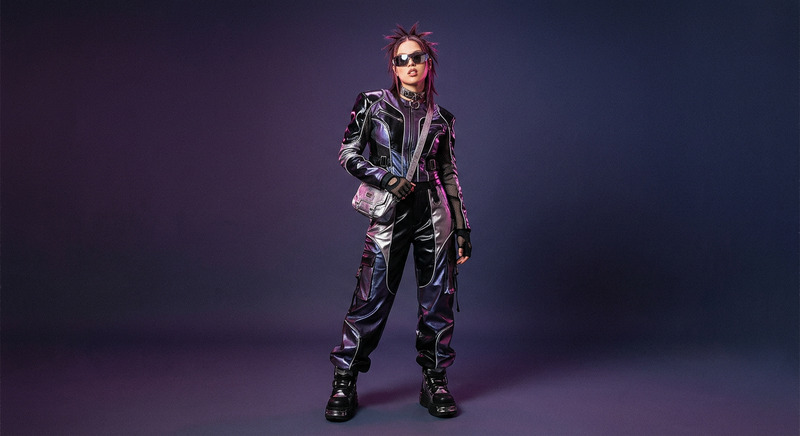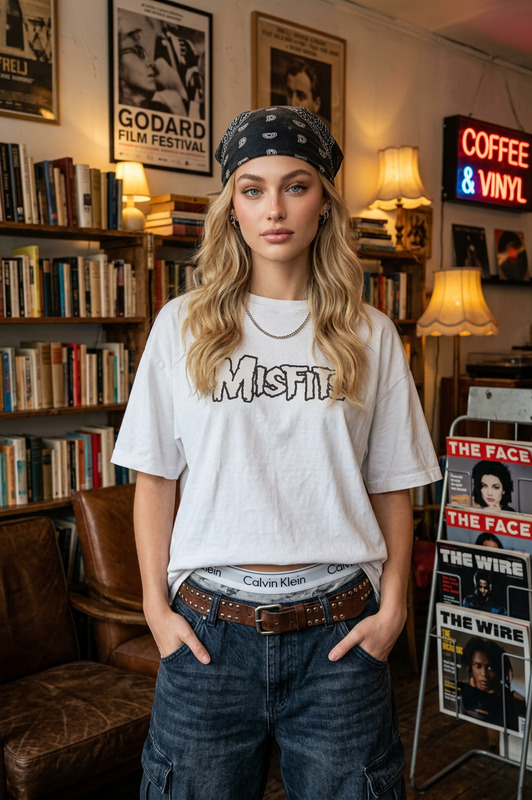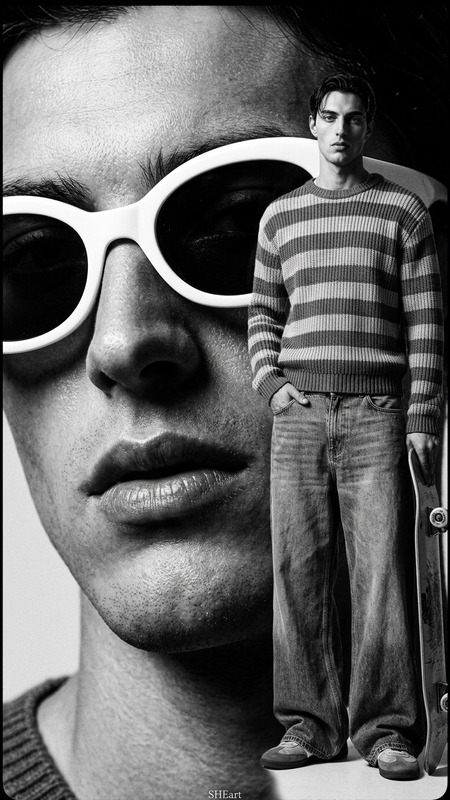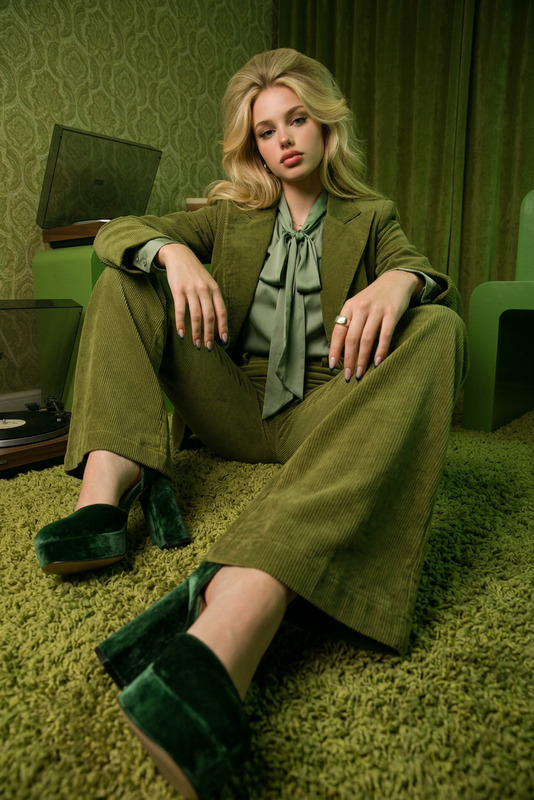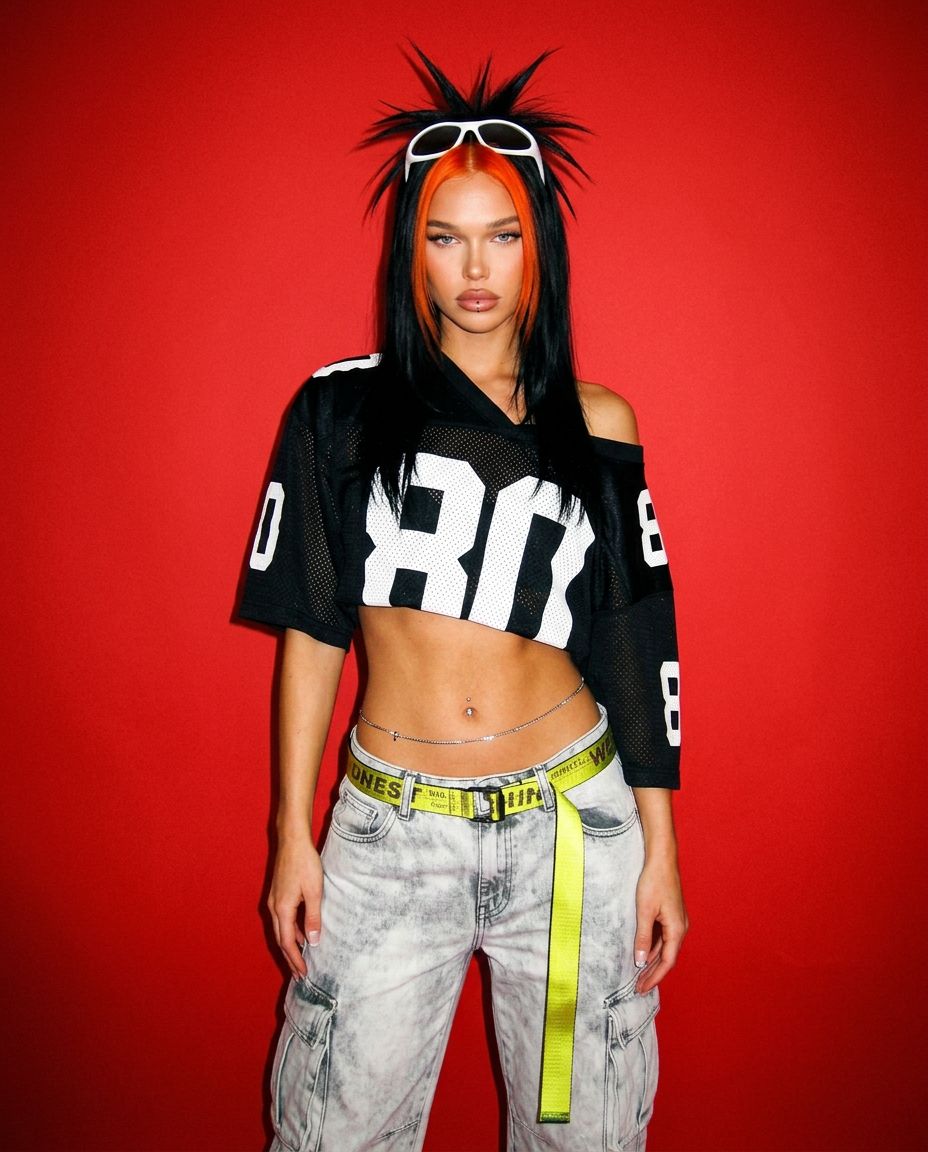
Red Backdrop Attitude Shot
ai-image-editor
Any aspect ratio
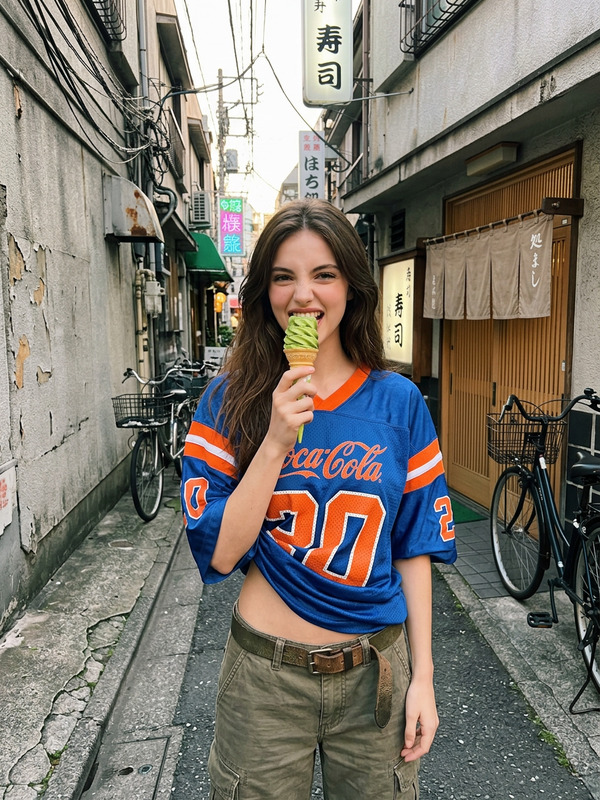
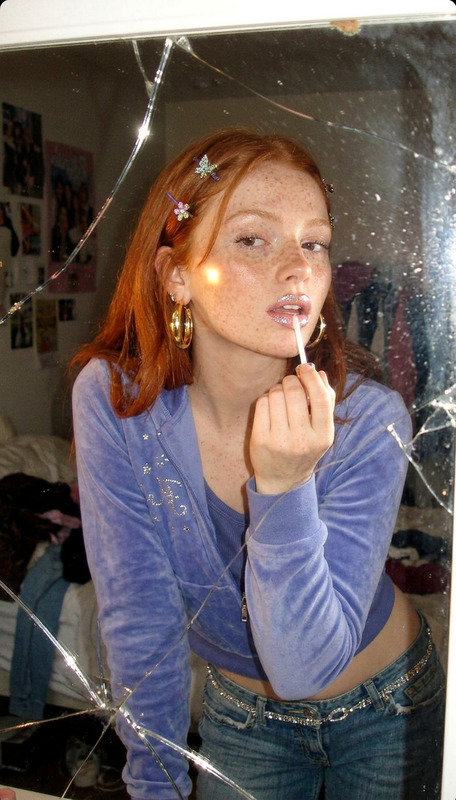
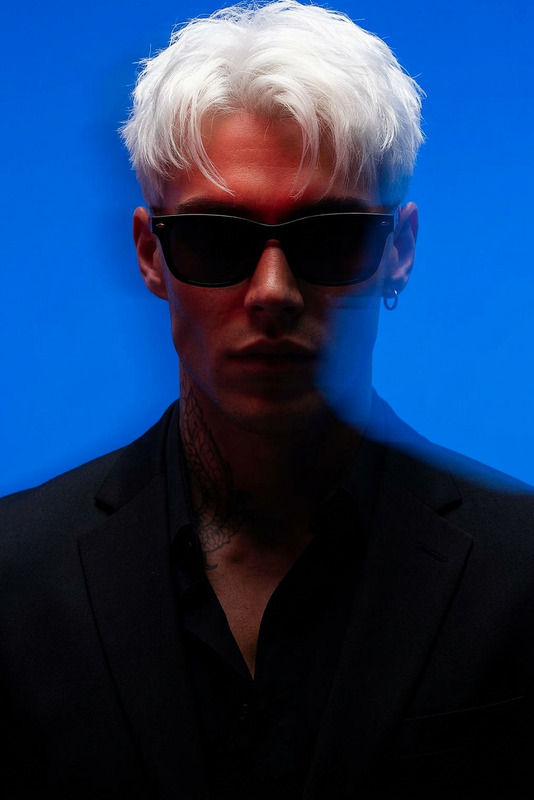
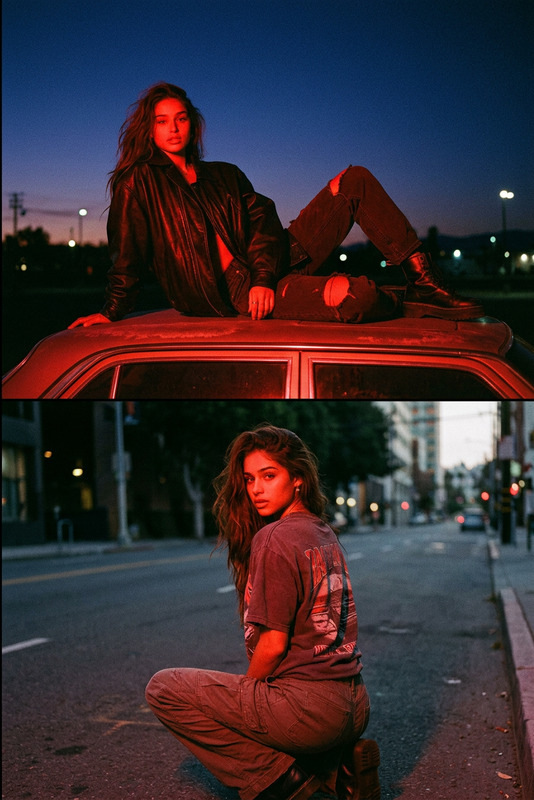
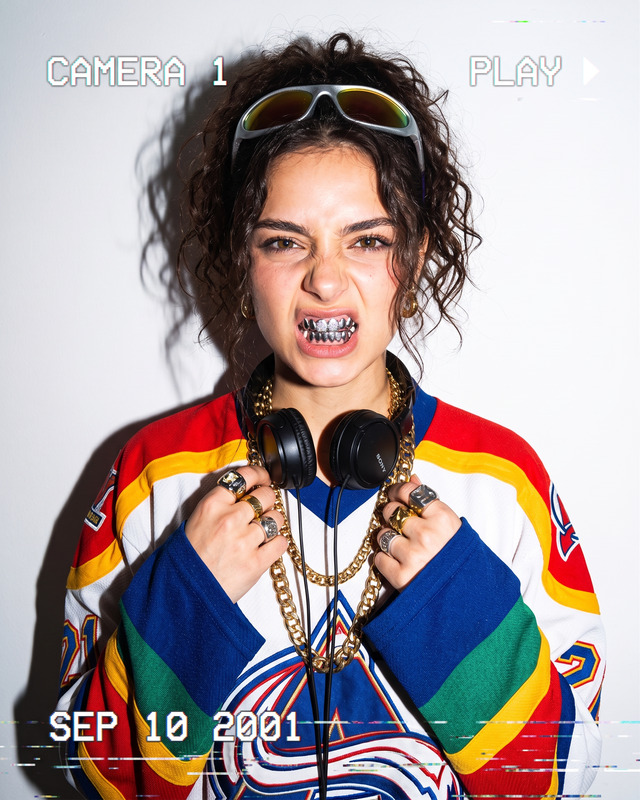
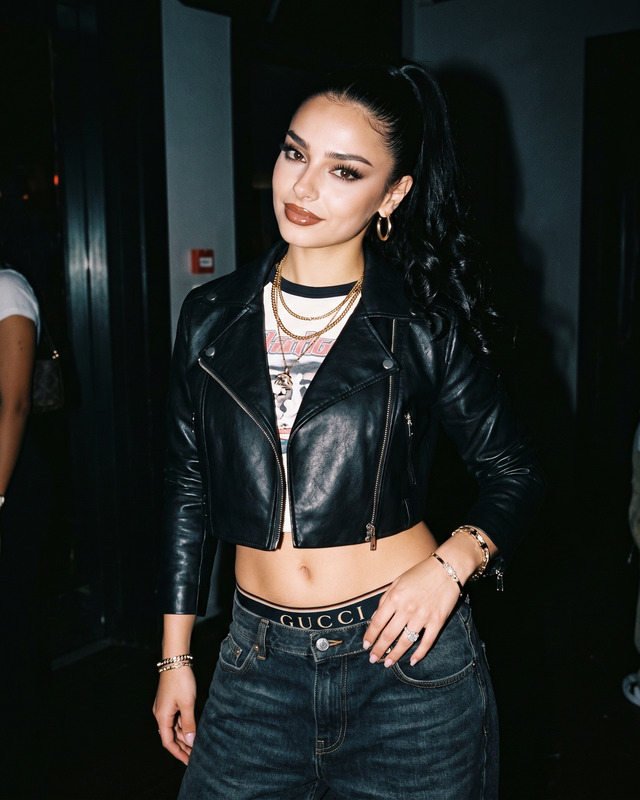
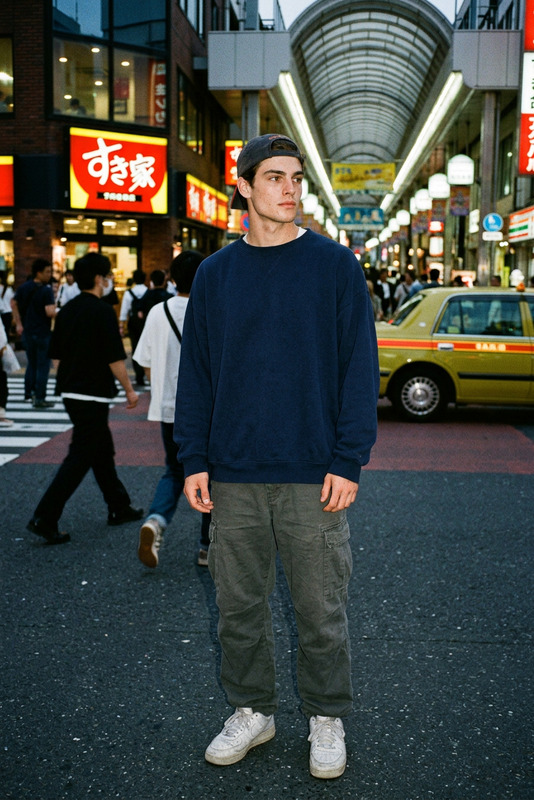
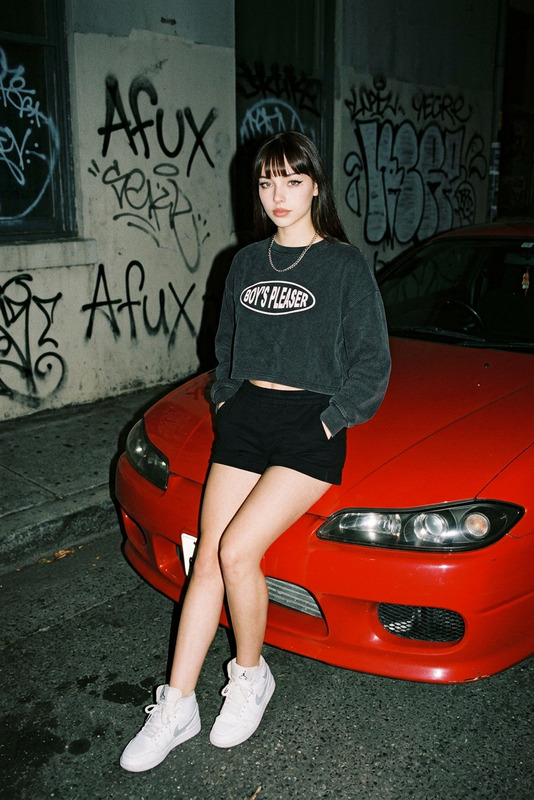
Generate a casual yet high-impact early-2000s Y2K-style studio photograph set against a saturated red seamless backdrop, featuring a subject standing in a relaxed posture with one shoulder slightly dropped and arms resting loosely at the sides; the styling includes a cropped black football jersey with oversized white numbering in mesh fabric that subtly reveals the torso, paired with a tight silver belly chain, low-rise icy gray cargo denim with bleach stains and exaggerated pockets, and a neon yellow industrial belt hanging asymmetrically with extended drape; the subject has jet-black hair with a vivid fire-orange front streak styled into sharp upward spikes, white wraparound sunglasses resting on the forehead, and a small hoop lip piercing catching warm artificial studio light; the facial expression is dead-serious with an attitude that feels both detached and intense, evoking a futuristic sports promo aesthetic; the overall image is rendered with grainy early digital softness, slight flash wash, and nostalgic Y2K editorial styling, emphasizing bold color contrast, fashion attitude, and candid studio realism.
AI Image Editor Template: Edit Any Photo with Precision and Speed
Use this template as a starting point to make fast, high‑quality edits to any image using Magic Hour’s AI Image Editor. Clean up photos, remove distractions, change backgrounds, or restyle visuals in a few clicks—without opening Photoshop or writing code.
What You Can Do with This Template
Remix this template in Magic Hour to:
Remove unwanted objects and people
Erase logos, clutter, or entire subjects from photos using the AI eraser. For more advanced cleanup, you can also try the dedicated AI Remover and Remove Object from Photo tools.Change or generate new backgrounds
Replace boring or messy backgrounds with clean studio backdrops, on‑brand colors, or AI‑generated scenes. For background‑focused workflows, see the AI Background Generator or Image Background Remover.Retouch faces and portraits
Subtly enhance headshots, clean up skin, sharpen eyes, or adjust facial details using the AI Face Editor and AI Face Generator. For full professional portraits, pair it with the AI Headshot Generator or AI Selfie Generator.Upgrade resolution and clarity
Turn low‑quality or compressed images into crisp visuals using the AI Image Upscaler or Unblur Image, ideal for marketing assets, decks, and product shots.Restyle photos into new aesthetics
Transform a standard photo into anime, comic, manga, fantasy, or illustration styles using tools like AI Art Generator, AI Anime Generator, AI Manga Generator, Dark Fantasy AI, or the AI Illustration Generator.Create brand‑ready marketing assets
Adapt images into social thumbnails, ads, covers, and promos with tools like Thumbnail Maker, Album Cover Generator, Book Cover Generator, AI Logo Generator, and AI Icon Generator.
How to Remix This Template in Magic Hour
You can recreate and extend this template in a few simple steps:
Open the AI Image Editor
Go to the AI Image Editor. Use this template as inspiration: think of it as a “base workflow” you can adapt for any image editing task.Import or generate your base image
- Upload a product photo, portrait, illustration, screenshot, or brand asset.
- Or generate a new base image with the AI Image Generator or AI Photo Generator, then refine it in the editor.
Define your editing goal clearly
Before you start, decide what “success” looks like:- Clean product shot with no distractions
- Polished LinkedIn headshot
- On‑brand hero image for a landing page
- Meme‑ready visual for social posts
This makes your editing steps more intentional and repeatable.
Apply structure‑first edits
Start with the big, structural changes:- Remove or replace the background
- Erase off‑brand elements or visual noise
- Adjust composition by removing or emphasizing key objects
Use the AI editor plus tools like Image Background Remover, Remove Object from Photo, and Watermark Remover.
Refine faces, bodies, and outfits (if people are in the shot)
- Correct facial details with AI Face Editor
- Enhance or change clothing with AI Clothes Changer or AI Outfit Generator
- For full‑body characters, use Full Body Generator or Animated Characters Generator
Apply style and branding edits
Once the structure is right:- Match your brand style with AI‑generated backgrounds, lighting, or color themes
- Create stylized variants (anime, comic, graffiti, etc.) using tools like Graffiti Generator, Comic Book Generator, Disney AI Generator, or AI Fashion Generator
Export variants and reuse the workflow
- Save multiple versions for A/B testing (e.g., for ads, socials, product pages)
- Reuse your editing approach as a repeatable workflow across campaigns, clients, or projects
Advanced Use Cases for Builders and Teams
This template is particularly useful if you’re a:
Startup marketer or growth lead
Quickly produce on‑brand creative: product shots, promo banners, thumbnails, and ad variations—without blocking on design resources. Combine with:- AI Meme Generator for fast social concepts
- Thumbnail Maker for YouTube and content marketing
- AI QR Code Generator to embed trackable links into visuals
Creator, YouTuber, or content strategist
Unify your visual identity across avatars, covers, and scenes:- Generate avatars with Avatar Generator
- Create consistent video visuals using Image‑to‑Video or Text‑to‑Video
- Enhance and scale footage with Video Upscaler and Auto Subtitle Generator
Game devs, world‑builders, and authors
Turn rough ideas into polished visual references:- Use Fantasy Map Generator and Architecture Generator for environments
- Create characters with AI Character Generator, Superhero Generator, Pokemon Generator, or DND AI Art Generator
- Refine all of these in the AI Image Editor for consistency
Product teams and SaaS founders
Build coherent UI mockups, landing visuals, and brand kits:- Generate icons via AI Icon Generator
- Design covers and case study visuals with Book Cover Generator and Album Cover Generator
- Polish everything centrally using the AI Image Editor
Turn Still Images into Dynamic Content
Once your image is refined with this template, you can extend it into motion and interactive media:
Make your edited photo talk or sing
- Use AI Talking Photo to animate faces from a single image
- Sync to music or speech with Lip Sync
- Clone voices or generate new ones via AI Voice Cloner and AI Voice Generator
Create character‑driven animations
- Turn your edited character into animation with Animation Templates or Animated Characters Generator
- Transform a static frame into motion using Image‑to‑Video
Face swap and video remixes
- Apply your edited face into videos with Face Swap Video or Face Swap for GIFs
- Convert existing footage into a new style with Video‑to‑Video
Create share‑ready GIFs and memes
- Turn your edited image into looping content with the AI GIF Generator
- Layer in humor and text using the AI Meme Generator
Quality, Restoration, and Historical Content
If your template use case involves restoration or archival content:
- Repair and enhance old or damaged photos using Old Photo Restoration and Photo Colorizer, then fine‑tune results in the AI Image Editor.
- Upscale low‑resolution archives for modern displays with AI Image Upscaler.
- Remove noise, blur, and watermarks with Unblur Image and Watermark Remover.
Niche Visual Experiments
Use this template as a foundation for more experimental or niche projects:
Optical illusions and stylized art
- Start from a clean base image and generate illusions with the Optical Illusion Generator.
- Explore different stylizations via AI Art Generator.
Architecture, interiors, and design
- Mock up interiors using the AI Interior Design Generator.
- Design buildings and urban scenes via the Architecture Generator, then refine all renders with the AI Image Editor.
Tattoos, sketches, and concept art
- Convert photos to line art with Photo to Sketch.
- Generate body art concepts through the AI Tattoo Generator, then adjust placement and style in the editor.
Tips for Reusing This Template Efficiently
To make this template genuinely reusable in your Magic Hour workflows:
Standardize inputs: Use similar framing, lighting, or composition across source images so your edits stay consistent and scalable.
Define a visual system: Document the styles you use (e.g., “clean studio product photography,” “neon cyberpunk illustration”) and reuse them in prompts across AI Image Generator, AI Art Generator, and the AI Image Editor.
Create repeatable pipelines:
Example pipeline for e‑commerce:- Generate or shoot product images
- Clean up and normalize them with the AI Image Editor
- Upscale via AI Image Upscaler
- Apply branding and layouts with Thumbnail Maker
- Turn top performers into video ads with Text‑to‑Video or Image‑to‑Video
Test multiple variants: Export several edited versions and A/B test them in your ads, landing pages, or content campaigns to see which visuals actually convert.
Related Templates and Tools to Explore Next
If you find this AI Image Editor template useful, you may also want to explore:
- Face Swap Video templates for high‑quality, identity‑preserving swaps
- Lip Sync templates for music videos, explainers, and talking‑head content
- Video‑to‑Video templates to restyle existing footage using your edited frames as a reference
- Animation templates for character‑driven motion built from static images
Use this template as your base, then combine it with these tools to build full, end‑to‑end creative pipelines inside Magic Hour.