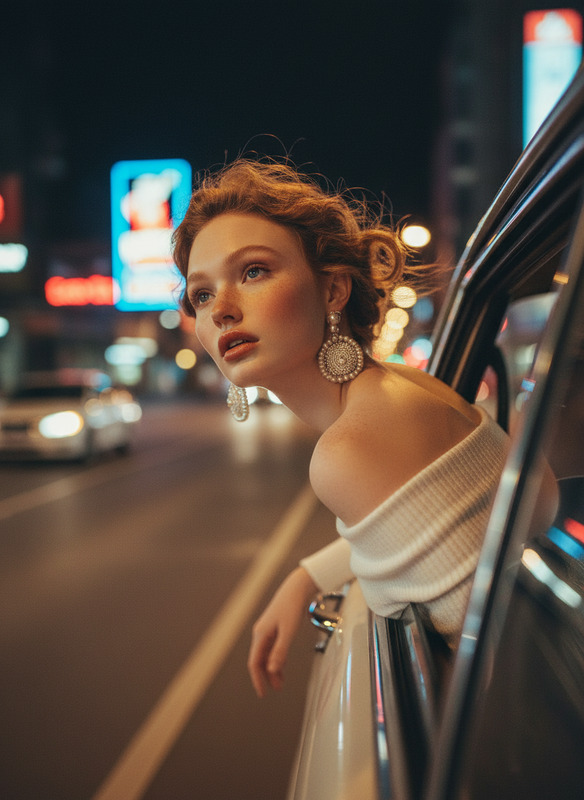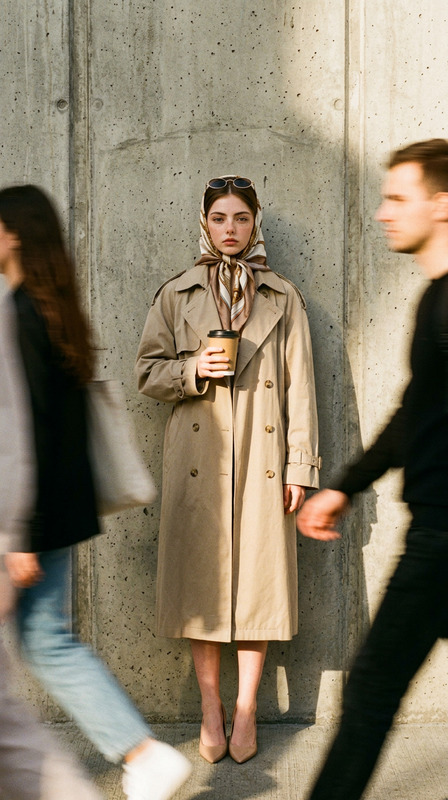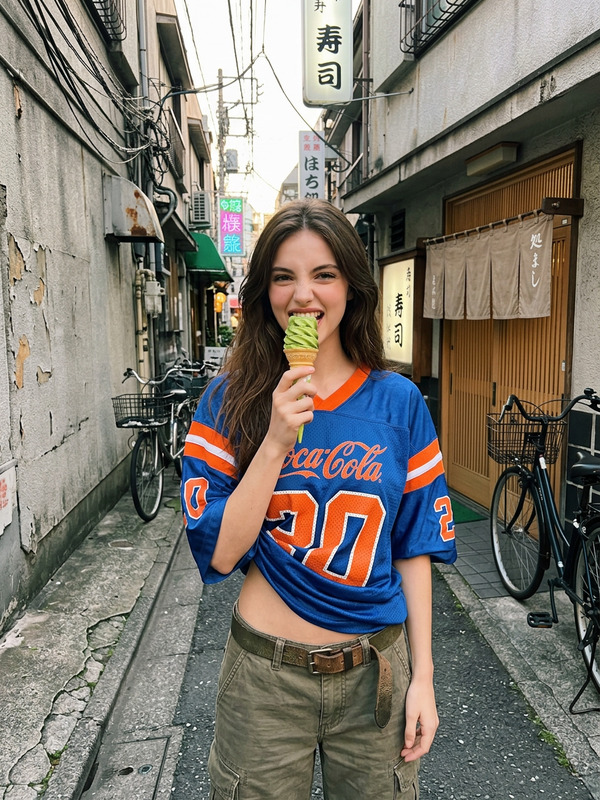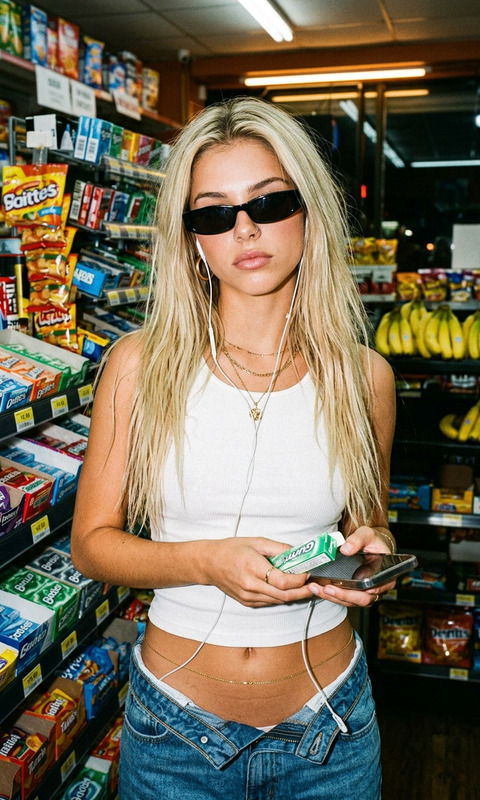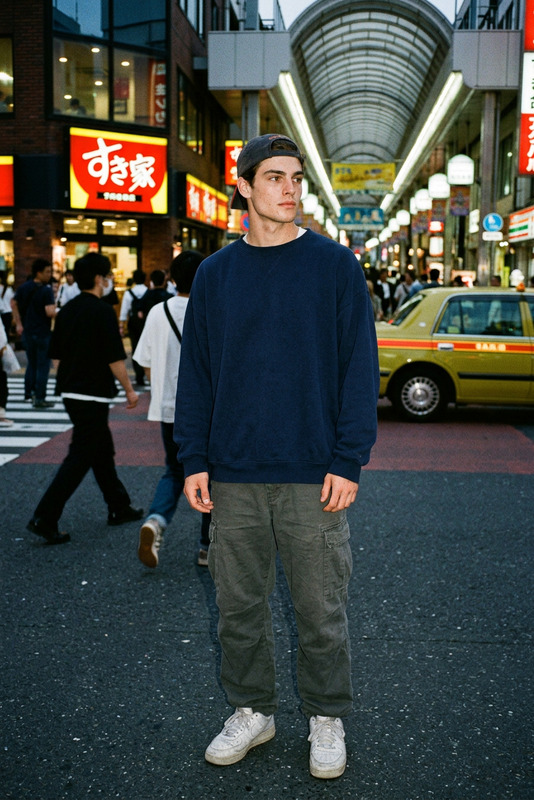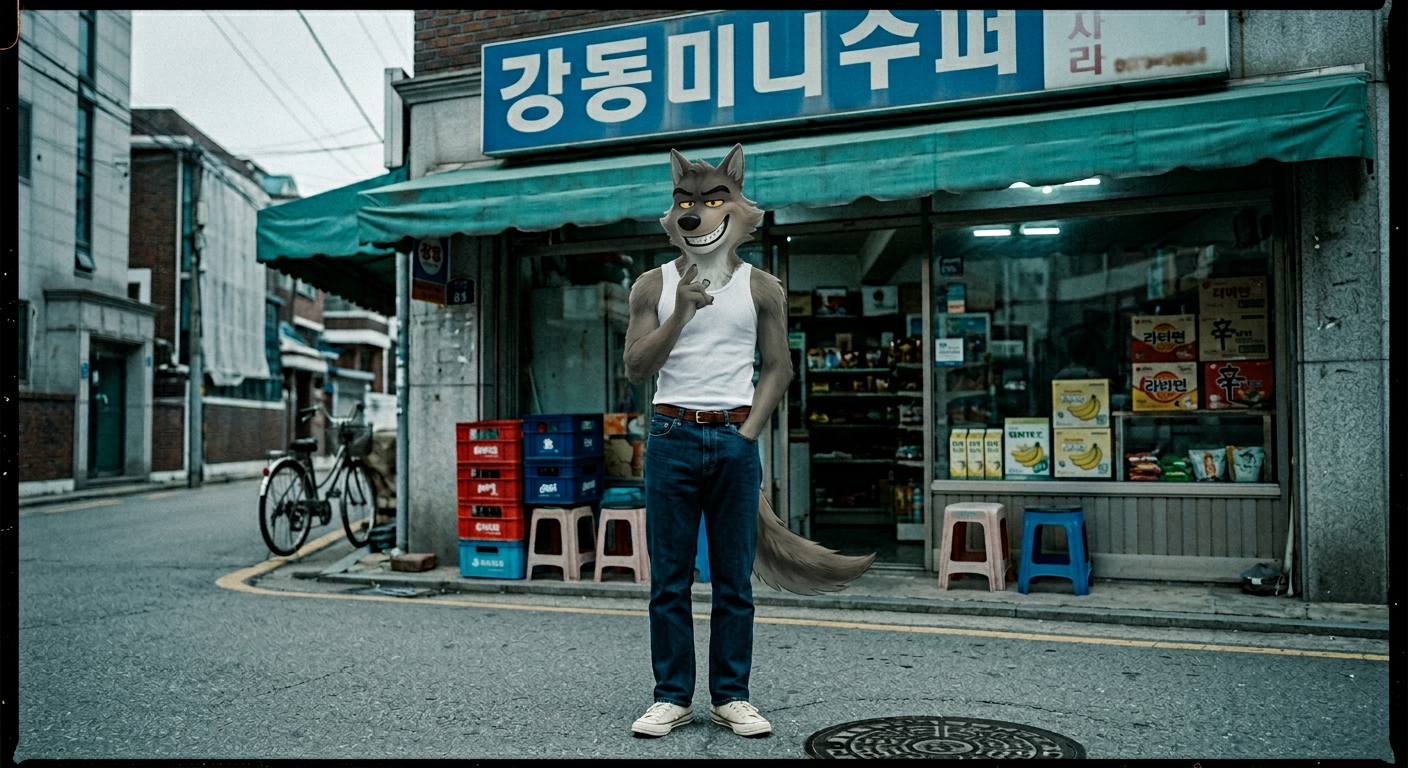
90s Seoul Frame
- Model
- Nano Banana 2
- Image
- 1408 × 768 px
Prompt
A nostalgic 90s analog film photo with moody urban aesthetic, heavy 35mm grain, high noise, and slightly desaturated teal-blue tones. A subject stands casually in front of a small neighborhood grocery store, looking directly at the camera while holding a popsicle near the mouth, one hand in pocket. The subject wears a white ribbed tank top tucked into dark blue straight-leg jeans with a simple brown belt and light canvas sneakers. The setting features a Korean mini-mart storefront with a blue sign reading “강동미니수퍼,” a worn teal awning, stacked plastic crates and stools, and a dim interior with visible goods. Shot on a quiet asphalt street with a manhole cover in frame. Soft, flat natural lighting, overcast mood, cinematic, documentary feel.
Any aspect ratio
Overview
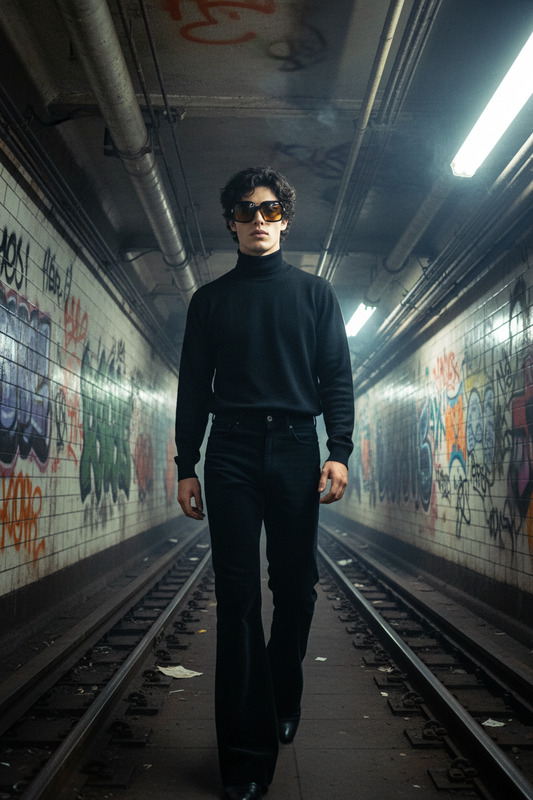
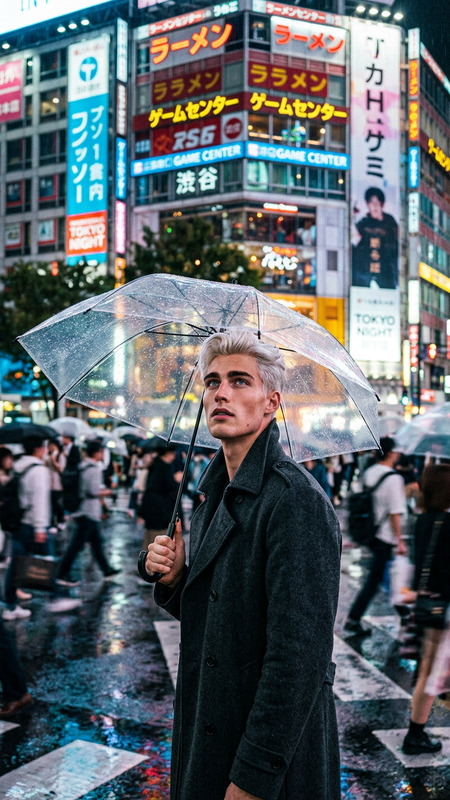
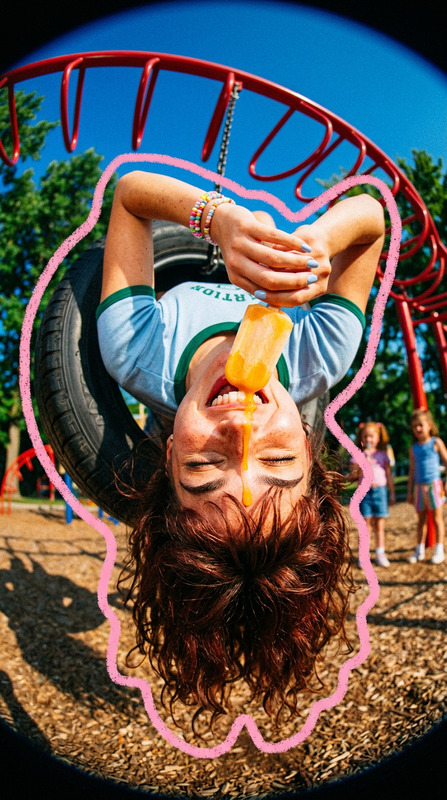
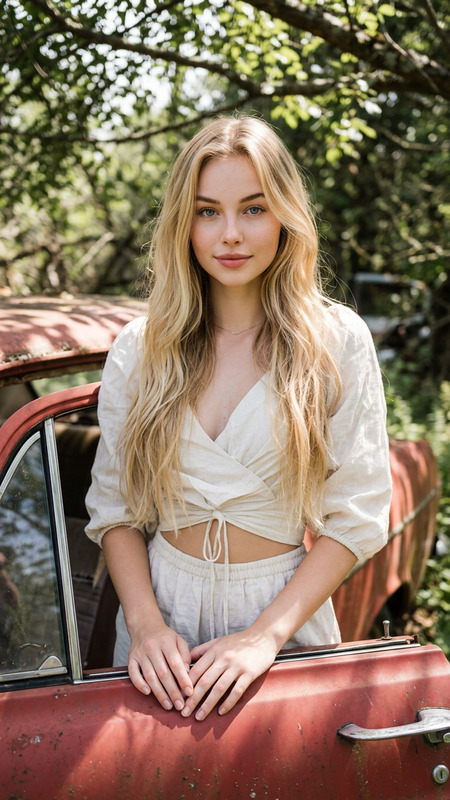
The 90s Seoul Frame is a specialized template designed to evoke the moody and nostalgic aesthetics of 1990s urban life in Seoul. Using the nano-banana-2 model, this template transforms your images with a signature analog film look complete with heavy grain and desaturated teal-blue tones.
What It Does
This AI Image Editor template recreates a 90s-style photograph, adding an analog film feel that captures the essence of the era. It incorporates elements like high noise and muted colors to simulate the distinct visual character of 35mm film, all while preserving your original composition.
Who It's For
The 90s Seoul Frame is ideal for anyone seeking to infuse a retro vibe into their visual content. Whether you're a creative professional, social media influencer, or nostalgic enthusiast, this template allows you to transport any modern-day scene back to the soulful streets of 90s Seoul.
Summary
Embrace the nostalgia of a past era with the 90s Seoul Frame. Perfectly suited for personal projects or professional campaigns, this template offers a glimpse into the past through modern technology. Get started by exploring our AI Image Generator options for creating unique, timeless visuals.
How To
Choose the Template

Customize Your Inputs

Generate and Download

Use Cases
Social Media Content
- Instagram throwbacks
- Themed TikTok videos
Creative Projects
- Mood boards
- Design portfolios
Marketing Campaigns
- eCommerce product visuals
- Retro-themed advertisements
Best Practices
Select the Right Image
Choose images with clear focal points and simple backgrounds to maximize the nostalgic effect.Adjust Prompt Thoughtfully
While the default prompt captures the 90s aesthetic, you can tweak the settings to better match your specific scene.Test Different Lighting
Experiment with different lighting conditions in your images to see how the template adapts to various moods.