Upside Summer – 90s Fisheye Joy
- Model
- Nano Banana 2
- Image
- 768 × 1376 px
Prompt
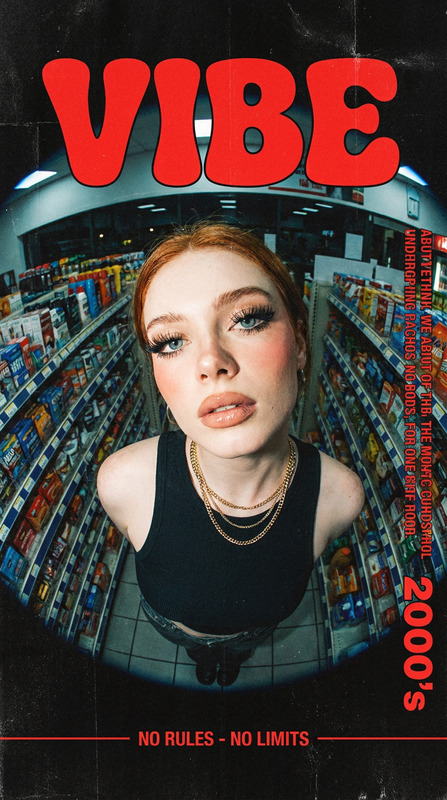
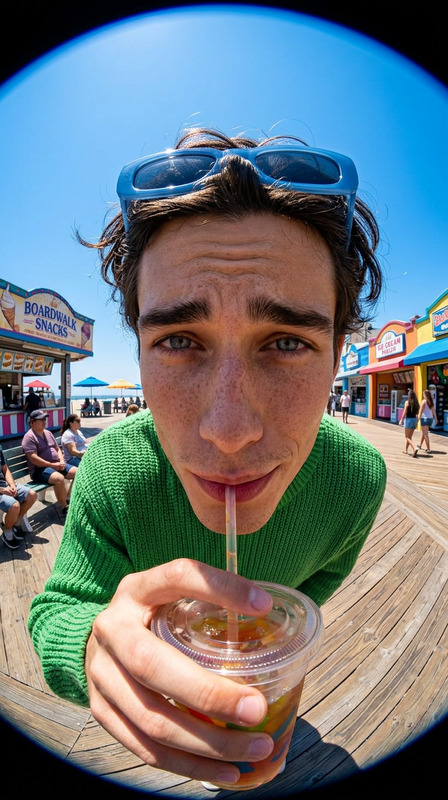
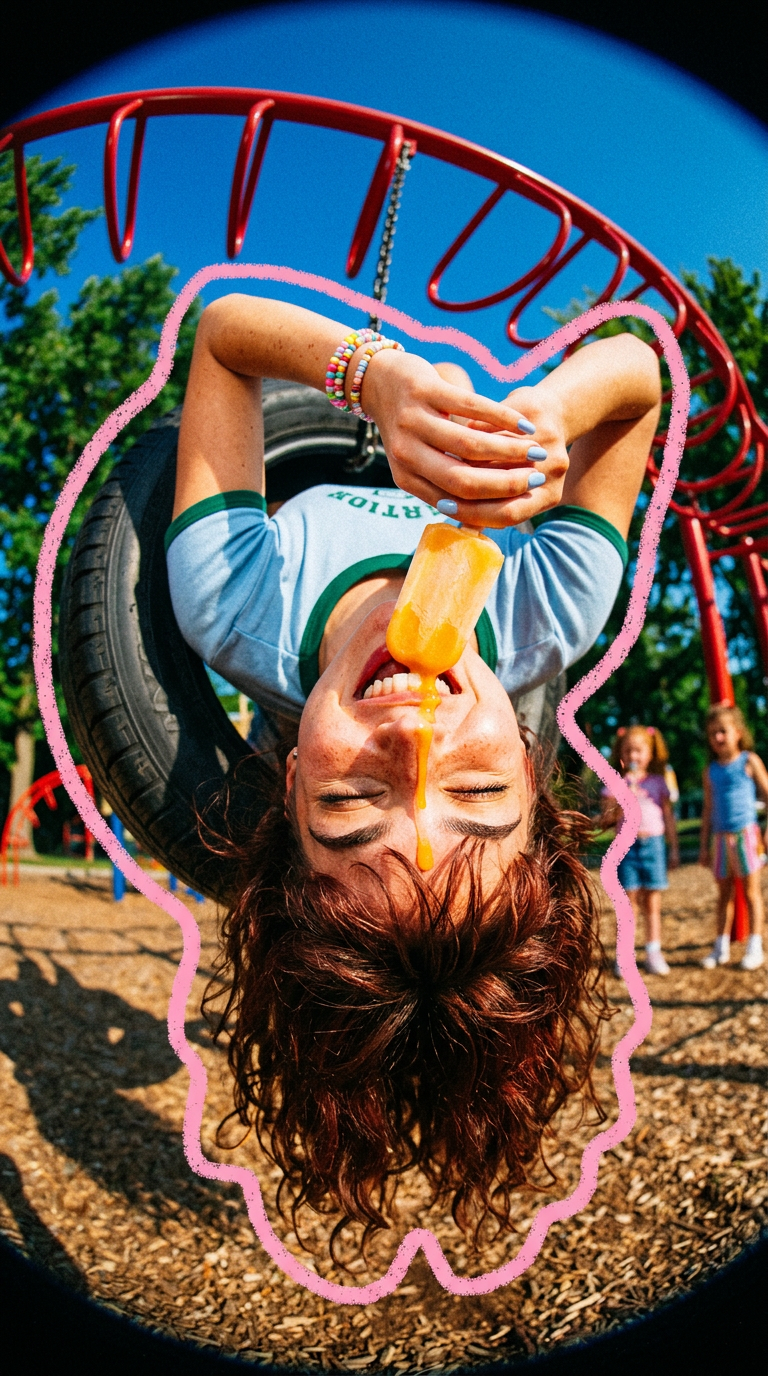
A high-energy 90s summer scene with a playful avant-garde twist, shot using a fisheye lens from an extreme low angle, with vibrant saturated colors, 35mm film grain, and analog noise. A subject with messy curly auburn hair hangs upside down from a tire swing, joyfully biting into a melting orange-yellow popsicle, eyes closed in a carefree expression. The subject wears a light blue ringer crop top with dark green trim, colorful beaded bracelets, and pastel blue nails. A thick hand-drawn pink squiggly outline frames the subject. Set in a sunny playground with textured wood-chip ground, deep blue sky, and blurred red playground structures and green trees in the background. Bright sunlight, playful motion, nostalgic summer vibe, ultra-detailed.
Any aspect ratio
Overview
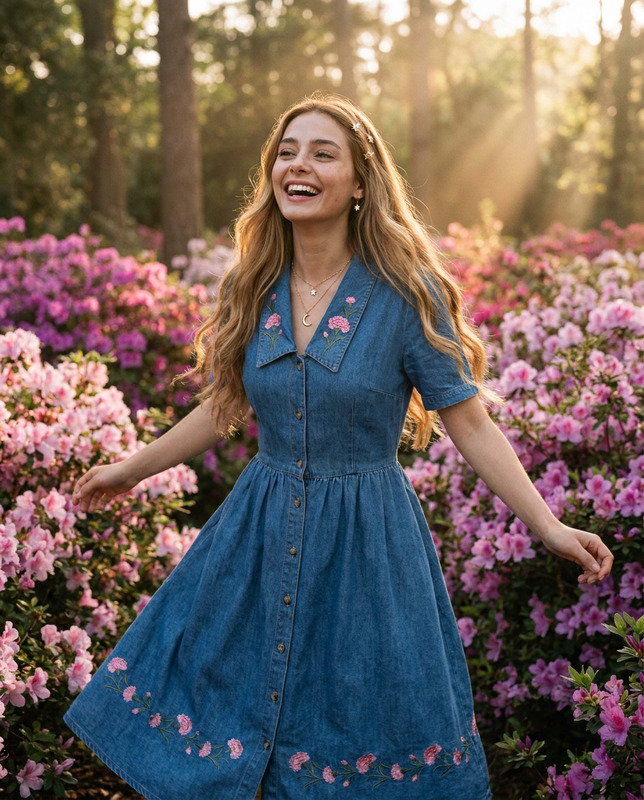
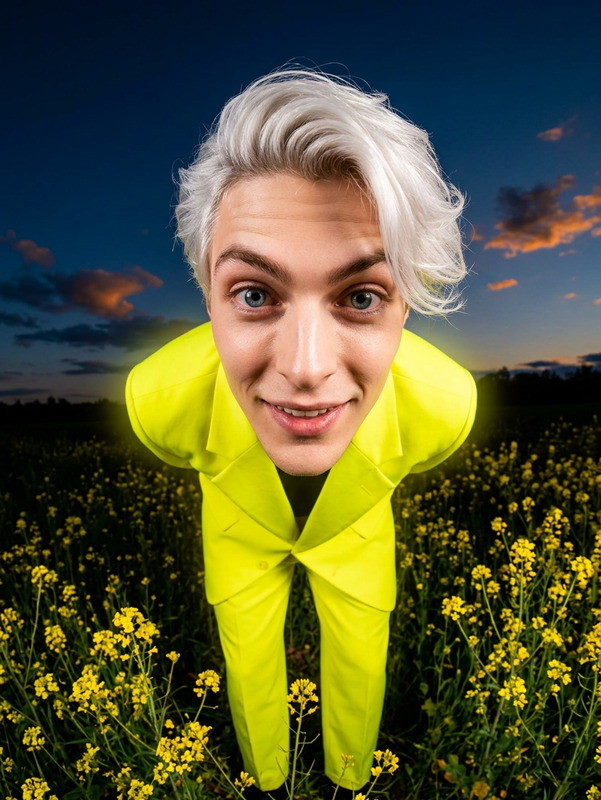
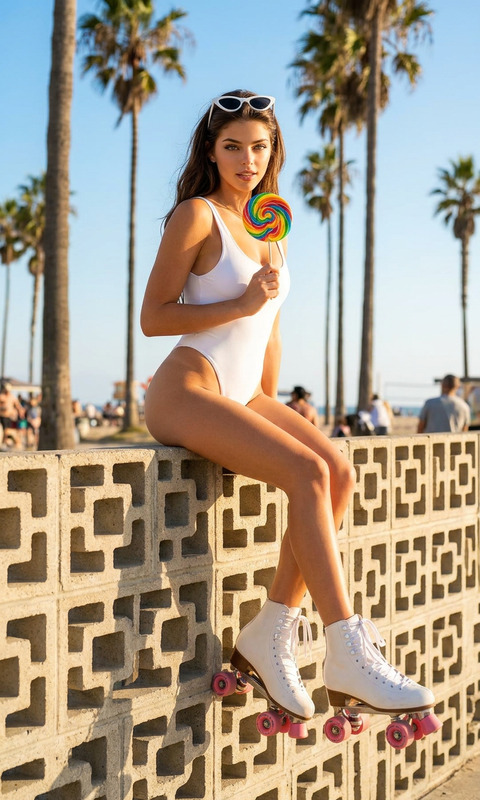
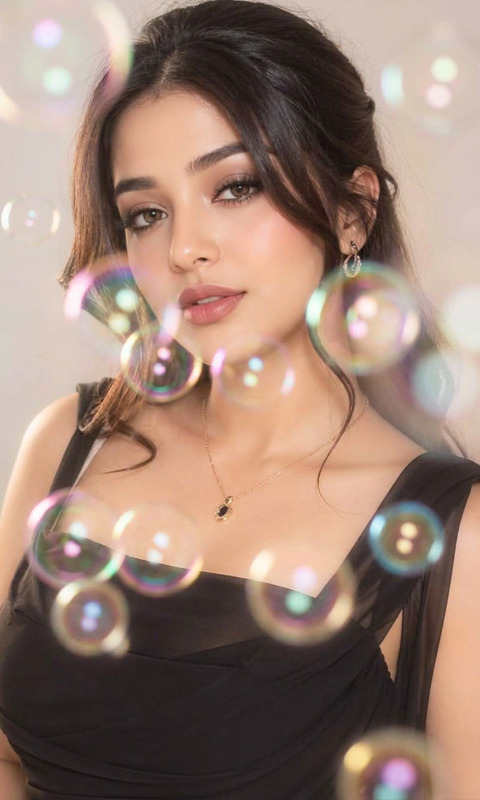
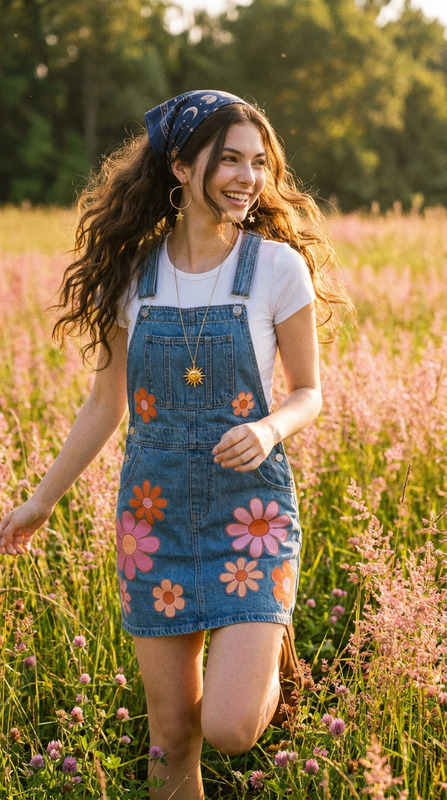
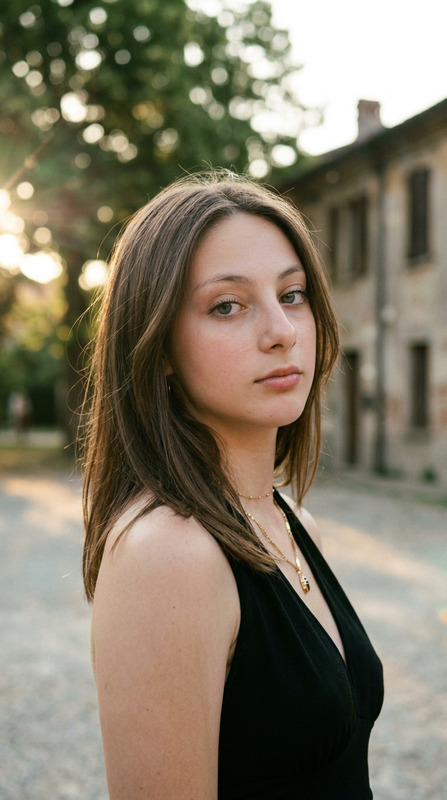
Experience the joy of a nostalgic summer with the Upside Summer – 90s Fisheye Joy template. This AI Image Editor template is powered by the nano-banana-2 model and captures the energetic essence of the 90s. Infuse your images with playful, avant-garde twists and retro aesthetics, characteristic of the 90s.
What It Does
With this template, transform your modern-day photos into a high-energy 90s summer scene. Using fisheye perspective and saturated colors, it adds 35mm film grain and analog noise for that authentic retro feel. The result is an image featuring a carefree subject enjoying a sunny playground, framed with a hand-drawn squiggly outline that enhances its nostalgic charm.
Who It's For
This template is ideal for creatives looking to recreate retro vibes in their photos, whether for personal projects or professional branding. It's a perfect fit for content creators and photographers aiming to evoke nostalgia or anyone using the AI Clothes Changer who wants to style their images with a vintage touch.
Summary
Dive into the 90s with the Upside Summer – 90s Fisheye Joy template. By leveraging its powerful features, bring out the vibrant hues and carefree spirit characteristic of those playful summers. Pair it with other tools like the AI GIF Generator to create animated versions bursting with life.
How to Use
Choose Template

Customize Your Image

Generate and Download

Use Cases
Nostalgic Photo Shoot
- Use in personal photo collections
- Enhance images for social media content
Branding Campaigns
- Fashion brands showcasing vintage collections
- Promotional material for nostalgia-themed events
Creative Art Projects
- Collage projects with a playful edge
- Photobooks with a consistent retro theme
Best Practices
Use the Right Images
Select high-resolution images with dynamic compositions to ensure optimal template performance.Consistent Theme
Maintain consistency by using template elements across multiple images for cohesive storytelling.Combine with Other Tools
Integrate with tools such as the AI Video Extender for adding dynamic elements to your images.