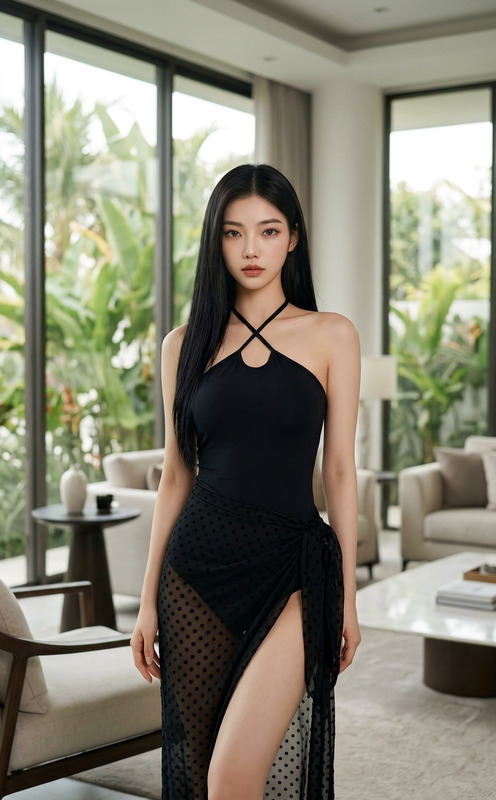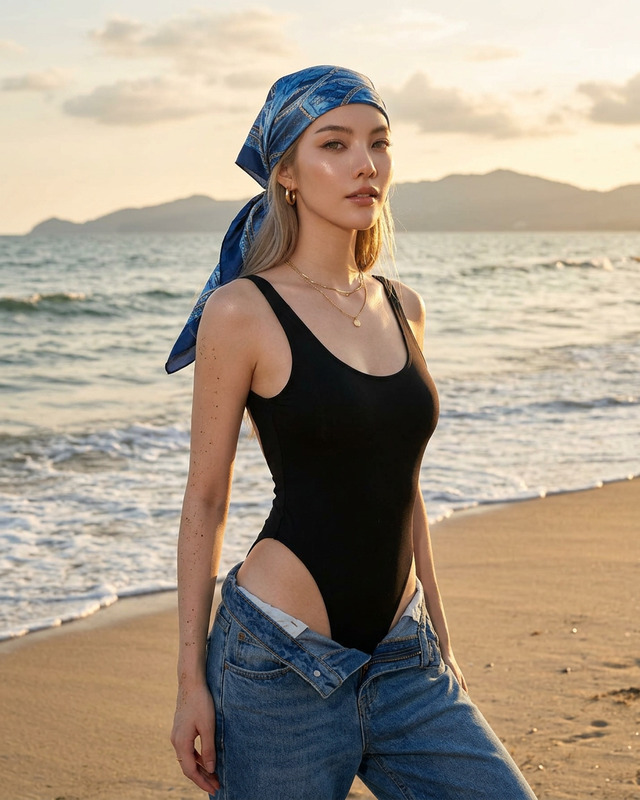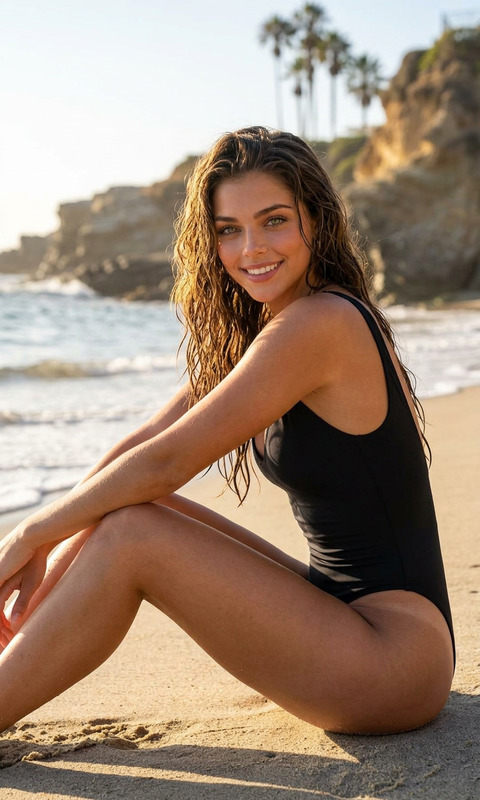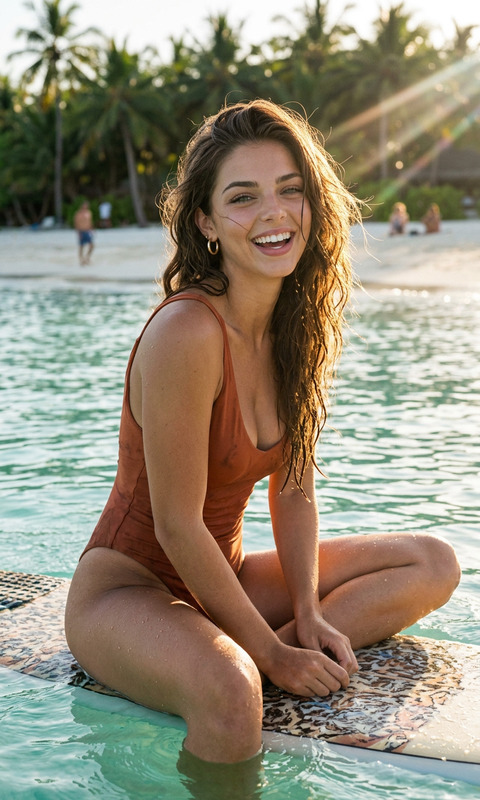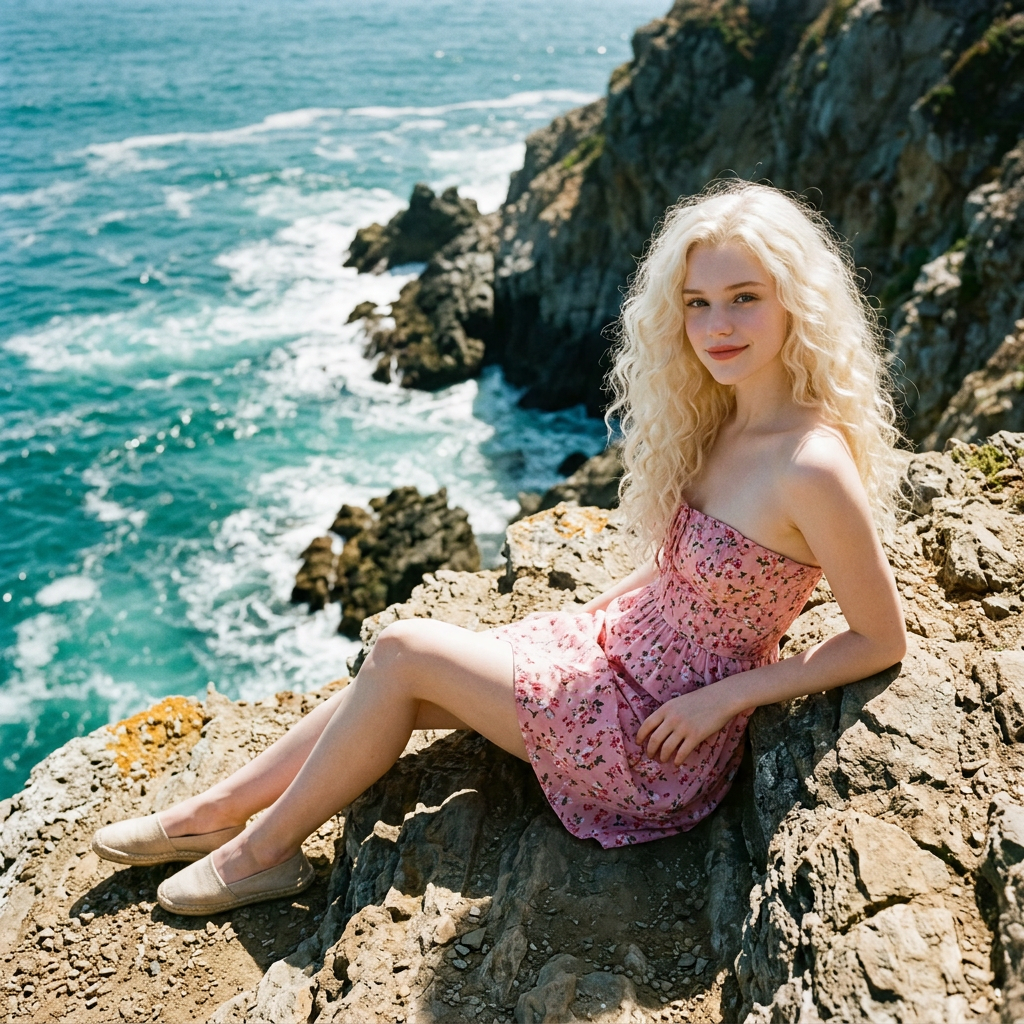
Coastal Cliff Serenity
- Model
- Nano Banana 2
- Image
- 1024 × 1024 px
Prompt
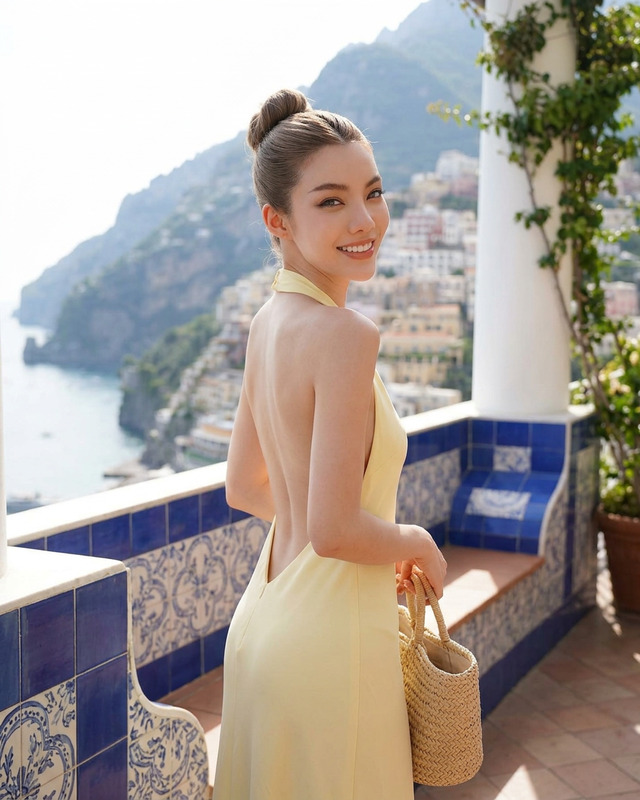
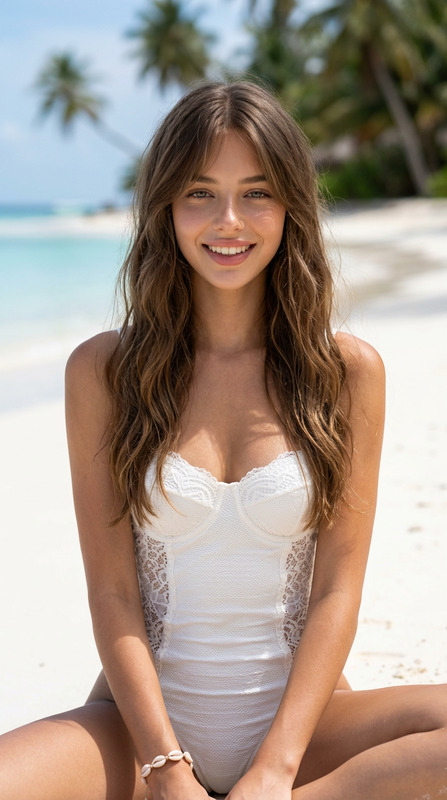
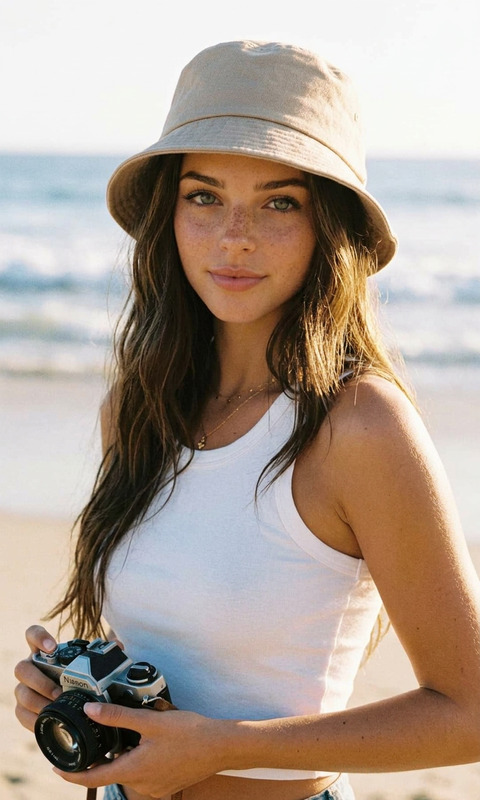
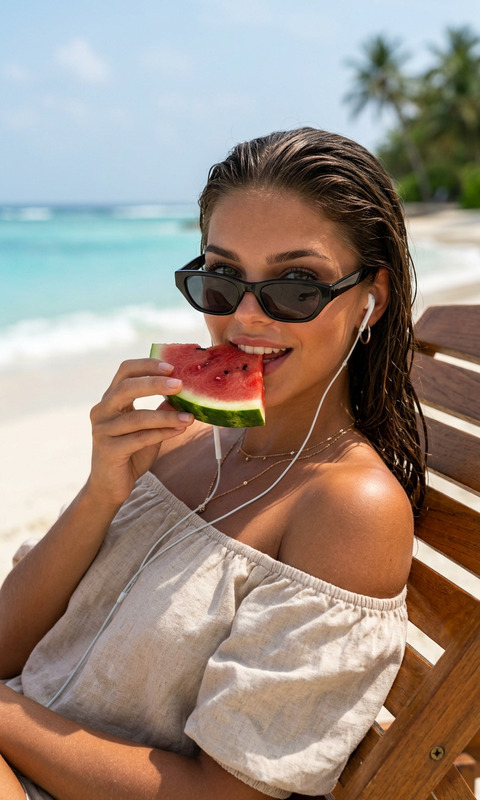
A cinematic, photorealistic portrait of a subject with the exact same face as the reference photo (100% face match), reclining naturally on a rocky cliff edge overlooking turquoise ocean waves. The subject wears a strapless pink floral mini dress paired with beige flat espadrilles, styled in a relaxed, effortless pose with natural limb positioning. The setting features dramatic coastal cliffs with waves crashing below, captured under bright natural sunlight. Lighting is cinematic and high-contrast, enhancing textures of rock, fabric, and water. Shot in a 1:1 composition on 35mm film, with subtle grain and rich detail. The overall mood is serene yet striking, blending fashion editorial with nature’s grandeur.
Any aspect ratio
Overview
The Coastal Cliff Serenity template is an AI Image Editor tool designed to craft photorealistic and cinematic portraits. This template focuses on creating vivid imagery with a perfect face match to your reference photo. By combining fashion elements with the majesty of natural landscapes, the template captures scenes that are both serene and striking.
What It Does
This template uses the nano-banana-2 model to deliver a perfect blend of fashion and nature in high-contrast, detailed images. It excels in replicating faces with 100% accuracy while preserving natural limb positioning and a relaxed style. The 1:1 composition shot on 35mm film evokes a timeless, editorial quality in every frame.
Who It's For
Designed for photographers, digital artists, and content creators who seek to enhance their visual storytelling. Whether you're creating content for magazines, online portfolios, or marketing materials, this template provides a versatile canvas to showcase both fashion and nature with stunning clarity.
Summary
Experience the fusion of fashion and nature with our Coastal Cliff Serenity template. It's part of our AI Image Editor suite, enabling users to craft detailed, realistic portraits with ease. The high-contrast imagery and accurate face matching make it ideal for producing professional-grade visuals.
How to Use
Choose the Template

Customize Your Inputs

Generate Your Image

Use Cases
Fashion Editorial
- Magazine photoshoots
- Brand campaigns
Digital Artistry
- Gallery exhibitions
- Social media art posts
Content Creation
- Instagram posts
- Travel blogs
Best Practices
Select High-Quality Photos
To ensure the best face match and detail, use high-resolution images as your reference.Leverage Natural Light
As the template captures sunlight naturally, try using it to enhance your subject's features and the landscape.Optimize Your Scene
Adjust the pose and clothing to align with fashion trends while retaining the natural, serene appeal of the landscape.