Royal Lion Dominion

Royal Lion Dominion

ai-image-editor

1 clip
9 uses

Any aspect ratio

Prompt

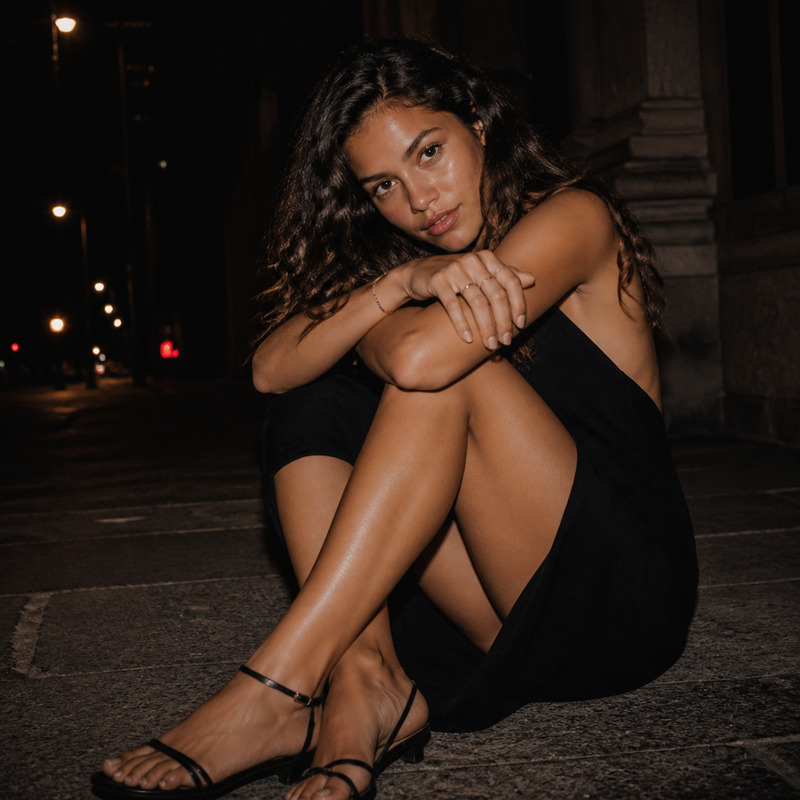
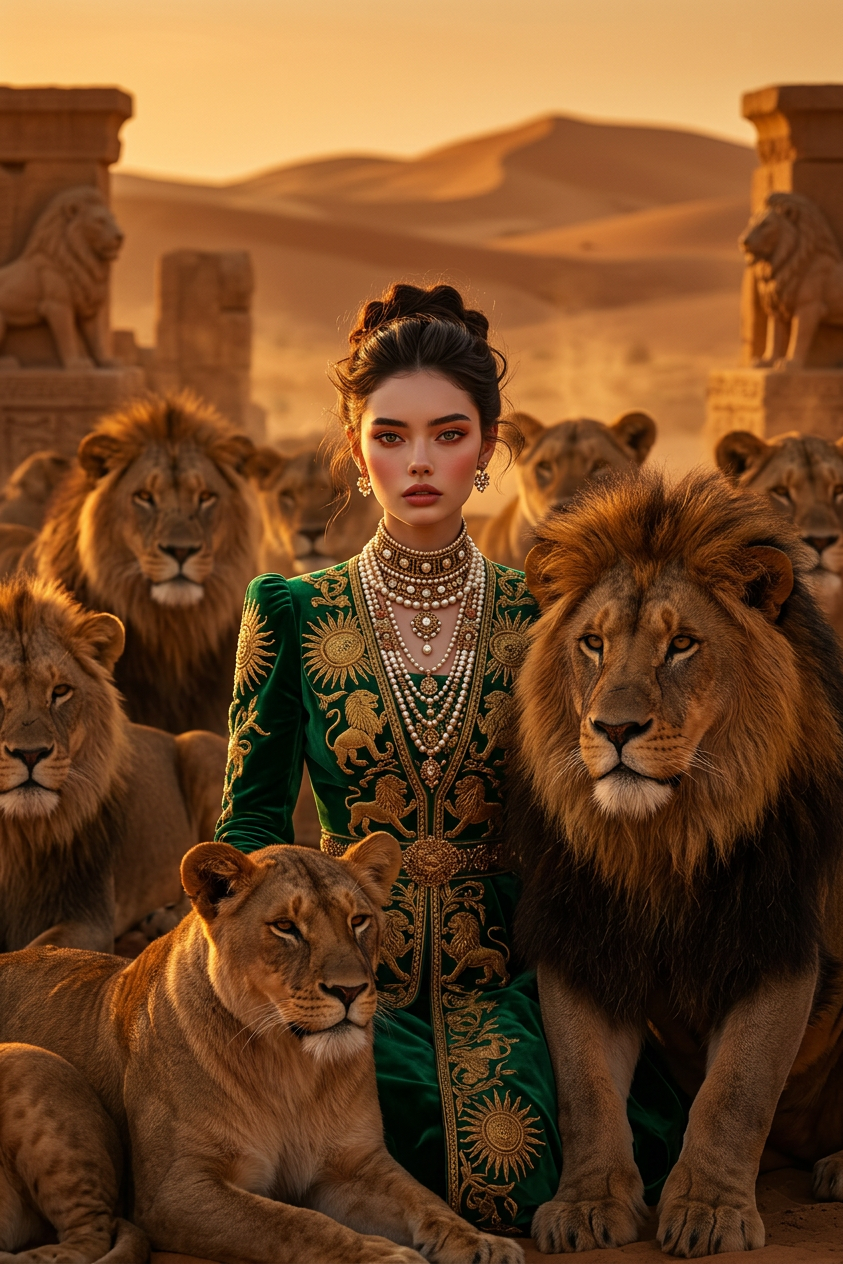
High-fashion royal editorial portrait of a subject surrounded by a pride of lions in a surreal cinematic desert setting. The subject wears luxurious royal-inspired attire with ornate details, flowing fabric, and regal structure, evoking a queen-like presence. Calm, powerful expression with natural skin texture and subtle glow. The lions densely surround and frame the subject, creating a majestic, protective composition. Golden sunset lighting with deep shadows, warm amber tones, shallow depth of field, ultra-realistic 8K, cinematic fashion editorial mood, dramatic and powerful atmosphere.

AI Image Editor Template – Removable Leather Jacket

Use this template to quickly remove or replace a leather jacket from any photo with Magic Hour’s AI Image Editor. It’s ideal for:

  • Product photos where you need different outfits without re-shoots
  • Fashion lookbooks and A/B testing for ecommerce
  • Profile pictures, headshots, and social content where the jacket feels “off brand”
  • Creative concept art—swapping leather for denim, suits, streetwear, or fantasy armor

Because this template is built with the AI Image Editor, you can fully remix it: change the jacket style, color, material, or remove it entirely for a clean base outfit.


What this template does

This template is designed to:

  • Detect and isolate the leather jacket on the subject
  • Remove or modify the jacket while keeping the body, face, and background consistent
  • Preserve lighting, pose, and anatomy so edits look natural and production-ready
  • Support multiple output looks (e.g., blazer, hoodie, winter coat, denim jacket, no outerwear)

Under the hood, this workflow builds on the same core capabilities as:


How to remix this template in Magic Hour

You don’t need to start from scratch. Use this template as a base and adapt it to your brand and workflow:

  1. Open the template in AI Image Editor

    • Start from this template and load your photo. Any single-subject fashion or portrait image works best.
  2. Define what you want instead of the leather jacket
    Examples you can use as text instructions:

    • “Replace the leather jacket with a slim-fit navy blazer, keep the same pose and lighting.”
    • “Remove the jacket and reveal a plain white t-shirt underneath, casual street style.”
    • “Swap the leather jacket for a denim trucker jacket, light wash, minimal distressing.”
    • “Turn the leather jacket into a long wool coat, dark grey, modern, clean lines.”
  3. Adjust the style to your use case

    • Ecommerce / fashion brands: Aim for consistent color, fit, and minimal texture artifacts. Combine with AI Image Editor to refine sleeves, collars, and shadows.
    • Social & influencers: Explore trend-driven looks, add or remove branding, and experiment with bolder styles using AI Art Generator.
    • Professional headshots: Use this as a quick “wardrobe fix” paired with AI Headshot Generator for LinkedIn, resumes, or corporate bios.
  4. Polish and finalize


Example use cases

1. Ecommerce & fashion catalogs

  • Test multiple jacket options on the same model without new photo shoots
  • Localize outfits for different markets (e.g., lighter jackets for warmer regions)
  • Quickly produce “with jacket / without jacket” sets for product pages

Relevant tools to combine with this template:

2. Creators, influencers, and marketers

  • Create cohesive outfit themes across a campaign using one source image
  • Adapt a single shoot into multiple “looks” for social channels and ads
  • Remove a leather jacket that sends the wrong visual message (too edgy / too casual)

Useful combinations:

3. Branding, pitch decks, and professional profiles

  • Refine clothing to match your company brand, dress code, or target audience
  • Clean up leather jackets that feel “too informal” in pitch decks or investor updates
  • Produce consistent team photos using AI Headshot Generator, then adjust jackets as needed

How to build your own variation of this template

If you like the core idea—editing or removing a specific garment—but want a different clothing focus, you can easily create your own version:

  • Jacket type swaps
    • Turn “Remove Leather Jacket” into “Replace with Suit Jacket,” “Denim Jacket Only,” or “Technical Shell Jacket” for outdoor brands.
  • Material & style experiments
    • Leather → denim, wool, linen, cotton, faux leather, or futuristic synthetic styles.
    • Streetwear, business formal, smart casual, or luxury editorial looks.
  • Theme-driven templates

You can start from any image in AI Image Editor, apply this same “remove/replace specific garment” pattern, then save your own customized template for repeated use across campaigns or clients.


Best practices for realistic clothing edits

To get dependable, production-ready results:

  • Use clear, specific language
    • Instead of “change the jacket,” try “replace the black leather biker jacket with a fitted navy blazer over a white crewneck t-shirt.”
  • Respect original pose and lighting
    • The closer your target look is to the original posture and light direction, the more natural the output.
  • Stay consistent across a series
    • For multi-image campaigns, define a short style guideline (“mid-tone colors, minimal patterns, slim fit”) and reuse similar prompts.
  • Enhance final assets for your channel

Related Magic Hour workflows you can chain with this template

Once you’ve edited or removed the leather jacket, you can push the image further with other Magic Hour tools:


Why build this in Magic Hour?

Magic Hour is designed for creators and teams that care about:

  • Speed: Test multiple outfits in minutes instead of organizing new shoots.
  • Consistency: Maintain the same model, face, and pose while changing clothing.
  • Flexibility: Chain tools like AI Image Editor, AI Clothes Changer, and AI Art Generator into repeatable, scalable workflows.

Use this “Remove Leather Jacket” template as a starting point, then remix it into your own branded clothing-edit system for product imagery, campaigns, and content at scale.

More Like This

Insufficient credits