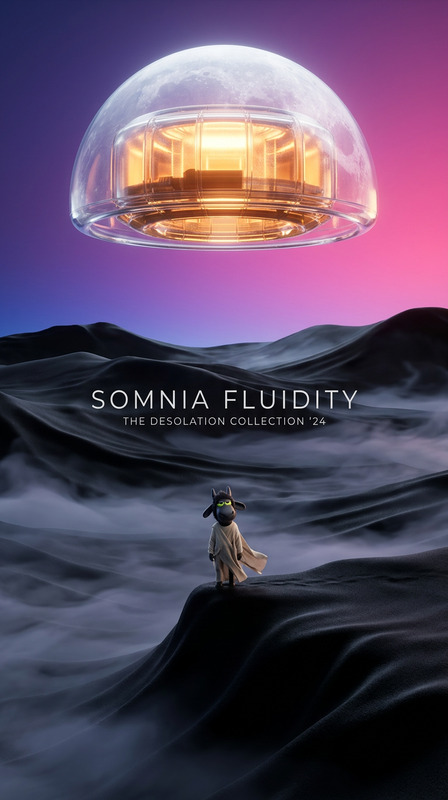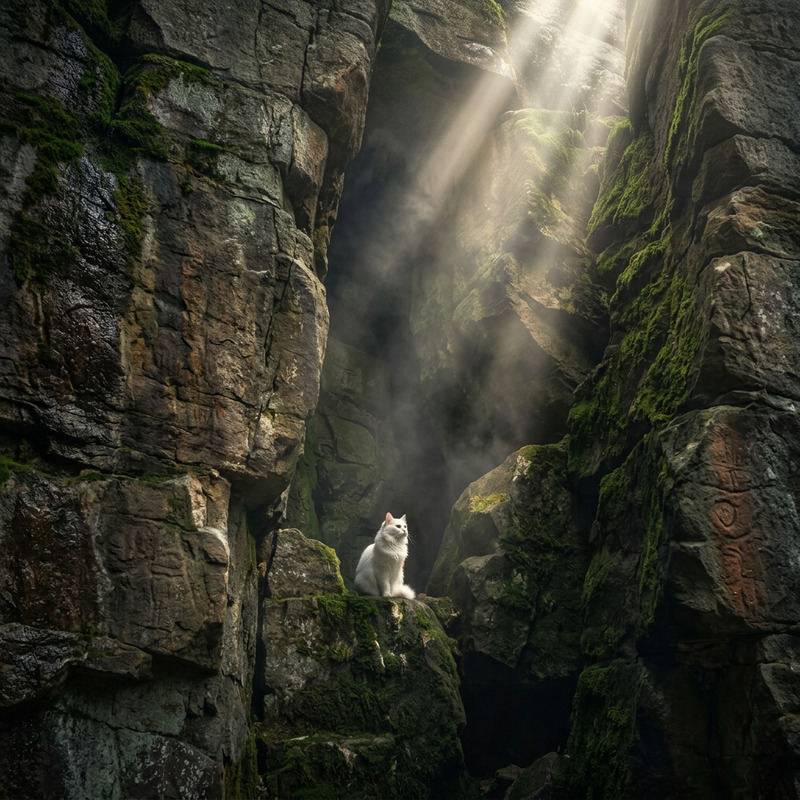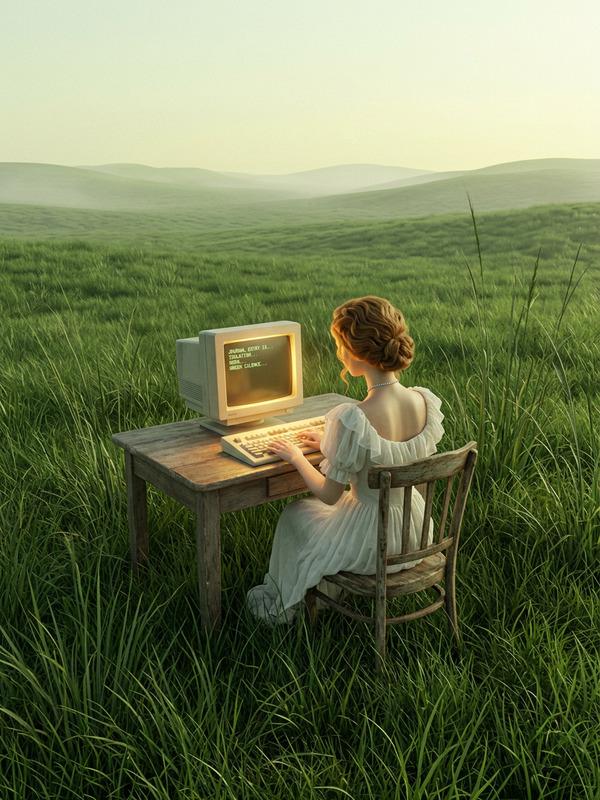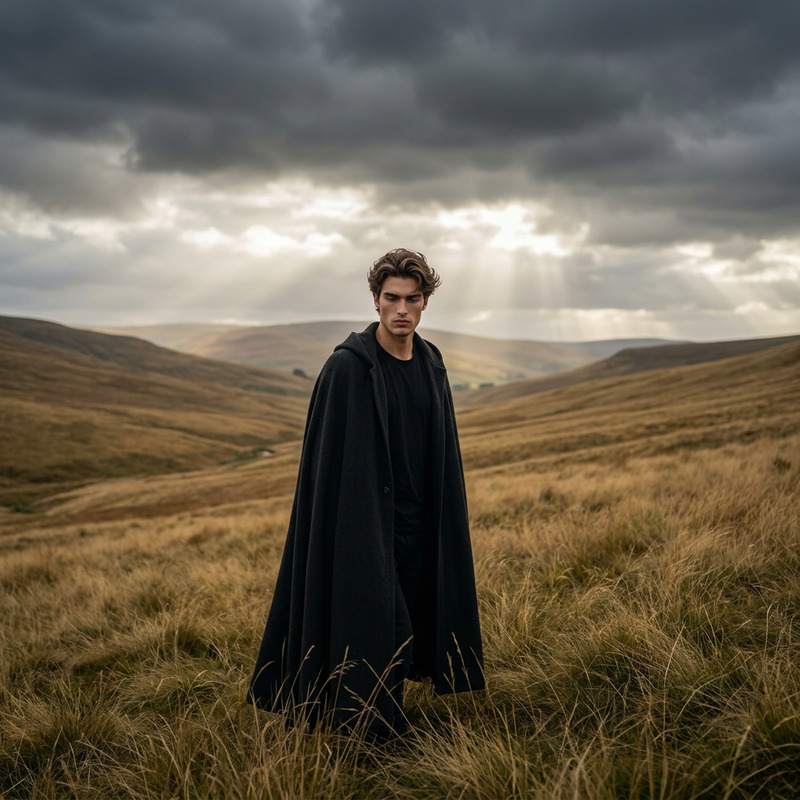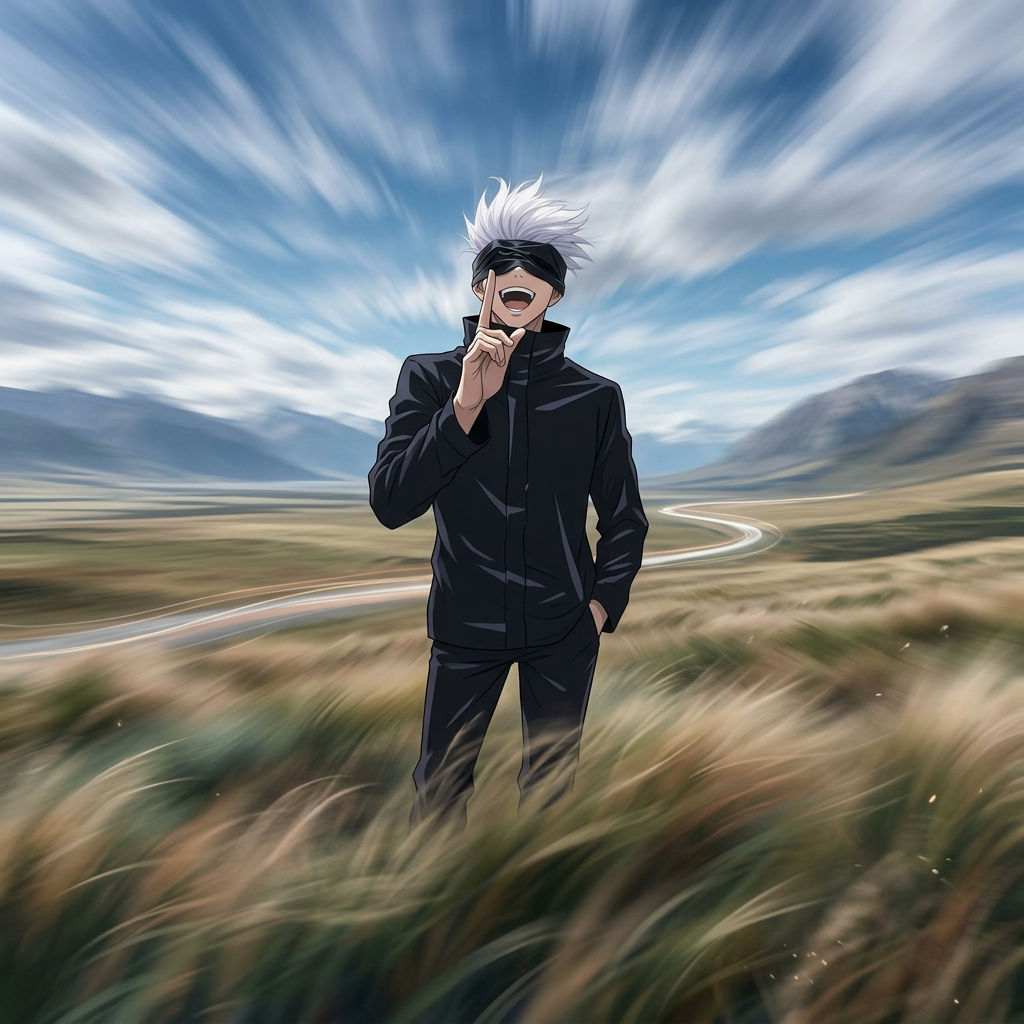
Stillness Against the World
- Model
- Nano Banana 2
- Image
- 1024 × 1024 px
Prompt
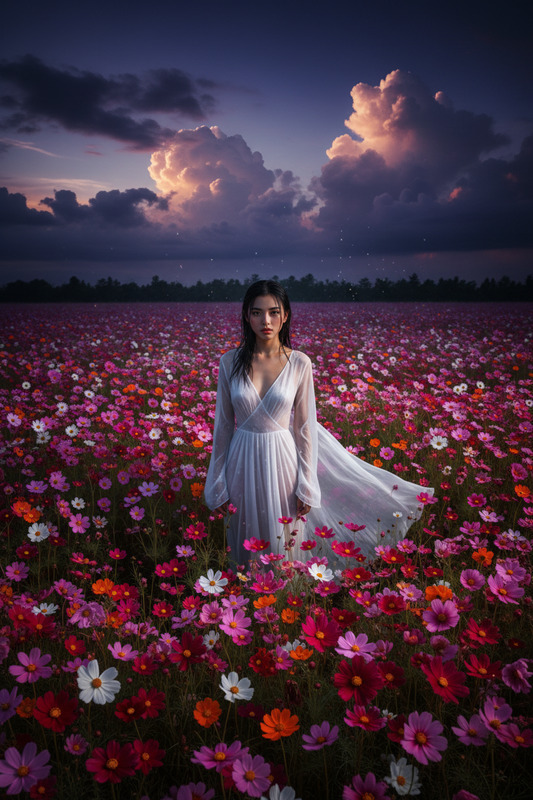
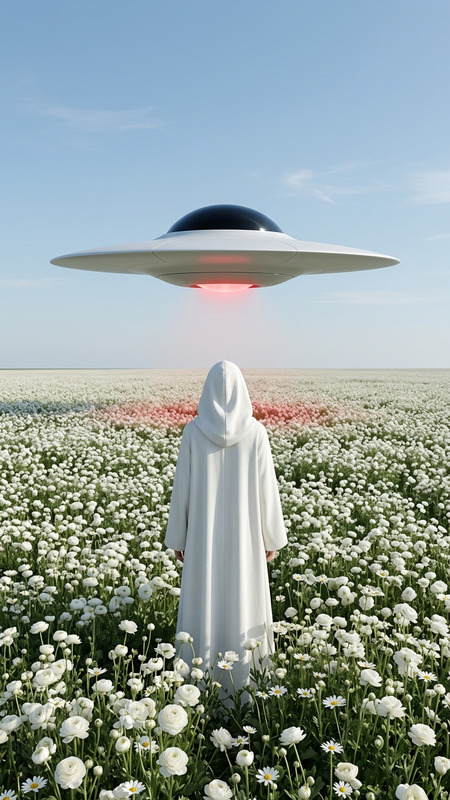
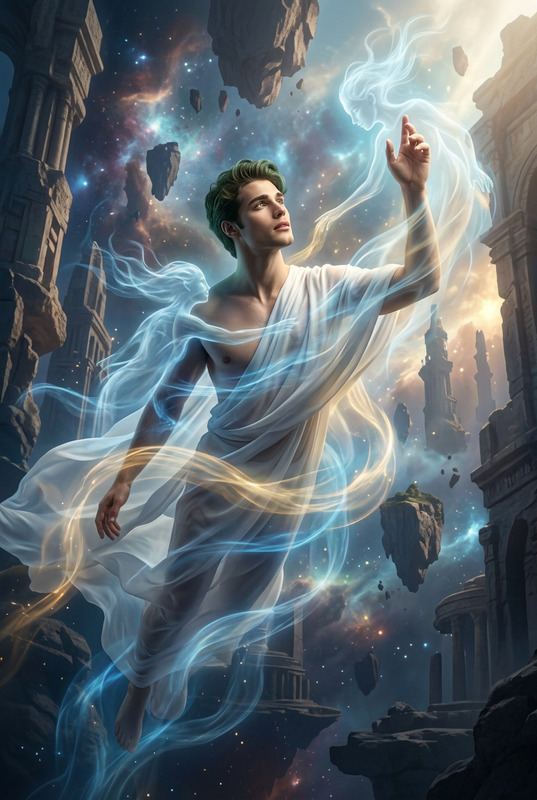
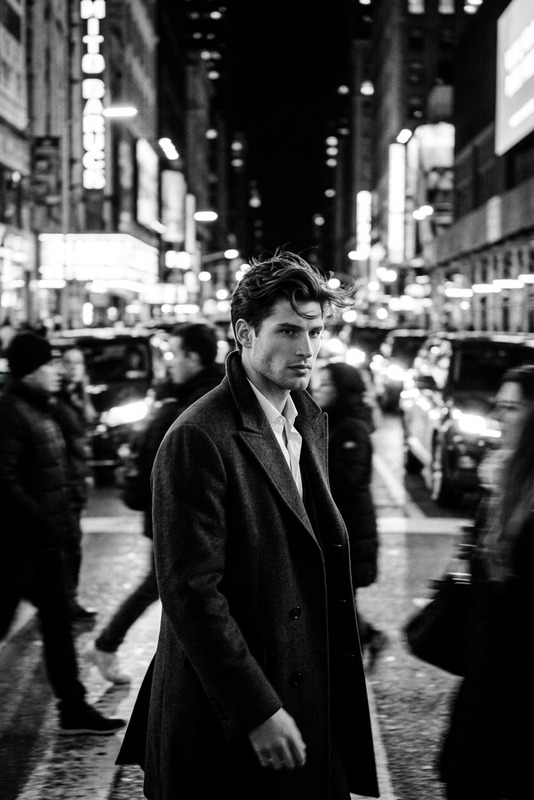
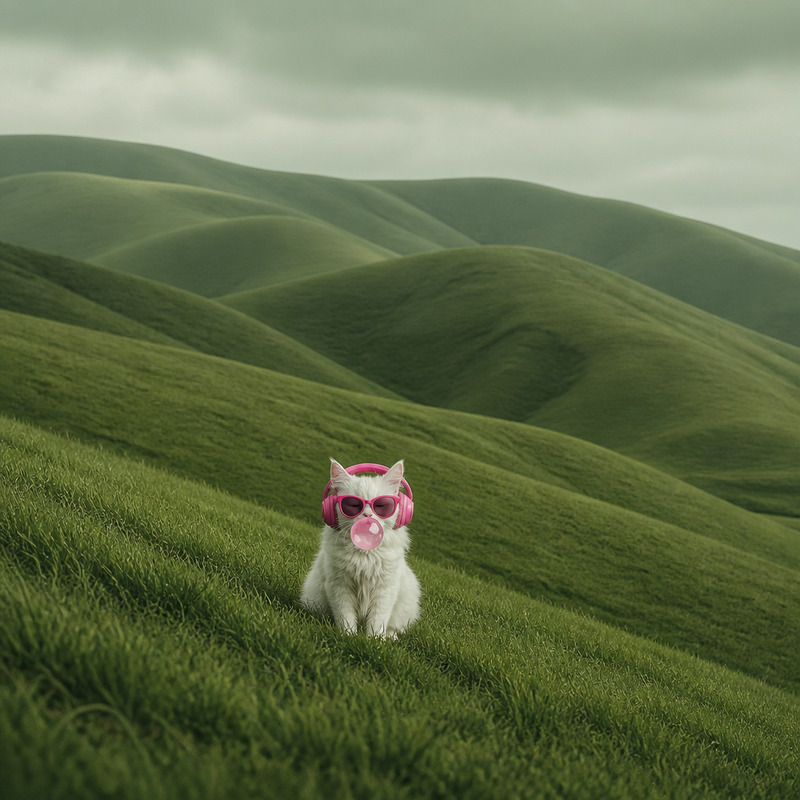
A solitary subject standing motionless in a vast open landscape while everything around them moves in soft motion blur — wind sweeping through the grass, clouds streaking rapidly across the sky, and the environment flowing with long-exposure energy. The subject remains perfectly sharp and still at the center of the composition, creating a powerful contrast between chaos and calm. Cinematic atmosphere, meditative mood, natural earthy tones, expansive negative space, subtle surrealism, photorealistic detail, long exposure aesthetic, emphasizing stillness as strength and quiet power.
Any aspect ratio
Overview
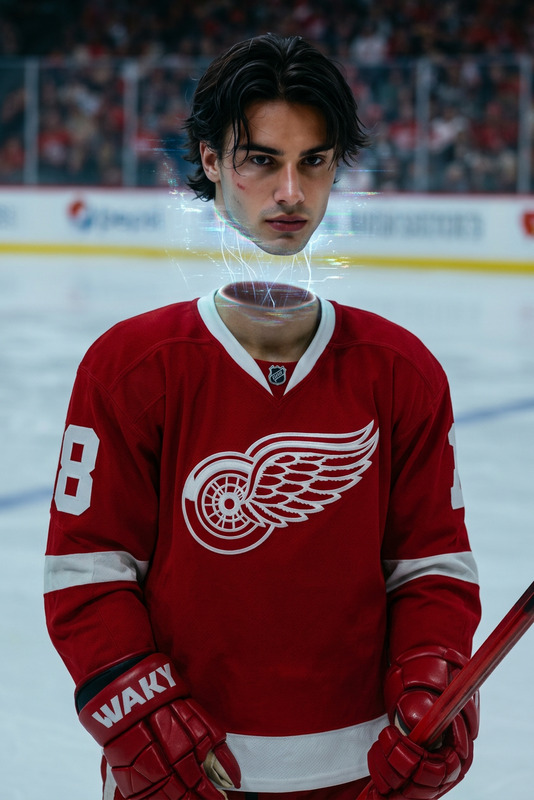
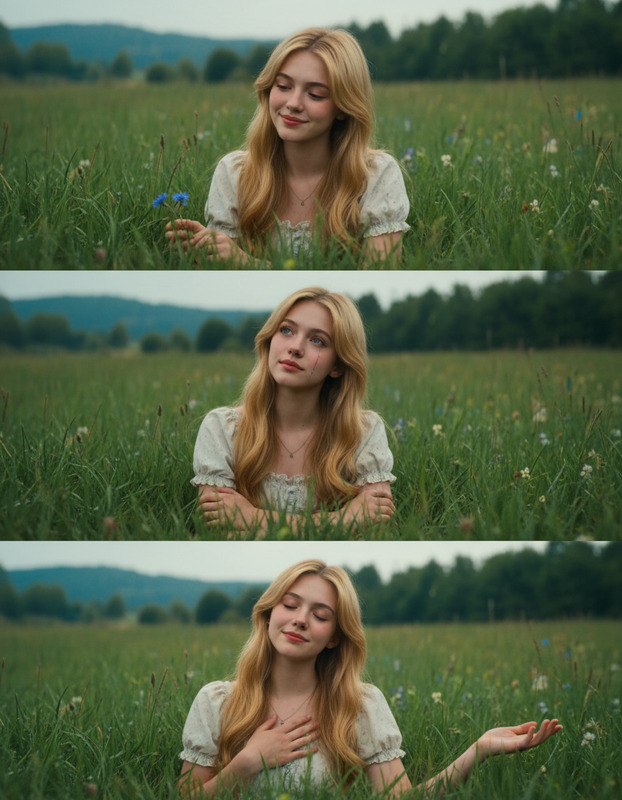
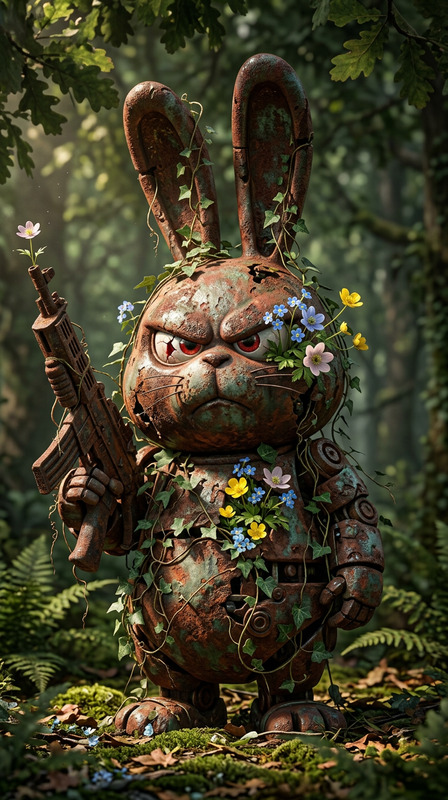
The "Stillness Against the World" template utilizes the advanced capabilities of the AI Image Editor to create a unique artistic vision. This template captures a solitary subject as the focal point, standing motionless amid a dynamic world where motion blur creates contrasting elements of chaos and calm. Perfect for enhancing visuals with dramatic, photorealistic effects that highlight tranquility amidst movement.
What It Does
This template generates images where a single subject stands perfectly still while the surrounding environment is conveyed with a soft motion blur. As part of the AI Image Editor collection, it incorporates cinematic techniques like long exposure, enriching the scene with photorealistic detail and a sense of meditative surrealism.
Who It's For
"Stillness Against the World" is ideal for photographers, digital artists, and video producers aiming to create content with a peaceful yet powerful narrative. It's perfect for those in need of imagery that promotes meditation, introspection, or juxtaposes calm with dynamism. Users looking for exquisite and thoughtful artwork will find it most beneficial, particularly in YouTube Shorts and storytelling projects.
Summary
By opting for "Stillness Against the World," creators can transform digital imagery into storytelling masterpieces. This tool is part of a suite of options that leverage cutting-edge AI technology to support creative processes, such as the AI GIF Generator or AI Image Generator, enabling artists to focus on their vision with effective, professional-grade results.
How To
Choose the Template

Customize Your Scene

Generate Your Image

Use Cases
Introspective Feature Photography
- Portraits in nature settings
- Artistic gallery exhibitions
Cinematic Video Scene Compositions
- Documentary film inserts
- Commercials and promotional videos
Social Media Content
- Instagram Scenes
- Pinterest Boards
Best Practices
Balance Subject and Background
Ensure the subject is centrally located to enhance the contrast between stillness and motion for maximum visual interest.Optimize Lighting Conditions
Choose images taken with natural lighting for more realistic and effective visual portrayal of long exposure aesthetics.Choose Complementary Tones
Use natural, earthy tones to enhance thematic aesthetic and provide pleasing contrast to the motion blur effect.