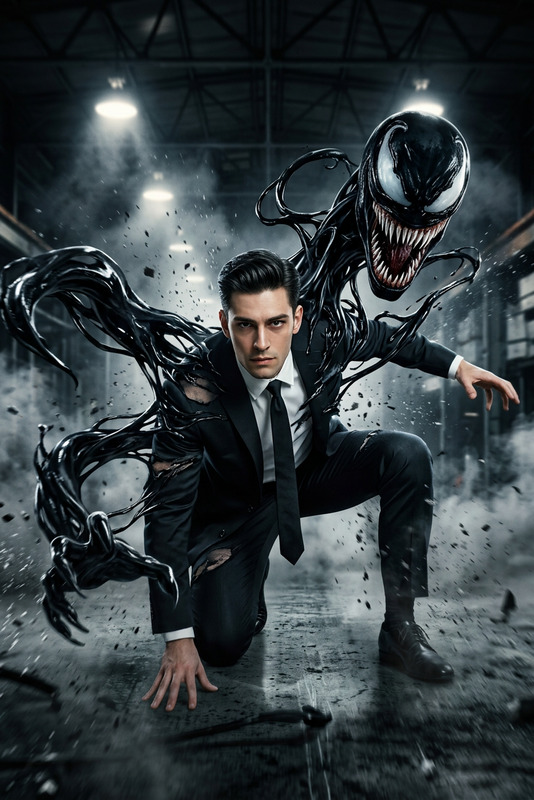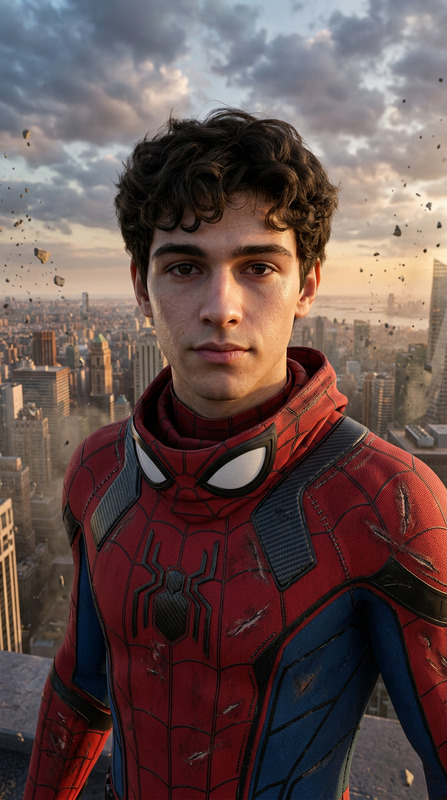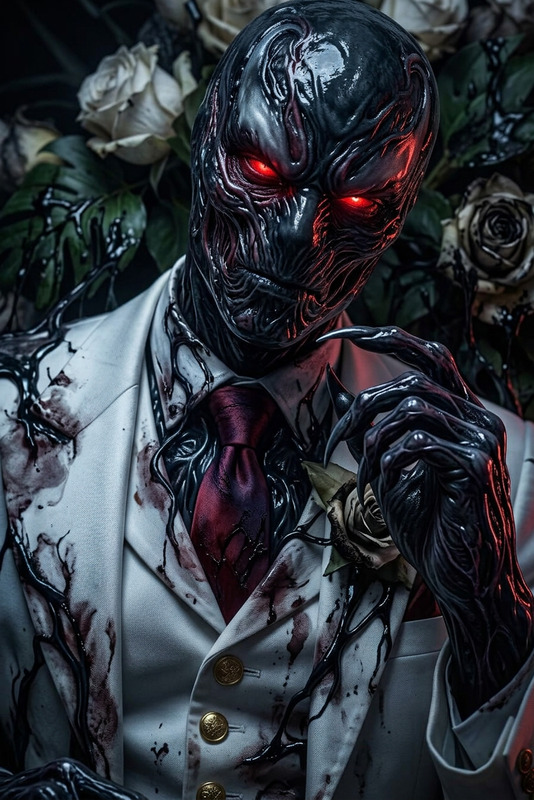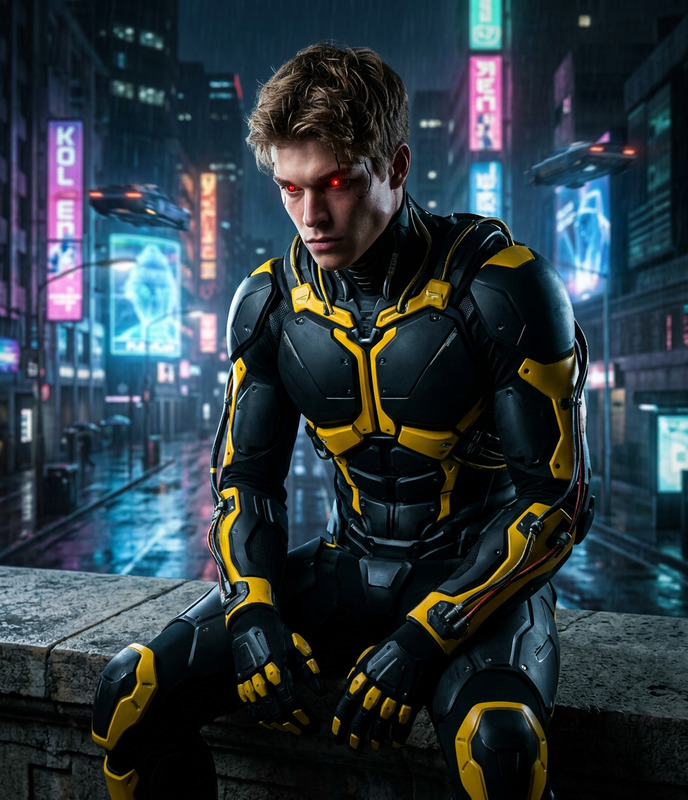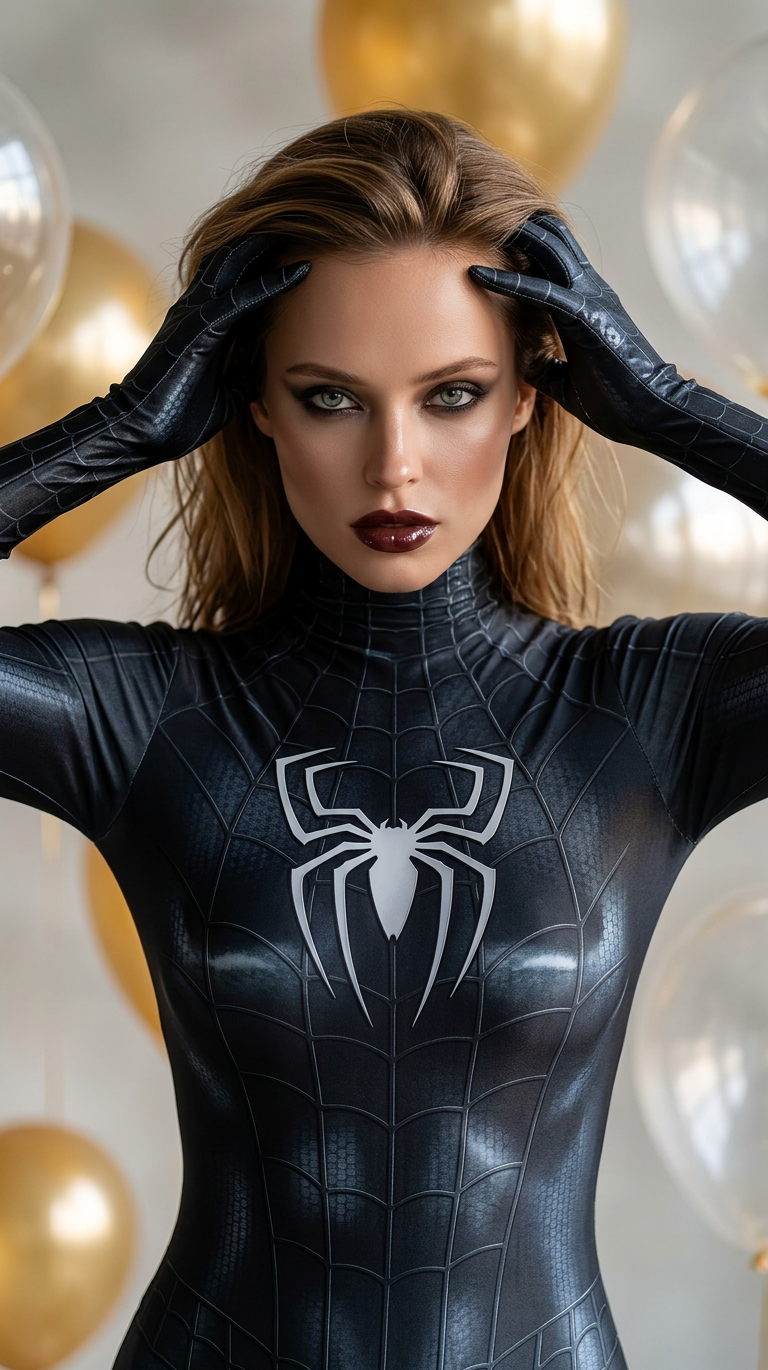
Black Symbiote Spider
- Model
- Nano Banana 2
- Image
- 768 × 1370 px
Prompt
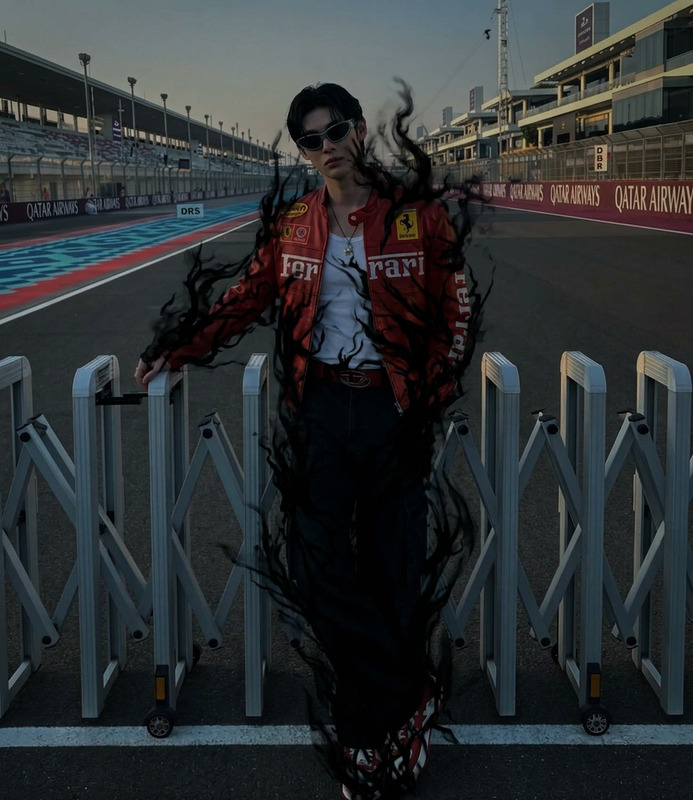
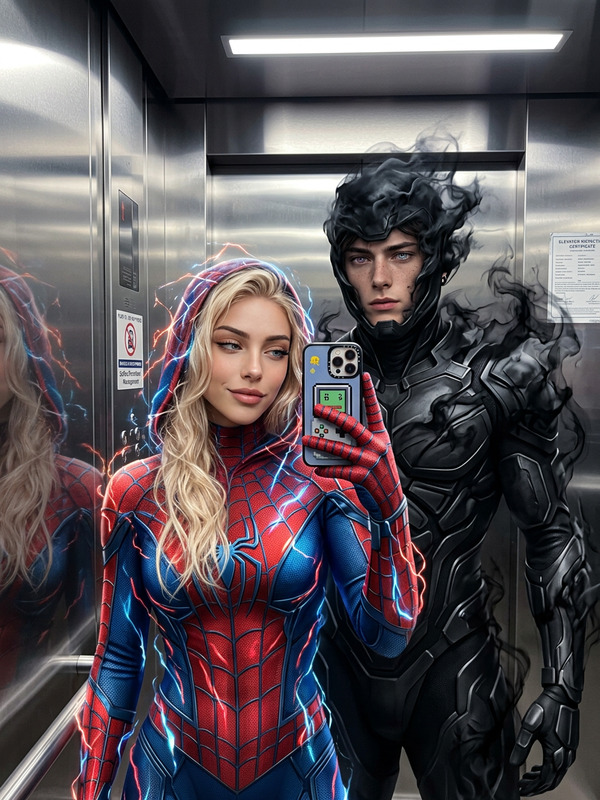
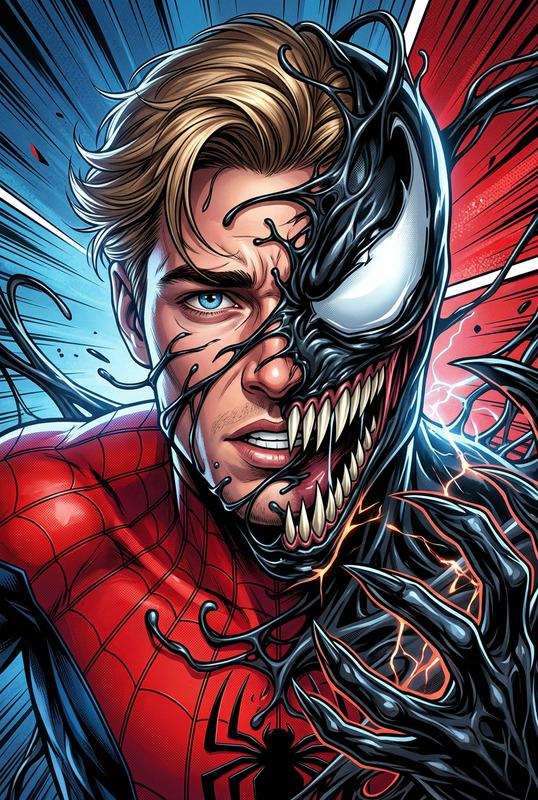
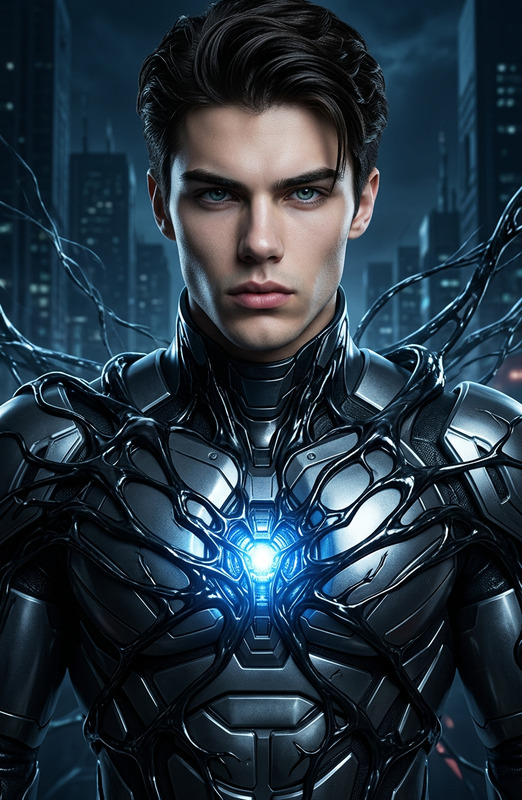
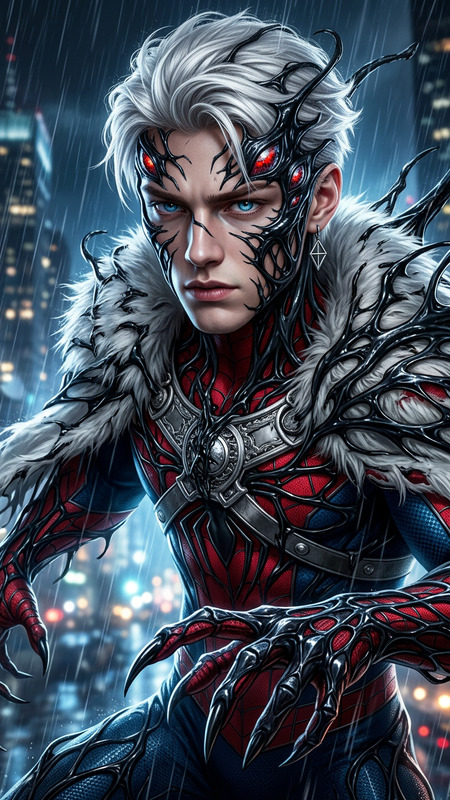
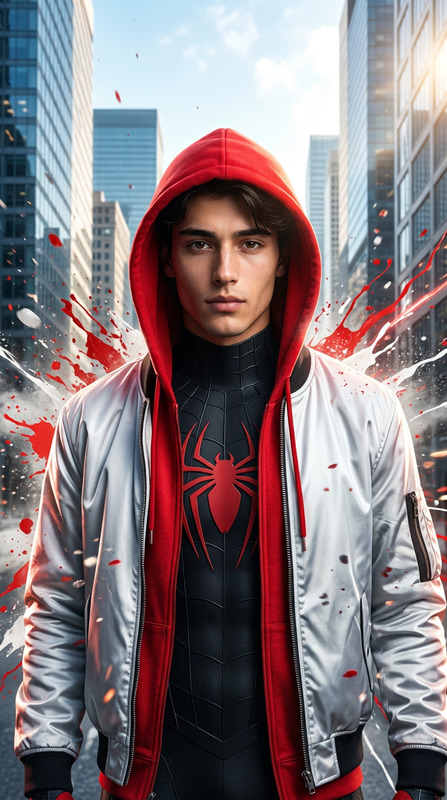
Subject in a Spider-Man inspired black symbiote suit with glossy dark fabric, subtle embossed spider-web patterns, and a white spider emblem on the chest. Confident dramatic pose with hands raised near the head, fingers touching hairline, intense direct gaze with smoky eye makeup and deep glossy lips. Professional cosplay photoshoot style with soft studio lighting highlighting suit texture and reflections, cinematic superhero aesthetic, hyper-realistic 8K, sharp focus, ultra-detailed, dark Spider-Verse mood.
Any aspect ratio
Overview
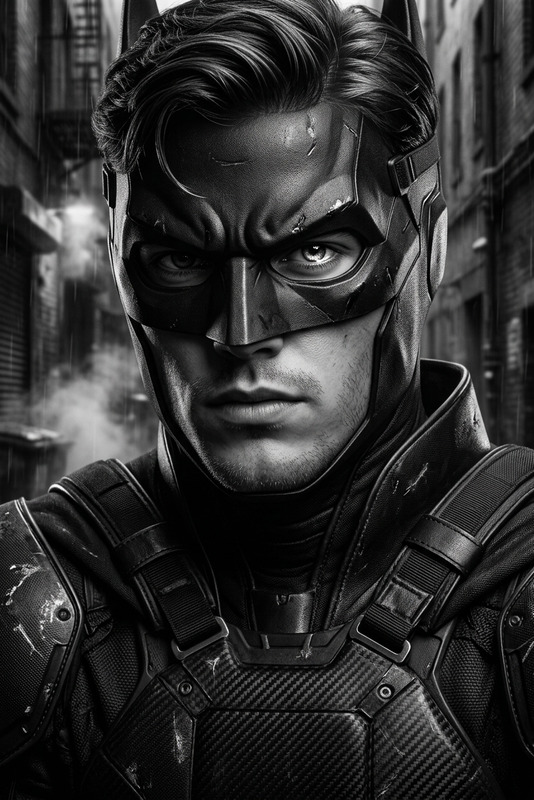
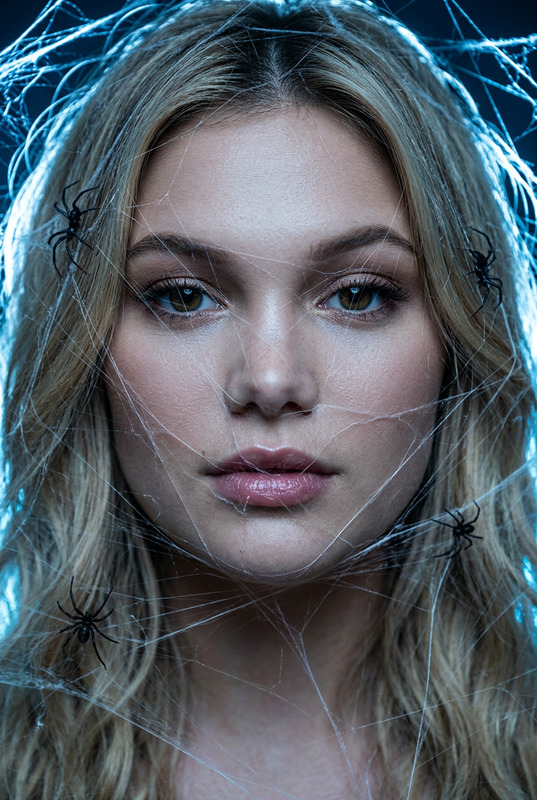
The Black Symbiote Spider template is a powerful way to create stunning imagery featuring vibrant superhero aesthetics. Leverage AI Image Editor capabilities to transform subjects into a Spider-Man inspired character, complete with hyper-realistic textures and dramatic lighting. This template is perfect for those seeking to produce professional and cinematic cosplay photographs.
What It Does
This template utilizes the nano-banana-2 model to render ultra-detailed images, making every aspect of the symbiote suit come alive. The template captures the intricate details, including the glossy dark fabric and the subtle spider-web patterns, ensuring your subject embodies a true superhero presence.
Who It's For
This template is ideal for creators, artists, and content developers who are engaged in video production or image enhancement projects. If you're looking to create visually captivating content for social media or marketing purposes, or if you're a fan of superhero themes wanting to experiment with cosplay imagery, this template is tailor-made for you.
Summary
Combine drama and sophistication with the Black Symbiote Spider template. It takes full advantage of the AI Image Generator technology to yield cinematic images with professional lighting and textures. Whether you're aiming for an artistic project or commercial promotion, this template elevates your imagery to a superhero level.
How To
Choose Your Template

Customize Your Design

Generate Your Image

Use Cases
Superhero Cosplay Photography
Marketing and Advertisements
Social Media Content
Best Practices
Image Quality
Start with high-resolution images of your subject to ensure the AI can process details effectively, maximizing output quality.Lighting and Poses
Consider the natural lighting and posture of your subject's original image to ensure they match the dramatic lighting and pose described in the template prompt.Feedback and Iteration
Utilize the generated images to gather feedback. Iteratively refine the prompt and adjustments based on the feedback to get the desired result.