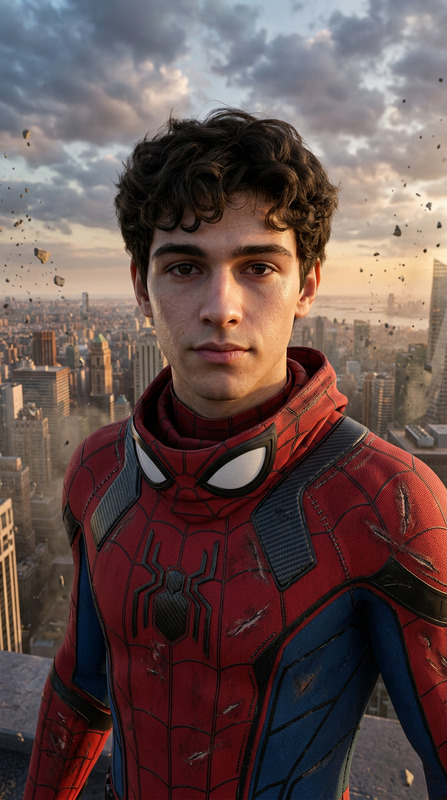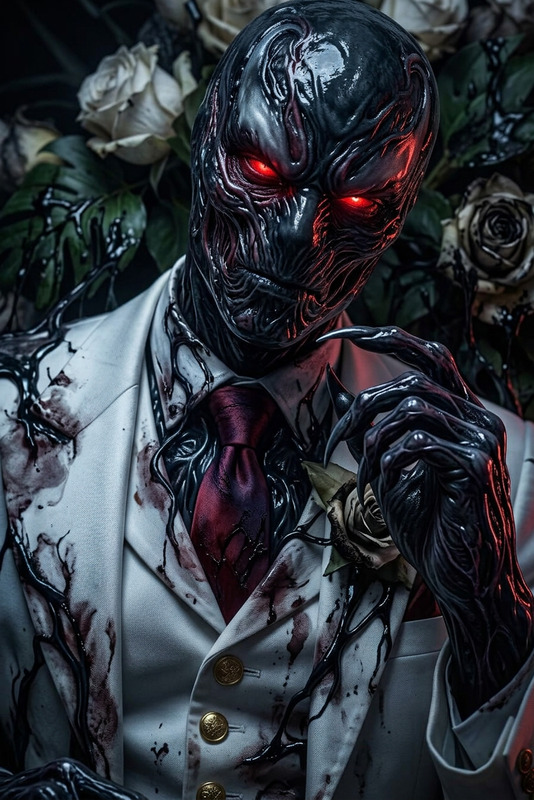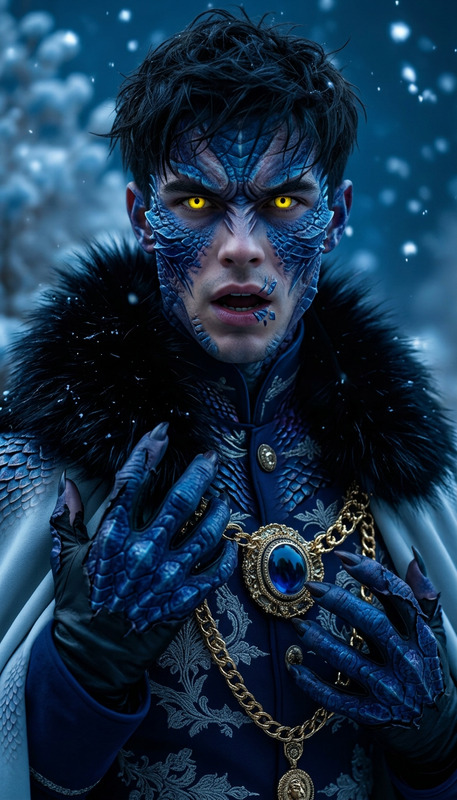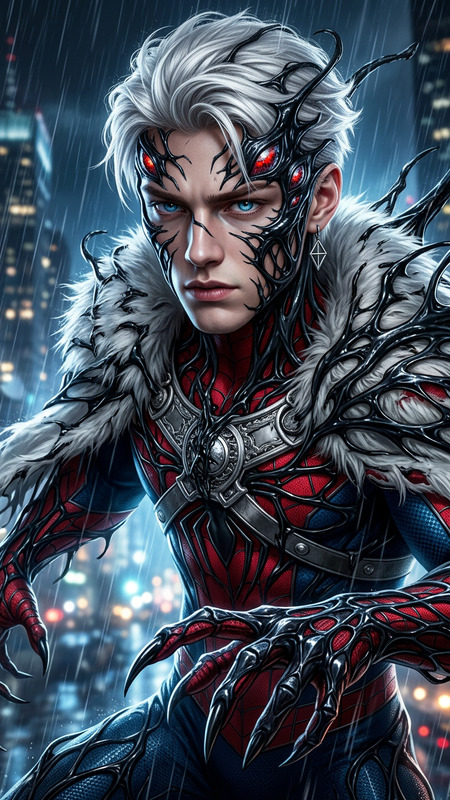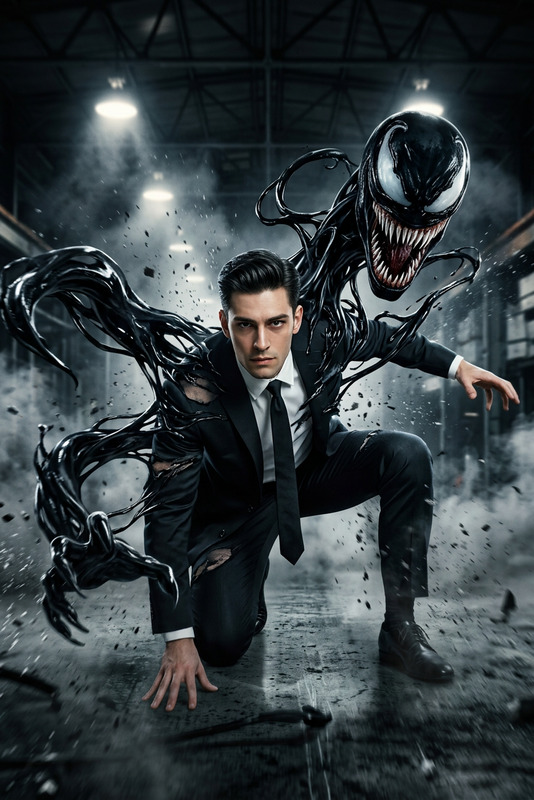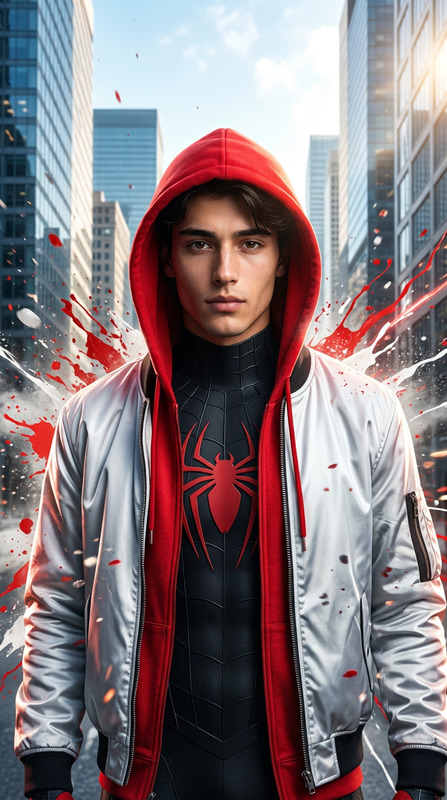
Spider-Venom Mid Transformation

Spider-Venom Mid Transformation

ai-image-editor

1 clip
5 uses

Any aspect ratio

Prompt

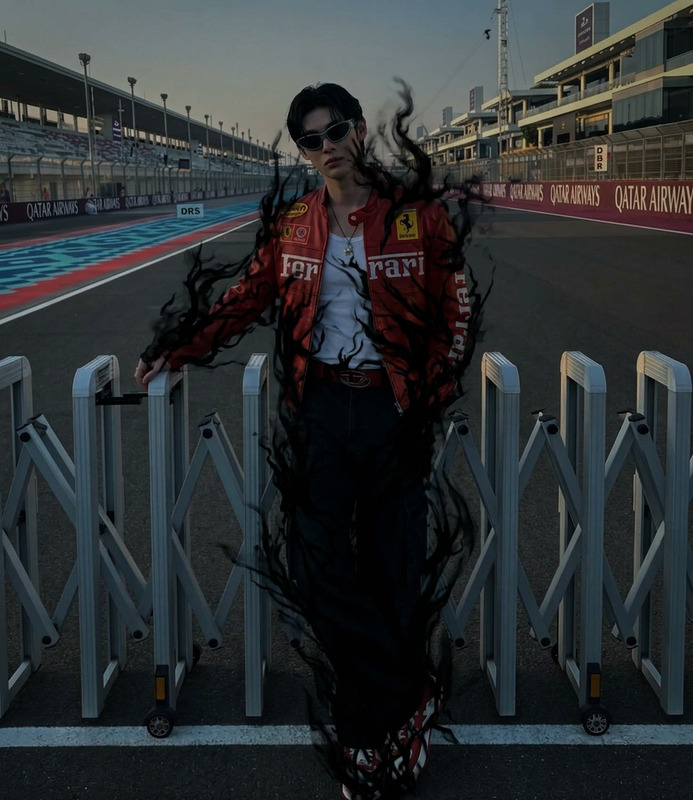
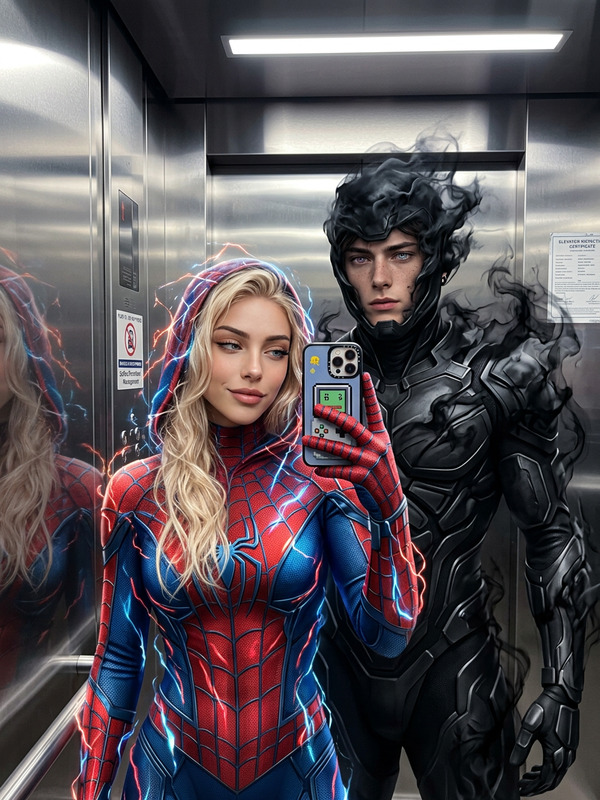
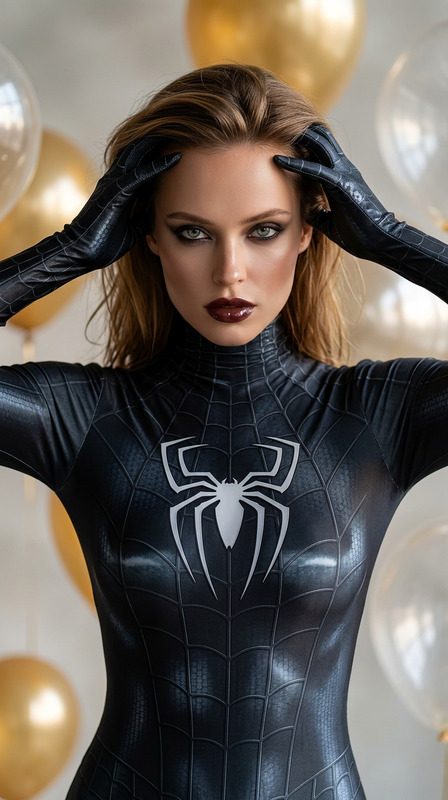
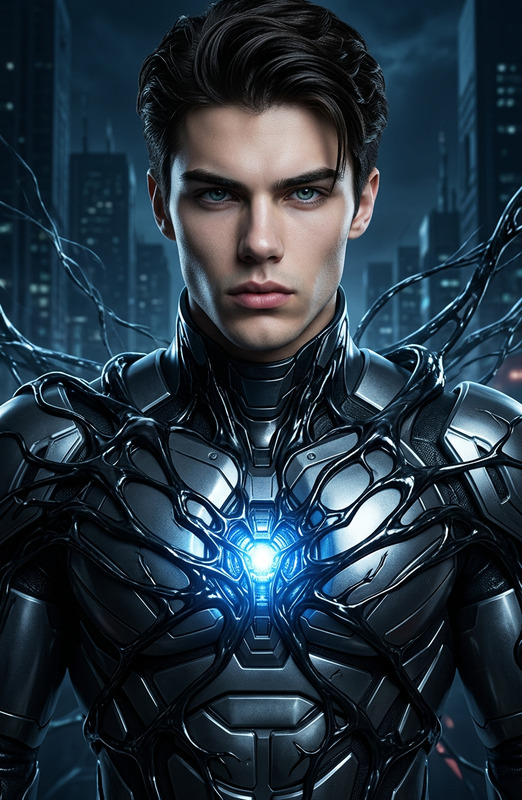
A hyper-realistic comic-style portrait of a subject mid-transformation between a Spider-Man–like hero and a Venom-like symbiote. The subject’s body is partially covered in a sleek red-and-blue suit while black symbiotic tendrils aggressively spread across the skin, forming glossy, organic textures. The subject’s face is half-human, half-symbiote, with one side showing a sharp white eye lens and the other morphing into a dark, monstrous form with subtle teeth and texture. The transformation is frozen mid-action, with fluid motion and tension. Dramatic lighting, high contrast, cinematic shadows, ultra-detailed textures, dynamic comic-book composition, powerful and intense atmosphere.

AI Image Editor Template – Edit Any Image in Minutes

Transform, clean up, and enhance your images in just a few clicks with this AI Image Editor–powered template on Magic Hour. Whether you’re a marketer refining a product shot, a founder polishing a pitch deck visual, or a creator iterating on concept art, this template gives you a fast, precise starting point you can easily remix.


What This Template Is For

Use this template when you need to:

  • Remove or replace distracting objects in a photo
  • Clean up backgrounds or swap them entirely
  • Refine faces, clothing, or small visual details
  • Turn rough mockups into production‑ready visuals
  • Create multiple variations of a design or layout

It’s built on Magic Hour’s AI Image Editor, so you can edit existing images instead of starting from scratch.


How to Remix This Template in Magic Hour

You can duplicate this template and adapt it to your workflow in a few steps:

  1. Start from the template

    • Open this template in Magic Hour.
    • Click “Remix” (or duplicate) to create your own editable version in your workspace.
  2. Swap in your own image

    • Replace the demo image with your product photo, portrait, scene, or design mockup.
    • This template works well with:
      • E‑commerce photos (products, apparel, accessories)
      • Portraits and headshots
      • Social media graphics and thumbnails
      • UI mockups, pitch deck slides, or blog illustrations
  3. Define what you want to change

    • Use the editor’s selection tools to highlight the area you want to edit (an object, background region, face, or clothing).
    • Provide a short, clear text description of the desired change (e.g., “replace background with a clean white studio backdrop” or “turn T‑shirt black with a simple logo”).
  4. Generate and refine

    • Run the edit and review the outputs.
    • Choose the best variation, then run additional localized edits to fine‑tune details (e.g., text, shadows, reflections, or colors).
    • Save final versions directly, or continue iterating by stacking multiple edits.
  5. Create reusable “recipes”

    • Once you like the flow, save your remixed template.
    • Reuse it to:
      • Standardize product shots across a catalog
      • Maintain consistent visual style across campaigns
      • Quickly roll out variations for A/B tests and experiments

This turns the template into a repeatable editing pipeline, not a one‑off.


Example Use Cases for Creators & Teams

For marketers & growth teams

  • Clean, on‑brand creatives for ads, landing pages, and email without a design team
  • Consistent product imagery for e‑commerce, app stores, and marketplaces
  • Rapid A/B tests: same composition, different images, colors, or backgrounds
  • Visuals for content marketing (blog headers, social posts, case studies)

Pair this template with:

For founders & product teams

  • Rapid iterations of UI mockups and product screenshots
  • Investor deck visuals with clean, consistent imagery
  • Visual experiments for new features or flows before committing design resources
  • Conceptual visuals for roadmap, user stories, or product documentation

Useful complements:

For creators, designers & artists

  • Turn sketches or rough renders into polished concept art
  • Experiment with different moods, lighting, and environments
  • Create character variations (outfits, poses, settings) faster than manual editing
  • Prepare images for animation, motion graphics, or comics

Explore related tools:


How This Template Fits into a Multi‑Step Workflow

Because it uses the AI Image Editor, this template is ideal as a middle step in a broader pipeline:

  1. Generate or capture a base image

  2. Edit with this template (the refinement step)

    • Remove, replace, enhance, or restyle elements with precise control.
    • Align the image with your brand guidelines, color system, or design language.
  3. Extend to video, GIFs, and interactive content

  4. Polish and scale


Advanced Edits You Can Build into a Remix

Because this template is fully editable, you can adapt it to more specialized workflows:


Object Removal, Cleanup, and Image Repair

This template is particularly strong for cleanup and repair tasks:

  • Remove unwanted objects or people

    • Combine it conceptually with Remove Object from Photo and AI Remover workflows.
    • Useful for:
      • Removing logos for white‑label decks
      • Cleaning busy scenes for ads or hero images
      • Removing bystanders from product or event photos
  • Fix imperfections

    • Correct artifacts, compression issues, and small visual glitches.
    • Use Unblur Image for sharpness, then this template for structural fixes.
    • For watermarks on assets you own the rights to edit, see Watermark Remover workflows.
  • Restore and modernize


Turning Edited Images into Video, Characters, and Voices

Once you refine an image with this template, you can extend it across other Magic Hour products:


Best Practices for High‑Quality AI Image Editing

When remixing this template, these patterns tend to produce better results:

  • Start from sufficient resolution
  • Edit in focused passes
    • Make one type of change at a time (background, clothing, lighting, then small details), rather than everything at once.
  • Be descriptive but concise
    • Clear, specific descriptions of the desired change usually outperform vague or overly long instructions.
  • Standardize across a set
    • For product catalogs or campaigns, keep a single remixed template and run all new images through it to maintain consistency.
  • Document your flows
    • Treat your remixed template as a shared asset: document how your team should use it and when to update it.

Who This Template Is For

This AI Image Editor template is optimized for:

  • Creators producing content at volume who need consistent, on‑brand visuals
  • Marketers & growth teams running experiments and campaigns under tight time constraints
  • Founders & operators who need investor‑grade assets without a full design team
  • Designers & technical artists who want fast iterations and structured pipelines they can hand off to others

Remix it once, then reuse it as a core building block in your Magic Hour stack.

More Like This

Insufficient credits