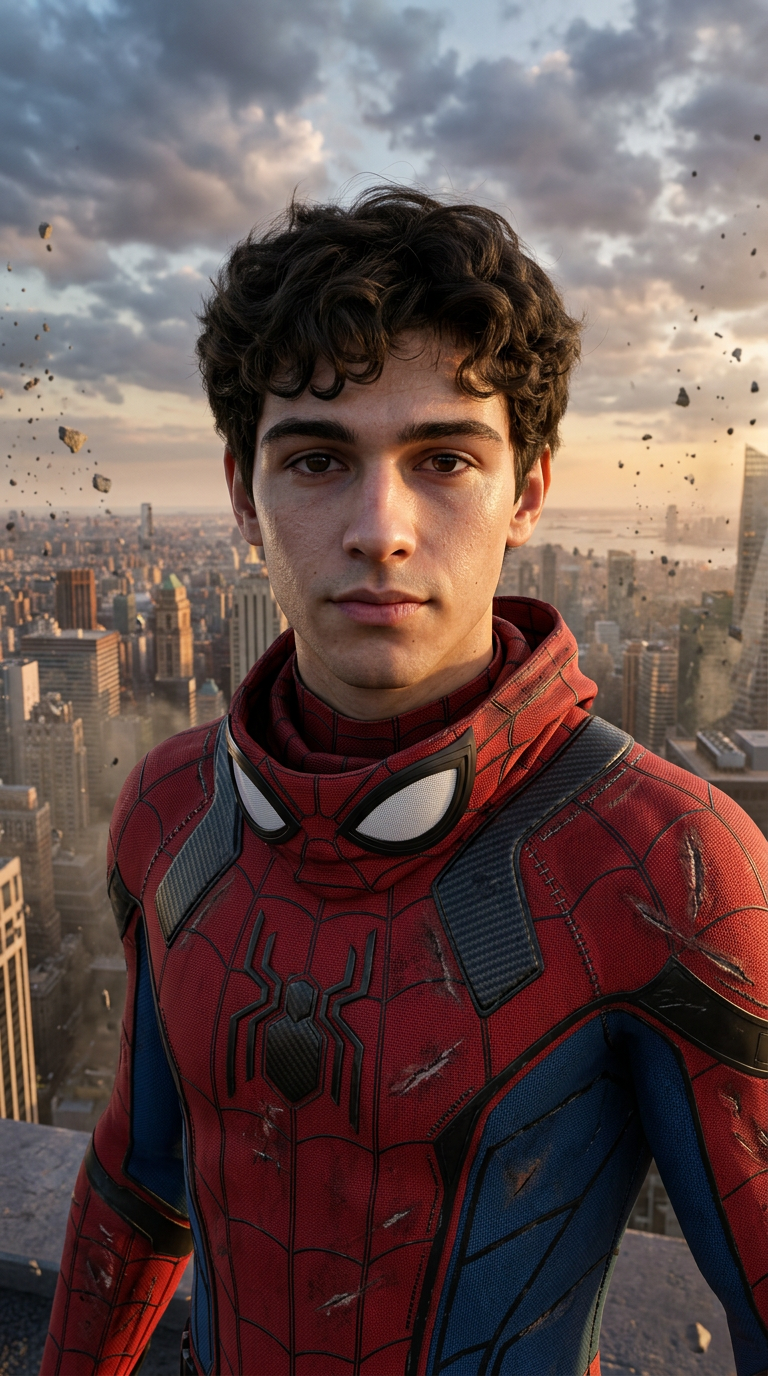
Spider-Man
- Model
- Nano Banana 2
- Image
- 768 × 1376 px
Prompt
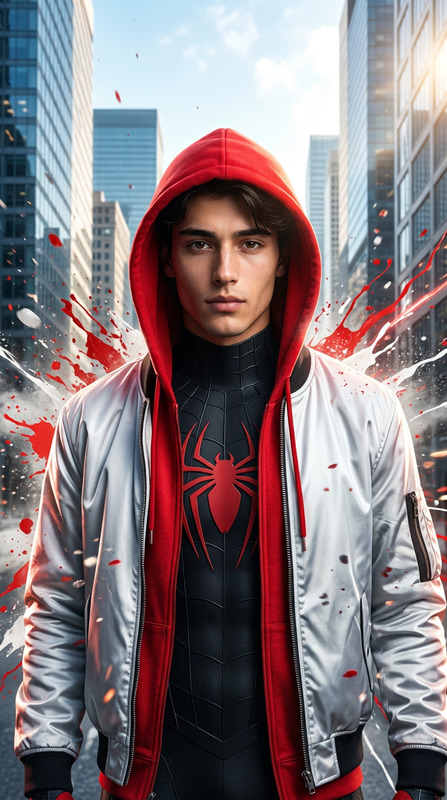
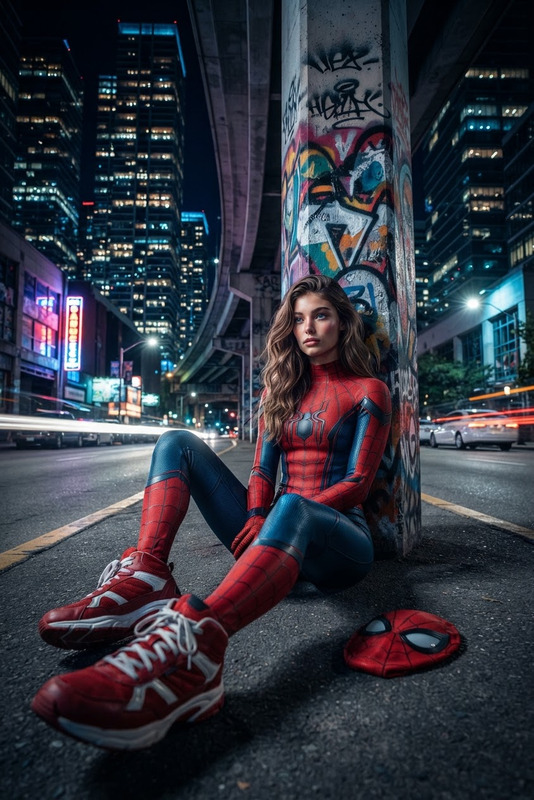
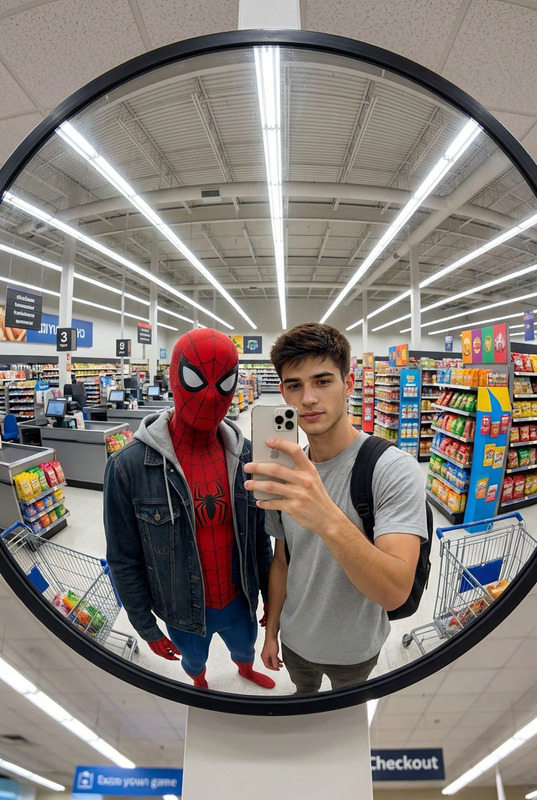
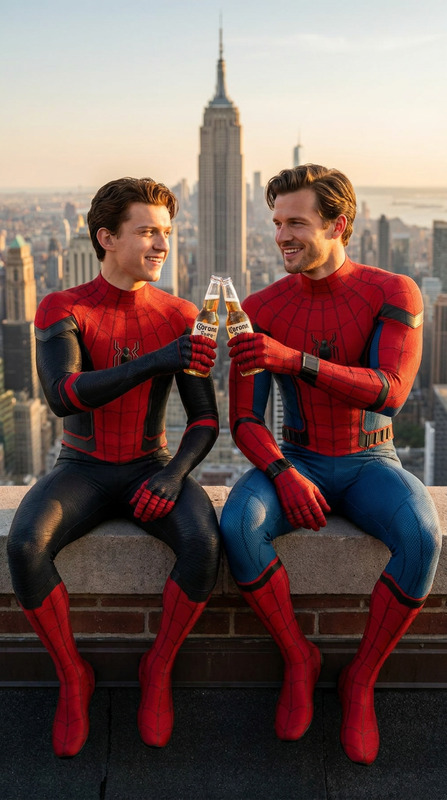
Use the uploaded reference image as the ONLY face and identity reference. Preserve the exact facial features, facial structure, eye shape, nose, lips, jawline, skin tone, hairstyle, facial proportions, and overall recognizable identity with extremely high fidelity. Do not alter or beautify the identity. Transform the reference person into an ultra-realistic live-action Spider-Man-inspired superhero wearing a premium red and blue tactical spider suit with black web patterns, textured fabric, realistic stitching, carbon-fiber armor panels, white expressive eye lenses lifted above the face, and subtle battle damage. Standing heroically on the edge of a skyscraper overlooking a modern city at sunset, dramatic clouds, cinematic volumetric lighting, flying debris, dynamic wind moving the suit, realistic reflections, blockbuster superhero movie atmosphere, IMAX photography, Unreal Engine 5 realism, ultra-detailed skin pores, lifelike hair, realistic fabric simulation, masterpiece, 8K, vertical 9:16. Negative Prompt: cartoon, anime, illustration, painting, CGI look, low quality, blurry, bad anatomy, extra limbs, altered identity, watermark, logo, readable text.
Any aspect ratio
Overview
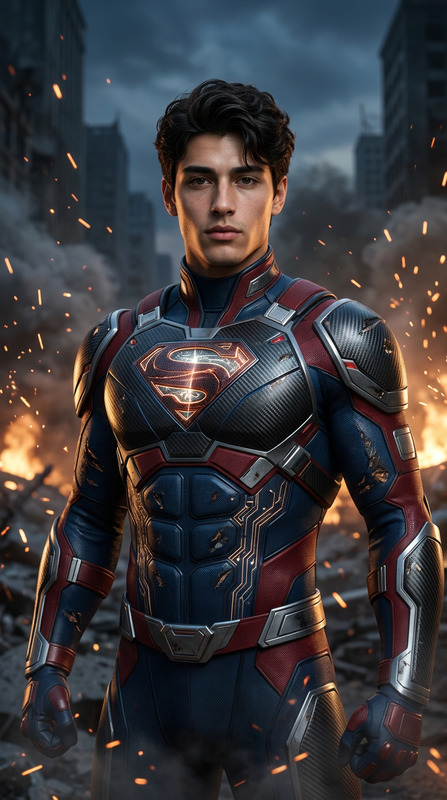
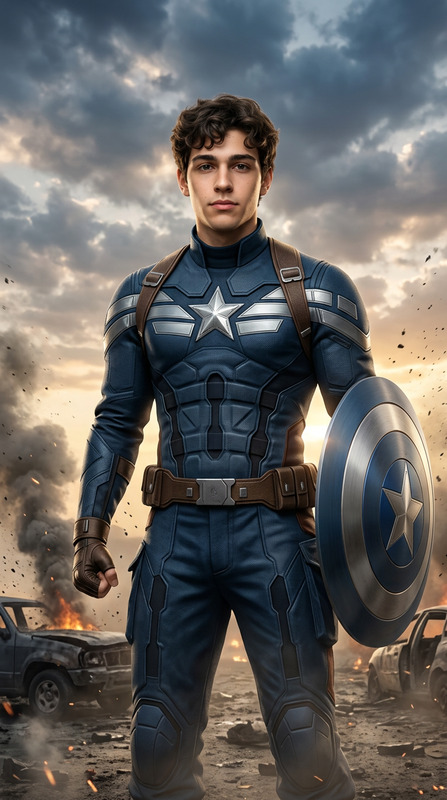
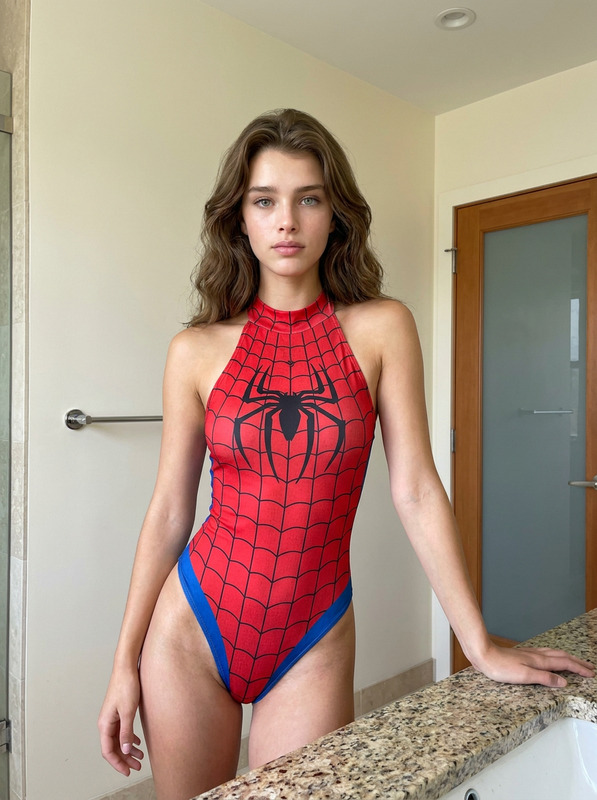
The Spider-Man AI Image Editor template is perfect for creators looking to design a stunning superhero transformation. Using the nano-banana-2 model, this template ensures that the identity and facial features of the subject remain unchanged. The transformation results in an ultra-realistic depiction of the subject as a Spider-Man-inspired superhero perched dramatically on a skyscraper.
What It Does
This template allows you to convert a reference image into a high-fidelity live-action depiction of Spider-Man, retaining the exact facial features while applying a tactical red and blue suit. The final output includes detailed textures, realistic fabric motion, and a cinematographic atmosphere that captures the essence of a blockbuster superhero film. The output files are especially suitable for visual effects projects.
Who It's For
Ideal for filmmakers, visual artists, and VFX specialists, this template provides a robust tool for those involved in creating superhero-themed content. Whether you're in the realms of AI Video Generation or working with Image to Video transitions, this resource is designed to enhance your project's visual impact.
Summary
The Spider-Man AI Image Editor template combines detailed identity preservation with advanced superhero-themed visualization. Leveraging AI, it transforms reference images into a striking visual narrative that situates the subject within a dramatic cityscape. Explore similar offerings like the AI Image Editor for more image enhancement options.
How-To
Choose Your Template

Customize Your Image

Generate and Download

Use Cases
Visual Effects in Film
- Integrate live-action images in film scenes
- Develop marketing materials for superhero films
Digital Art and Design
- Create posters and promotional art
- Design unique avatars for games
Advanced Photo Editing
- Retouch photos with superhero themes
- Prepare assets for video game design
Best Practices
Ensure High-Quality Input
Use a high-resolution reference image to maintain the integrity of facial details and features.Fine-Tune Prompt Settings
Customize the prompt to focus on specific visual elements like skin pores, eye lenses, and fabric texture for enhanced realism.Avoid Negative Prompts
Carefully consider negative prompts to prevent unintended effects such as cartoon or CGI appearances.