Chrome intensity
- Model
- Nano Banana 2
- Image
- 800 × 1333 px
Prompt
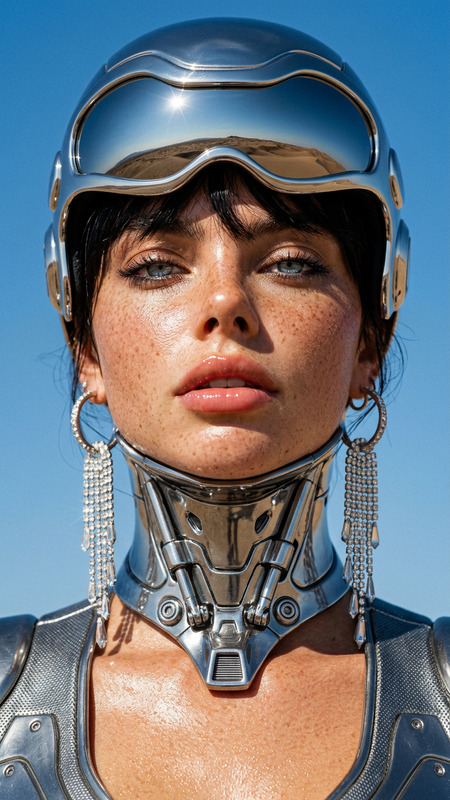
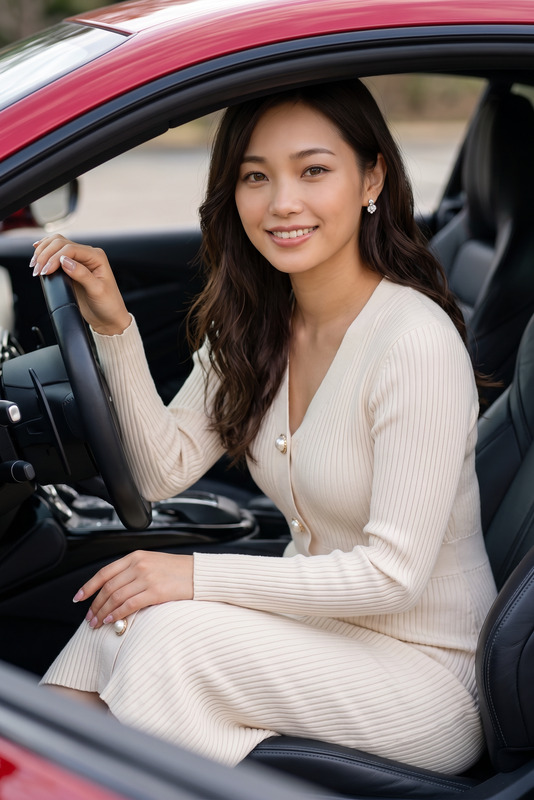
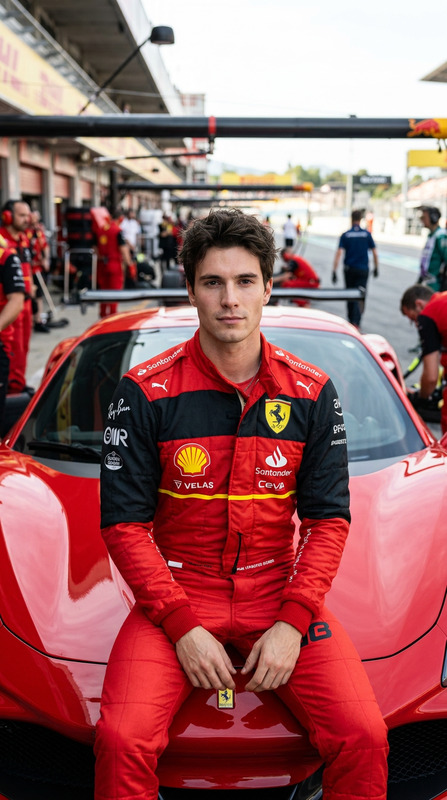
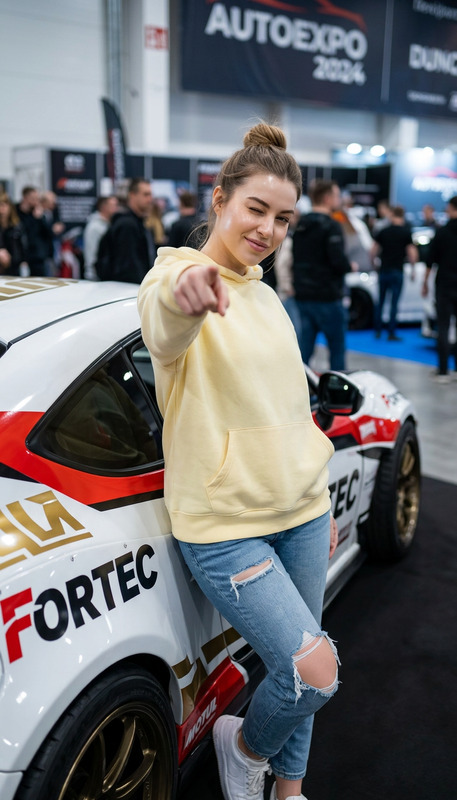
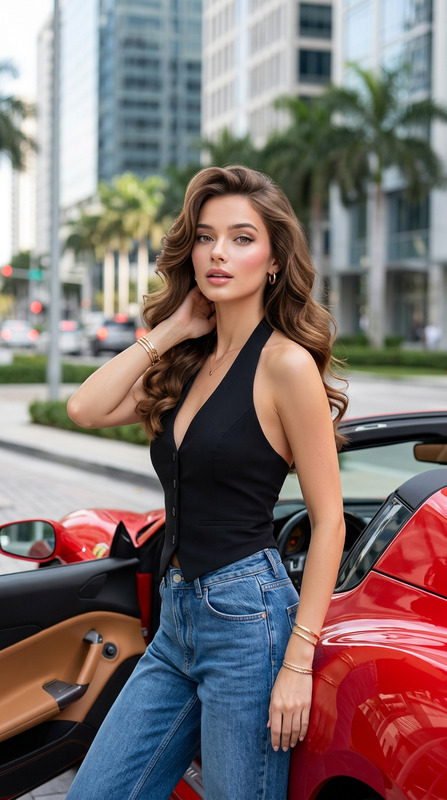
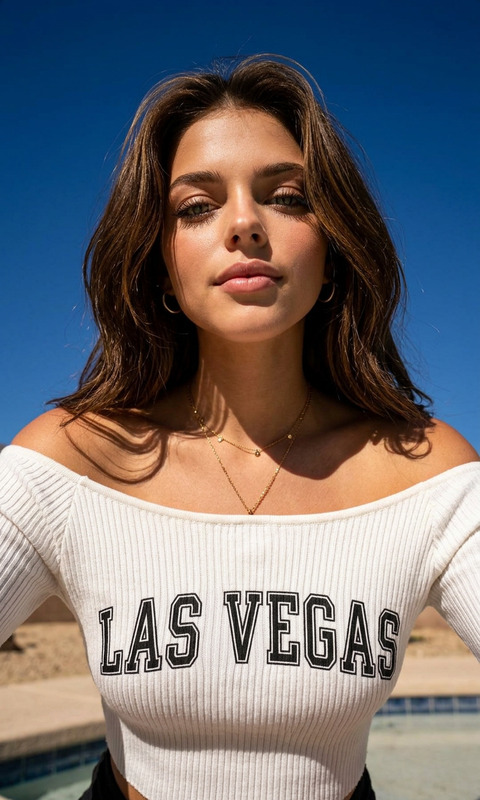
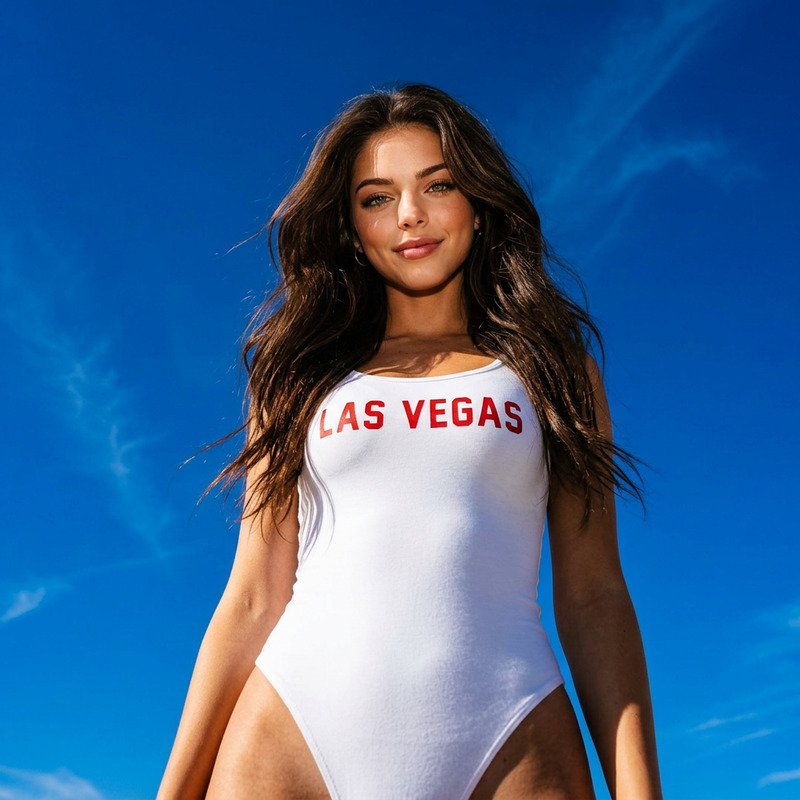
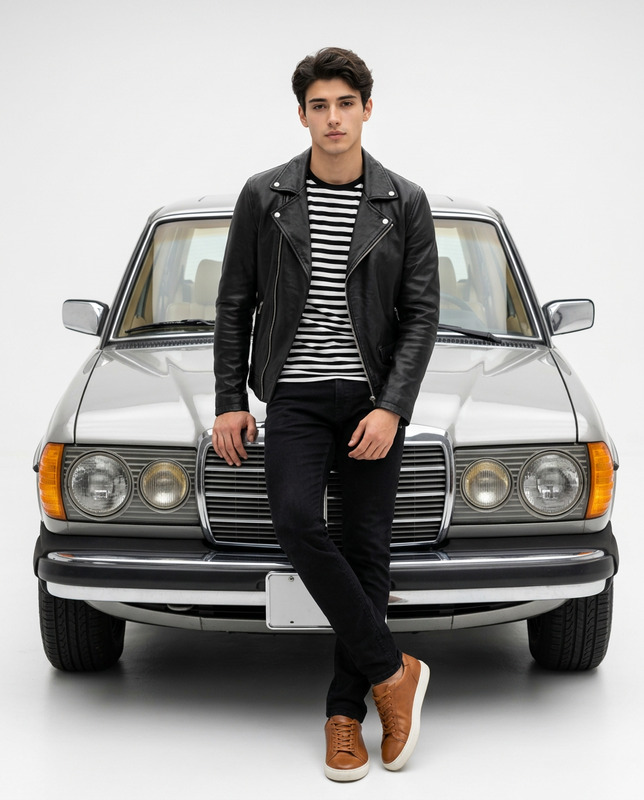
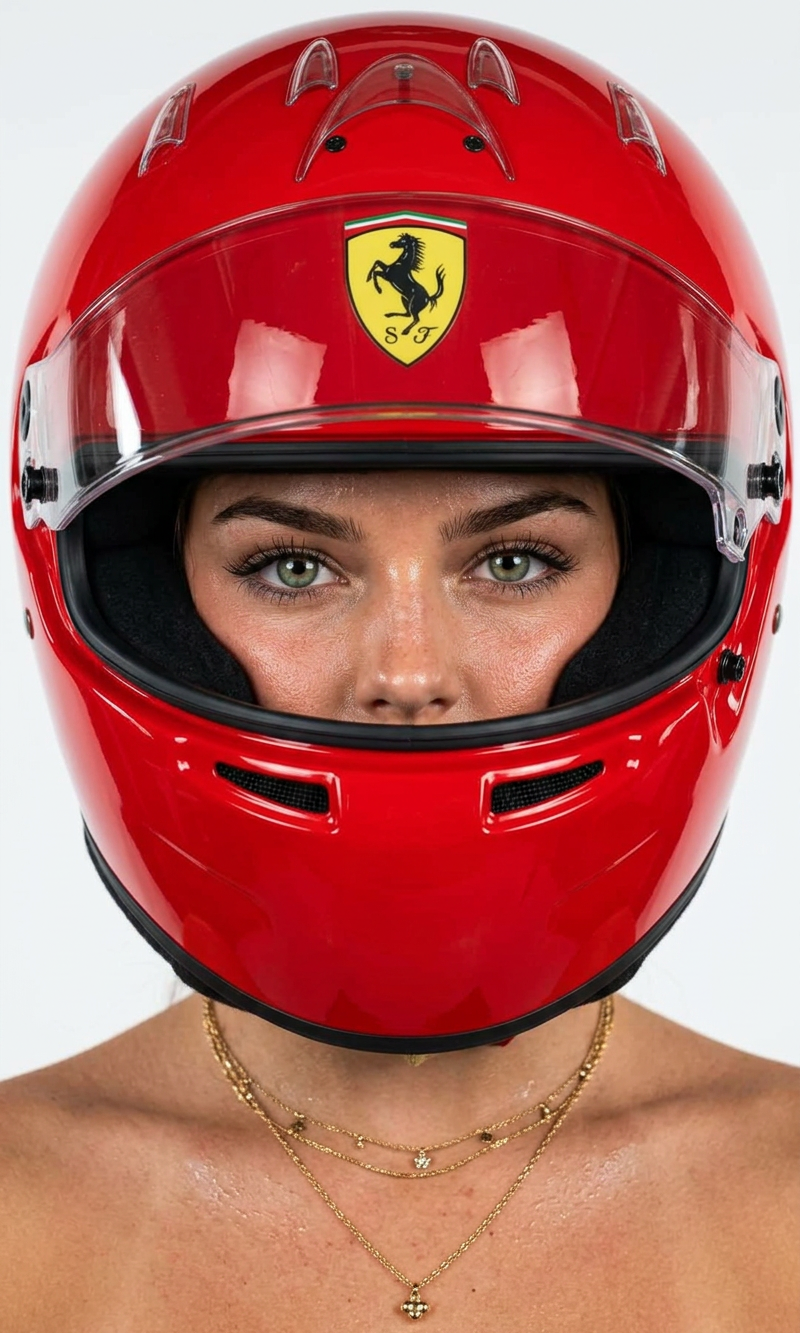
Ultra-centered, tight head-and-shoulders portrait of a woman wearing a glossy racing helmet in saturated Ferrari-red lacquer finish. The helmet surface is perfectly smooth, high-gloss enamel with sharp specular highlights and clean reflections. No scratches. No matte texture. The helmet features a bold racing crest emblem centered on the forehead area. Crisp, sharp graphic detail. Her face is visible through the visor opening — direct eye contact with camera. Expression intense, neutral, powerful. Skin hyper-detailed with visible natural texture, subtle perspiration sheen across nose, cheeks, and collarbone. No over-smoothing. High editorial realism. Hair slightly tousled inside helmet opening. She wears a high-luxury diamond tennis necklace that contrasts against bronzed skin and saturated red helmet. Background: Clean, seamless light neutral backdrop. No texture. No gradient. Studio white/soft grey. Lighting: High-end commercial beauty lighting. Strong frontal key light. Controlled highlights on helmet curvature. Crisp shadow definition under chin. High clarity, high dynamic range. No softness. Color control: Dominant red helmet. Warm golden skin. Cool neutral background. High contrast but balanced. Lens: 85mm portrait lens. Ultra sharp. No distortion. Studio campaign clarity. Vertical 4:5 crop. Mood: Luxury motorsport fashion campaign. Automotive editorial. Power + precision. Feed hero asset. No grain. No film overlay. No vintage tint. Clean commercial finish.
Any aspect ratio
Overview
The "Chrome Intensity" AI Image Editor template offers a high-fashion, editorial style for creating powerful portraits. Leveraging the nano-banana-2 model, this template highlights striking visual elements, with vibrant contrasts and hyper-realistic textures, ensuring each detail stands out with precision. This tool is made for those aiming to craft standout motorsport-themed visuals with ease.
What It Does
"Chrome Intensity" transforms your images into dynamic portraits emphasizing luxury and precision. By focusing on a glossy, Ferrari-red helmet and hyper-detailed skin textures, this template creates visually arresting images perfect for campaigns. It's ideal for producing hero assets that capture the essence of high-end motorsport fashion, complementing other tools like the AI Image Editor for further refinement.
Who It's For
This template is perfect for fashion photographers, editorial teams, and motorsport brands looking to elevate their visual campaigns. Whether you are developing content for social media feeds, print advertising, or digital platforms, the "Chrome Intensity" template helps you connect with audiences seeking high-end, luxurious visuals. It complements tools like the Image to Video converter, enabling a full multimedia experience.
Summary
By designing your images with the "Chrome Intensity" template, you embrace a modern approach to visual storytelling in luxury motorsports. The template ensures extreme clarity and quality, making it suitable for creating compelling content that fits seamlessly with other image-editing needs, such as those available with the AI Background Changer.
How-To
Choose the Template

Customize Your Inputs

Generate and Download

Use Cases
Motorsport Campaigns
- High-fashion editorials
- Social media campaigns
- Product launch visuals
High-End Fashion Editorials
- Magazine covers
- Fashion blogs
- Advertising materials
Visual Storytelling
- Storyboarding
- Concept art
- Marketing presentations
Best Practices
Pick High-Resolution Images
Start with the highest resolution image available to maximize the impact of the detailed enhancements.Adjust Helmet Reflection Carefully
Experiment with the reflection and highlight settings to avoid overwhelming the image with specular highlights.Complement With Neutral Backgrounds
Use a plain or minimal background to avoid distracting from the central helmet and figure composition.