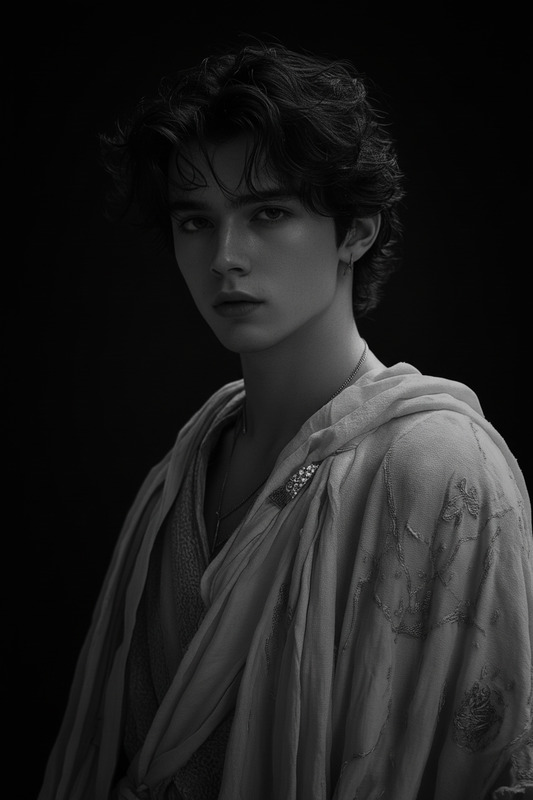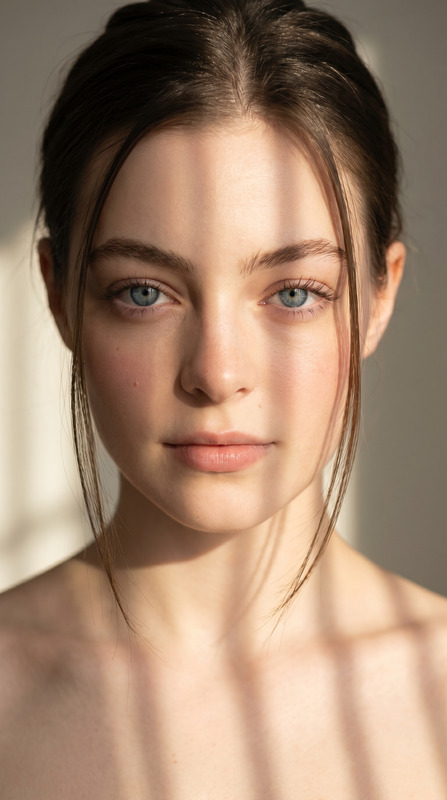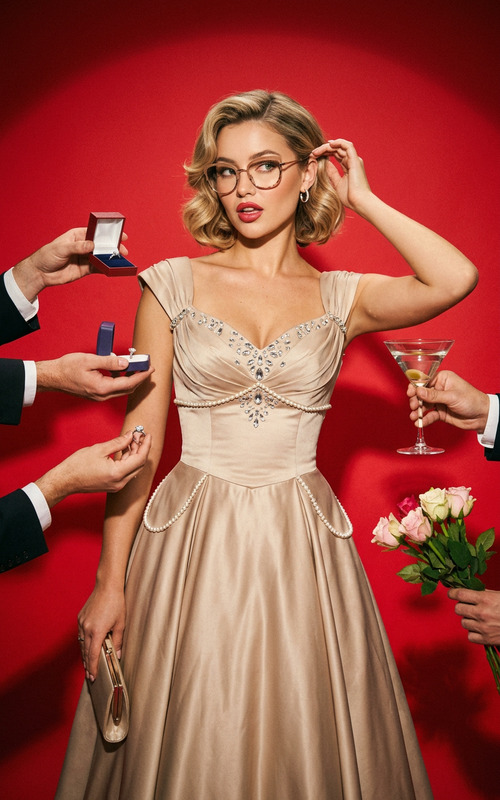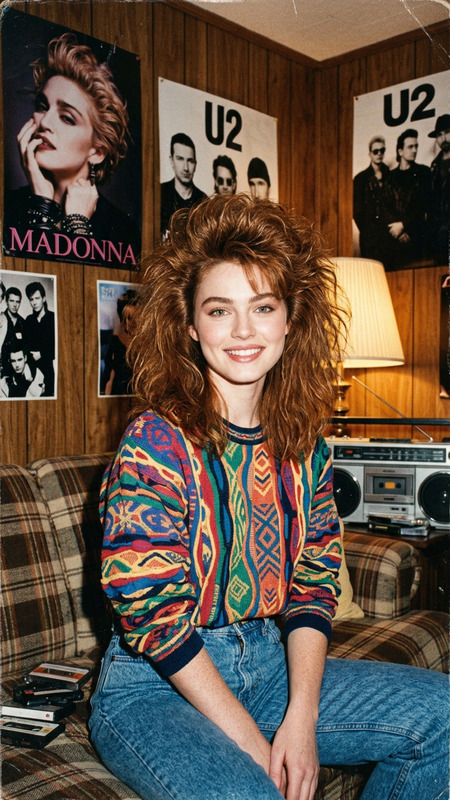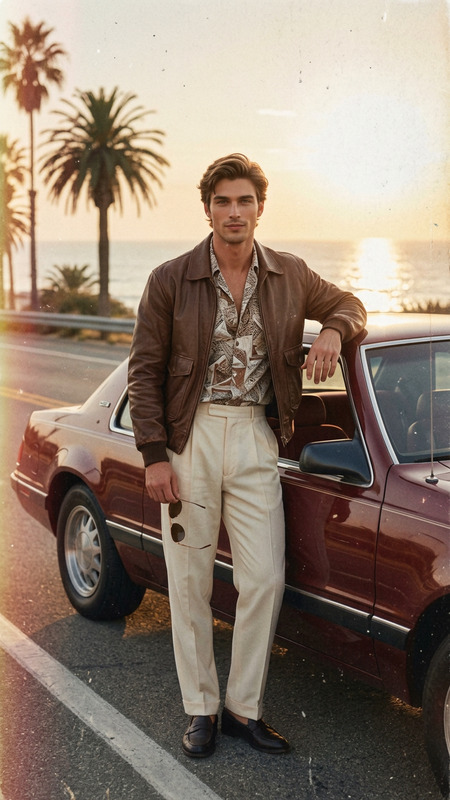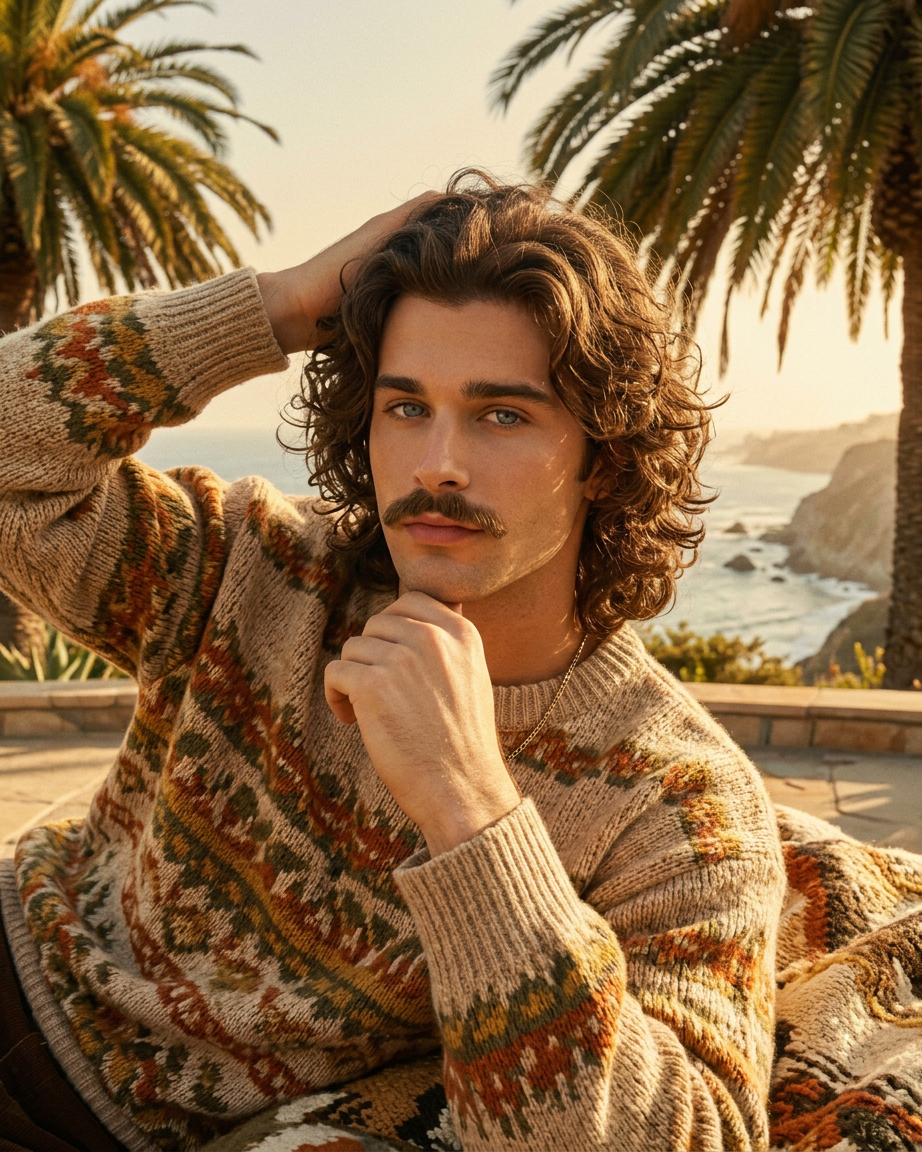
1970s Classic California Portrait
- Model
- Nano Banana 2
- Image
- 922 × 1152 px
Prompt
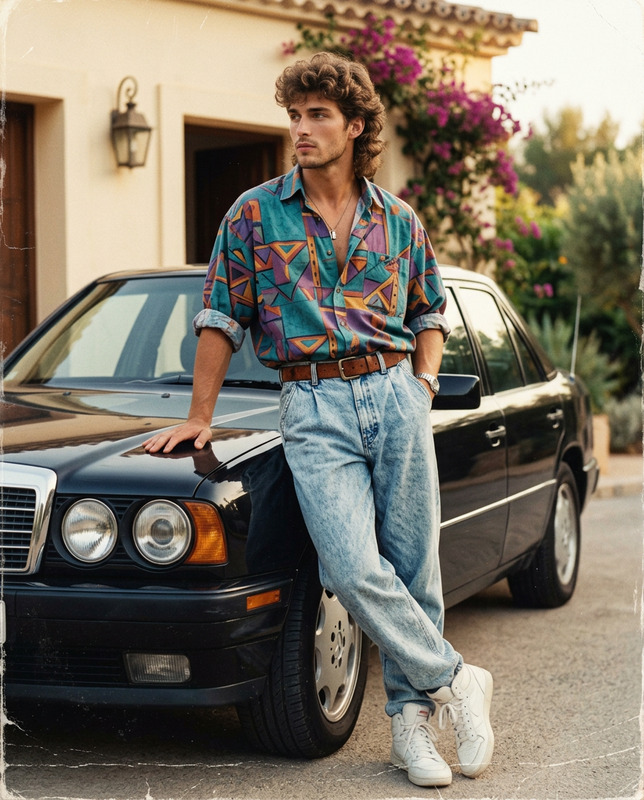
Change the character’s style to a 1970s classical male aesthetic while keeping the face exactly the same. Add long curly hair and a long mustache, styled naturally to match the era. Dress and overall vibe should reflect a vintage 1970s look. Replace the background with an iconic Californian summer landscape—warm sunlight, soft golden tones, possibly palm trees or coastal scenery. Maintain a cohesive, natural look with balanced lighting and a nostalgic atmosphere.
Any aspect ratio
Overview
The 1970s Classic California Portrait template revitalizes the iconic vintage style straight from the sunny beaches of California. By employing the AI Image Editor capabilities, this template delivers a retro transformation to any character, infusing images with golden hues and nostalgic vibes.
What It Does
This template uses the nano-banana-2 model to transform any image into a classic 1970s style portrait. It modifies hairstyles to include long, curly locks and mustaches, ensuring faces remain unchanged. The background shifts to iconic Californian landscapes, complete with warm, golden sunlight and possibly palm trees or coastal evocative scenes.
Who It's For
This template is ideal for photographers, content creators, and anyone looking to create visually appealing, retro-themed portraits. It suits those who wish to inject a touch of nostalgia into their AI Image Generator projects while giving an extra flair to social media posts or personal collections.
Summary
Using this 1970s Classic California Portrait template, transform your digital portraits by lending them the timeless essence of the 1970s. Its application is straightforward for anyone familiar with the AI Image Editor, promising professional and artful results.
How to Use
Choose Your Image

Customize the Look

Generate the Output

Use Cases
Social Media Content
Themed Photography
Digital Collections
Best Practices
Choose Complementary Subjects
Select images where the facial features harmonize with a 1970s style to achieve the best results.Focus on Lighting
Ensure that the original image lighting is suitable for a smooth transition to the warm, sunny Californian backdrop.Utilize Backgrounds
Opt for images where backgrounds can be naturally integrated with Californian landscapes for a cohesive look.